How to Display 3D Printed Art at Home
Backlighting, framing, and mounting tips that turn HueForge prints into real wall art. Covers LED panels, shadow boxes, shelf displays, and craft fair setups.
Quick Answer
The best way to display HueForge prints is with backlighting — an LED light panel or strip behind the print makes the translucent colors pop dramatically. Shadow boxes, floating frames, and simple shelf stands all work well. For craft fairs, portable LED panels with battery packs are the go-to setup.
You printed it. The colors came out great, the layers are clean, and you're holding a finished piece of HueForge art that you're genuinely proud of. Now what?
A lot of prints end up leaning against a monitor or sitting on a shelf because their maker wasn't sure how to display them properly. And that's a shame, because how you display a HueForge print matters as much as how you printed it. The right lighting can make colors sing. The wrong lighting can make the same print look flat and lifeless. A good frame turns a piece of printed plastic into something that looks like it belongs on a wall. A bad one — or no frame at all — leaves it looking like a hobby project.
This post covers the practical side of displaying 3D printed art at home: backlighting, framing, mounting, and the small details that make the difference between "cool print" and "wait, that's 3D printed?"
Does HueForge Art Need Backlighting?
Not always, but backlighting can dramatically enhance a print by activating the translucent color blending that makes HueForge work. Without it, you're seeing reflected light off the surface. With it, you're seeing transmitted light through the layers — and that's where the real depth and vibrancy live.
The distinction is similar to looking at a stained glass window from outside a church versus inside. From outside, you see colors, but they're muted and flat. From inside, with light streaming through, the glass comes alive. HueForge prints behave the same way. The translucent layer interaction that creates all that tonal depth and color blending is a transmitted light effect. Backlighting activates it in a way that ambient room light alone can't fully replicate.
That said, not every print needs backlighting to look good. Models with high contrast — strong darks and bright highlights — can read well under normal room light. Smaller prints like bookmarks and desk art are typically viewed in ambient light and work fine without any special treatment. And some makers intentionally design models to look their best under reflected light rather than transmitted.
But if you've printed a portrait, a landscape, or anything with subtle gradients and midtone detail, try holding it in front of a light source before you decide how to display it. The difference is often striking enough to settle the question immediately.
What's the Best Kind of Backlight to Use?
A flat, even LED panel or light strip placed directly behind the print gives the best results. You want diffused, consistent light across the entire surface — not a single bright point source that creates hot spots and uneven illumination.
The most popular option in the HueForge community is a simple LED light panel, the kind sold for photography or video lighting. These come in a range of sizes, run on USB power, and cost anywhere from $10 to $40. They provide even illumination across their surface and many offer adjustable brightness, which lets you dial in exactly how much light comes through.
LED strip lights are another solid option, especially for larger prints or custom frames. Adhere a strip around the inside perimeter of the frame behind the print, and you get a ring of light that illuminates from the edges inward. The result isn't quite as perfectly even as a flat panel, but it's very good and it's easy to integrate into a frame without adding bulk.
A few things to watch for with any backlight setup. Color temperature matters. Warm white LEDs (around 2700K–3000K) will shift the appearance of your print toward warmer tones. Cool white (5000K–6500K) will push it cooler. Neutral white (around 4000K) is the safest default. If you can, get a panel or strip with adjustable color temperature so you can tune it to your preference and your room's ambient light.
Brightness control is important too. Too much backlight washes out the darks and blows out the highlights. Too little and you lose the translucency effect. Adjustable brightness lets you find the sweet spot, which varies from print to print depending on the filament colors and the overall density of the image.
What Framing Options Work for 3D Printed Art?
Standard picture frames work surprisingly well, especially shadow box or floating frames that accommodate the slight thickness of a 3D print. You don't need specialty framing — most HueForge prints are thin enough to fit in commonly available options.
The thickness of a typical HueForge print is a few millimeters, which is thicker than a photograph but thinner than most canvas art. Standard frames designed for photos won't have enough depth. Shadow box frames — which have a deeper gap between the glass and the backing — are the most versatile option. They're widely available at craft stores and online, come in common sizes, and give you room to mount the print with space behind it for backlighting if you choose to add it.
Floating frames, where the art appears to hover between two sheets of acrylic or glass, are another popular choice. They give the print a modern, gallery-like presentation and work particularly well with backlighting because you can place the light source behind the frame without it being visible.
For a cleaner look, some makers skip traditional frames entirely and mount their prints on thin acrylic or wood panels with standoff hardware. This creates a contemporary floating effect on the wall and makes backlighting integration easy — the light source sits between the wall and the panel, hidden from view.
If you're printing standard sizes — 8×10, 5×7, or similar — you'll have the widest selection of off-the-shelf frames to choose from. Custom sizes work too, but you'll either need to find a frame shop willing to work with your dimensions or build something yourself. Many HueForge models are designed with standard frame sizes in mind for exactly this reason.
How Do I Mount a Print Inside a Frame?
The simplest methods are the best — double-sided mounting tape, small adhesive strips, or clips that hold the print in place without damaging it. Avoid anything permanent in case you want to swap the print later.
For shadow box frames, the print usually sits against the backing board. A few small pieces of double-sided foam tape on the back of the print hold it securely without any visible mounting hardware. The foam tape also provides a slight gap between the print and the backing, which helps if you're adding backlighting behind the print — even a few millimeters of air space helps light diffuse more evenly.
If you're using a floating frame with two sheets of acrylic, the print typically just sits between the panels, held in place by friction and the frame's hardware. Some people add a tiny dot of removable adhesive to keep the print from shifting if the frame gets bumped.
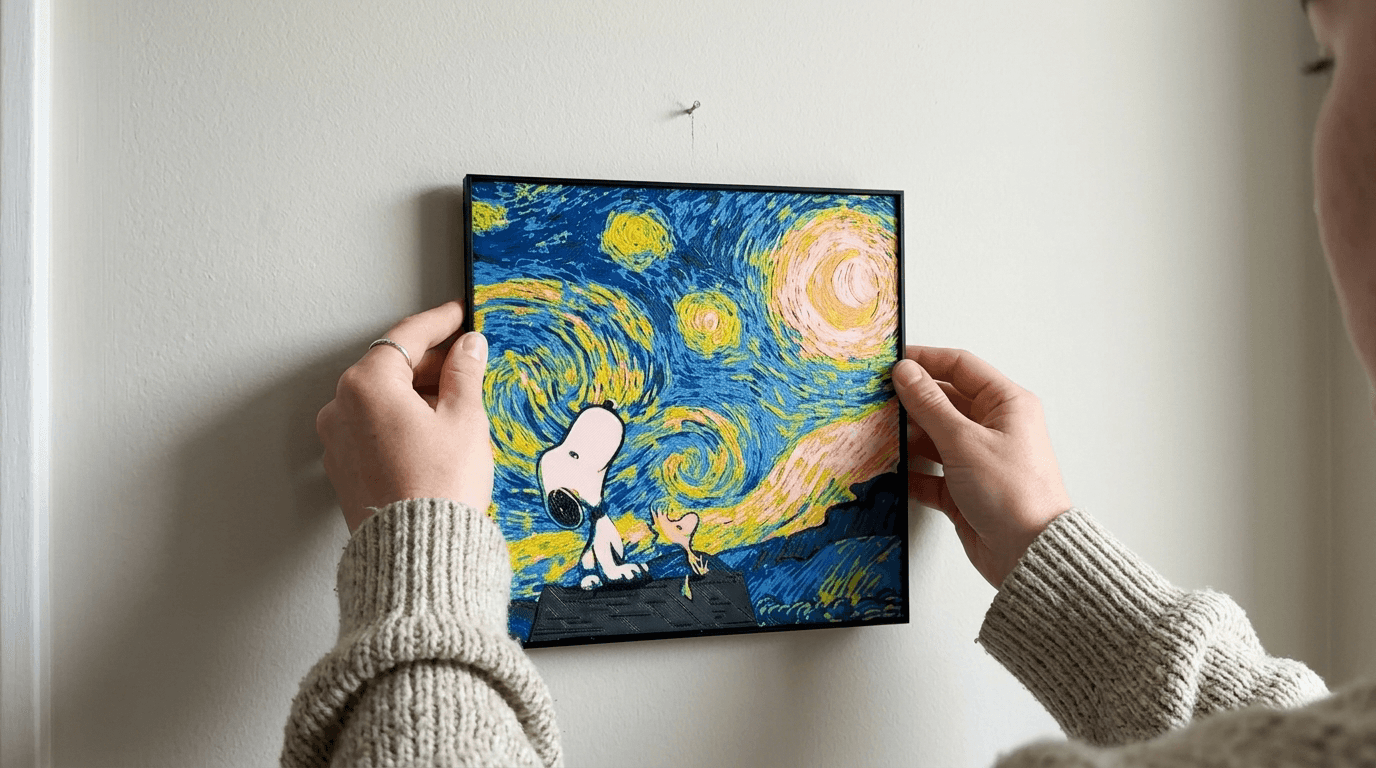
For frameless wall mounting, Command strips or similar removable adhesive strips work well for lighter prints. Larger or heavier pieces might warrant small screws or standoffs mounted to the wall, with the print attached to a backing board that hooks onto the hardware.
One tip that makes a difference: make sure the print is clean and flat before mounting. If it has any slight warping from the print bed (common with larger pieces), you can usually flatten it by placing it under a heavy book for a day or two. A print that lies perfectly flat against its backing will always look more polished than one that bows slightly.
Does Regular Room Lighting Affect How the Print Looks?
Yes, more than most people expect. The same print can look vibrant under one lighting condition and dull under another, and the direction, color temperature, and intensity of your room light all play a role.
Direct overhead lighting — like a ceiling fixture shining straight down — tends to create glare on the print's surface, especially with glossy or silk filaments. This washes out detail and makes the colors look flatter than they are. If your main light source is directly above where you're hanging the print, consider angling the print slightly or repositioning it to avoid the worst of the glare.
Side lighting and angled light can actually enhance a HueForge print by creating subtle shadows across the layer lines, which adds a three-dimensional texture effect that photographs beautifully. This is an underappreciated display trick — a small accent light aimed at the print from the side can make it look dramatically more interesting than flat front lighting.
Natural light from windows changes throughout the day, which means your print will look different in the morning than in the evening. This isn't a bad thing — many people enjoy the way their prints shift character with the light. But it's worth being aware of when you're choosing a location. A wall that gets harsh direct afternoon sun might cause colors to appear blown out during those hours.
If you've invested in backlighting, the balance between backlight brightness and ambient room light becomes a creative decision. In a dark room, even subtle backlighting creates a dramatic, glowing effect. In a bright room, you'll need more backlight intensity to make the translucency visible. Some people put their backlights on a dimmer or smart plug so they can adjust throughout the day.
What About Displaying Prints Without Hanging Them on a Wall?
Tabletop displays, easels, shelf arrangements, and desktop stands all work well for smaller prints — and they're a lot more flexible than wall mounting for people who like to rotate their collection.
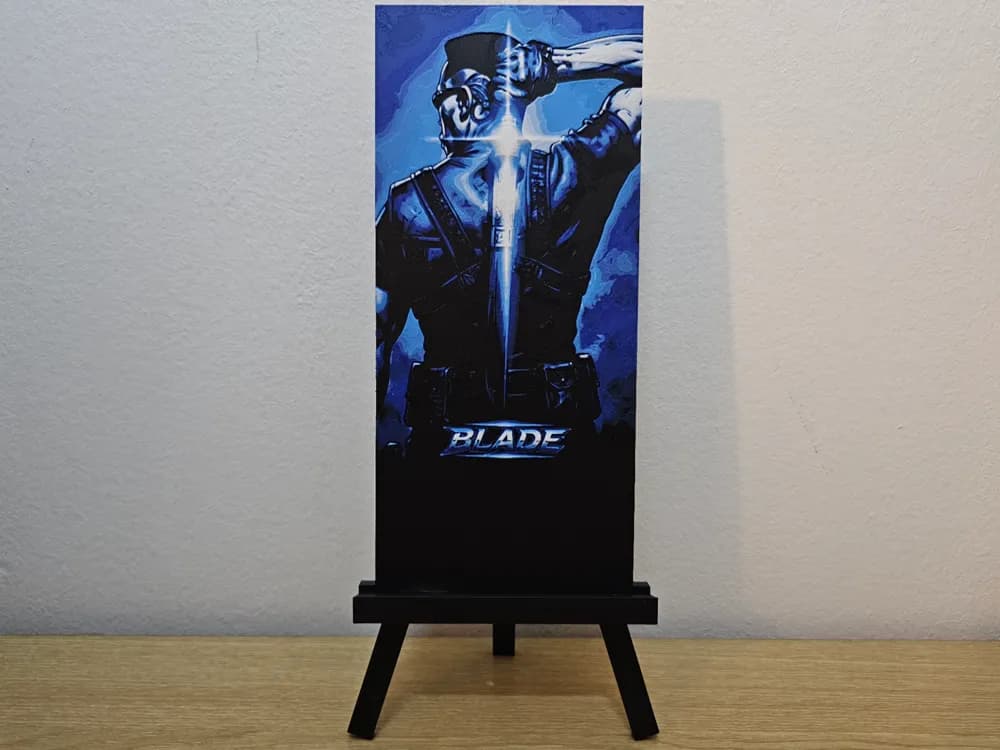
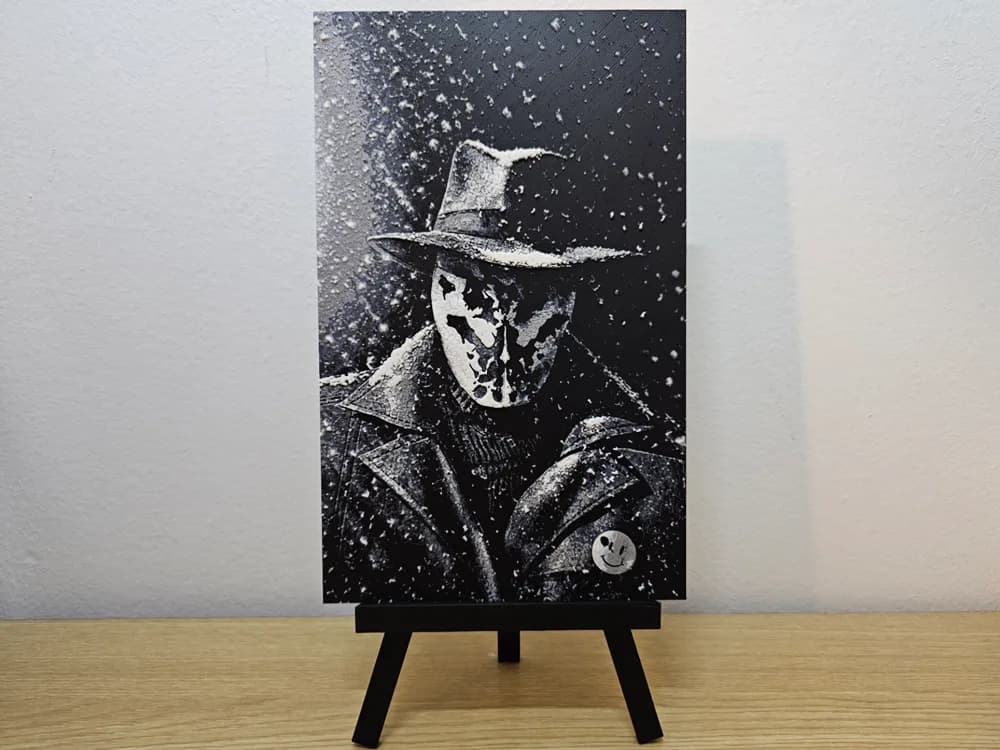
Small easels are probably the easiest tabletop option. A simple wooden or acrylic easel prop holds a print at a comfortable viewing angle and costs almost nothing. For desk art and smaller pieces, this is hard to beat. Some makers use plate stands — the kind designed for displaying decorative plates — which work surprisingly well for prints in the 5×7 to 8×10 range.
Shelf displays let you create a gallery effect without committing to wall hardware. Lean prints against the back of a shelf, layer them at different depths, and mix in other objects for visual interest. This works especially well in bookshelves, where a HueForge print nestled between books adds an unexpected touch.
For bookmarks and very small prints, consider a simple acrylic stand or a slot cut into a small block of wood. These make nice desk accessories and conversation pieces — people inevitably pick them up and ask how they were made.
If you're displaying prints with backlighting on a shelf or table, battery-powered LED panels are your friend. They eliminate the need for a nearby outlet and keep the setup clean. Most run for hours on a charge and can be recharged via USB.
How Do I Display Prints at Markets or Events?
Event displays need to prioritize visibility, lighting control, and a setup that communicates the quality of the work quickly. LED backlighting is almost mandatory for attracting attention, and vertical displays at eye level consistently outperform flat table layouts.
The single biggest difference between booths that sell well and booths that don't at craft fairs is whether the prints are backlit. A HueForge print sitting flat on a table under fluorescent convention lighting looks like a piece of colored plastic. The same print mounted vertically with an LED panel behind it looks like glowing art. The backlight is doing the selling before you say a word.
Build or buy a vertical display system — a standing grid, a pegboard setup, or a series of small easels with integrated lighting. Arrange prints at eye level where people walking by can see them without looking down. Height is attention. Prints below table level might as well be invisible in a busy market.
Having at least one print displayed both with and without backlighting can be a powerful sales tool. It lets customers see the transformation and immediately understand why these are worth more than they might initially assume. The "before and after" of backlight versus ambient light is one of the most effective demonstrations you can do.
Keep a battery pack or portable power station in your kit. Not every event provides convenient outlets, and running extension cords across a market floor is a safety issue. Self-contained power gives you flexibility to set up anywhere and keeps your display clean.
What's the Simplest Display Setup That Actually Looks Good?
A shadow box frame from a craft store, a USB-powered LED panel taped to the inside of the backing, and a wall hook. That's it. Total cost is under $20 beyond the print itself, and the result looks polished enough to impress anyone who sees it.
You don't need a custom fabrication shop or woodworking skills to display HueForge art well. The shadow box provides structure and a finished look. The LED panel provides even backlighting. The wall hook gets it off the shelf and onto a wall where people actually see it.
If you want to get slightly fancier, add a smart plug to the LED panel so you can turn the backlight on and off by voice or schedule. Set it to turn on in the evening when ambient light drops and the backlight effect becomes most dramatic. It's a small touch that makes the display feel intentional.
For a no-cost starting point, even just leaning a print against a window during the day gives you natural backlighting that shows off the translucency effect beautifully. It's temporary and it's free, but it's a great way to see what backlighting does for your prints before you invest in LED panels and frames.
The best display is the one that actually happens. Don't let your prints sit in a drawer while you plan the perfect setup. Get them visible first, then refine. A print on the wall in a basic frame will always look better than a print in a box waiting for a frame that never arrives.