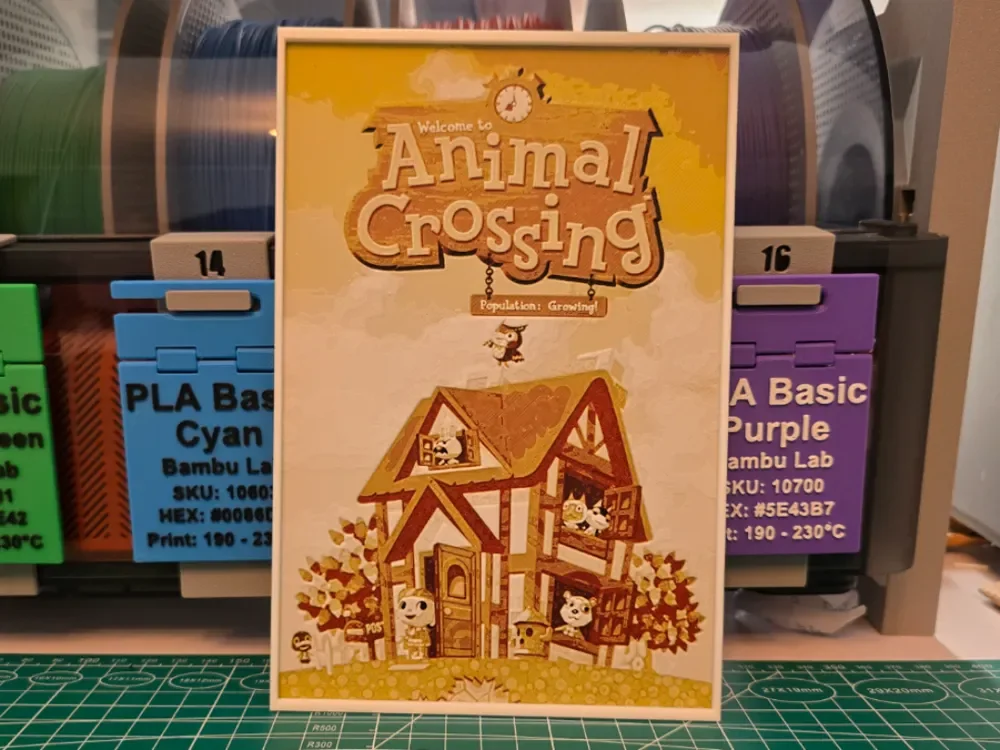
Animal Crossing Game Poster - Hueforge Art
by Lumpy3D
Warm golden tones and that instantly recognizable rustic signboard bring the beloved Nintendo world to life in this HueForge tribute to Animal Crossing: Population Growing. Lumpy3D has captured the charm of the original GameCube era artwork, with the iconic Tudor-style house anchoring the composition while familiar villager characters peek from windows and gather on the lawn below. The color palette leans heavily into sunlit ambers, honey yellows, and rich browns, giving the whole scene a nostalgic warmth that feels like a lazy Sunday afternoon in your favorite virtual village. Blum the owl soars overhead while flowers and bushes frame the scene with that signature cozy aesthetic. The layered filament transitions are especially evident in the sky gradients and the house's timber framing, where subtle shifts in tone create genuine visual depth across the flat surface. The finish reads as smooth and consistent throughout, with the cream border acting as a clean natural frame that lets the golden composition breathe. This piece would look right at home propped on a gaming shelf or displayed alongside other game-inspired art, where the warm tones will catch ambient light beautifully.
View on MakerWorldRequired Filaments4
Bambu Lab Basic Black
Bambu Lab Basic Red
Bambu Lab Basic Yellow
Bambu Lab Basic Jade White
Why filament details may vary
Filament details (brand, color, and TD value) may not exactly match the designer's original specification. In some cases, the designer didn't specify exact filaments and we've matched the closest options we could find. Always check the original listing for full details.
Some filament links are affiliate links — we may earn a small commission at no extra cost to you. Learn more
Sign up to track your filament inventory and check your matches.
Create accountYou Might Also Like
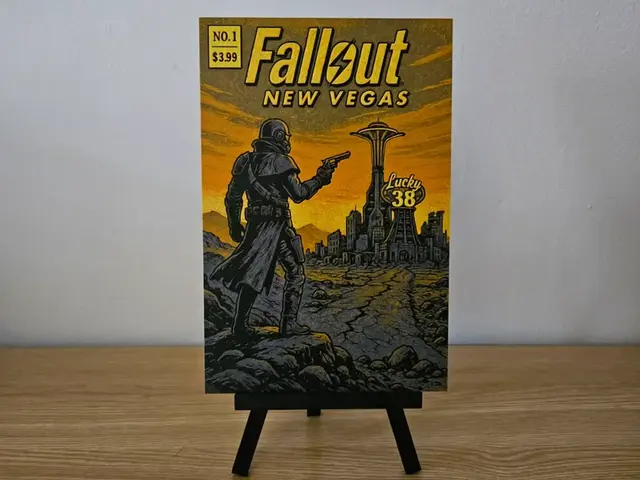
Fallout New Vegas Lucky 38 Hueforge
by Opao
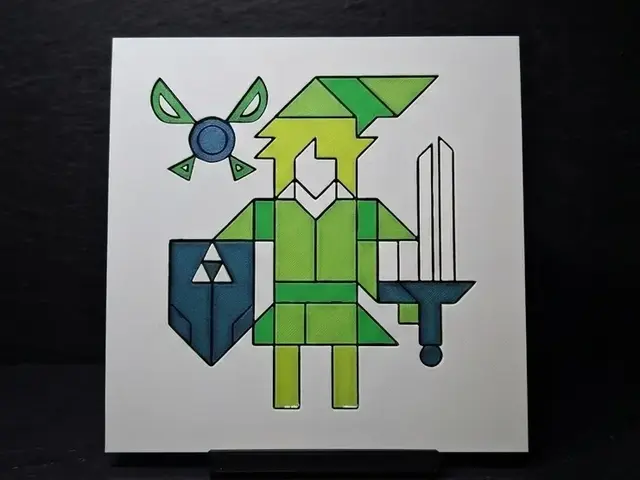
Simple Link - Hueforge
by LED
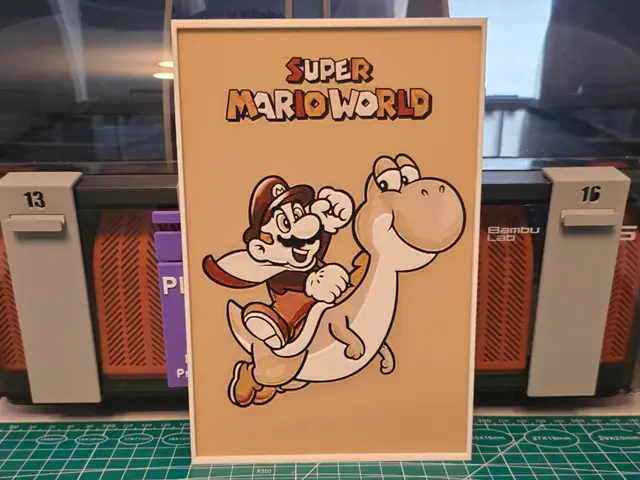
Super Mario World Game Poster - Hueforge Art
by Lumpy3D
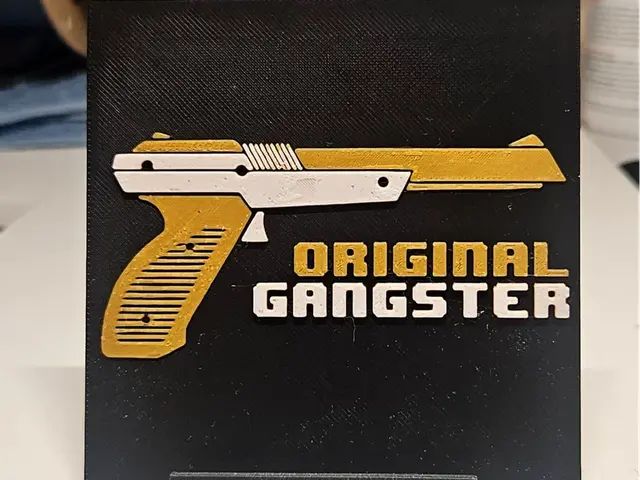
Original Gangster Nintendo
by Mano's 3d_Art
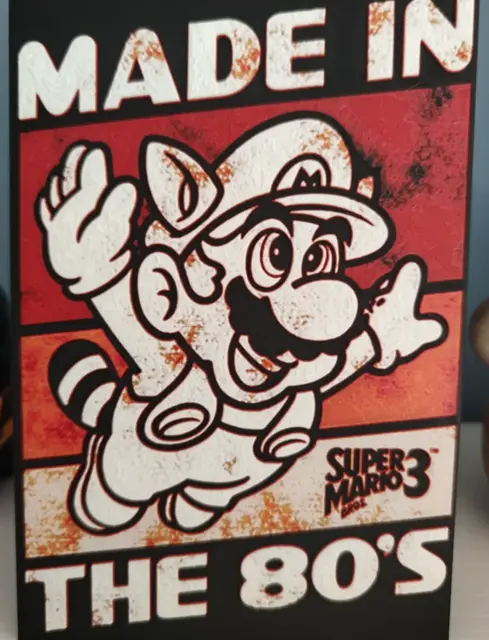
Hueforge Super Mario Bros
by Litolunar
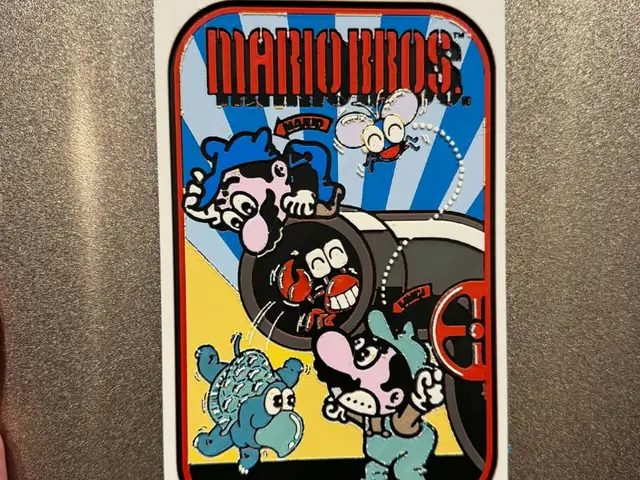
Mario Bros. Classic Arcade Side Art
by IslandLooter
Recent Articles
View all
Best 3D Printed Gifts for Everyone on Your List — Made with HueForge
The best 3D printed gifts for everyone on your list, made with HueForge — custom pet and portrait art, ornaments and gift tags, bookmarks, and fandom prints matched to the recipient, plus how to turn gift requests into income.
Best Christmas 3D Prints for HueForge: Ornaments, Santa & Holiday Movie Posters
The Christmas 3D prints worth making as HueForge filament paintings — tree ornaments, Santa and snowmen, holiday movie posters, festive fandom crossovers, and gift tags, grouped by theme.
Best Anime 3D Prints for HueForge: From Shōnen Classics to the Modern Wave
The best anime 3D prints to make as HueForge filament paintings — One Piece, Naruto, Dragon Ball, Demon Slayer, Jujutsu Kaisen, Frieren, Gundam, and anime bookmarks, each linked in the HuePick catalog.