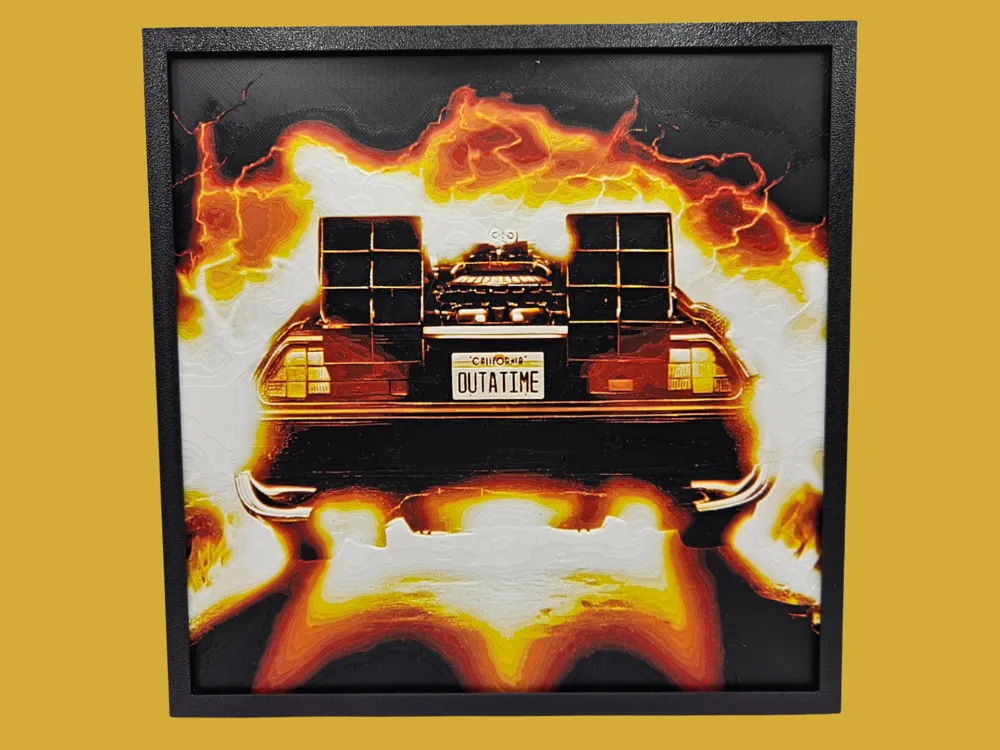
Back to the Future - Outatime
Blazing fire and crackling lightning frame the iconic DeLorean time machine in this striking tribute to Back to the Future. The legendary "OUTATIME" California license plate anchors the rear view of the gull-winged vehicle, surrounded by an explosive burst of white, amber, and deep orange that radiates outward like a time warp tearing through space. Canadian Gamer's composition captures that unforgettable cinematic moment with dramatic flair, the thermal flux effect rendered in rich gradients that push from brilliant white at the core through molten gold and into smoldering rust and black at the edges. The layered depth of this HueForge piece is immediately apparent in the way the fire clouds seem to lift off the surface, with the DeLorean's body catching a subtle sheen against the darker background tones. The filament transitions across the heat gradient are particularly well-executed, giving the flames a sense of actual movement and intensity rather than flat color fills. Mounted against a dark wall, the high-contrast palette truly pops, making this a bold conversation piece for any fan cave, home theater room, or pop culture collection.
View on MakerWorldRequired Filaments5
Bambu Lab Basic Black
Bambu Lab Basic Red
Bambu Lab Basic Orange
Bambu Lab Basic Yellow
Bambu Lab Matte Ivory White
Why filament details may vary
Filament details (brand, color, and TD value) may not exactly match the designer's original specification. In some cases, the designer didn't specify exact filaments and we've matched the closest options we could find. Always check the original listing for full details.
Some filament links are affiliate links — we may earn a small commission at no extra cost to you. Learn more
Sign up to track your filament inventory and check your matches.
Create accountYou Might Also Like
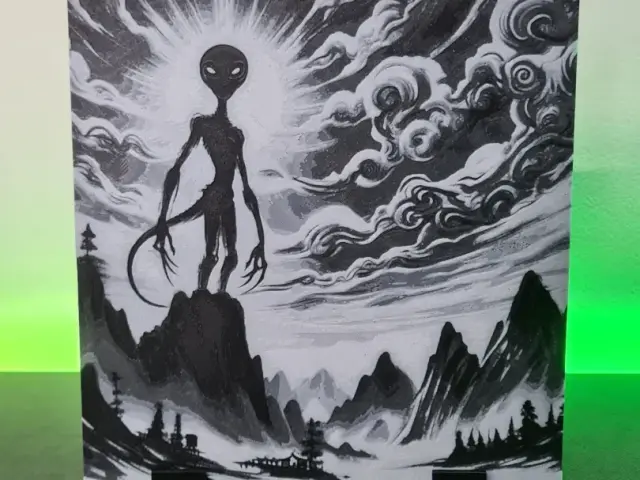
Alien Cloud Asia - Hueforge 150x150
by Montoya Maker
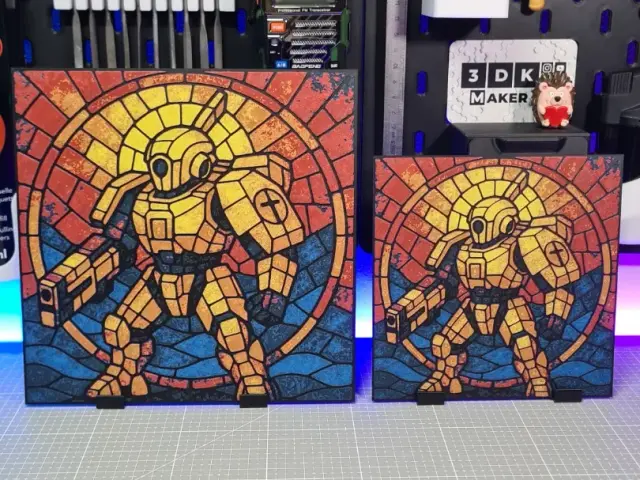
Tau Warrior - Hueforge - 4 Colors
by Montoya Maker
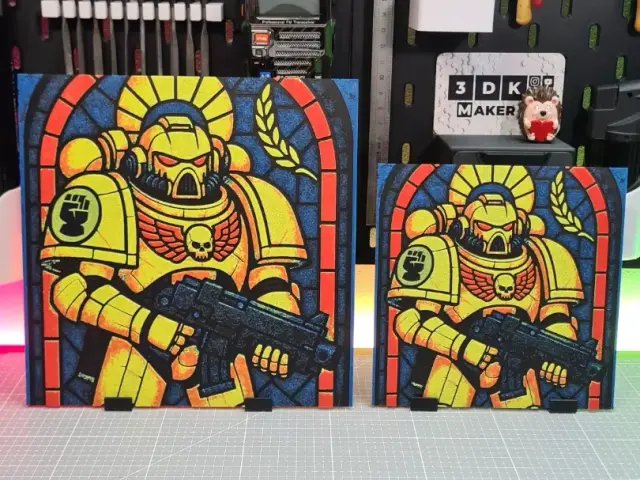
Imperial Fists - Hueforge - 4 Colors
by Montoya Maker
Space Marine Warrior - Hueforge - 4 Colors
by Montoya Maker
Night Lords Warrior - Hueforge - 4 Colors
by Montoya Maker
Chaos Space Marines War - Hueforge
by Montoya Maker
Recent Articles
View all
Best 3D Printed Gifts for Everyone on Your List — Made with HueForge
The best 3D printed gifts for everyone on your list, made with HueForge — custom pet and portrait art, ornaments and gift tags, bookmarks, and fandom prints matched to the recipient, plus how to turn gift requests into income.
Best Christmas 3D Prints for HueForge: Ornaments, Santa & Holiday Movie Posters
The Christmas 3D prints worth making as HueForge filament paintings — tree ornaments, Santa and snowmen, holiday movie posters, festive fandom crossovers, and gift tags, grouped by theme.
Best Anime 3D Prints for HueForge: From Shōnen Classics to the Modern Wave
The best anime 3D prints to make as HueForge filament paintings — One Piece, Naruto, Dragon Ball, Demon Slayer, Jujutsu Kaisen, Frieren, Gundam, and anime bookmarks, each linked in the HuePick catalog.