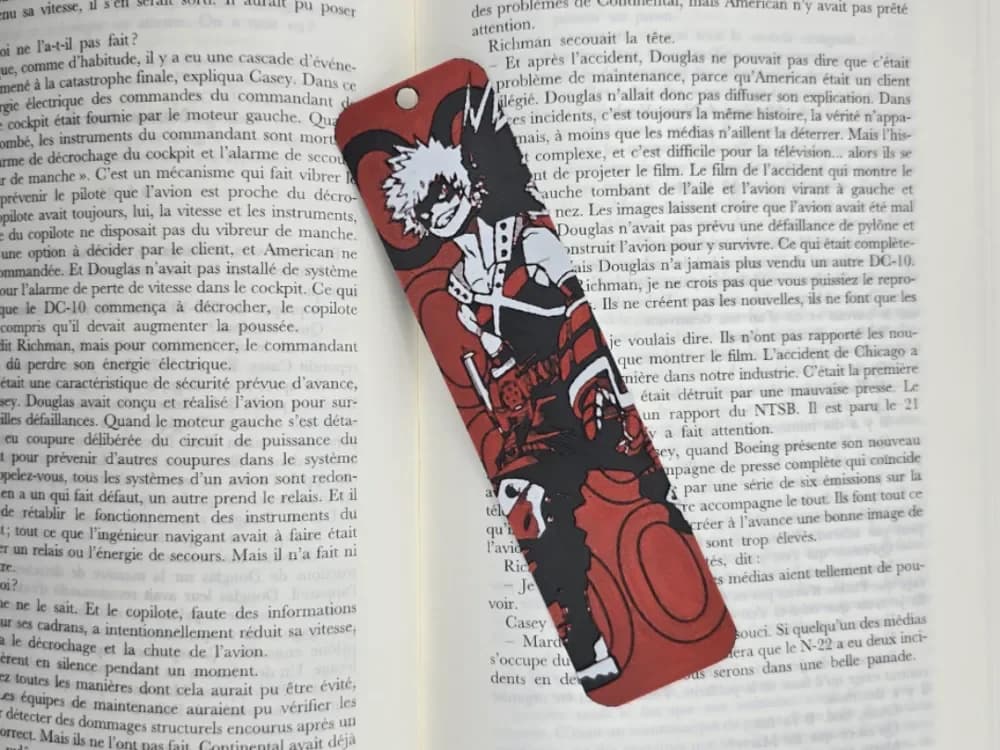
Bookmark Bakugo My hero Academia
by Kactus Fpv
Explosive energy radiates from Bakugo's fierce expression as the volatile hero strikes a dynamic pose. Bold crimson dominates his iconic costume and gauntlets, contrasting sharply with spiky blonde hair rendered in warm yellows. Deep blacks define the character's muscular form and explosive details, while his signature grenade-shaped bracers catch dramatic highlights. This My Hero Academia tribute captures the character's intense personality through striking color transitions.
View on MakerWorldRequired Filaments4
Bambu Lab Basic Jade White
Bambu Lab Basic Red
Bambu Lab Basic Gray
Generic Black
Why filament details may vary
Filament details (brand, color, and TD value) may not exactly match the designer's original specification. In some cases, the designer didn't specify exact filaments and we've matched the closest options we could find. Always check the original listing for full details.
Some filament links are affiliate links — we may earn a small commission at no extra cost to you. Learn more
Sign up to track your filament inventory and check your matches.
Create accountYou Might Also Like
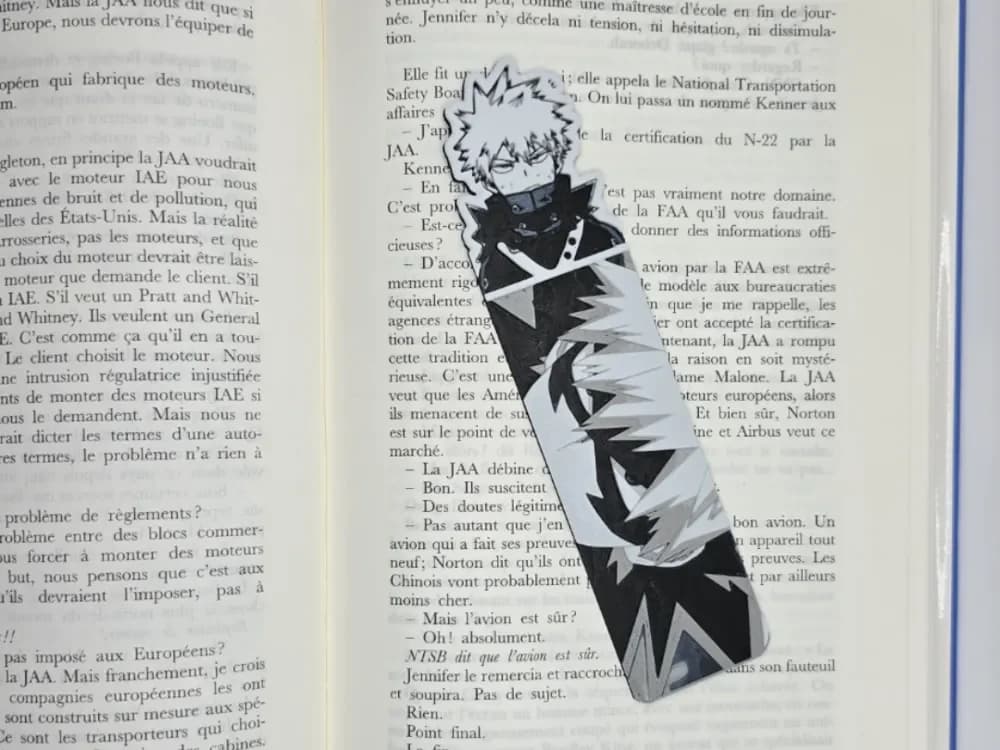
Bookmark Bakugo MHA
by Kactus Fpv
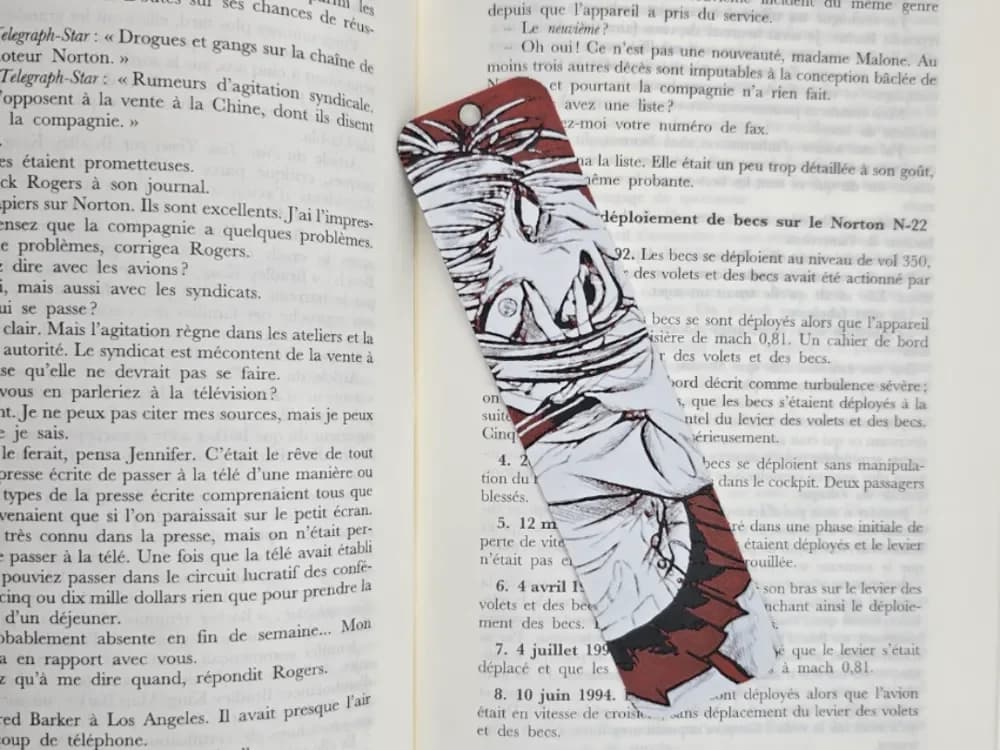
Bookmark Himiko Toga MHA
by Kactus Fpv

Pikachu Evolution Series - Pokemon 30th Anniversary - Bookmark Set
by Canadian Gamer
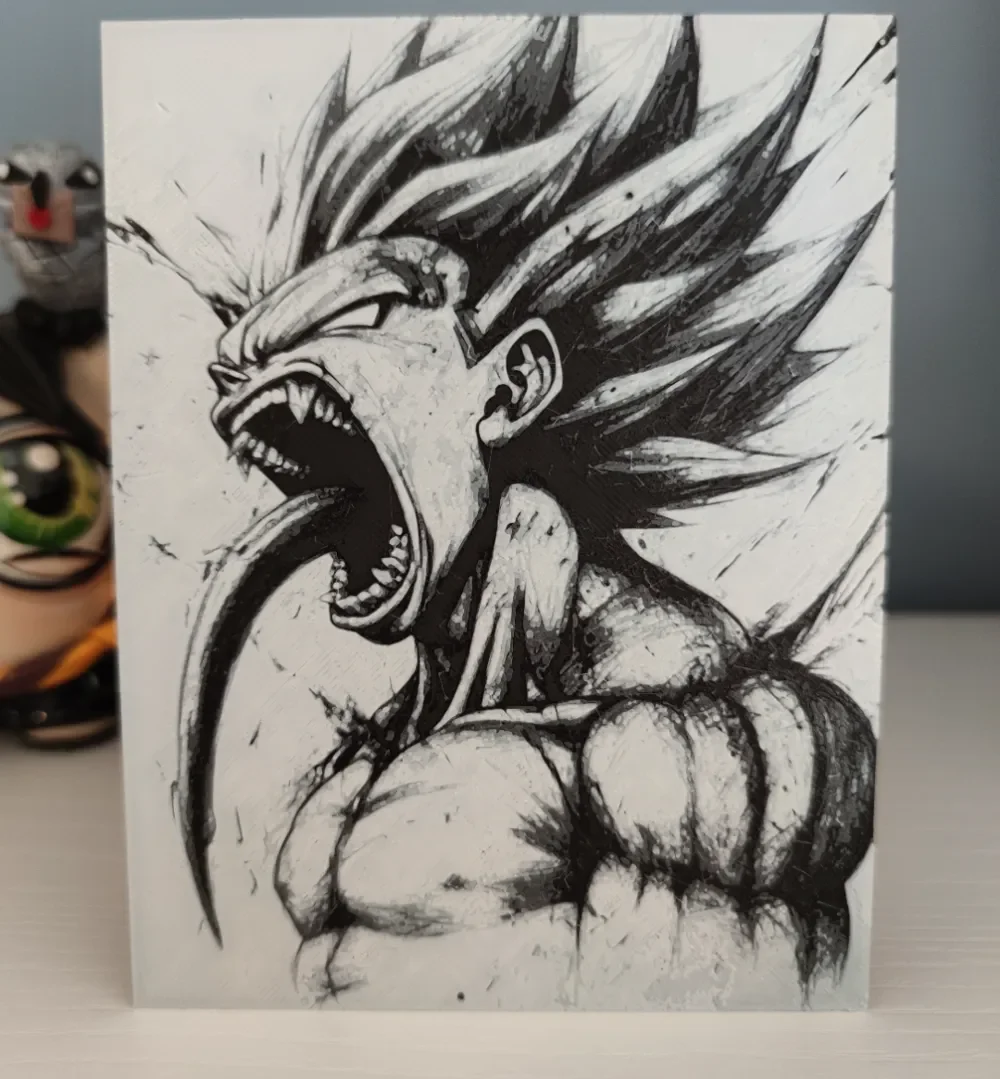
Hueforge Goku Super Saiyan with Venom
by Litolunar
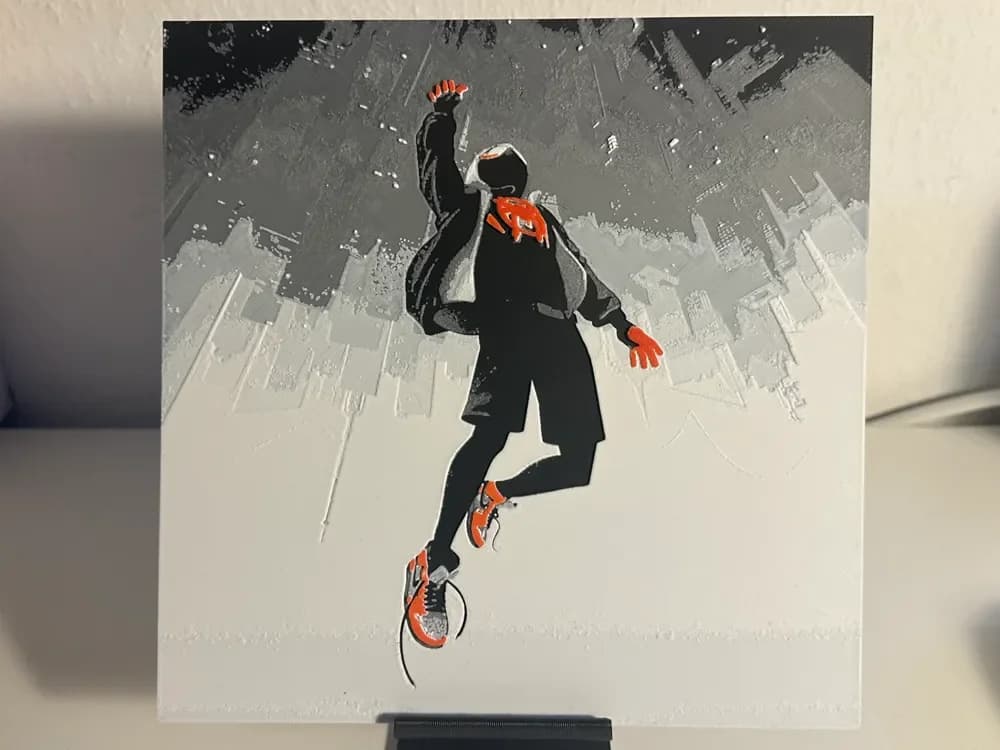
Spider-Man: Into the Spider-Verse
by VB

Minionpool
by FiremanprintsIRL (BR3Design)
Recent Articles
View all
Best Halloween & Horror 3D Prints for HueForge: Slashers, Skulls & Spooky Wall Art
The Halloween 3D prints worth making as HueForge filament paintings — horror movie posters, Ghostface and Pennywise, skulls, pumpkins, spooky Pokemon, and bookmarks, grouped by theme.

Best Classic Saturday Morning Cartoon STL Files for HueForge
The best classic Saturday morning cartoon STL files for HueForge — Scooby-Doo, Looney Tunes, Transformers, He-Man, TMNT and more, as bold filament wall art.

3D Printing Business Name Ideas (and How to Pick One That Lasts)
3D printing business name ideas grouped by style — descriptive, filament-themed, clever, and premium — plus naming principles and how to check a name is free to use.