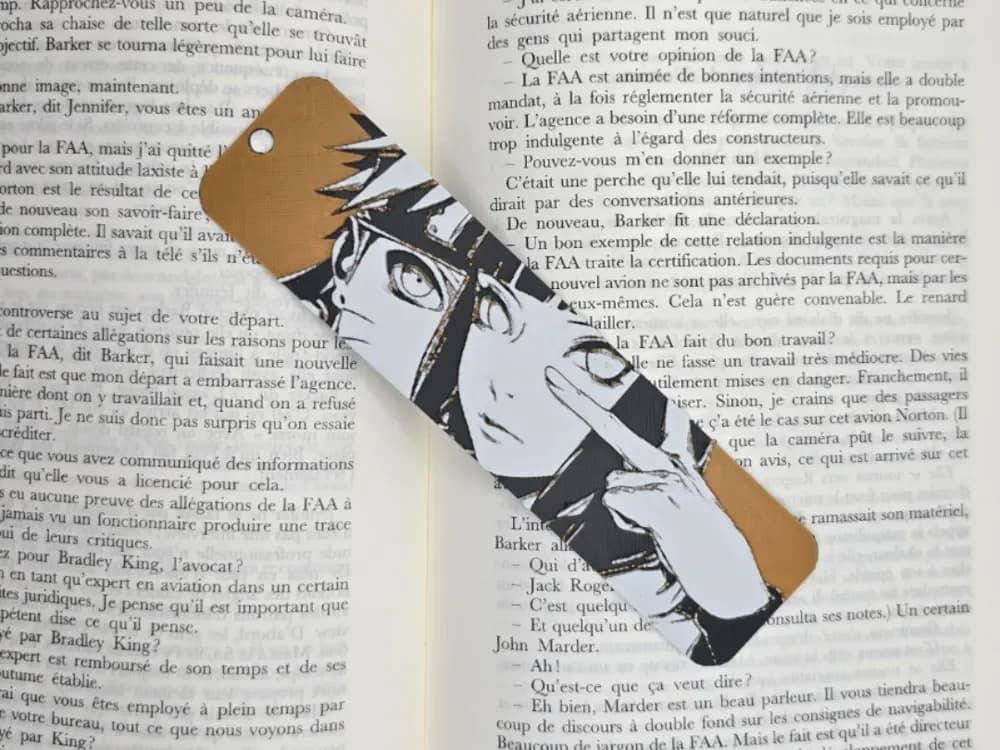
Bookmark Naruto & Hinata
by Kactus Fpv
Gentle yet determined, Naruto and Hinata share an intimate moment rendered in warm earth tones and soft grays. The composition captures their iconic relationship through thoughtful layering, with Naruto's bright orange jacket contrasting beautifully against Hinata's subdued palette. Delicate linework defines their expressions while the multi-tonal approach creates depth and emotional resonance, celebrating one of anime's most beloved couples.
View on MakerWorldRequired Filaments5
Bambu Lab Basic Black
Bambu Lab Basic Gray
Bambu Lab Basic Jade White
Bambu Lab Basic Orange
Generic Black
Why filament details may vary
Filament details (brand, color, and TD value) may not exactly match the designer's original specification. In some cases, the designer didn't specify exact filaments and we've matched the closest options we could find. Always check the original listing for full details.
Some filament links are affiliate links — we may earn a small commission at no extra cost to you. Learn more
Sign up to track your filament inventory and check your matches.
Create accountYou Might Also Like

Bookmark Naruto
by Kactus Fpv
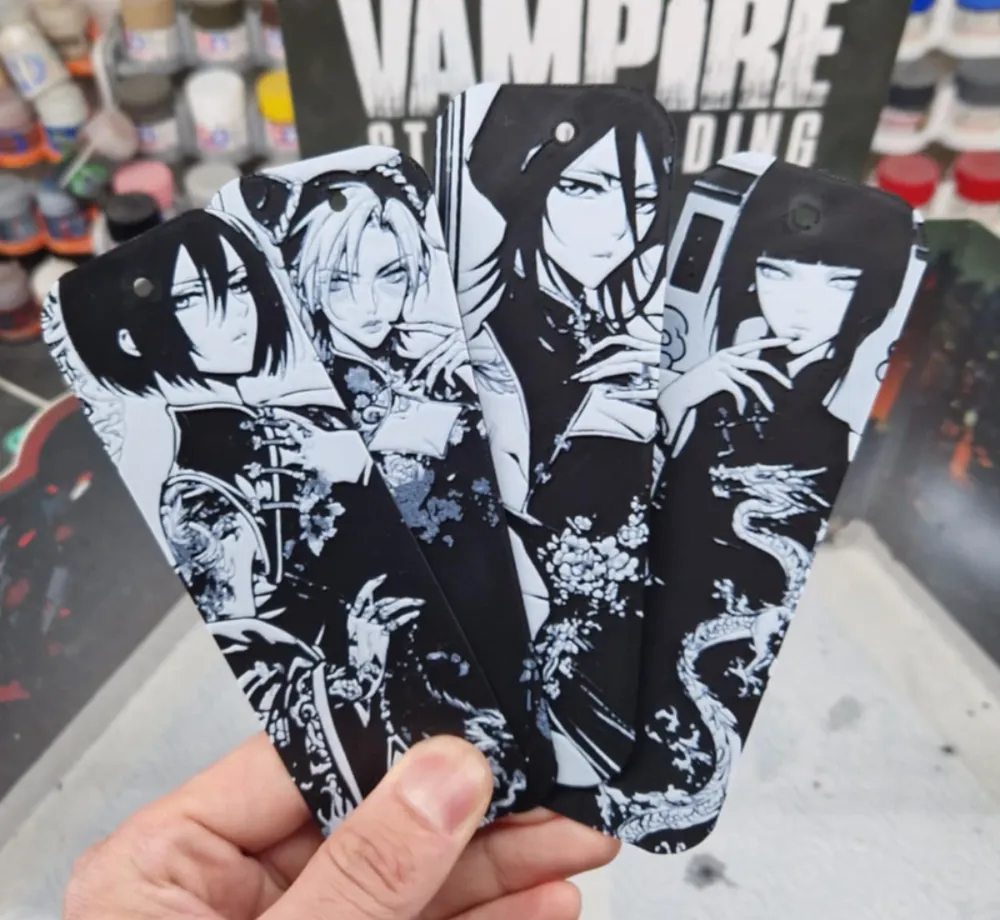
Manga Girl Bookmark
by Dakiren
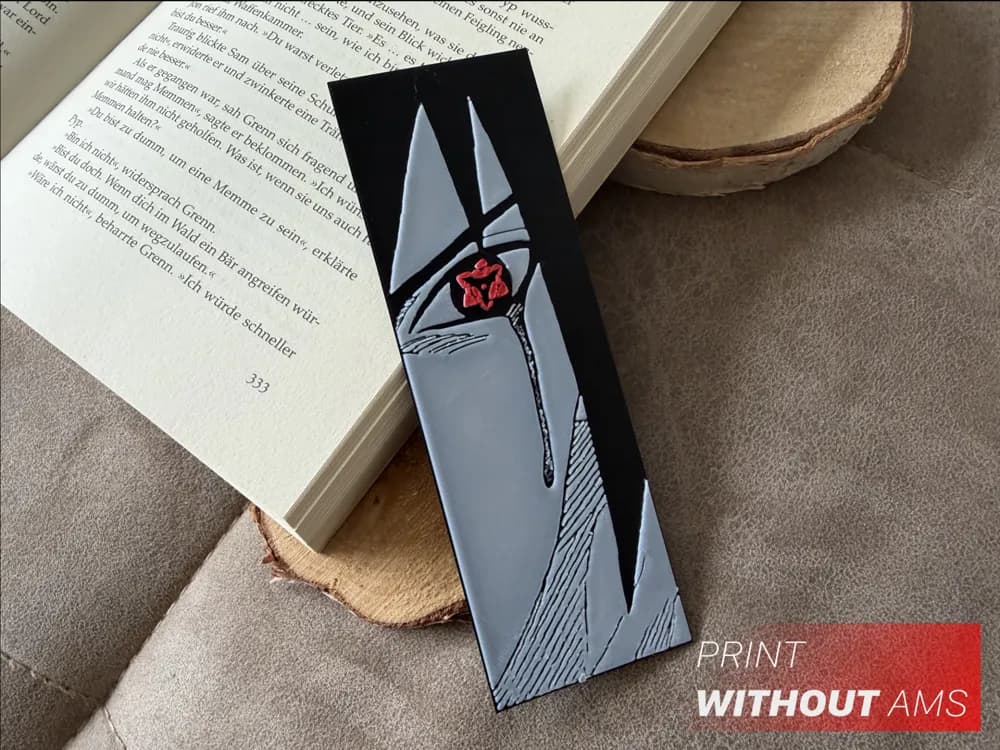
Red Gaze of Silence - Bookmark
by Loupes

Sasuke backlight effect
by Altf4-Formation

Kakashi with backlight effect
by Altf4-Formation

Naruto Yellow Eyes — ColourPop HueForge
by 3D Prints By Vic
Recent Articles
View all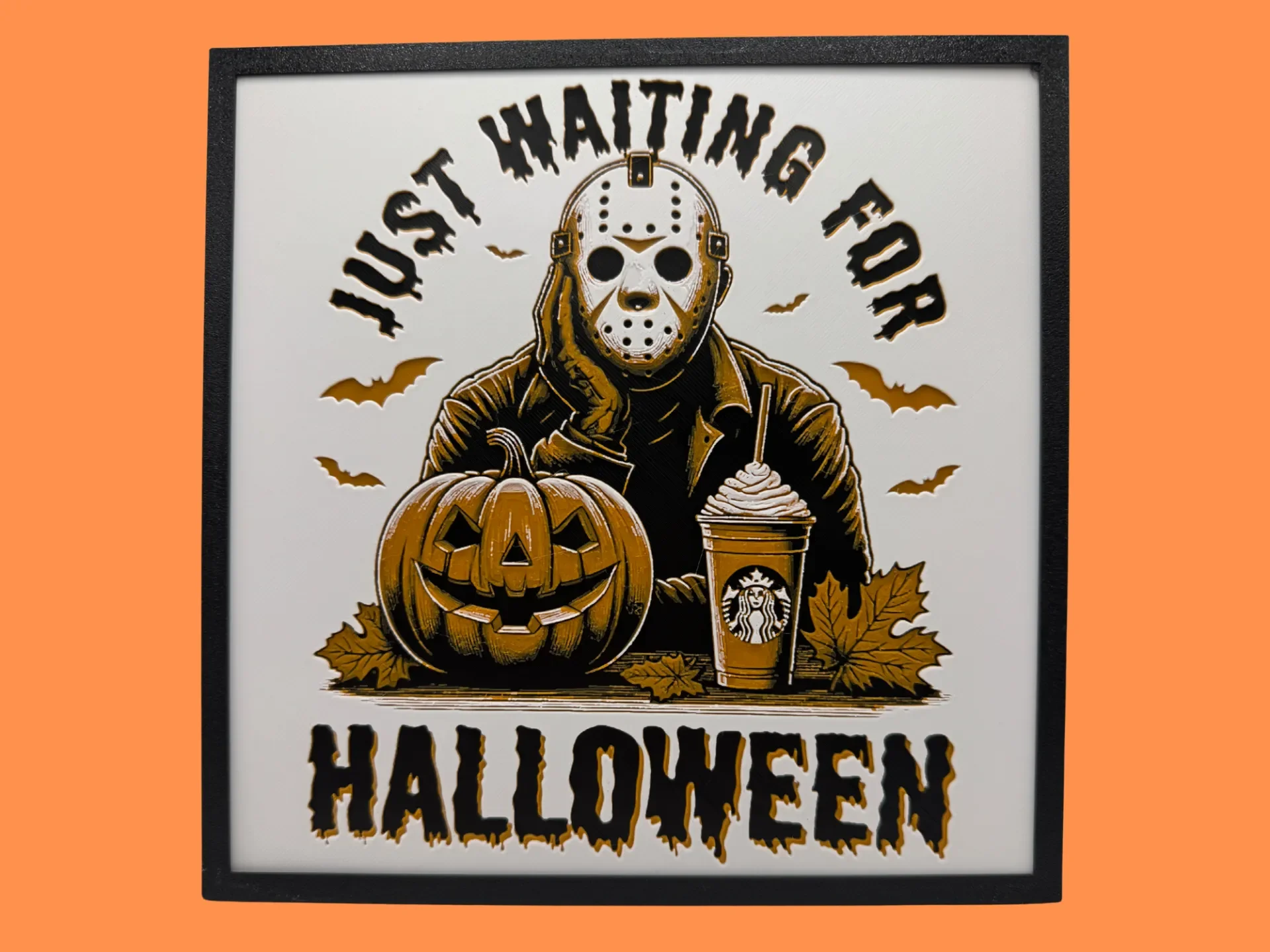
Best Halloween & Horror 3D Prints for HueForge: Slashers, Skulls & Spooky Wall Art
The Halloween 3D prints worth making as HueForge filament paintings — horror movie posters, Ghostface and Pennywise, skulls, pumpkins, spooky Pokemon, and bookmarks, grouped by theme.
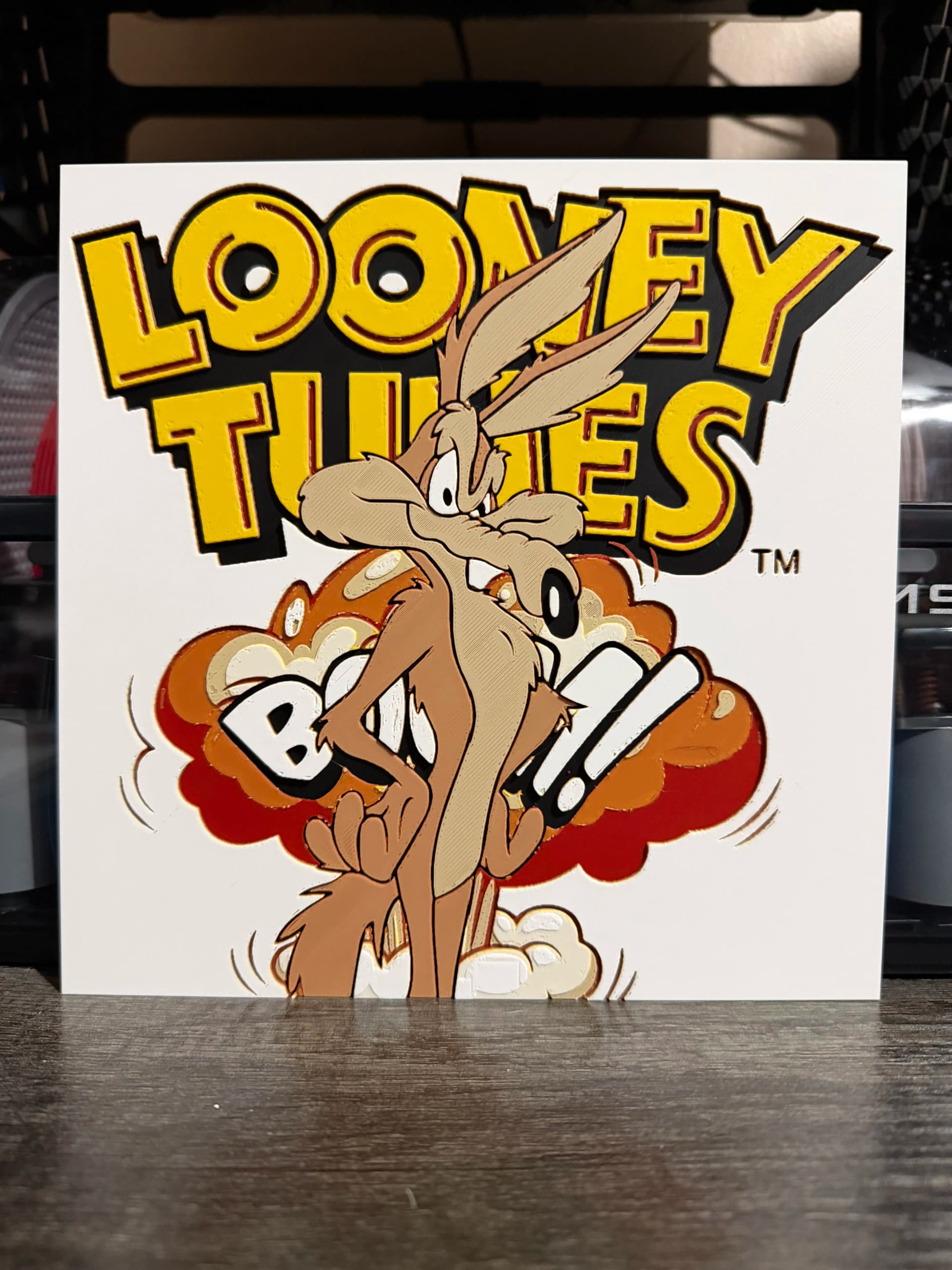
Best Classic Saturday Morning Cartoon STL Files for HueForge
The best classic Saturday morning cartoon STL files for HueForge — Scooby-Doo, Looney Tunes, Transformers, He-Man, TMNT and more, as bold filament wall art.
3D Printing Business Name Ideas (and How to Pick One That Lasts)
3D printing business name ideas grouped by style — descriptive, filament-themed, clever, and premium — plus naming principles and how to check a name is free to use.