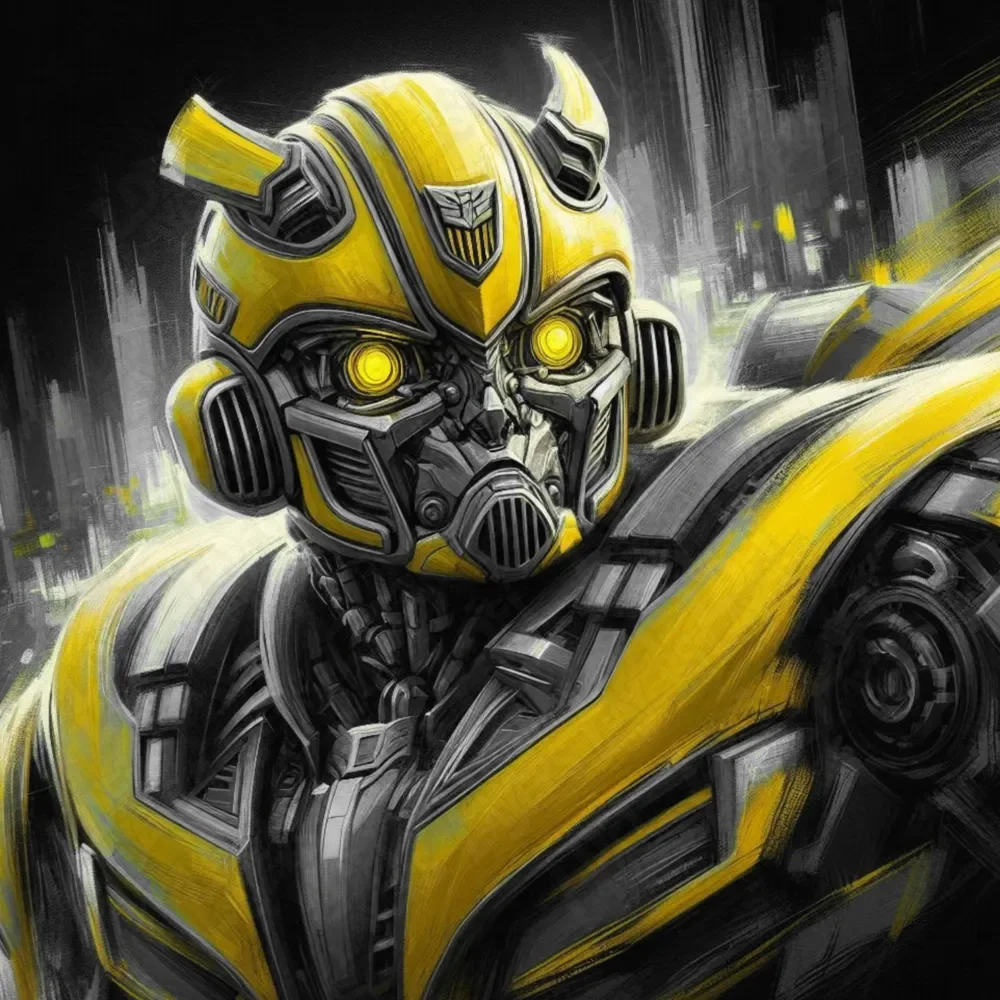
Bumblebee Transformers Hueforge
by LoFi Layers
The iconic Autobot's weathered face emerges through dramatic brushstrokes, his glowing yellow optics piercing through shadows and rain. LoFi Layers captures Bumblebee's battle-worn determination with bold yellows contrasting against deep grays and blacks. Dynamic motion blur suggests transformation mid-battle, while the distinctive Autobot insignia gleams proudly on his helm. Expressive linework brings mechanical details to life with striking emotional depth.
View on MakerWorldRequired Filaments4
Why filament details may vary
Filament details (brand, color, and TD value) may not exactly match the designer's original specification. In some cases, the designer didn't specify exact filaments and we've matched the closest options we could find. Always check the original listing for full details.
Some filament links are affiliate links — we may earn a small commission at no extra cost to you. Learn more
Sign up to track your filament inventory and check your matches.
Create accountYou Might Also Like
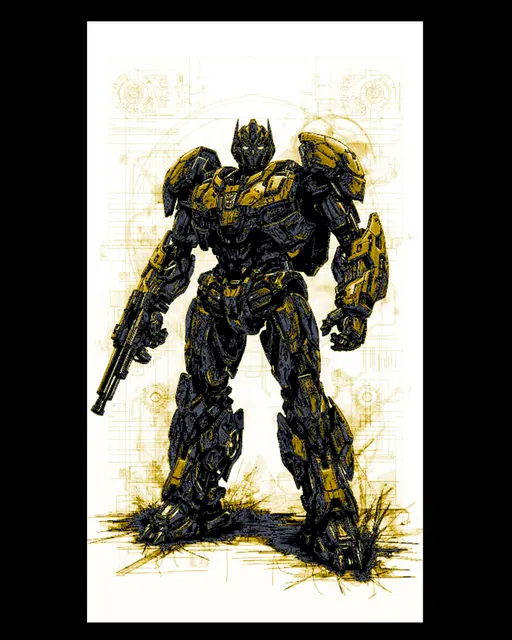
Far Art designed blueprint style depiction of Transformer Bumblebee
by BooneCo3d
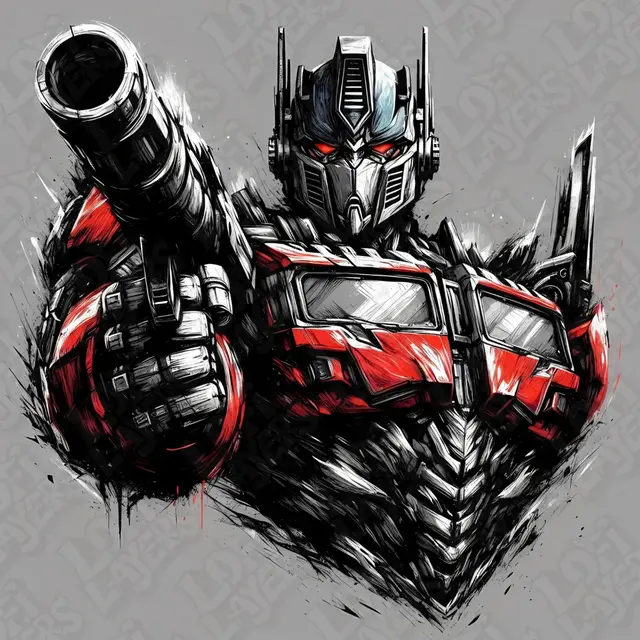
Optimus Prime Hueforge
by LoFi Layers
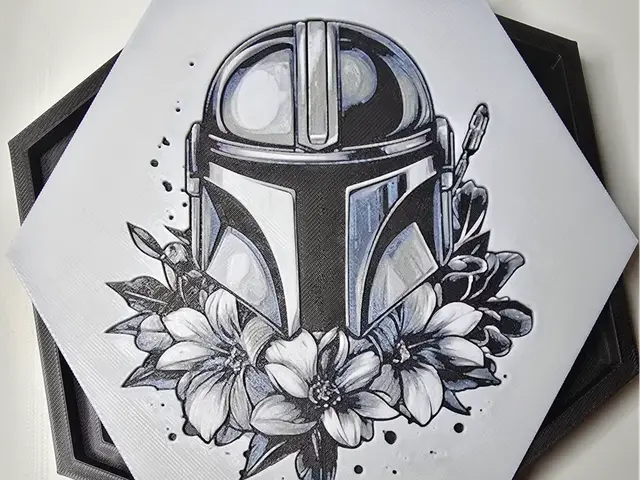
Mandalorian Hueforge
by Aprilk6366
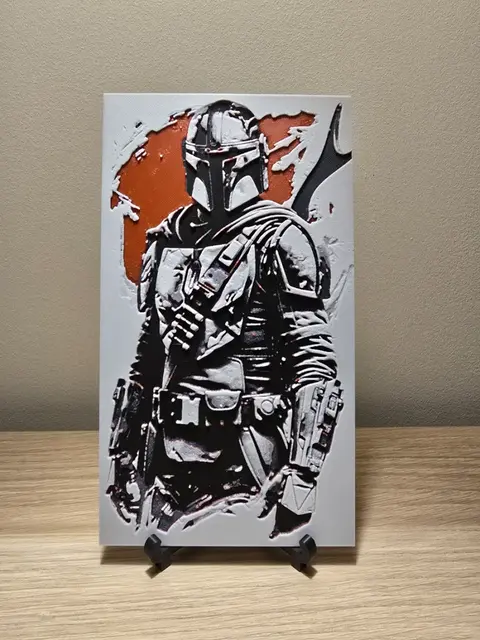
The Mandalorian Star Wars Hueforge
by Kactus Fpv
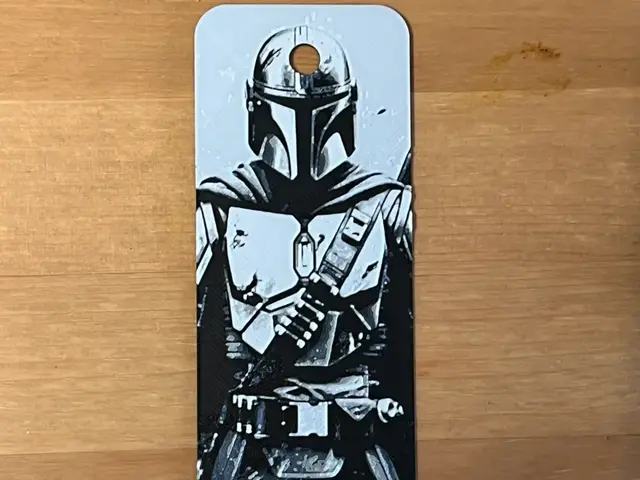
Mandalorian bookmark
by Morganja
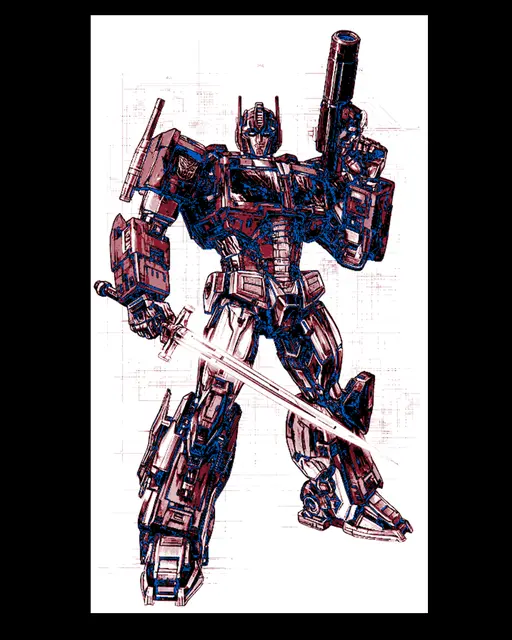
Fanart design of Transformers Leader Optimus Prime - Wall art with hueforge
by BooneCo3d
Recent Articles
View all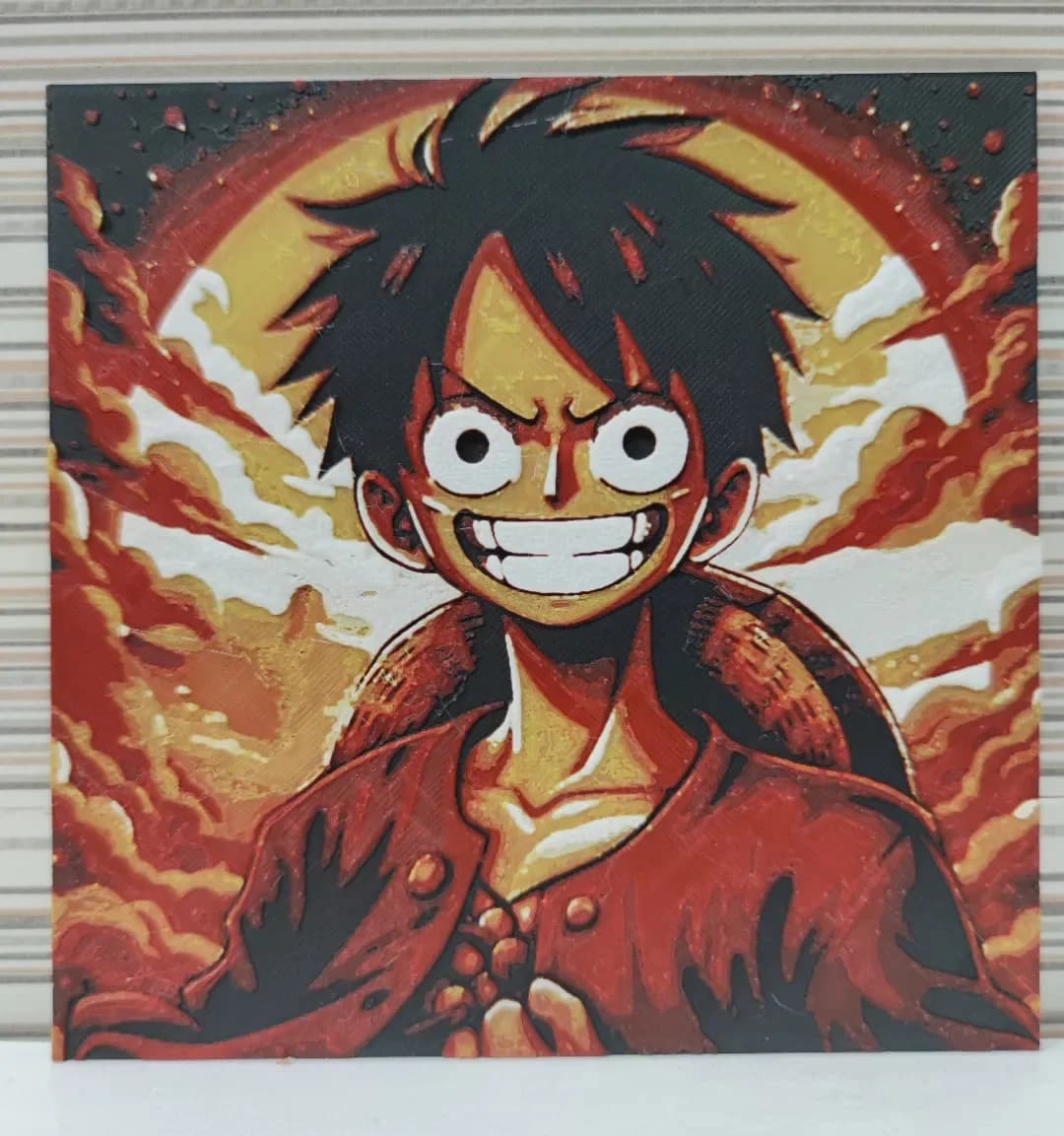
Best Anime 3D Prints for HueForge: From Shōnen Classics to the Modern Wave
The best anime 3D prints to make as HueForge filament paintings — One Piece, Naruto, Dragon Ball, Demon Slayer, Jujutsu Kaisen, Frieren, Gundam, and anime bookmarks, each linked in the HuePick catalog.
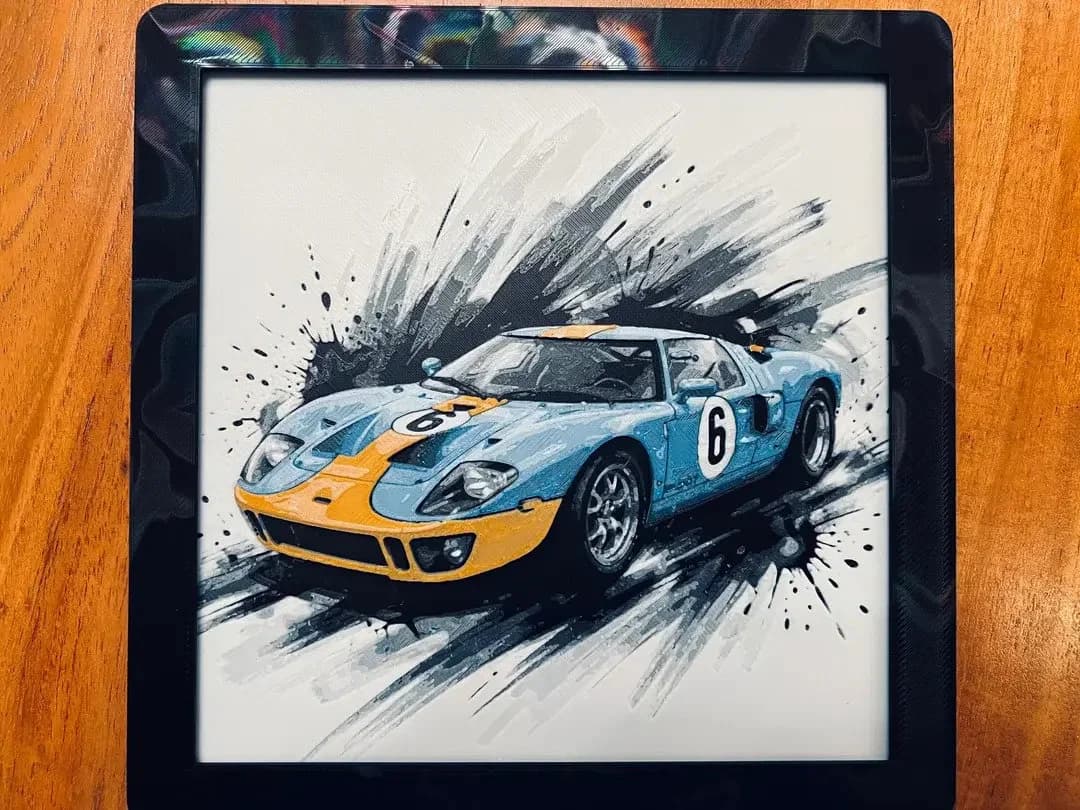
Best Car 3D Prints for HueForge: From Japanese Icons to Movie Cars
The best car 3D prints to make as HueForge filament paintings — JDM legends, supercars, American muscle, F1 and rally posters, and movie icons like the DeLorean, each linked in the HuePick catalog.
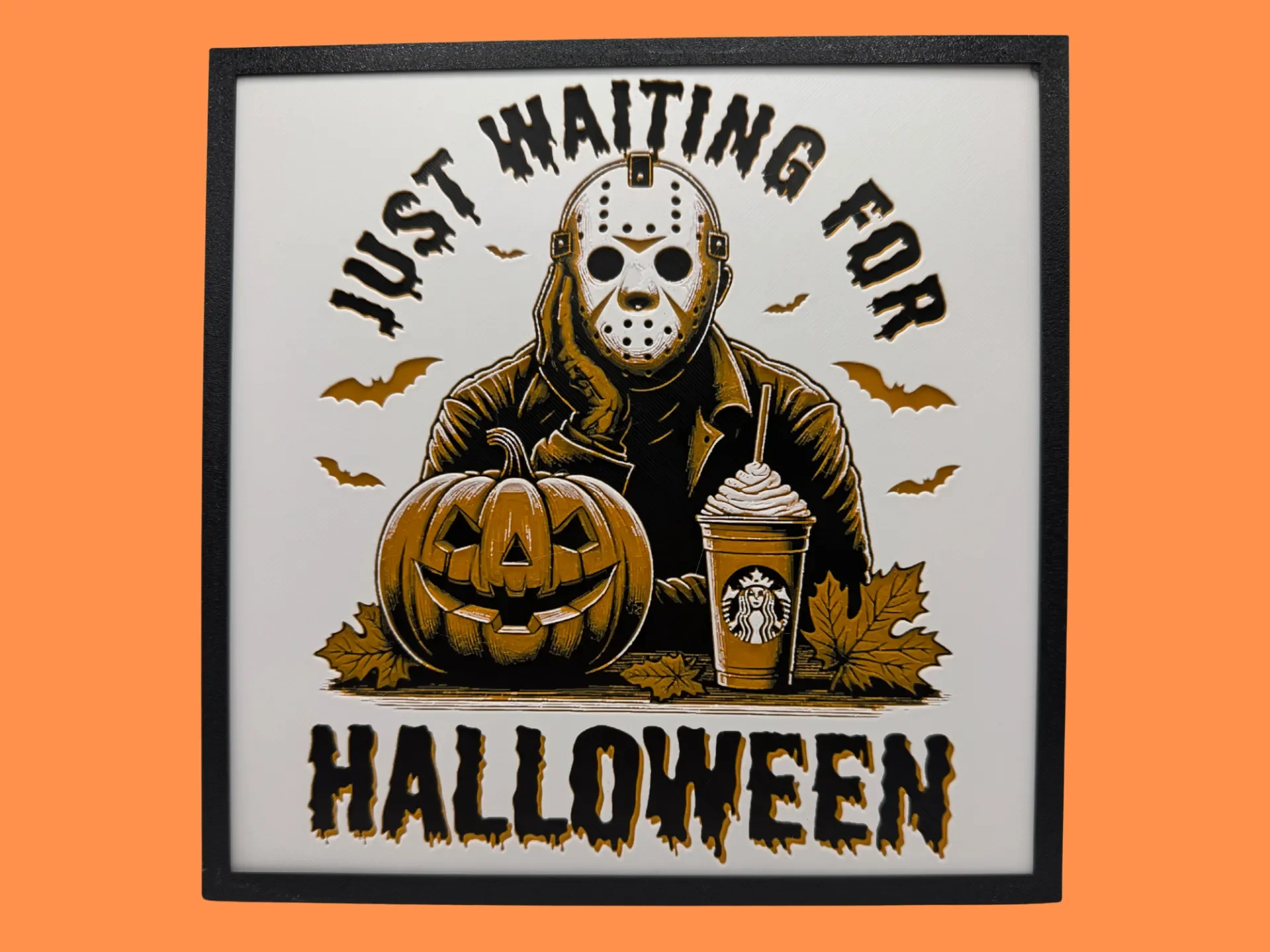
Best Halloween & Horror 3D Prints for HueForge: Slashers, Skulls & Spooky Wall Art
The Halloween 3D prints worth making as HueForge filament paintings — horror movie posters, Ghostface and Pennywise, skulls, pumpkins, spooky Pokemon, and bookmarks, grouped by theme.