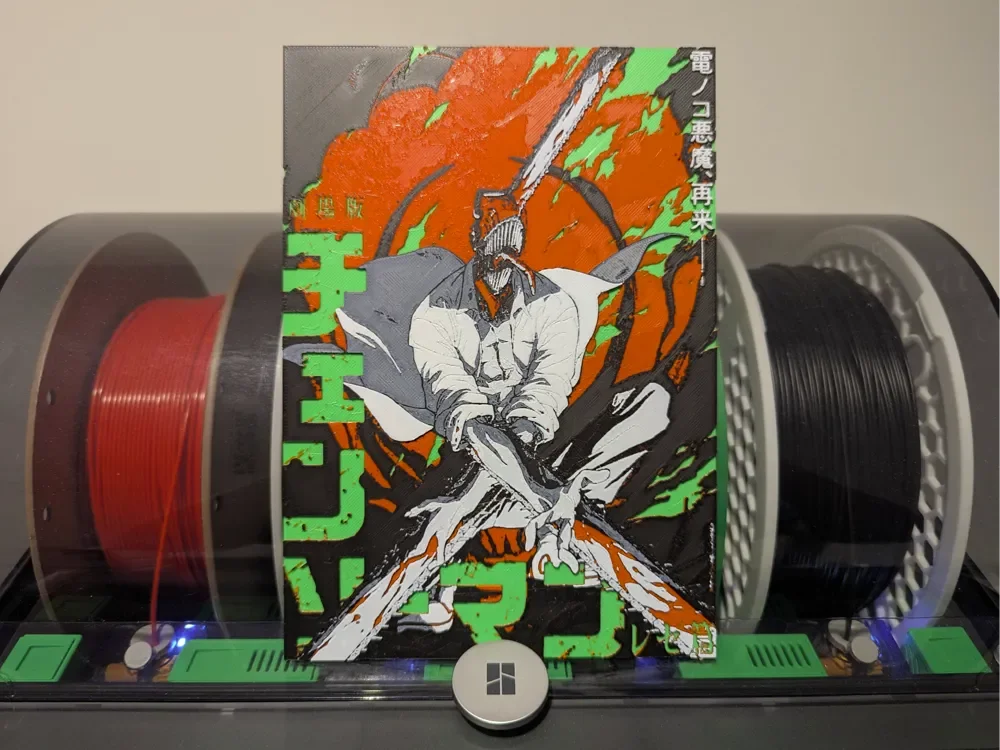
Chainsaw man Reze Movie Hueforge
by Razel
Dynamic energy explodes across this striking tribute to Chainsaw Man's Reze, capturing the intensity of the upcoming movie adaptation. Bold orange flames surge through vibrant green accents, creating a dramatic backdrop for the central figure rendered in crisp grayscale tones. Razel's design masterfully balances the chaotic power of the scene with precise detailing, bringing the beloved character's fierce determination to life through layers of contrasting color that highlight every dramatic gesture and flowing movement.
View on MakerWorldRequired Filaments4
Bambu Lab Basic Bambu Green
Bambu Lab Basic Red
Bambu Lab Basic Black
Bambu Lab Basic Jade White
Why filament details may vary
Filament details (brand, color, and TD value) may not exactly match the designer's original specification. In some cases, the designer didn't specify exact filaments and we've matched the closest options we could find. Always check the original listing for full details.
Some filament links are affiliate links — we may earn a small commission at no extra cost to you. Learn more
Sign up to track your filament inventory and check your matches.
Create accountYou Might Also Like
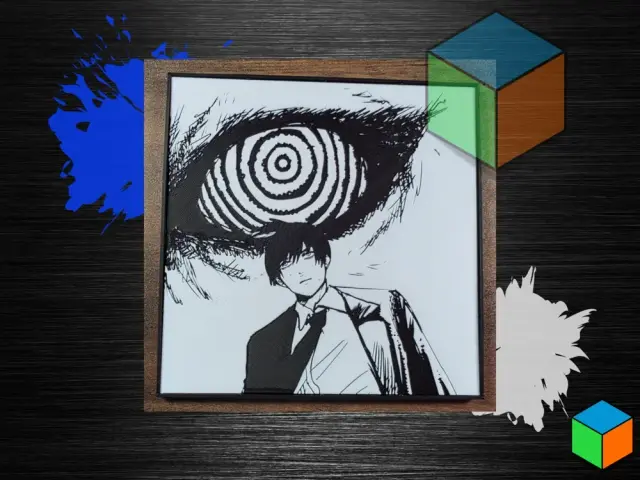
Chainsaw Man Manga Poster | HueForge Wall Art
by 3D Prints By Vic
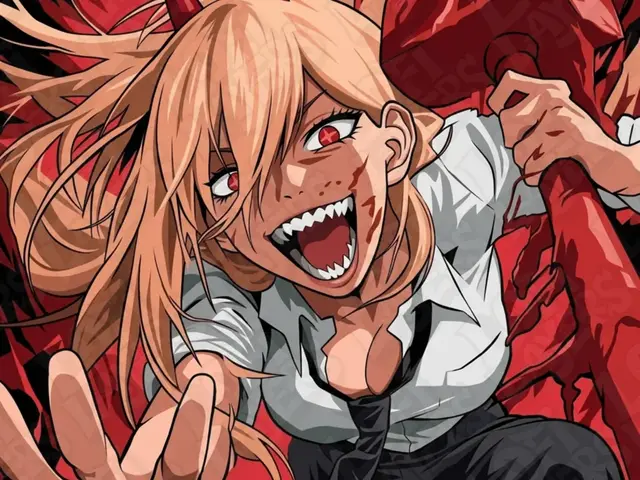
Power Hueforge
by LoFi Layers
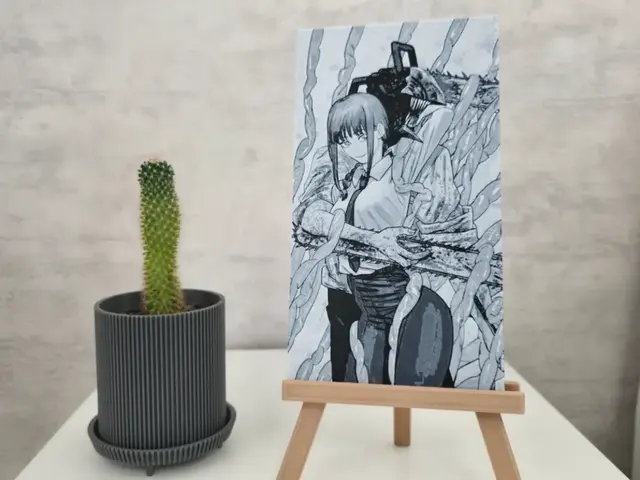
Chainsaw Man Hueforge
by suber
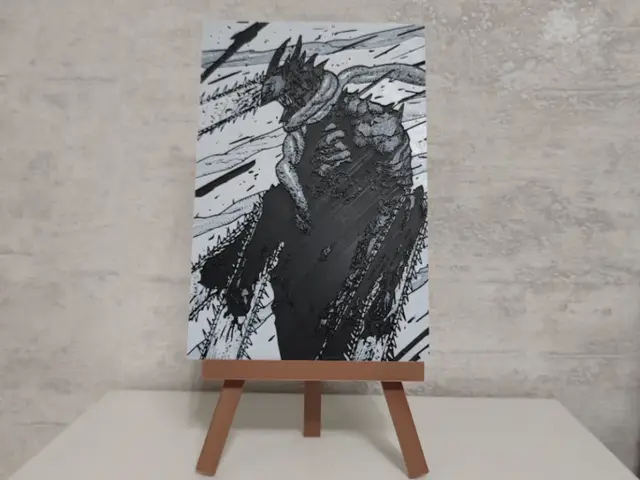
Chainsaw Man Hueforge
by suber
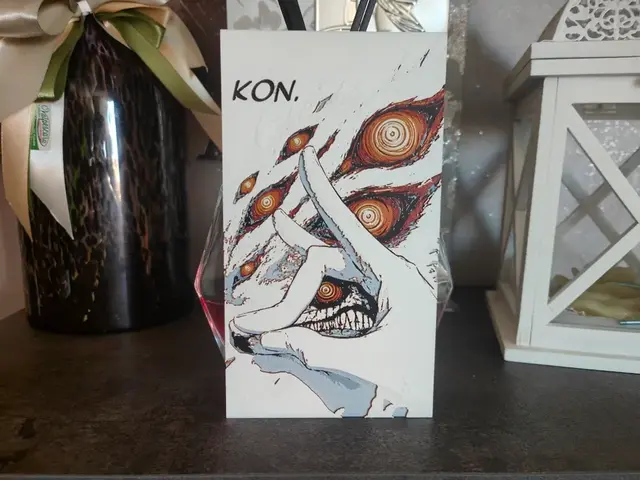
Aki Hayakawa Fox Devil HueForge
by S1M0N389
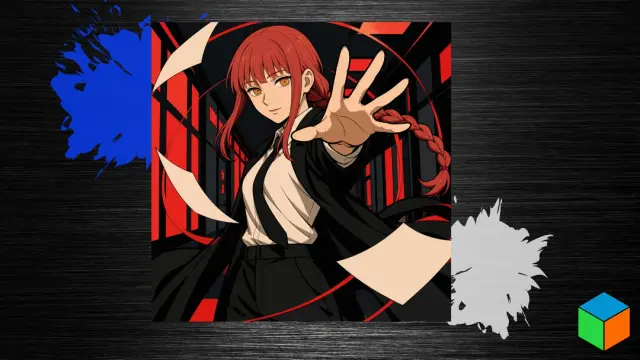
Makima — Red Hair, Ringed Eyes, and Six Filaments
by 3D Prints By Vic
Recent Articles
View all
Best 3D Printed Gifts for Everyone on Your List — Made with HueForge
The best 3D printed gifts for everyone on your list, made with HueForge — custom pet and portrait art, ornaments and gift tags, bookmarks, and fandom prints matched to the recipient, plus how to turn gift requests into income.
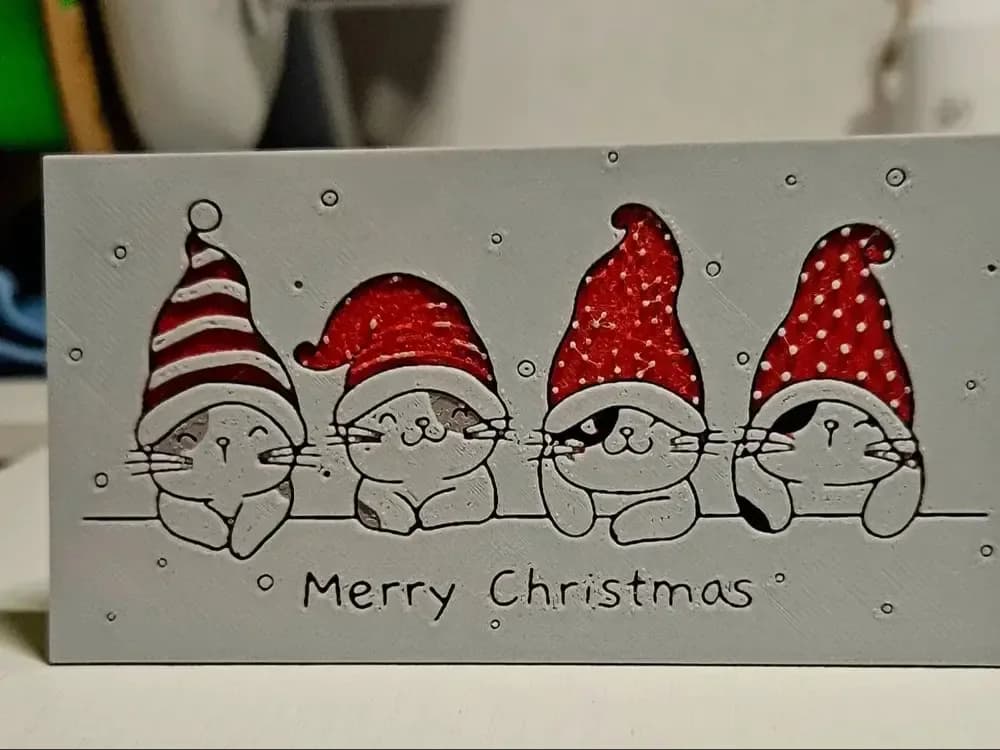
Best Christmas 3D Prints for HueForge: Ornaments, Santa & Holiday Movie Posters
The Christmas 3D prints worth making as HueForge filament paintings — tree ornaments, Santa and snowmen, holiday movie posters, festive fandom crossovers, and gift tags, grouped by theme.
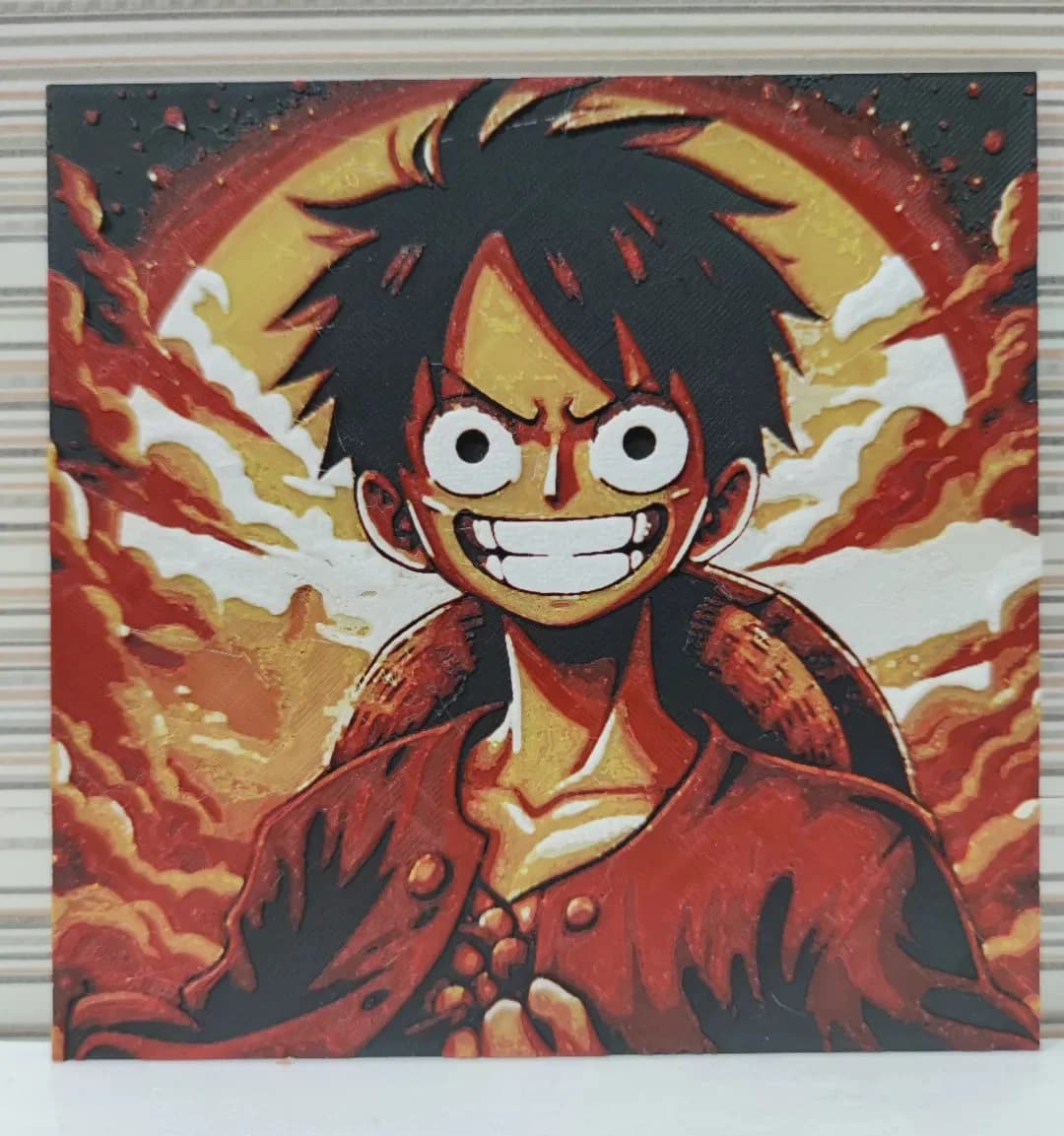
Best Anime 3D Prints for HueForge: From Shōnen Classics to the Modern Wave
The best anime 3D prints to make as HueForge filament paintings — One Piece, Naruto, Dragon Ball, Demon Slayer, Jujutsu Kaisen, Frieren, Gundam, and anime bookmarks, each linked in the HuePick catalog.