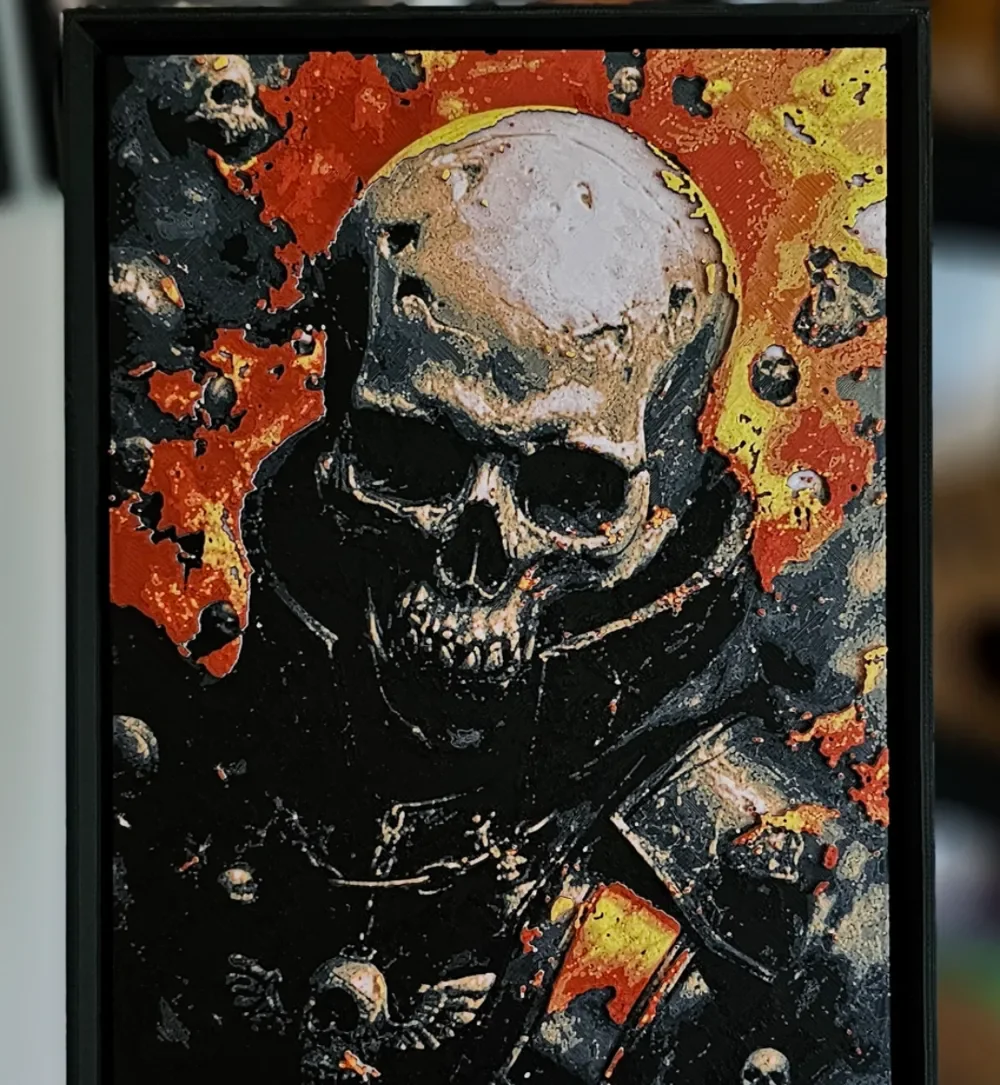
Chaos Marine - Warhammer 40K (HueForge)
by C3D
Emerging from a hellfire of crimson and molten gold, this Chaos Marine from the Warhammer 40K universe radiates the kind of corrupted menace that defines the forces of Chaos. The central skull — rendered in pale bone tones — looms forward from a field of absolute black, ringed by a halo of burning orange and yellow that feels less like light and more like damnation. Smaller skulls scatter across the background like debris from some unholy catastrophe, while fragmented armor pieces catch flashes of red and gold amid the darkness. C3D has captured the grim, baroque horror of the 40K aesthetic with remarkable fidelity. The layered depth here is genuinely impressive — the cranium sits visibly forward from the shadowed torso, and the background chaos elements recede convincingly into the dark field. The texture reads almost like thick impasto brushwork, giving it the character of a heavy metal album cover rendered in physical form. Color transitions between the bone-white skull and the surrounding inferno are gradual and nuanced rather than abrupt, which speaks to careful filament calibration. Mounted on a dark wall, this piece would command attention as a bold centerpiece for any genre art or gaming-themed display.
View on MakerWorldRequired Filaments6
Why filament details may vary
Filament details (brand, color, and TD value) may not exactly match the designer's original specification. In some cases, the designer didn't specify exact filaments and we've matched the closest options we could find. Always check the original listing for full details.
Some filament links are affiliate links — we may earn a small commission at no extra cost to you. Learn more
Sign up to track your filament inventory and check your matches.
Create accountYou Might Also Like
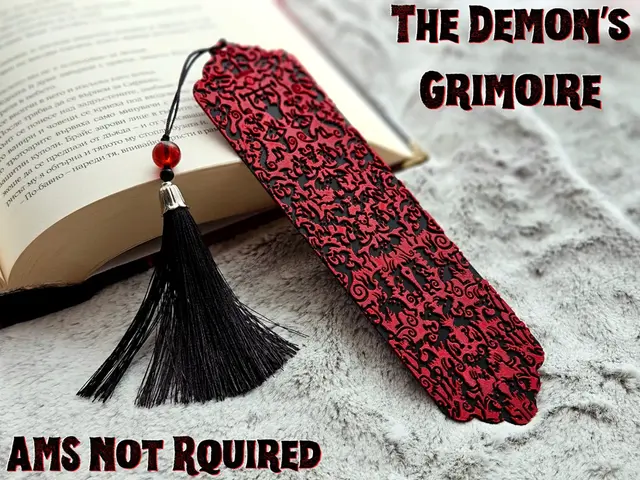
The Demon’s Grimoire - Bookmark
by C3D
![The Great Wave [Framed] [2] - Bookmark](https://dfuaxtlsfzhdzgewrcdu.supabase.co/storage/v1/object/public/model-images/62b9d2f2-70ee-4f0d-8376-86ad2ed5c4fa_f86ea0f3.thumb.webp "The Great Wave [Framed] [2] - Bookmark")
The Great Wave [Framed] [2] - Bookmark
by C3D

Crimson Bloom - Bookmark
by C3D
![Sakura [Framed] [2]](https://dfuaxtlsfzhdzgewrcdu.supabase.co/storage/v1/object/public/model-images/82573cdc-10a7-46cf-be4a-c1d6bfb38888_0ae8c937.thumb.webp "Sakura [Framed] [2]")
Sakura [Framed] [2]
by C3D
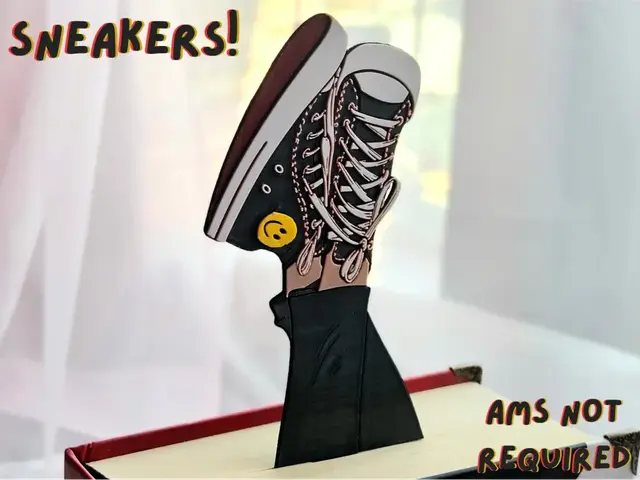
Sneakers! - Bookmark
by C3D
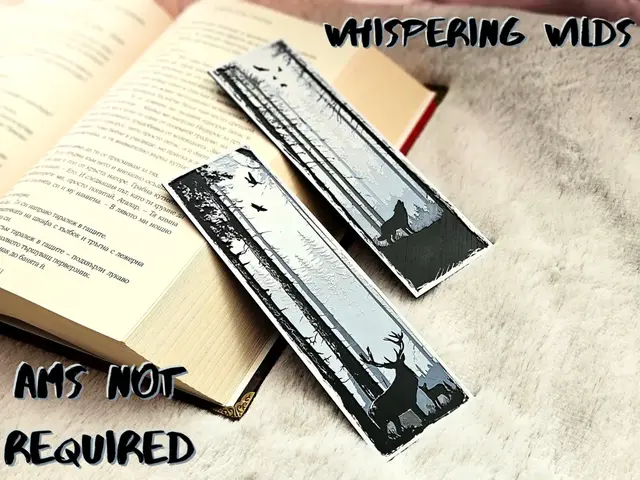
Whispering Wilds - Bookmarks set
by C3D
Recent Articles
View all
Best 3D Printed Gifts for Everyone on Your List — Made with HueForge
The best 3D printed gifts for everyone on your list, made with HueForge — custom pet and portrait art, ornaments and gift tags, bookmarks, and fandom prints matched to the recipient, plus how to turn gift requests into income.

Best Christmas 3D Prints for HueForge: Ornaments, Santa & Holiday Movie Posters
The Christmas 3D prints worth making as HueForge filament paintings — tree ornaments, Santa and snowmen, holiday movie posters, festive fandom crossovers, and gift tags, grouped by theme.
Best Anime 3D Prints for HueForge: From Shōnen Classics to the Modern Wave
The best anime 3D prints to make as HueForge filament paintings — One Piece, Naruto, Dragon Ball, Demon Slayer, Jujutsu Kaisen, Frieren, Gundam, and anime bookmarks, each linked in the HuePick catalog.