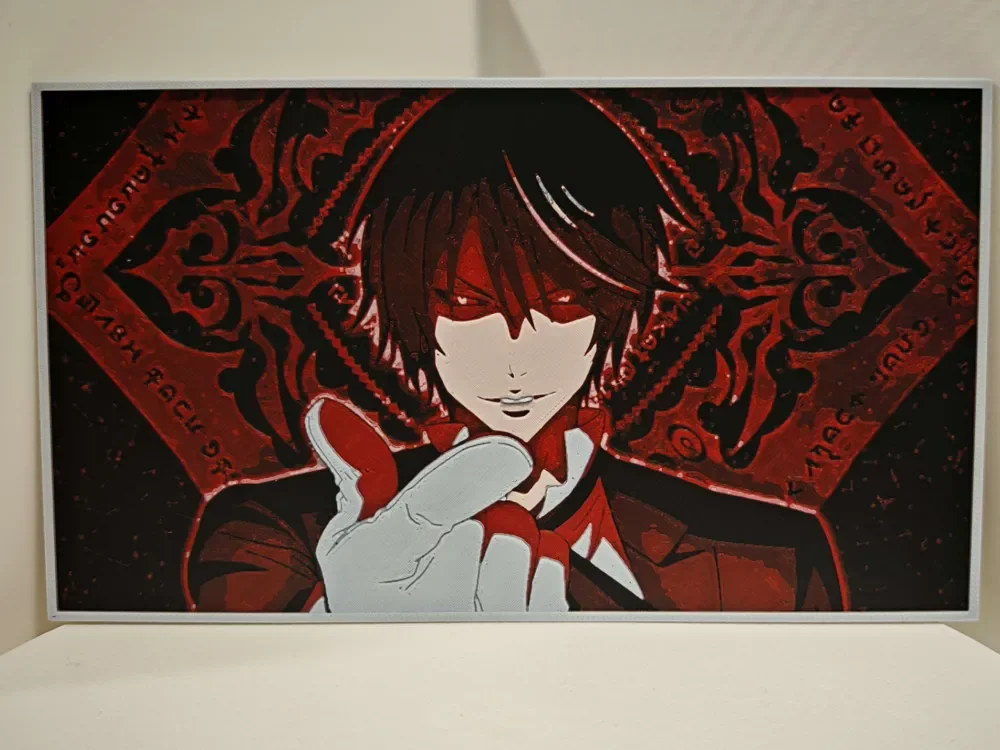
Diablo - That time i got reincarnated as a slime
by bzz999
Diablo's piercing red eyes and unsettling smirk dominate this striking HueForge art piece inspired by the beloved isekai series "That Time I Got Reincarnated as a Slime." The composition captures the Demon Lord in his full menacing glory — dark hair swept dramatically across a pale face, one gloved hand extended toward the viewer in a gesture that feels both commanding and theatrical. The background explodes in deep crimson and black, featuring ornate gothic diamond patterns and what appears to be runic text framing the figure like a dark sigil. The palette is deliberately restrained to blacks, whites, and rich reds, giving the piece an intense, high-contrast energy that perfectly reflects Diablo's theatrical villainy and devotion. The layered filament work creates a remarkable sense of depth, with the background scrollwork receding visibly behind the foreground figure, and subtle sheen catching light differently across the ornamental elements versus the smoother tonal areas of Diablo's face and glove. The transitions between the stark white highlights and deep crimson midtones are remarkably clean, suggesting careful filament calibration. Mounted on a dark wall, this piece would command attention from across a room — a perfect centerpiece for any anime collector's display space.
View on MakerWorldRequired Filaments4
Bambu Lab Basic Black
Bambu Lab Basic Red
Bambu Lab Basic Beige
Bambu Lab Basic Jade White
Why filament details may vary
Filament details (brand, color, and TD value) may not exactly match the designer's original specification. In some cases, the designer didn't specify exact filaments and we've matched the closest options we could find. Always check the original listing for full details.
Some filament links are affiliate links — we may earn a small commission at no extra cost to you. Learn more
Sign up to track your filament inventory and check your matches.
Create accountYou Might Also Like
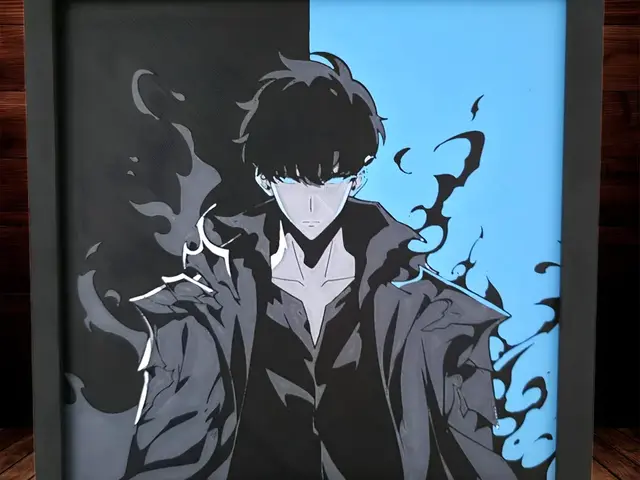
Sung Jin Woo - Solo Leveling - 4 Colours!
by Side Quest Hues
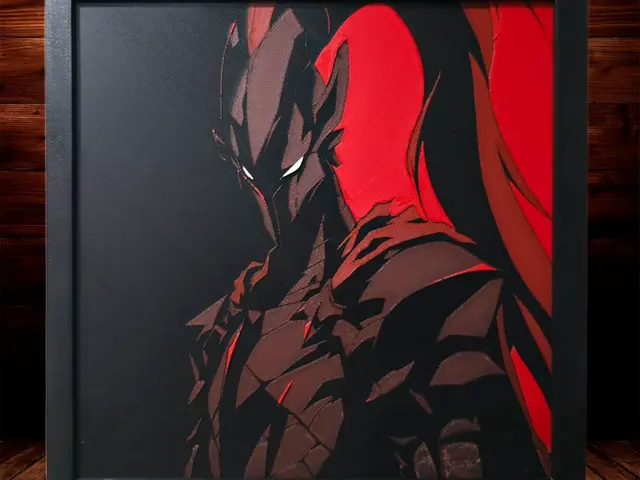
Commander Igris - Solo Leveling 4 Colours!
by Side Quest Hues
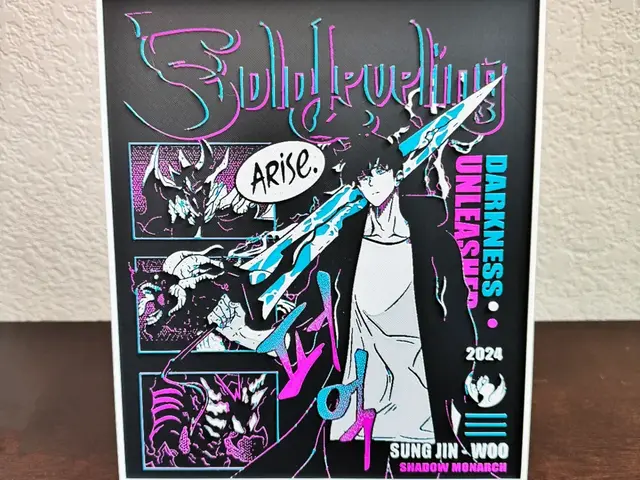
Solo Leveling - Sung Jinwoo Hueforge Art
by Artful Creator
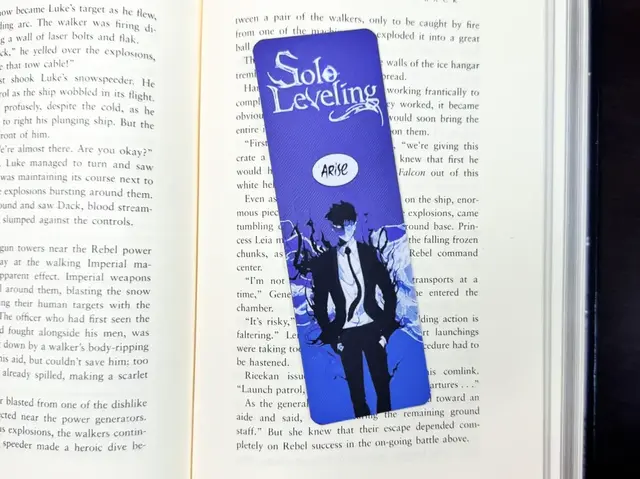
Solo Leveling Arise Bookmark
by Artful Creator
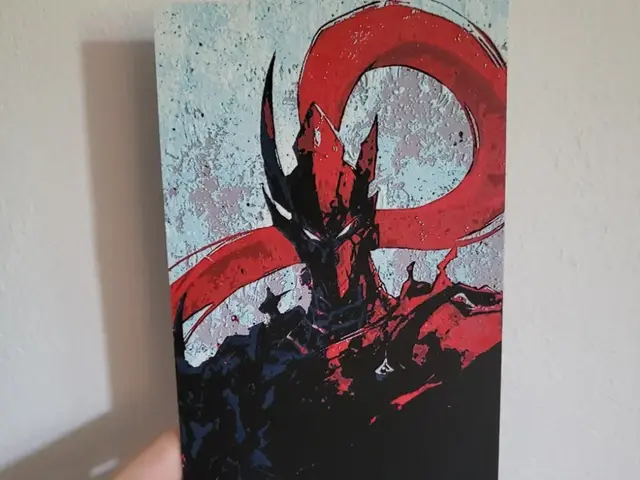
Igris – Hueforge
by Opao
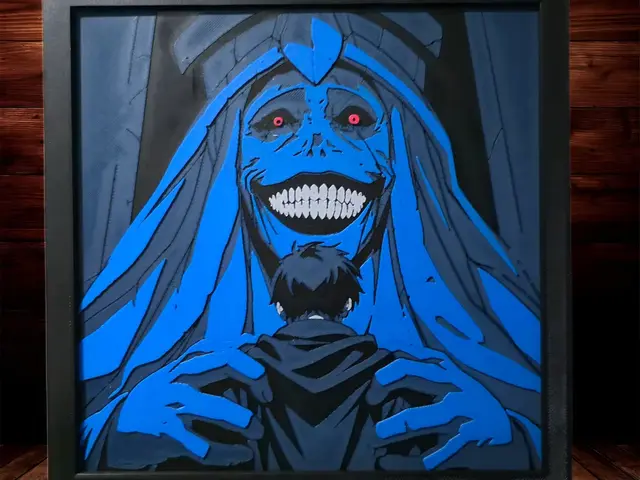
While Sung Jin Woo Slept - Solo Leveling
by Side Quest Hues
Recent Articles
View all
Best 3D Printed Gifts for Everyone on Your List — Made with HueForge
The best 3D printed gifts for everyone on your list, made with HueForge — custom pet and portrait art, ornaments and gift tags, bookmarks, and fandom prints matched to the recipient, plus how to turn gift requests into income.
Best Christmas 3D Prints for HueForge: Ornaments, Santa & Holiday Movie Posters
The Christmas 3D prints worth making as HueForge filament paintings — tree ornaments, Santa and snowmen, holiday movie posters, festive fandom crossovers, and gift tags, grouped by theme.
Best Anime 3D Prints for HueForge: From Shōnen Classics to the Modern Wave
The best anime 3D prints to make as HueForge filament paintings — One Piece, Naruto, Dragon Ball, Demon Slayer, Jujutsu Kaisen, Frieren, Gundam, and anime bookmarks, each linked in the HuePick catalog.