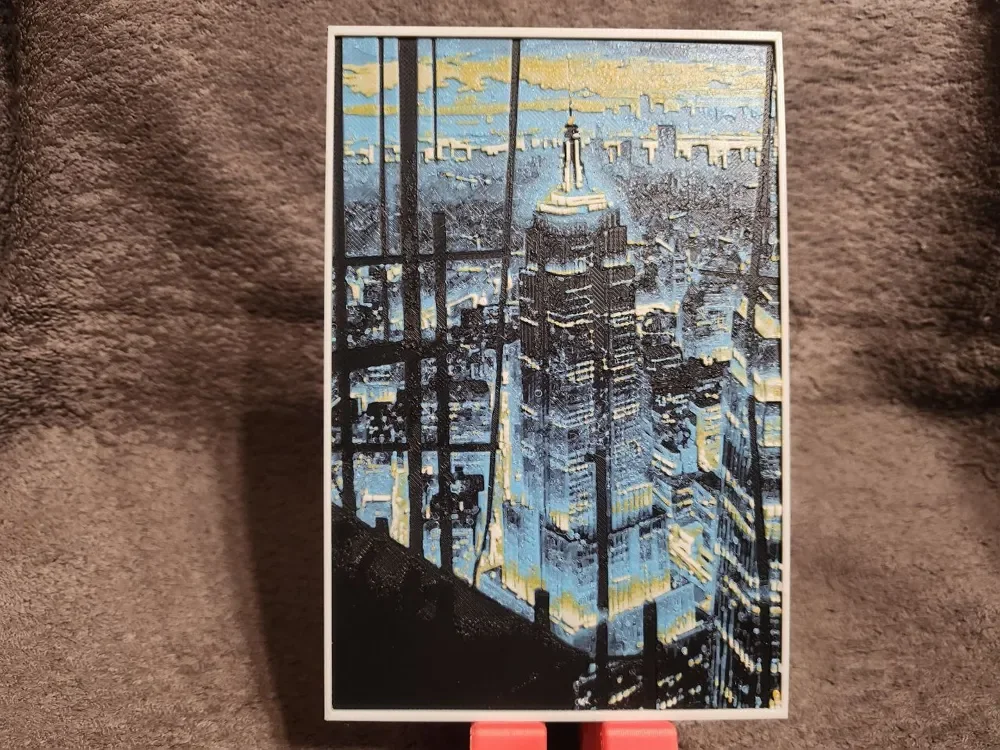
Empire State Building - HueForge
by keko
Manhattan's iconic Art Deco spire pierces through a dreamy urban haze in this atmospheric cityscape. The Empire State Building stands majestically at the composition's heart, rendered in cool blues and warm golden yellows that capture the interplay of natural light and city glow. Silhouetted skyscrapers frame the scene, while soft, impressionistic brushstrokes blur the boundaries between architecture and sky, creating a romantic vision of New York's eternal skyline.
View on MakerWorldRequired Filaments4
Why filament details may vary
Filament details (brand, color, and TD value) may not exactly match the designer's original specification. In some cases, the designer didn't specify exact filaments and we've matched the closest options we could find. Always check the original listing for full details.
Some filament links are affiliate links — we may earn a small commission at no extra cost to you. Learn more
Sign up to track your filament inventory and check your matches.
Create accountYou Might Also Like
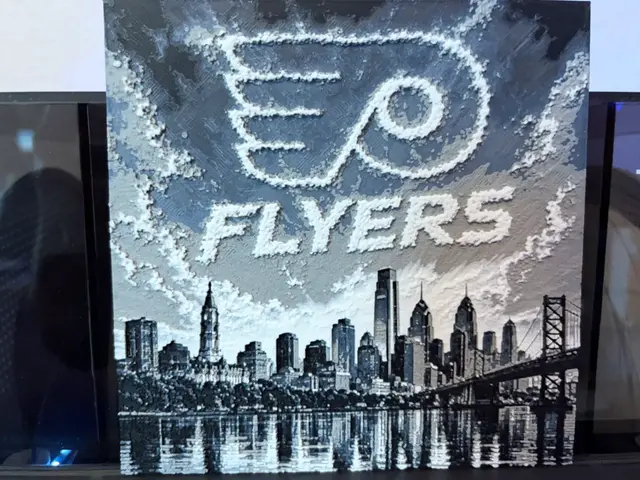
Philadelphia Flyers Skyline NHL Fanart Hueforge
by Reeftank&more
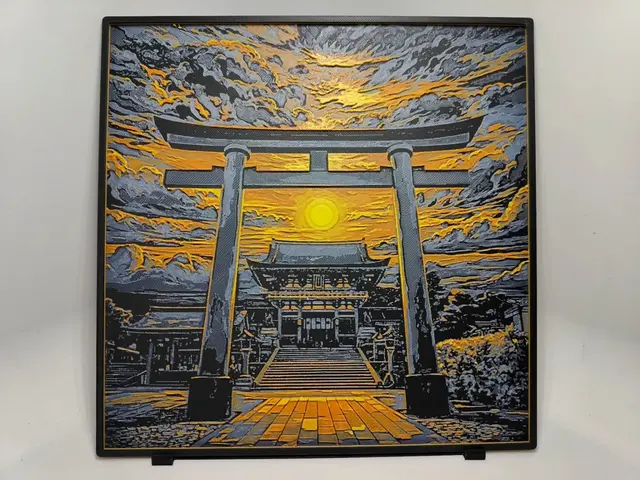
Fushimi Inari Shrine Sunset - Hueforge
by BeaN
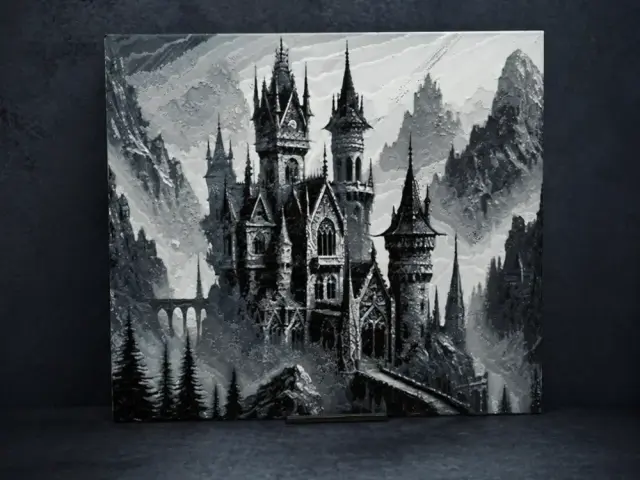
Сastle in the mountains
by Aleksandr
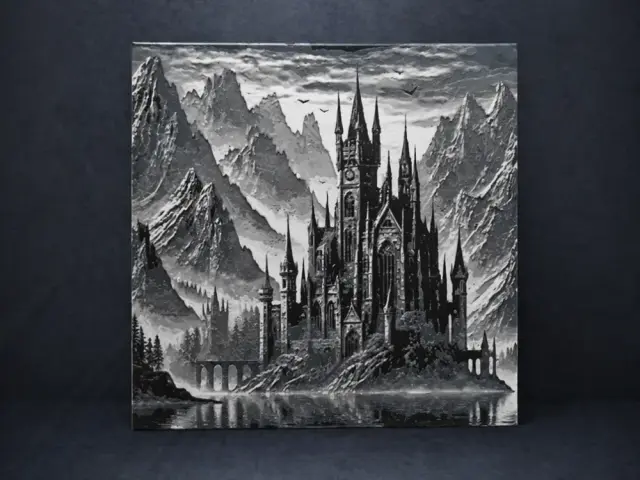
Castle on the lake
by Aleksandr
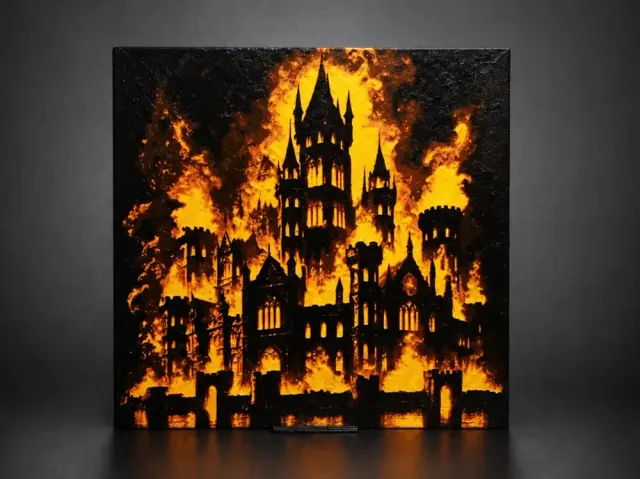
Inferno Citadel - The Fall of Majesty
by Aleksandr
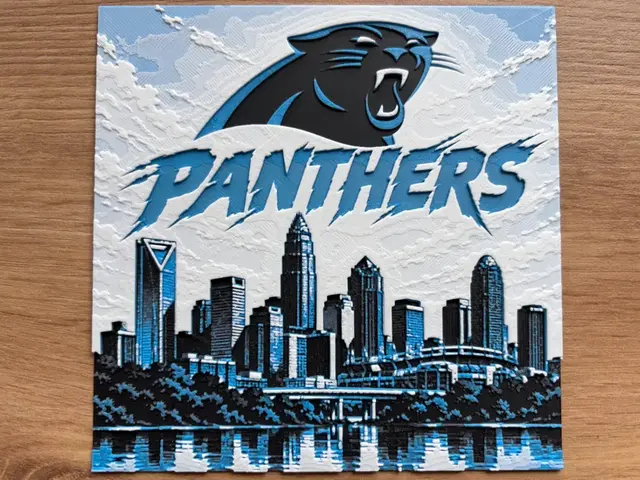
Carolina Panthers Skyline NFL Fanart Hueforge
by Reeftank&more
Recent Articles
View all
Best Christmas 3D Prints for HueForge: Ornaments, Santa & Holiday Movie Posters
The Christmas 3D prints worth making as HueForge filament paintings — tree ornaments, Santa and snowmen, holiday movie posters, festive fandom crossovers, and gift tags, grouped by theme.
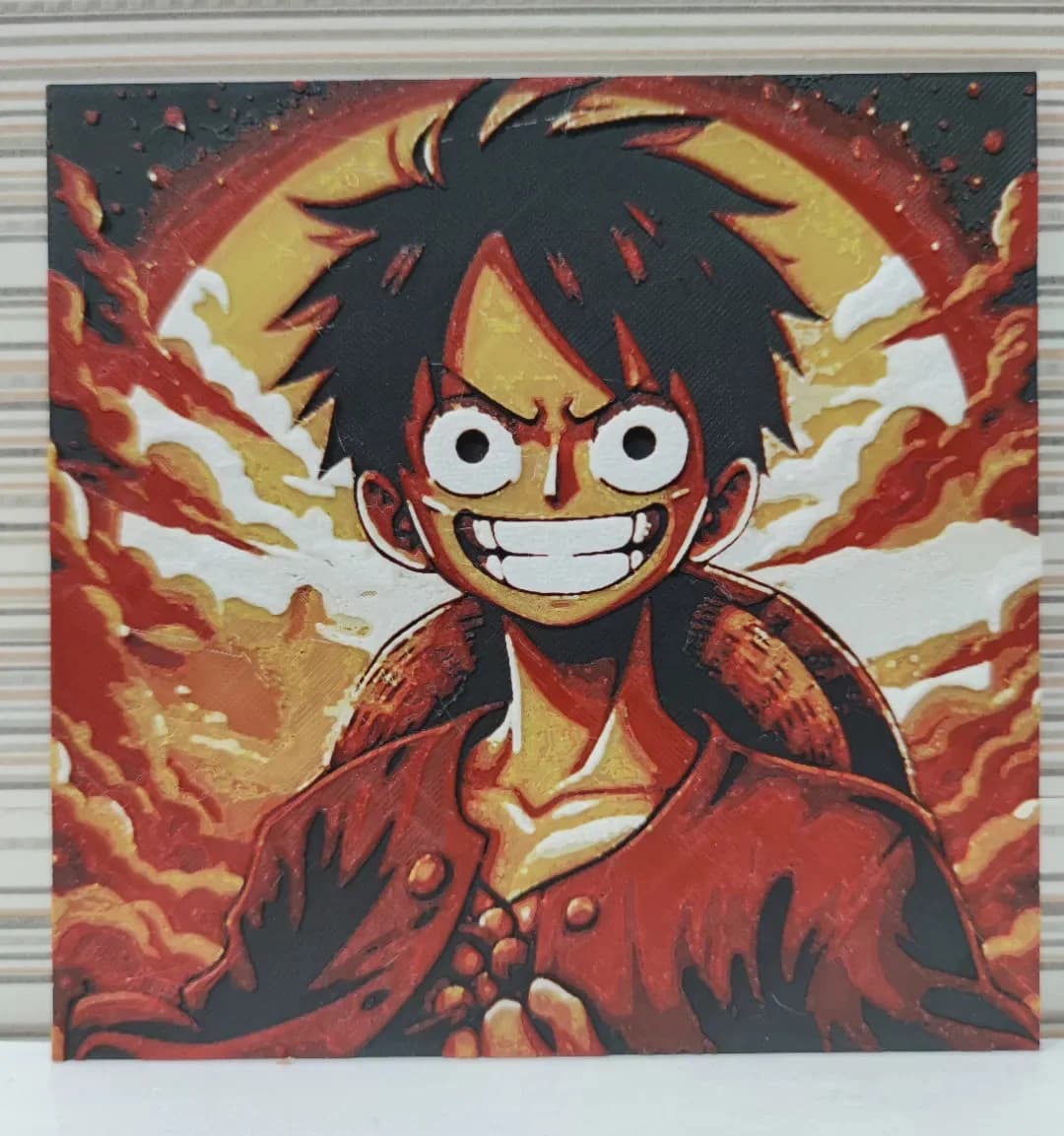
Best Anime 3D Prints for HueForge: From Shōnen Classics to the Modern Wave
The best anime 3D prints to make as HueForge filament paintings — One Piece, Naruto, Dragon Ball, Demon Slayer, Jujutsu Kaisen, Frieren, Gundam, and anime bookmarks, each linked in the HuePick catalog.
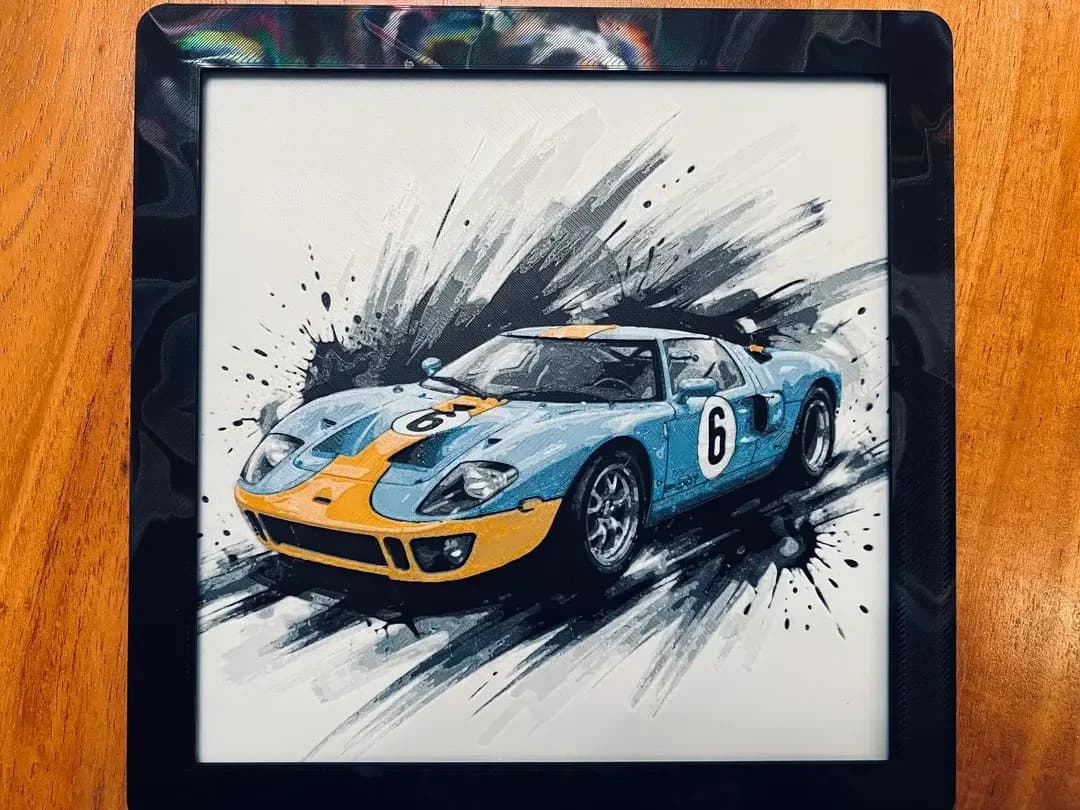
Best Car 3D Prints for HueForge: From Japanese Icons to Movie Cars
The best car 3D prints to make as HueForge filament paintings — JDM legends, supercars, American muscle, F1 and rally posters, and movie icons like the DeLorean, each linked in the HuePick catalog.