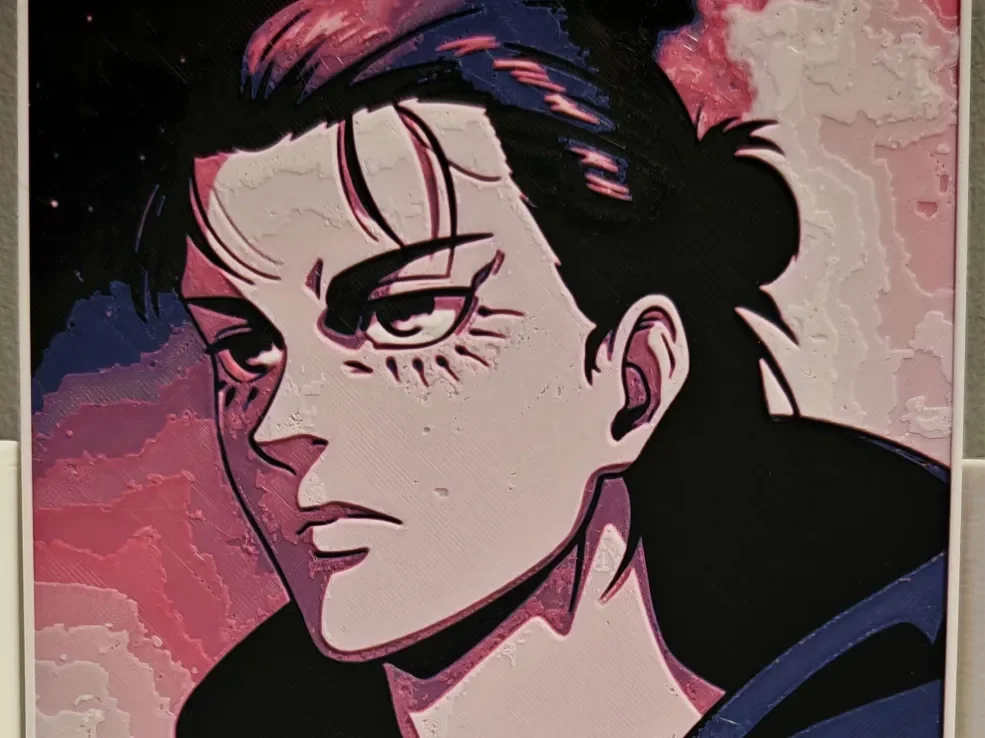
Eren Yeager - Attack on Titan
by bzz999
Intense determination radiates from Eren Yeager's battle-worn features in this striking anime portrait. Designer bzz999 captures the protagonist's fierce resolve through dramatic shadows and angular linework, while soft pink and coral tones contrast against deep navy accents. The composition emphasizes his piercing gaze and distinctive facial markings, creating a powerful tribute to Attack on Titan's complex hero.
View on MakerWorldRequired Filaments4
Bambu Lab Basic Black
Bambu Lab Basic Purple
Bambu Lab Basic Pink
Bambu Lab Basic Jade White
Why filament details may vary
Filament details (brand, color, and TD value) may not exactly match the designer's original specification. In some cases, the designer didn't specify exact filaments and we've matched the closest options we could find. Always check the original listing for full details.
Some filament links are affiliate links — we may earn a small commission at no extra cost to you. Learn more
Sign up to track your filament inventory and check your matches.
Create accountYou Might Also Like
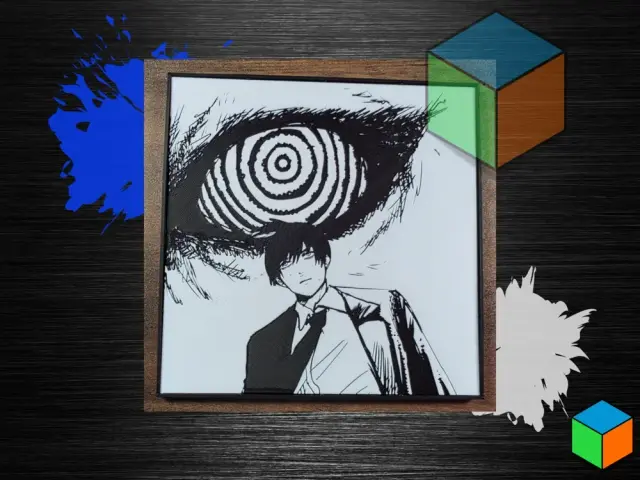
Chainsaw Man Manga Poster | HueForge Wall Art
by 3D Prints By Vic
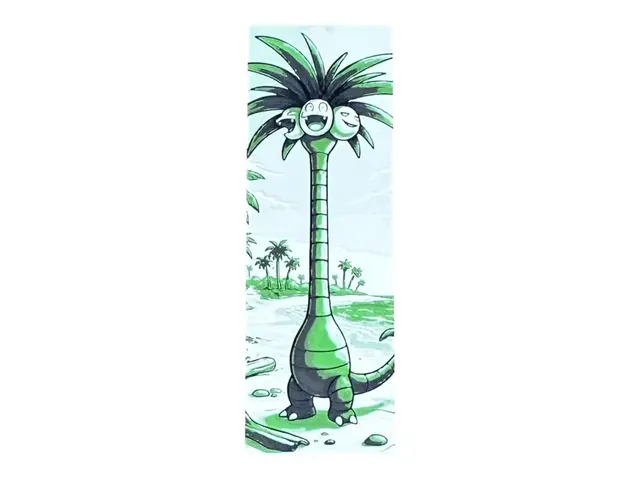
Alolan Exeggutor Bookmark – Pokémon collection
by The SkyLab 3D
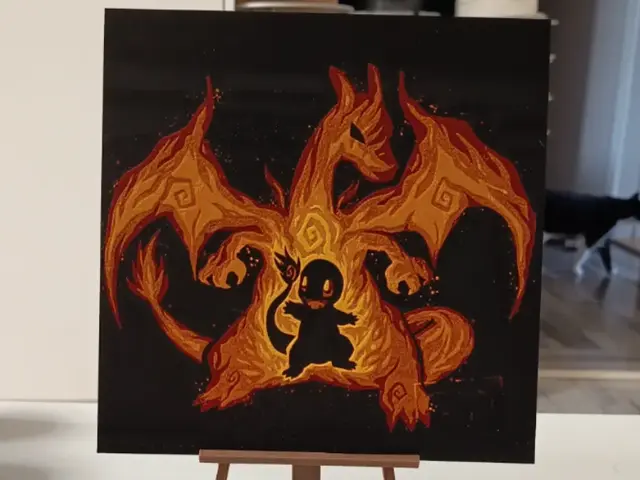
Charizard Pokemon Hueforge
by 3DNesy
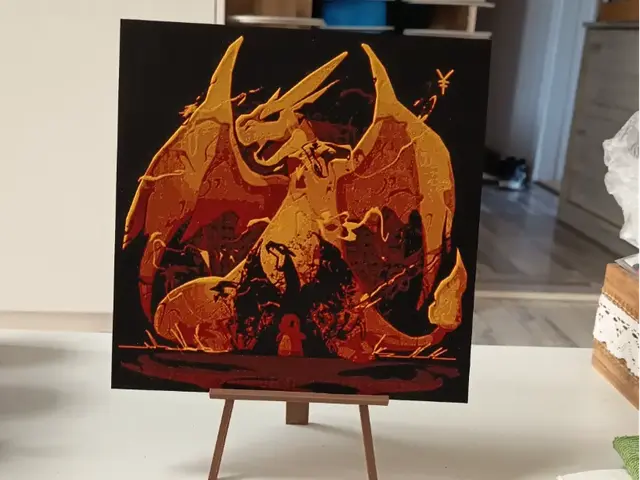
Charizard Pokemon Hueforge
by 3DNesy
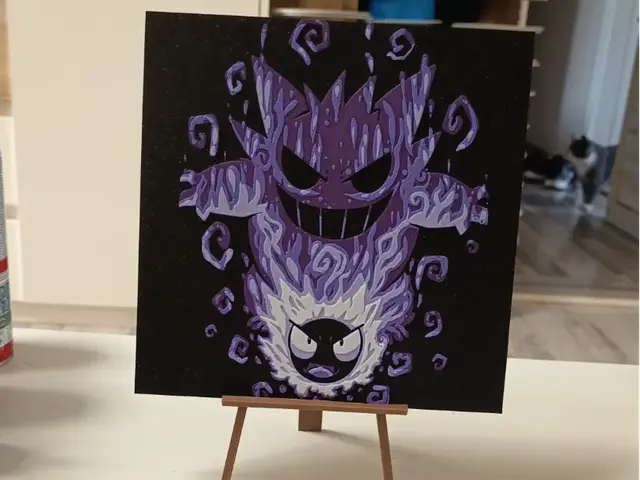
Pokemon Gengar Hueforge
by 3DNesy
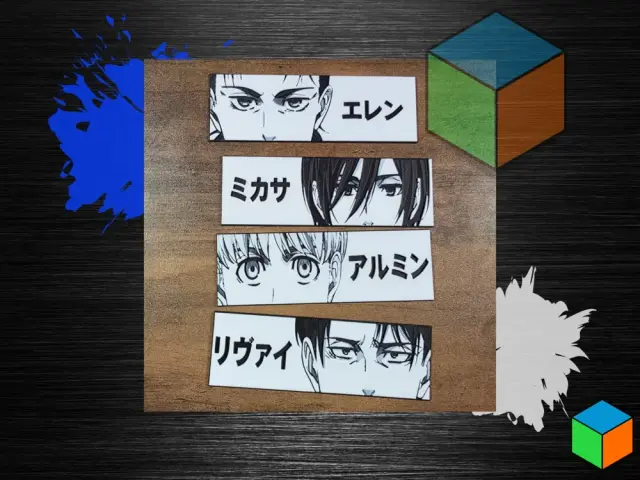
Attack on Titan Bookmarks | Eren Mikasa Armin Levi
by 3D Prints By Vic
Recent Articles
View all
Best 3D Printed Gifts for Everyone on Your List — Made with HueForge
The best 3D printed gifts for everyone on your list, made with HueForge — custom pet and portrait art, ornaments and gift tags, bookmarks, and fandom prints matched to the recipient, plus how to turn gift requests into income.
Best Christmas 3D Prints for HueForge: Ornaments, Santa & Holiday Movie Posters
The Christmas 3D prints worth making as HueForge filament paintings — tree ornaments, Santa and snowmen, holiday movie posters, festive fandom crossovers, and gift tags, grouped by theme.
Best Anime 3D Prints for HueForge: From Shōnen Classics to the Modern Wave
The best anime 3D prints to make as HueForge filament paintings — One Piece, Naruto, Dragon Ball, Demon Slayer, Jujutsu Kaisen, Frieren, Gundam, and anime bookmarks, each linked in the HuePick catalog.