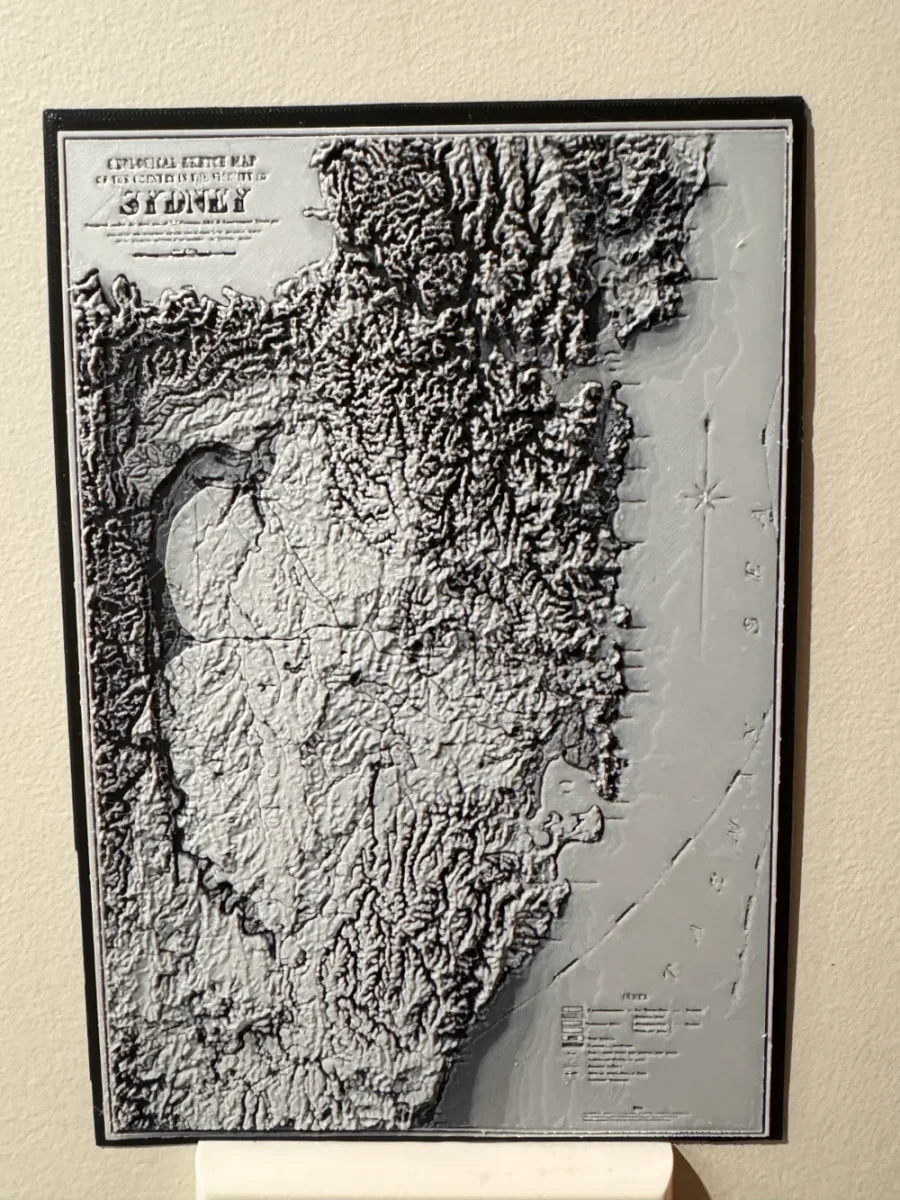
Geological Map of Sydney, Australia - Hueforge Print
by cyanidesugar
Dramatic topographical relief brings Sydney's geological landscape to life in striking monochromatic detail. This three-dimensional interpretation transforms scientific cartography into captivating wall art, with raised mountain ridges and carved valleys creating natural shadows and depth. The coastal geography emerges through careful layering, while the harbor's distinctive shape anchors the composition. Rendered in classic map tones of whites and grays, cyanidesugar's design celebrates both geological artistry and Australia's iconic harbor city.
View on MakerWorldRequired Filaments5
Why filament details may vary
Filament details (brand, color, and TD value) may not exactly match the designer's original specification. In some cases, the designer didn't specify exact filaments and we've matched the closest options we could find. Always check the original listing for full details.
Some filament links are affiliate links — we may earn a small commission at no extra cost to you. Learn more
Sign up to track your filament inventory and check your matches.
Create accountYou Might Also Like
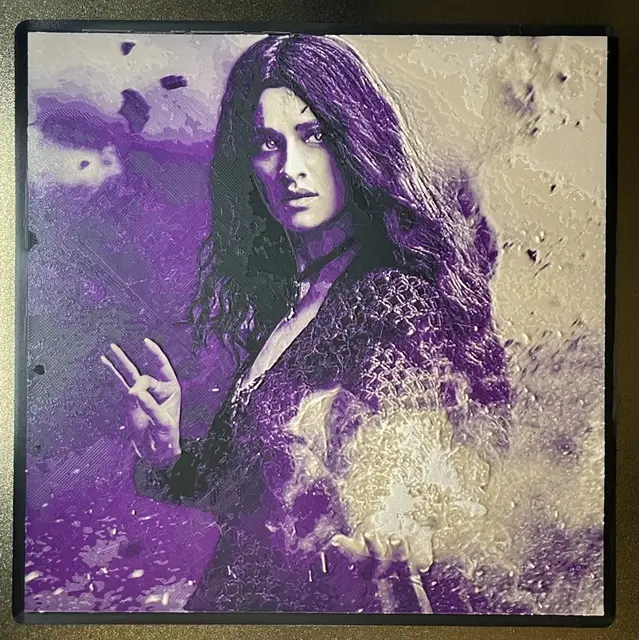
Yennefer in Purple - Hueforge Print
by cyanidesugar
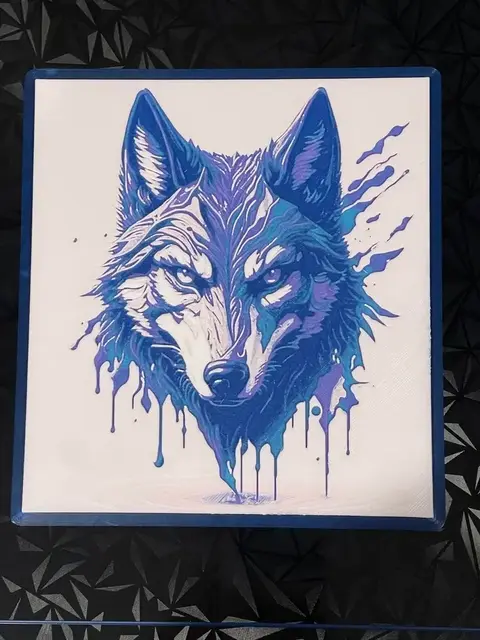
Wolf in Drip Style - Hueforge Print
by cyanidesugar
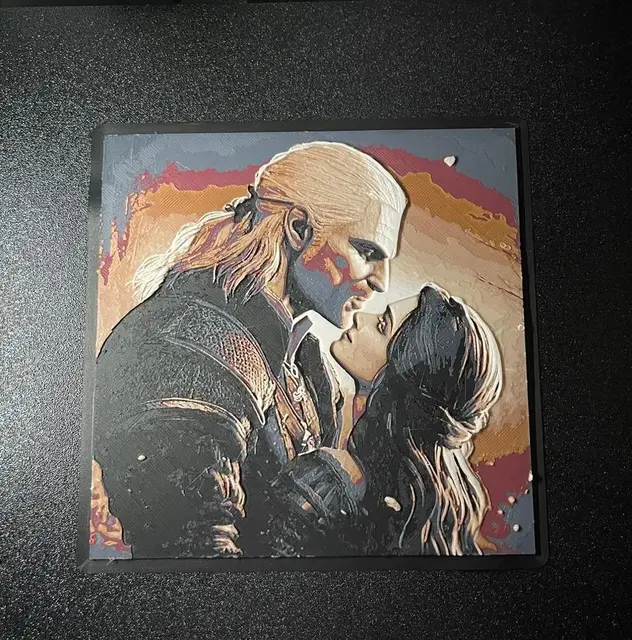
Geralt and Yennefer (The Witcher) - Hueforge Print
by cyanidesugar
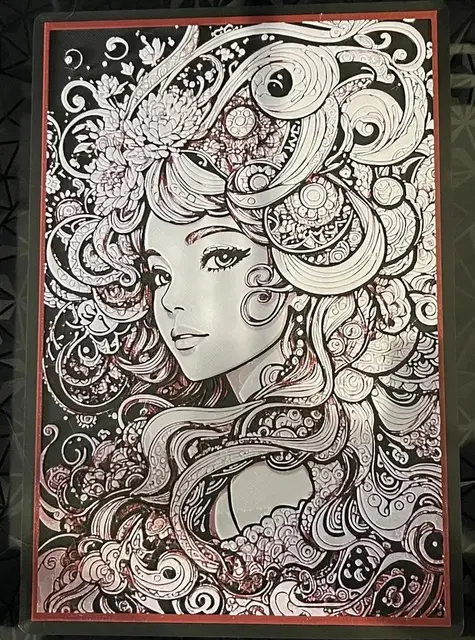
Line Art Girl - Hueforge Print
by cyanidesugar
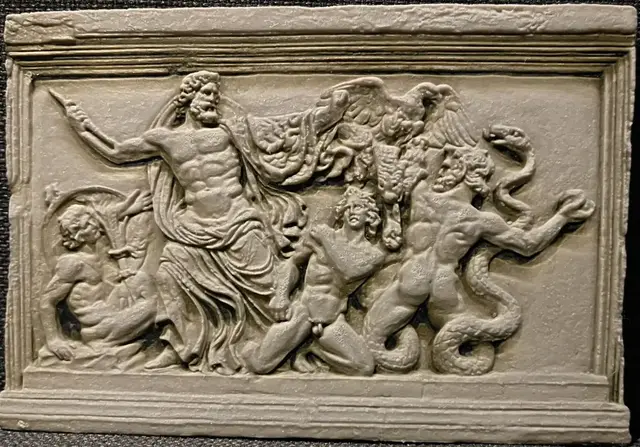
Zeus and the Giants (Stone Carving) - Hueforge Print
by cyanidesugar

Erling Haaland - Hueforge Print
by cyanidesugar
Recent Articles
View all
Best 3D Printed Gifts for Everyone on Your List — Made with HueForge
The best 3D printed gifts for everyone on your list, made with HueForge — custom pet and portrait art, ornaments and gift tags, bookmarks, and fandom prints matched to the recipient, plus how to turn gift requests into income.
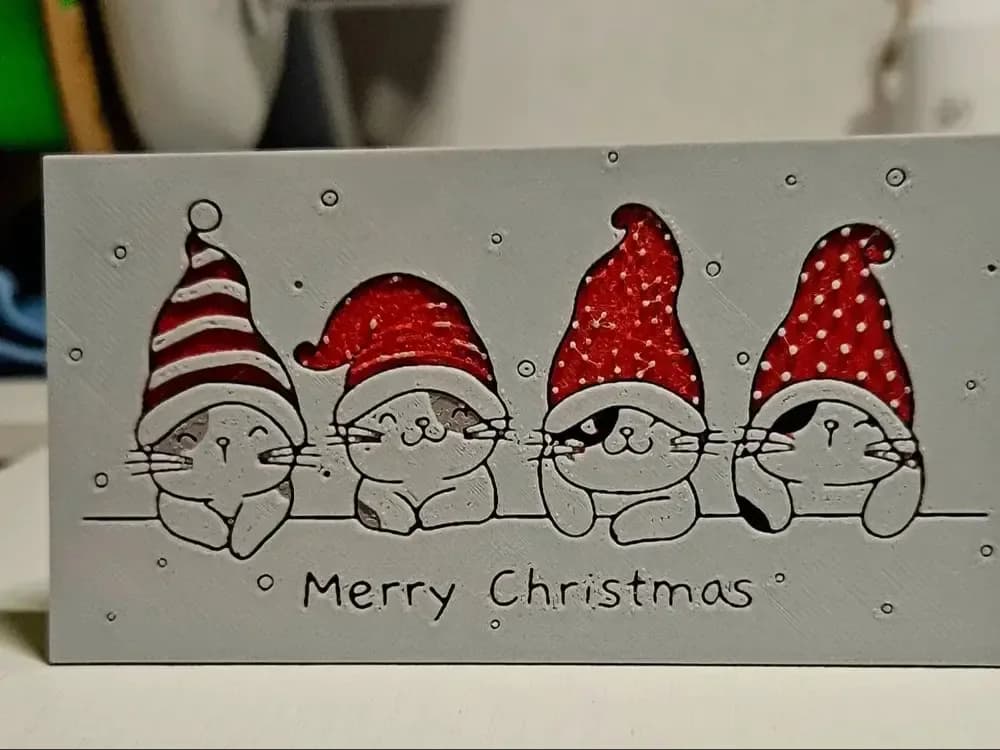
Best Christmas 3D Prints for HueForge: Ornaments, Santa & Holiday Movie Posters
The Christmas 3D prints worth making as HueForge filament paintings — tree ornaments, Santa and snowmen, holiday movie posters, festive fandom crossovers, and gift tags, grouped by theme.
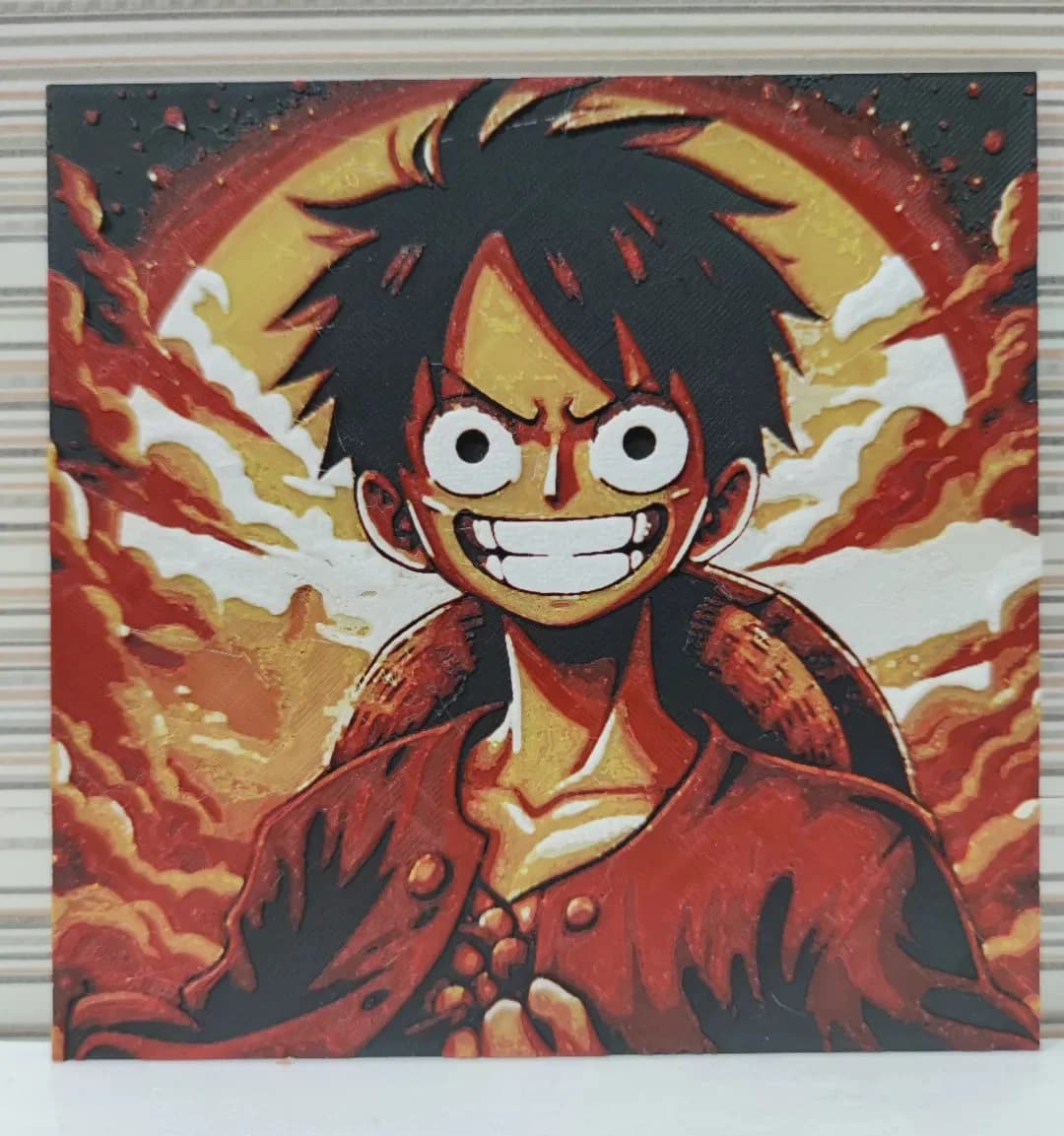
Best Anime 3D Prints for HueForge: From Shōnen Classics to the Modern Wave
The best anime 3D prints to make as HueForge filament paintings — One Piece, Naruto, Dragon Ball, Demon Slayer, Jujutsu Kaisen, Frieren, Gundam, and anime bookmarks, each linked in the HuePick catalog.