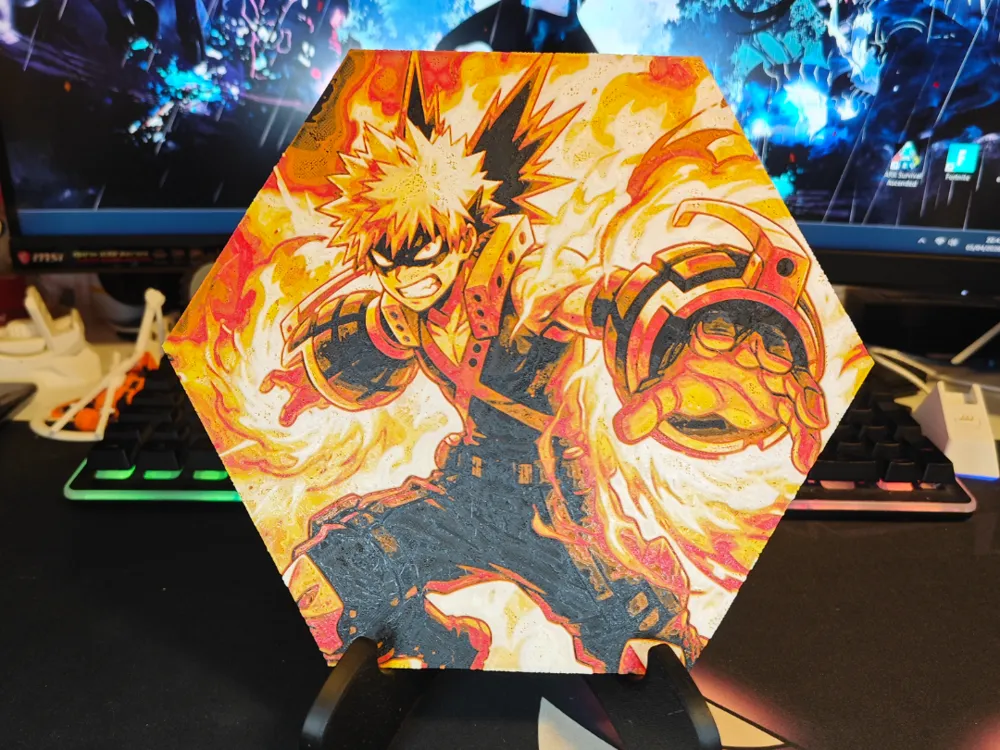
Hueforge Bakugō (My Hero Academia) honeycomb style
by JGz3DMaker
Explosive energy radiates from Bakugō's fierce form, captured in brilliant oranges and yellows that seem to burst from the hexagonal frame. The volatile hero's signature gauntlets gleam against deep charcoal shadows, while flames and smoke swirl dramatically around his spiky silhouette. Warm amber tones blend seamlessly with fiery reds, creating dynamic depth that brings My Hero Academia's most combustible character to vivid three-dimensional life.
View on MakerWorldRequired Filaments5
Why filament details may vary
Filament details (brand, color, and TD value) may not exactly match the designer's original specification. In some cases, the designer didn't specify exact filaments and we've matched the closest options we could find. Always check the original listing for full details.
Some filament links are affiliate links — we may earn a small commission at no extra cost to you. Learn more
Sign up to track your filament inventory and check your matches.
Create accountYou Might Also Like
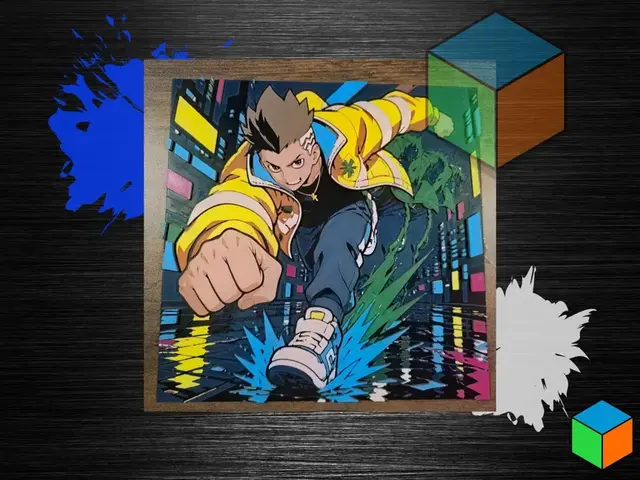
David Martinez - Cyberpunk Edgerunners Hueforge
by 3D Prints By Vic
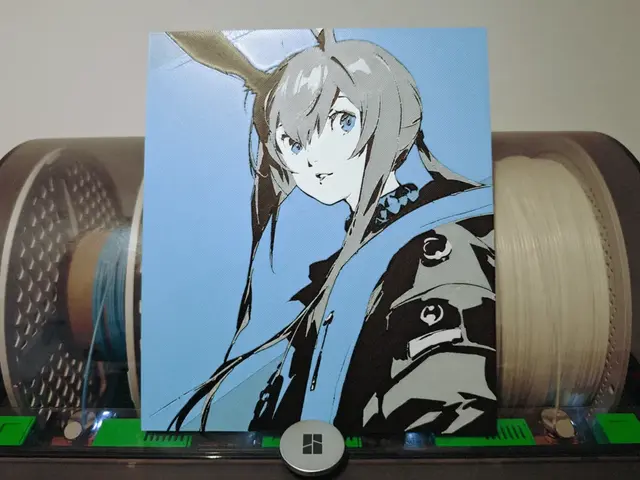
Amiya Hueforge - Arknights
by Razel
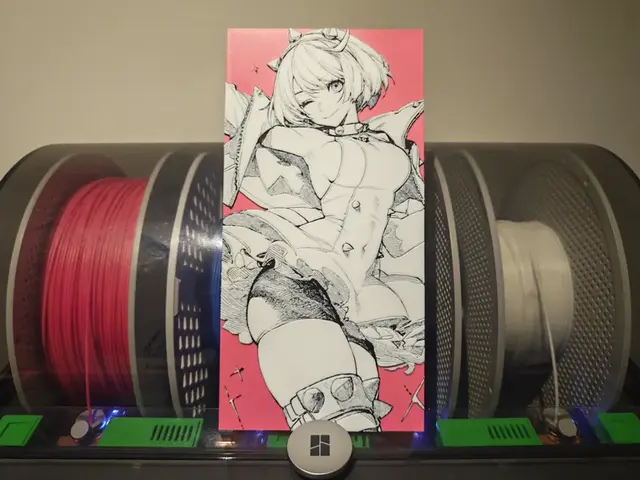
Elphelt Hueforge - Guilty Gear
by Razel
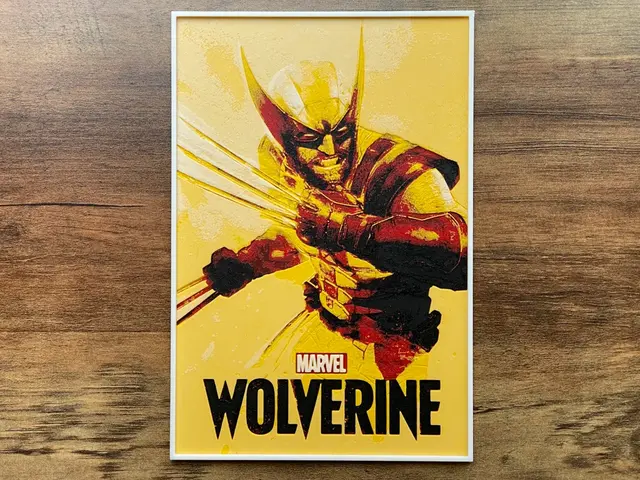
Wolverine (2026) Hueforge Video Game Poster
by NiiON
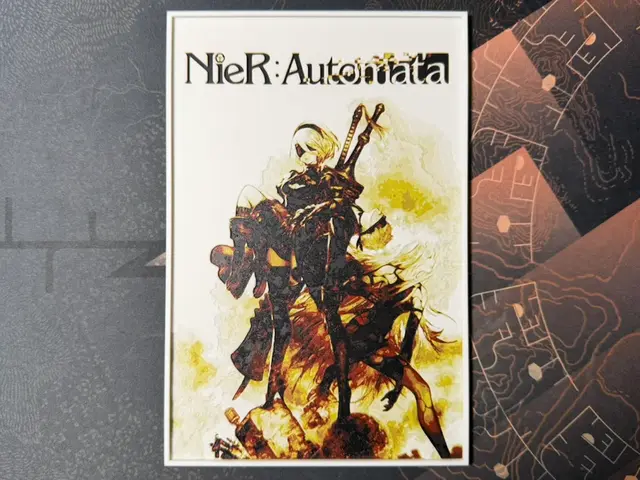
Nier Automata - HueForge
by ZorPrime7
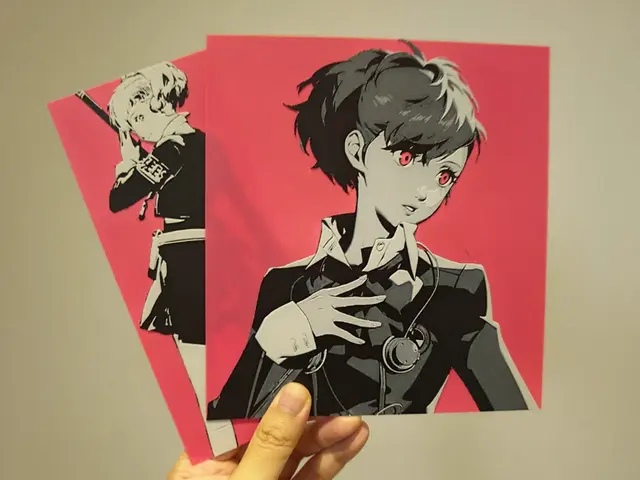
Kotone Shiomi (Female MC) - Persona 3
by Razel
Recent Articles
View all
Best Anime 3D Prints for HueForge: From Shōnen Classics to the Modern Wave
The best anime 3D prints to make as HueForge filament paintings — One Piece, Naruto, Dragon Ball, Demon Slayer, Jujutsu Kaisen, Frieren, Gundam, and anime bookmarks, each linked in the HuePick catalog.
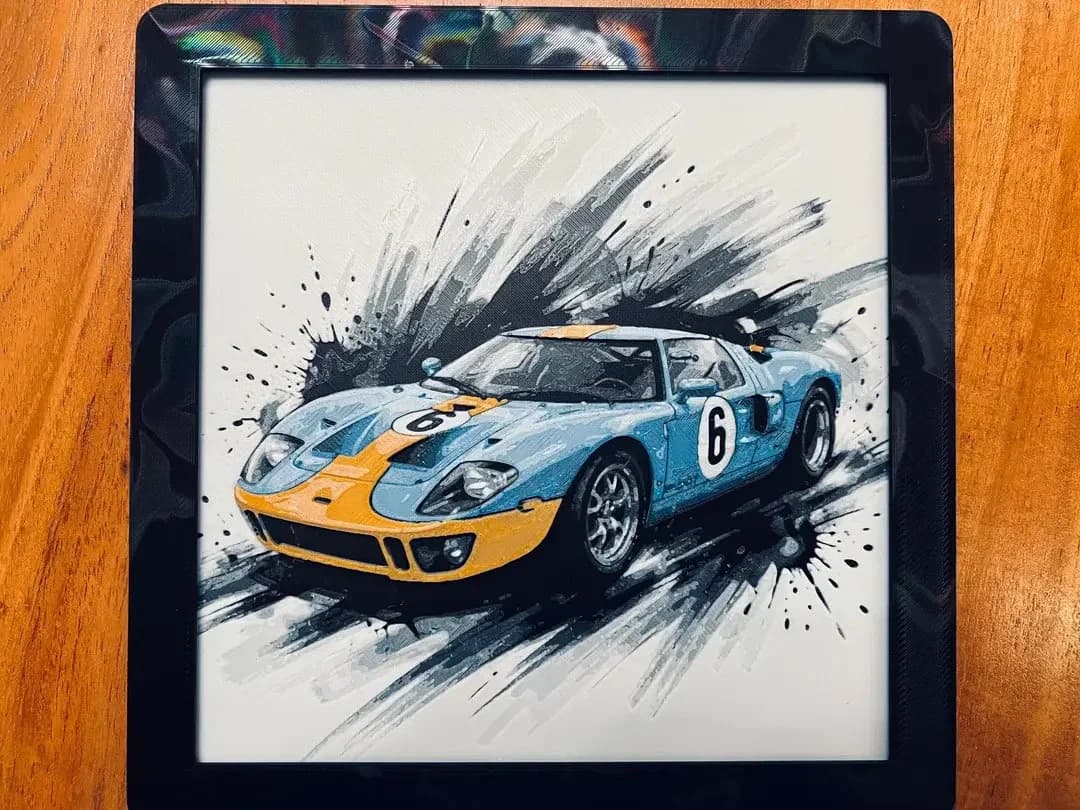
Best Car 3D Prints for HueForge: From Japanese Icons to Movie Cars
The best car 3D prints to make as HueForge filament paintings — JDM legends, supercars, American muscle, F1 and rally posters, and movie icons like the DeLorean, each linked in the HuePick catalog.
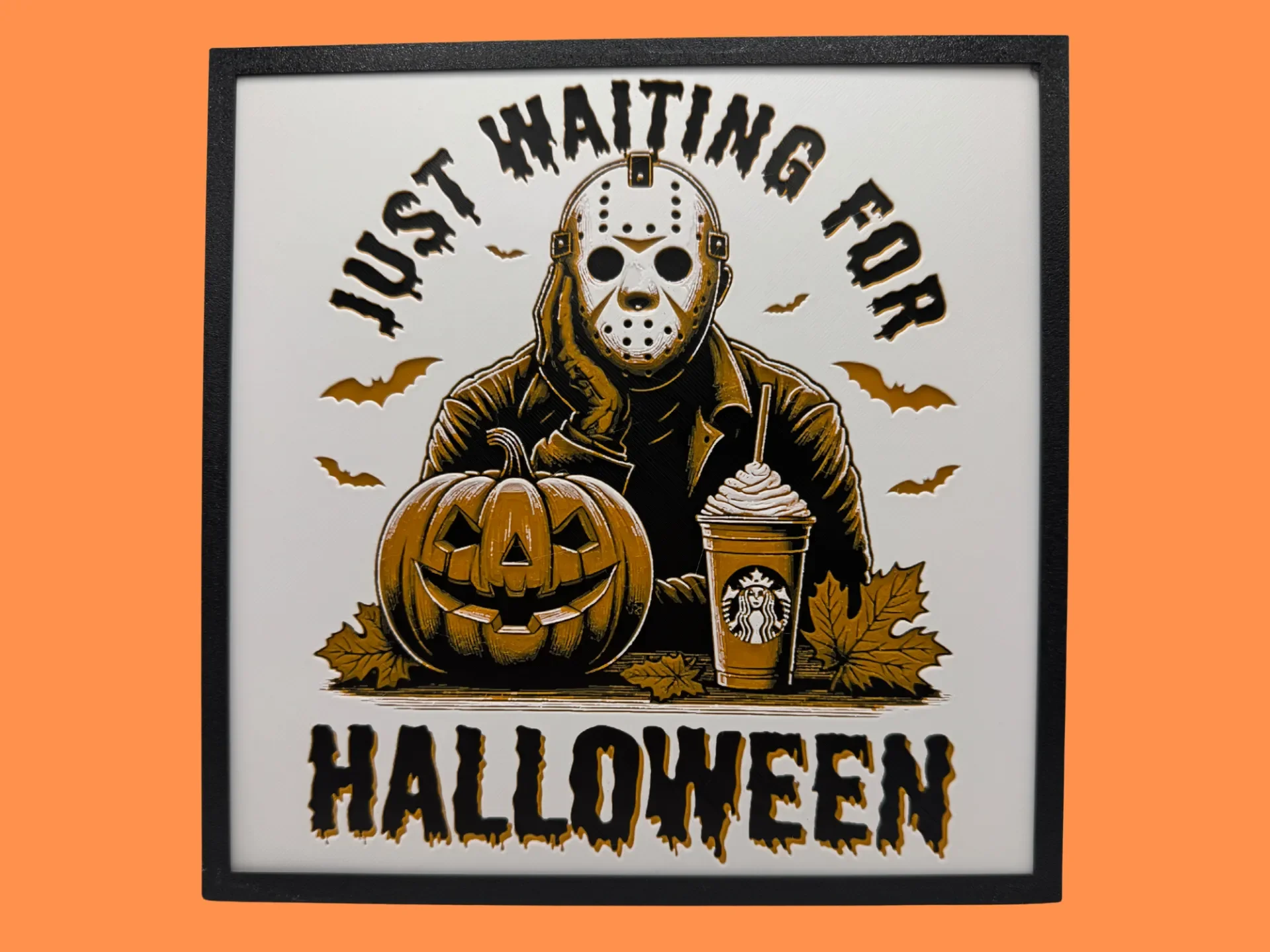
Best Halloween & Horror 3D Prints for HueForge: Slashers, Skulls & Spooky Wall Art
The Halloween 3D prints worth making as HueForge filament paintings — horror movie posters, Ghostface and Pennywise, skulls, pumpkins, spooky Pokemon, and bookmarks, grouped by theme.