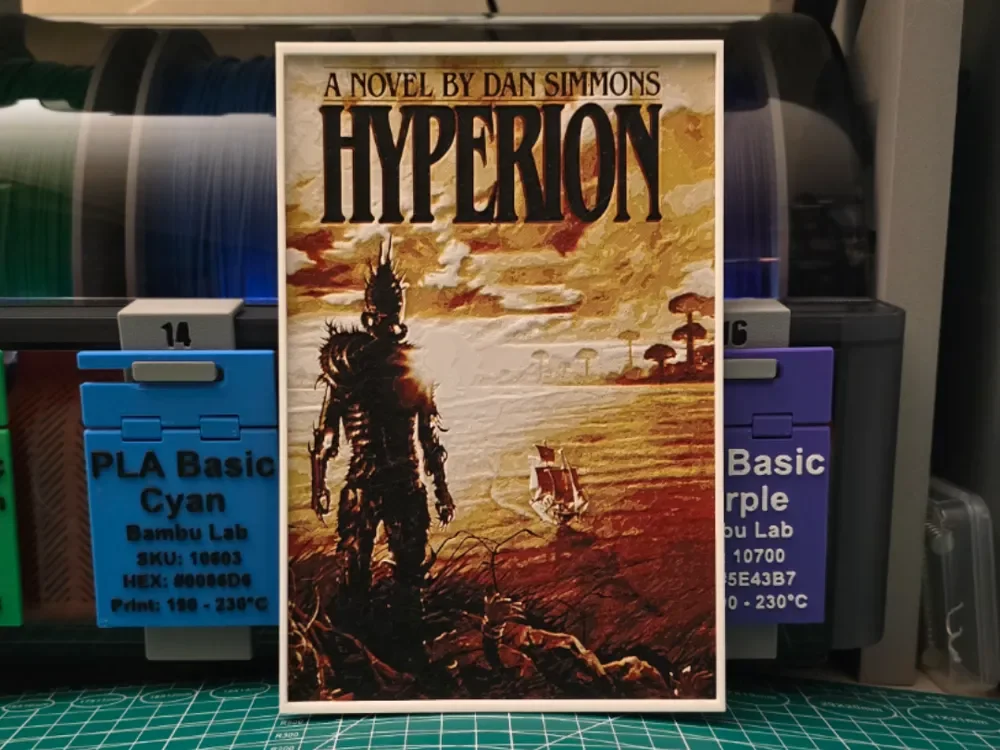
Hyperion by Dan Simmons - Hueforge Art
by Lumpy3D
A lone figure in imposing, spike-adorned armor stands silhouetted against an alien landscape, embodying the haunting atmosphere of Dan Simmons' acclaimed science fiction epic. Warm golden sunlight bathes rolling hills dotted with strange vegetation, while the mysterious warrior's dark silhouette creates a powerful focal point. Rich amber and copper tones blend seamlessly with deeper shadows, capturing the novel's blend of classical mythology and far-future mystery in striking detail.
View on MakerWorldRequired Filaments4
Bambu Lab Basic Black
Bambu Lab Basic Red
Bambu Lab Basic Yellow
Bambu Lab Basic Jade White
Why filament details may vary
Filament details (brand, color, and TD value) may not exactly match the designer's original specification. In some cases, the designer didn't specify exact filaments and we've matched the closest options we could find. Always check the original listing for full details.
Some filament links are affiliate links — we may earn a small commission at no extra cost to you. Learn more
Sign up to track your filament inventory and check your matches.
Create accountYou Might Also Like
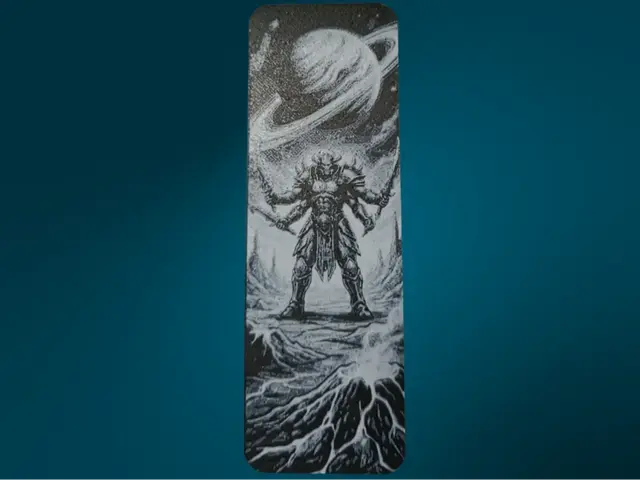
Cosmic Warrior Bookmark
by FYTY112
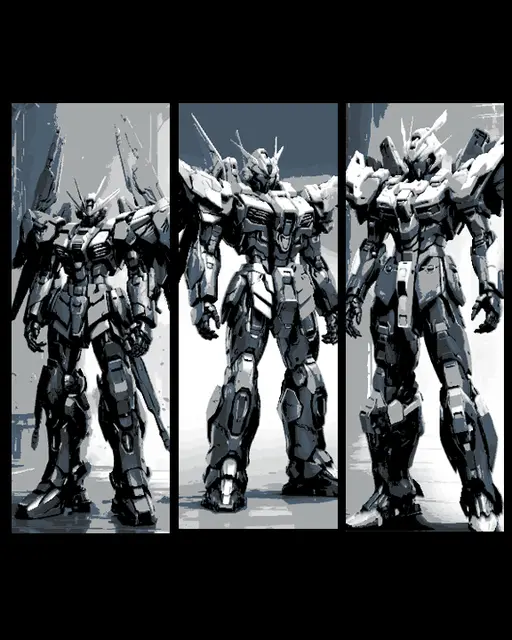
Fan Art of Mobile Suit Gundam Mecha in Grey - Set of 3 Bookmarks
by BooneCo3d
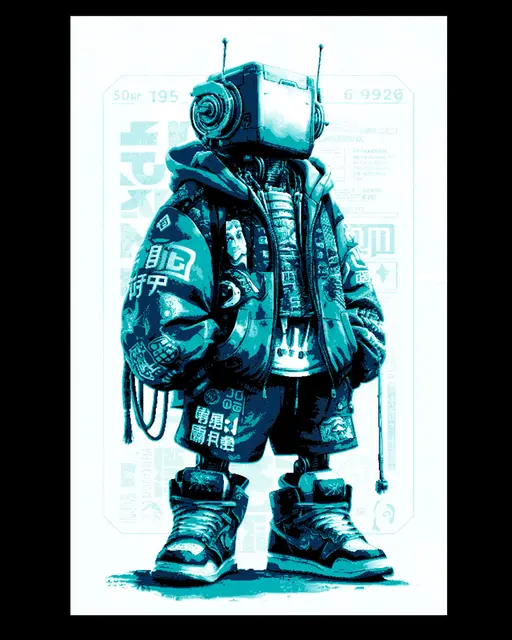
3d printable art - Sly Robi the Cool Robot Street King - Hueforge wall art
by BooneCo3d
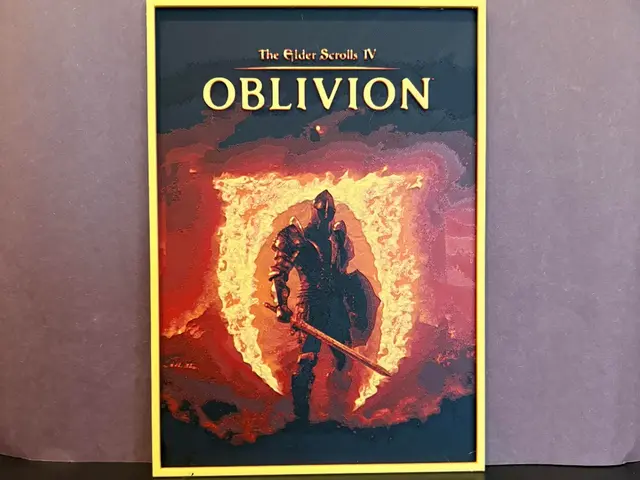
Elder Scrolls Oblivion Remastered Hueforge
by Estiv
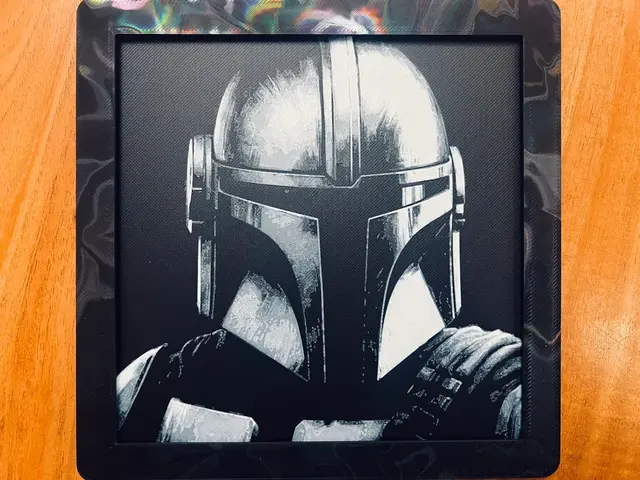
Mandalorian Close Up(Black and White)
by JustBe 3D Printing
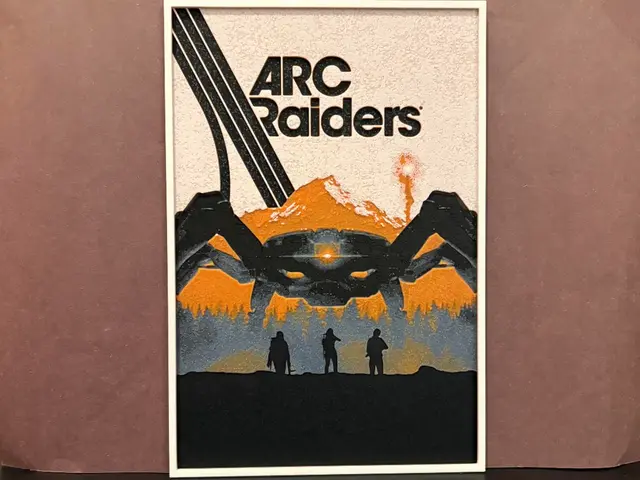
Arc Raiders Hueforge
by Estiv
Recent Articles
View all
Best 3D Printed Gifts for Everyone on Your List — Made with HueForge
The best 3D printed gifts for everyone on your list, made with HueForge — custom pet and portrait art, ornaments and gift tags, bookmarks, and fandom prints matched to the recipient, plus how to turn gift requests into income.
Best Christmas 3D Prints for HueForge: Ornaments, Santa & Holiday Movie Posters
The Christmas 3D prints worth making as HueForge filament paintings — tree ornaments, Santa and snowmen, holiday movie posters, festive fandom crossovers, and gift tags, grouped by theme.
Best Anime 3D Prints for HueForge: From Shōnen Classics to the Modern Wave
The best anime 3D prints to make as HueForge filament paintings — One Piece, Naruto, Dragon Ball, Demon Slayer, Jujutsu Kaisen, Frieren, Gundam, and anime bookmarks, each linked in the HuePick catalog.