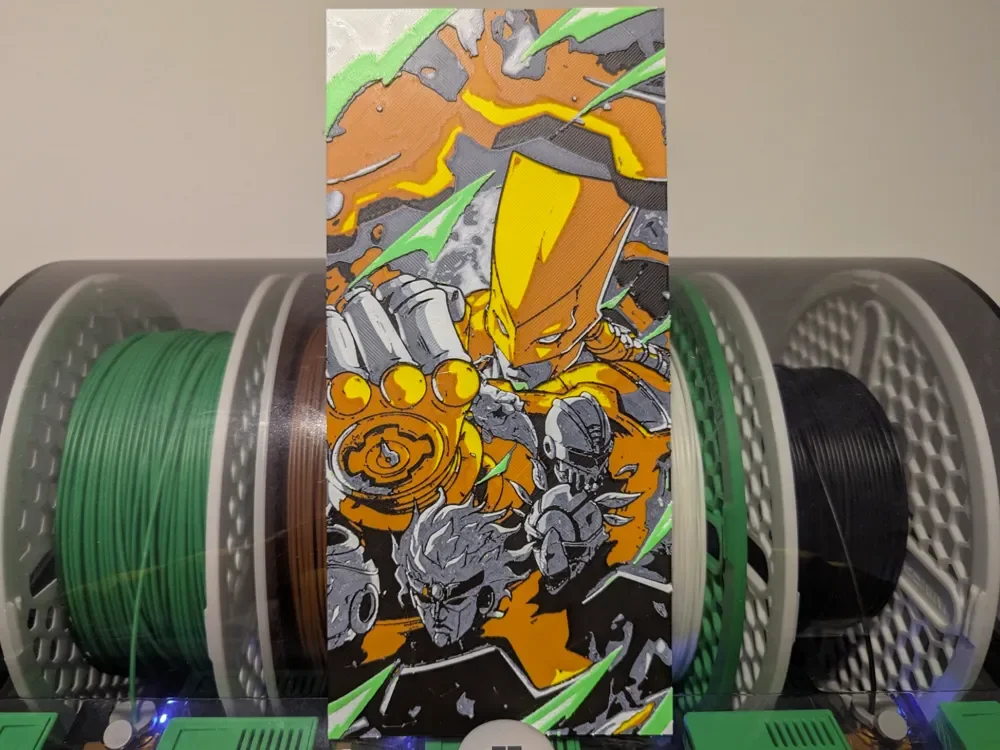
Jojo's Bizzare Adventure: The World Hueforge
by Razel
Explosive energy radiates from this HueForge rendition of Jojo's Bizarre Adventure: The World, rendered in a striking comic-art style that feels ripped straight from the manga's most iconic confrontation. The dominant palette leans hard into molten gold and burnt orange for the imposing Stand figure, contrasted sharply against steel grays and cool whites for the secondary characters crowding the lower composition. Flashes of electric green slice diagonally across the entire piece, creating a sense of kinetic motion and supernatural force that captures the over-the-top drama Araki's series is known for. The tight, vertical format stacks the figures dramatically, with the towering golden Stand looming above a cluster of intense, battle-worn faces. The layered filament work is impressively readable here, with the green and black transitions creating genuine visual depth that gives the green lightning strikes a slightly raised, almost dimensional quality against the warmer tones beneath. The finish appears smooth with good color separation, and the multi-filament staging visible in the background suggests this was printed with careful attention to tonal gradients. Displayed on a deep shelf or mounted against a dark wall, the gold and orange tones would really command attention.
View on MakerWorldRequired Filaments5
Bambu Lab Basic Yellow
Bambu Lab Basic Brown
Bambu Lab Basic Black
Bambu Lab Basic Jade White
Bambu Lab Basic Bambu Green
Why filament details may vary
Filament details (brand, color, and TD value) may not exactly match the designer's original specification. In some cases, the designer didn't specify exact filaments and we've matched the closest options we could find. Always check the original listing for full details.
Some filament links are affiliate links — we may earn a small commission at no extra cost to you. Learn more
Sign up to track your filament inventory and check your matches.
Create accountYou Might Also Like
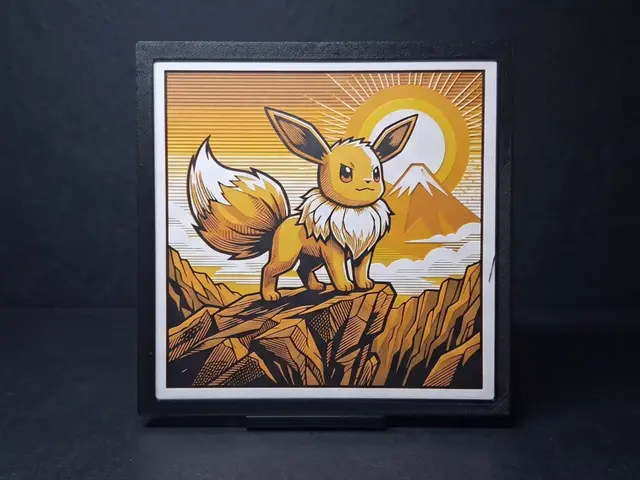
Eevee Sunrise - 4 Colours
by LED
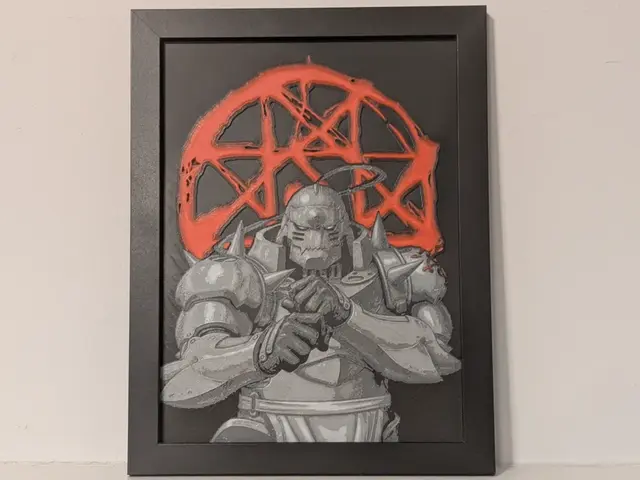
Alphonse Full Metal Alchemist Hueforge 3D Decor
by Super bird
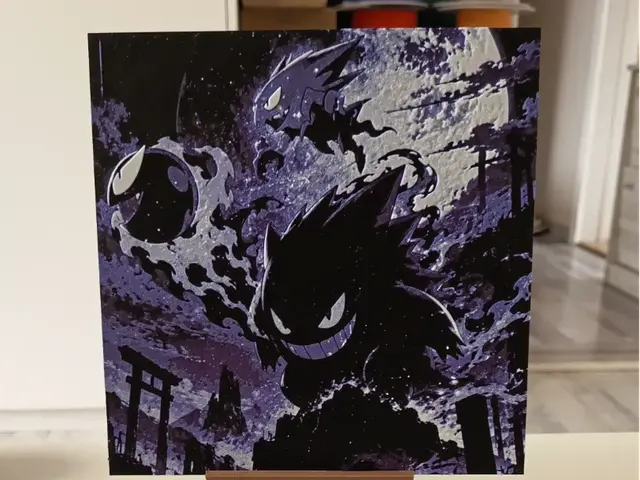
Pokemon Gengar Hueforge
by 3DNesy
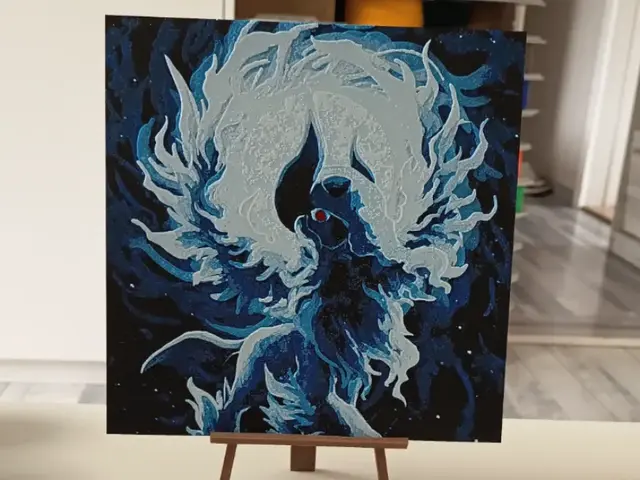
Pokemon Absol Hueforge
by 3DNesy
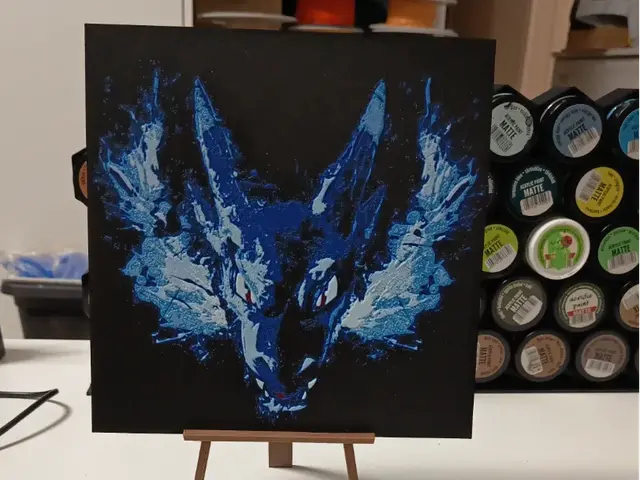
Pokemon Mega Charizard Hueforge
by 3DNesy
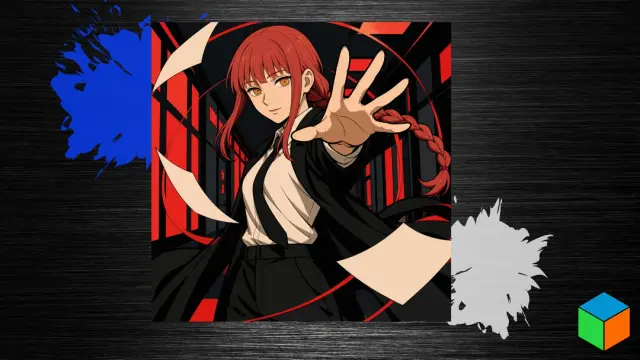
Makima — Red Hair, Ringed Eyes, and Six Filaments
by 3D Prints By Vic
Recent Articles
View all
Best 3D Printed Gifts for Everyone on Your List — Made with HueForge
The best 3D printed gifts for everyone on your list, made with HueForge — custom pet and portrait art, ornaments and gift tags, bookmarks, and fandom prints matched to the recipient, plus how to turn gift requests into income.
Best Christmas 3D Prints for HueForge: Ornaments, Santa & Holiday Movie Posters
The Christmas 3D prints worth making as HueForge filament paintings — tree ornaments, Santa and snowmen, holiday movie posters, festive fandom crossovers, and gift tags, grouped by theme.
Best Anime 3D Prints for HueForge: From Shōnen Classics to the Modern Wave
The best anime 3D prints to make as HueForge filament paintings — One Piece, Naruto, Dragon Ball, Demon Slayer, Jujutsu Kaisen, Frieren, Gundam, and anime bookmarks, each linked in the HuePick catalog.