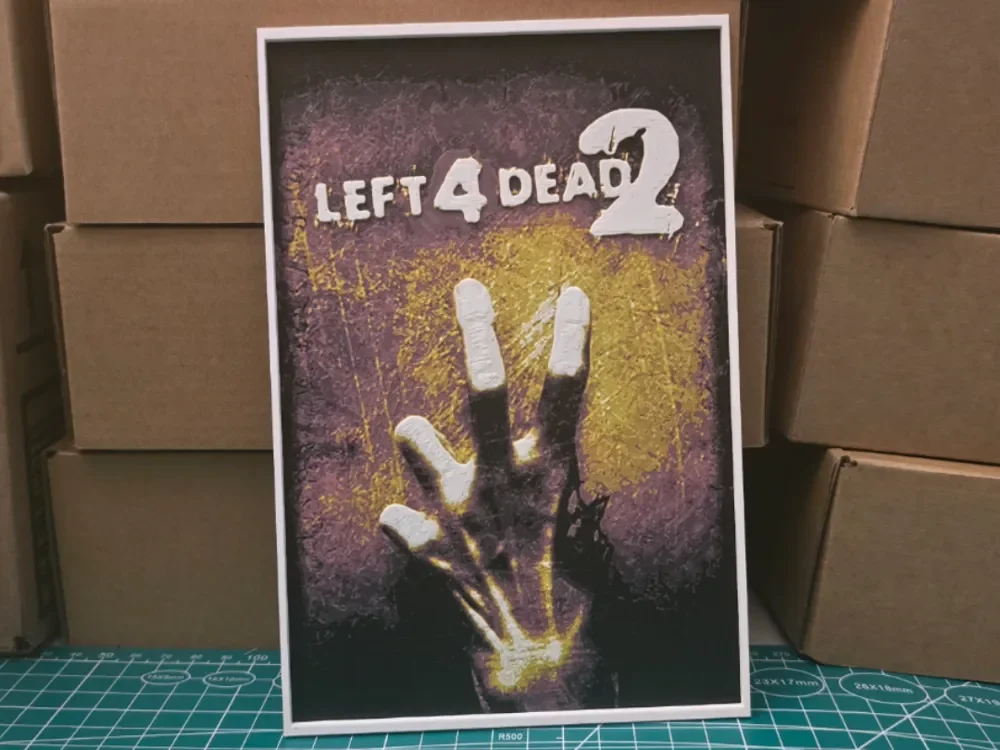
Left 4 Dead 2 Poster - Hueforge Art
by Lumpy3D
Reaching out from a sickly yellow glow against deep purple, the iconic zombie hand from Left 4 Dead 2 claws toward the viewer with unmistakable menace. Lumpy3D's HueForge interpretation of the classic Valve game poster captures the original artwork's unsettling energy through a moody palette of bruised violets, bile yellows, and stark whites that make the decomposing fingers feel genuinely threatening. The distressed, textured background evokes the scratched and weathered aesthetic of the game's original cover, while the bold grunge-style lettering sits comfortably above the composition in crisp white. The layered filament work creates a convincing sense of depth, with the hand appearing to emerge from the background rather than simply sitting on it — a testament to how well HueForge handles high-contrast horror imagery. The tonal transitions between the dark silhouetted palm and the bleached fingertips show careful filament planning, giving the piece a genuine illustrative quality rather than a flat print feel. Propped against the cardboard boxes here it already looks striking, but this piece would be right at home mounted on a game room wall where the moody color palette can command the attention it deserves.
View on MakerWorldRequired Filaments4
Bambu Lab Basic Black
Bambu Lab Basic Pink
Bambu Lab Basic Yellow
Bambu Lab Basic Jade White
Why filament details may vary
Filament details (brand, color, and TD value) may not exactly match the designer's original specification. In some cases, the designer didn't specify exact filaments and we've matched the closest options we could find. Always check the original listing for full details.
Some filament links are affiliate links — we may earn a small commission at no extra cost to you. Learn more
Sign up to track your filament inventory and check your matches.
Create accountYou Might Also Like
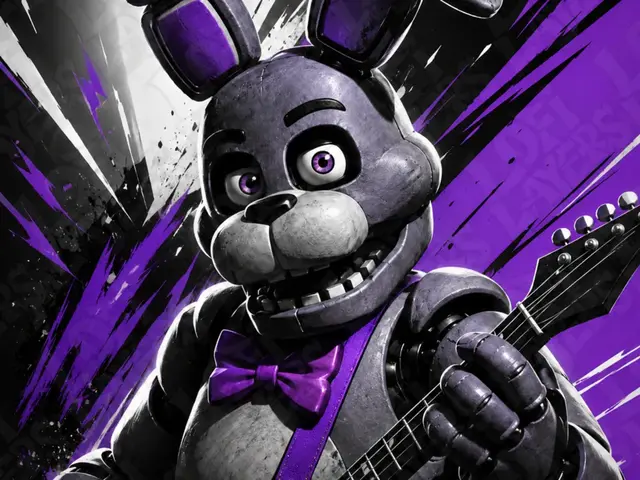
Bonnie Hueforge
by LoFi Layers
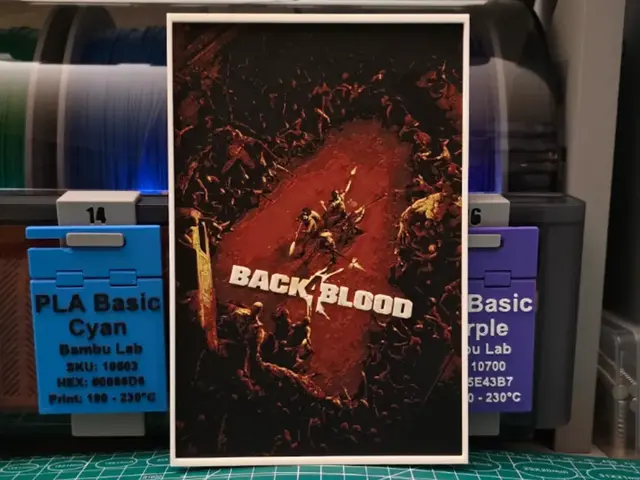
Back 4 Blood Poster - Hueforge Art
by Lumpy3D
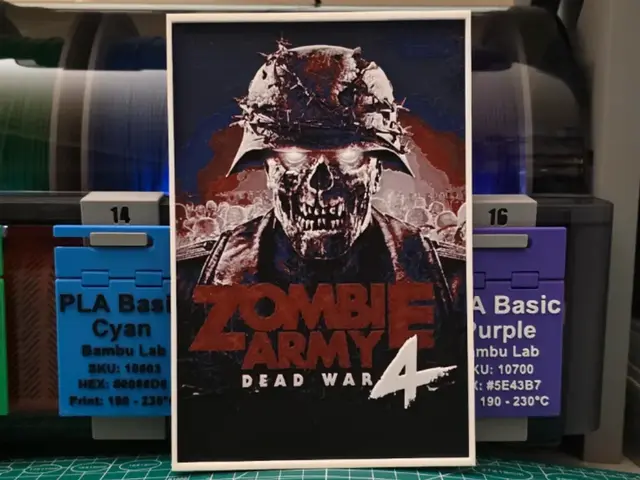
Zombie Army 4: Dead War Poster - Hueforge Art
by Lumpy3D
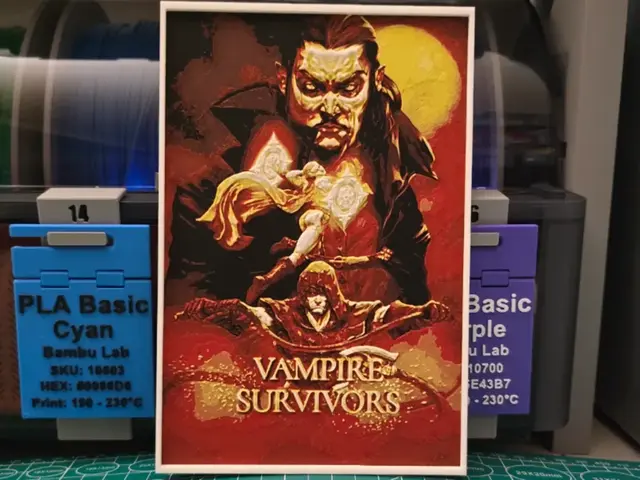
Vampire Survivors Poster - Hueforge Art
by Lumpy3D
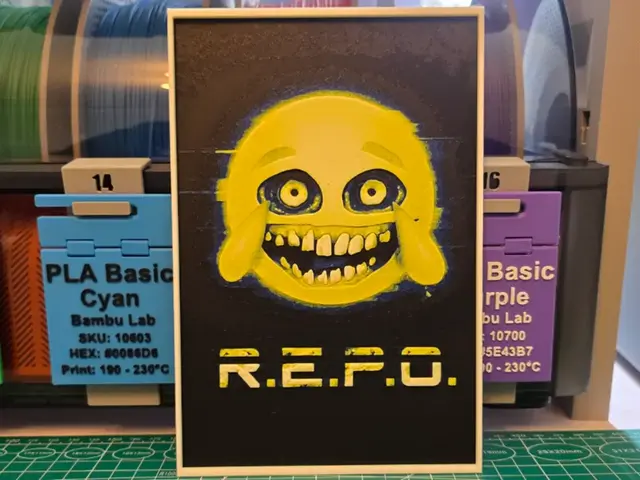
R.E.P.O. Poster - Hueforge Art
by Lumpy3D
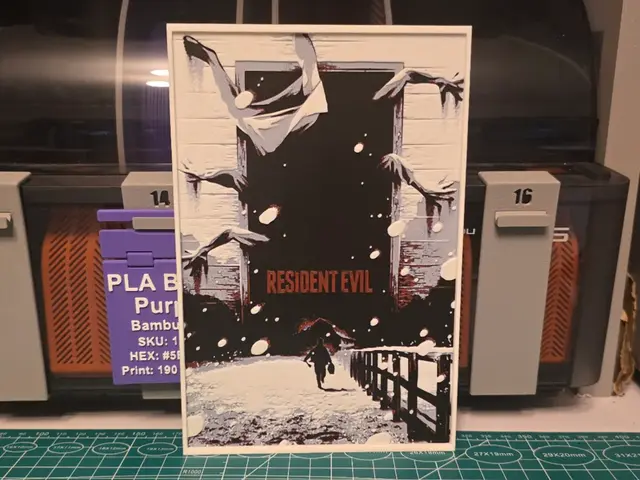
Resident Evil (2026) Movie Poster - Hueforge Art
by Lumpy3D
Recent Articles
View all
Best 3D Printed Gifts for Everyone on Your List — Made with HueForge
The best 3D printed gifts for everyone on your list, made with HueForge — custom pet and portrait art, ornaments and gift tags, bookmarks, and fandom prints matched to the recipient, plus how to turn gift requests into income.
Best Christmas 3D Prints for HueForge: Ornaments, Santa & Holiday Movie Posters
The Christmas 3D prints worth making as HueForge filament paintings — tree ornaments, Santa and snowmen, holiday movie posters, festive fandom crossovers, and gift tags, grouped by theme.
Best Anime 3D Prints for HueForge: From Shōnen Classics to the Modern Wave
The best anime 3D prints to make as HueForge filament paintings — One Piece, Naruto, Dragon Ball, Demon Slayer, Jujutsu Kaisen, Frieren, Gundam, and anime bookmarks, each linked in the HuePick catalog.