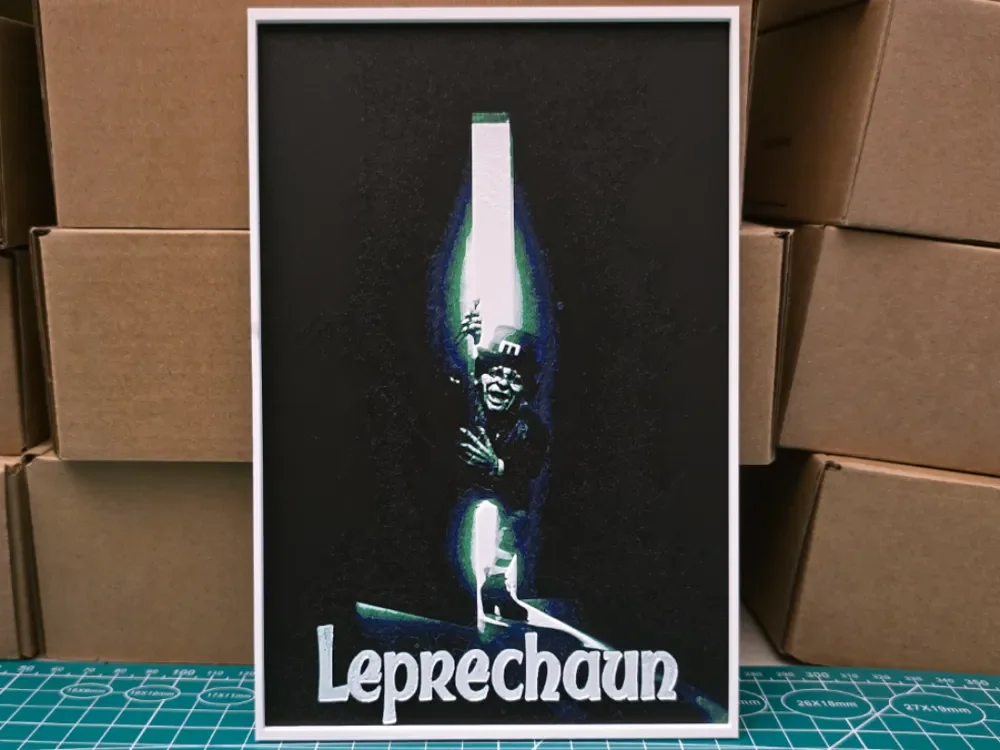
Leprechaun Movie Poster - Hueforge Art
by Lumpy3D
Sinister green light emanates from the darkness as the mischievous leprechaun emerges from his hiding place, clutching his magical powers with wicked glee. This haunting movie poster recreation captures the horror classic's eerie atmosphere through dramatic contrast between the supernatural green glow and deep black shadows. The iconic title sits boldly at the bottom, while the diminutive terror lurks menacingly in the ethereal light above.
View on MakerWorldRequired Filaments4
Bambu Lab Basic Black
Bambu Lab Basic Blue
Bambu Lab Basic Bambu Green
Bambu Lab Basic Jade White
Why filament details may vary
Filament details (brand, color, and TD value) may not exactly match the designer's original specification. In some cases, the designer didn't specify exact filaments and we've matched the closest options we could find. Always check the original listing for full details.
Some filament links are affiliate links — we may earn a small commission at no extra cost to you. Learn more
Sign up to track your filament inventory and check your matches.
Create accountYou Might Also Like
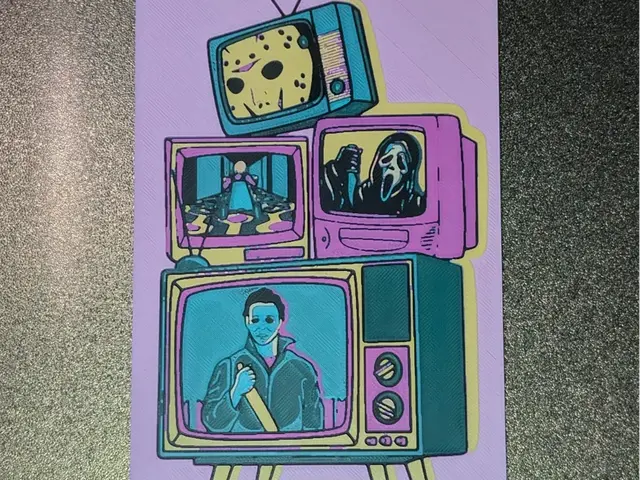
TV KIllers Hueforge
by S0und_Lab
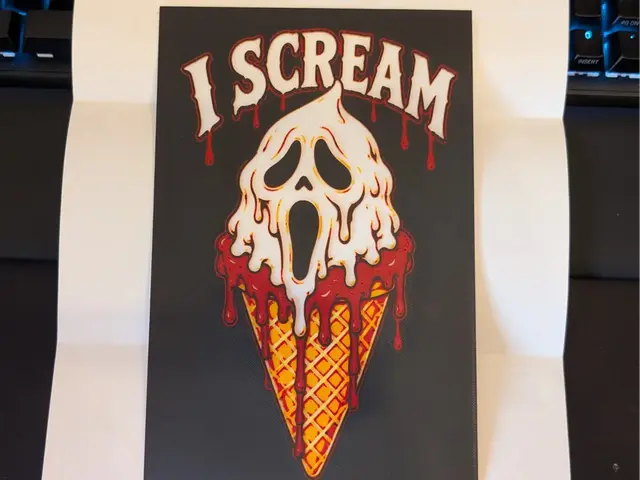
i Scream Hueforge
by S0und_Lab
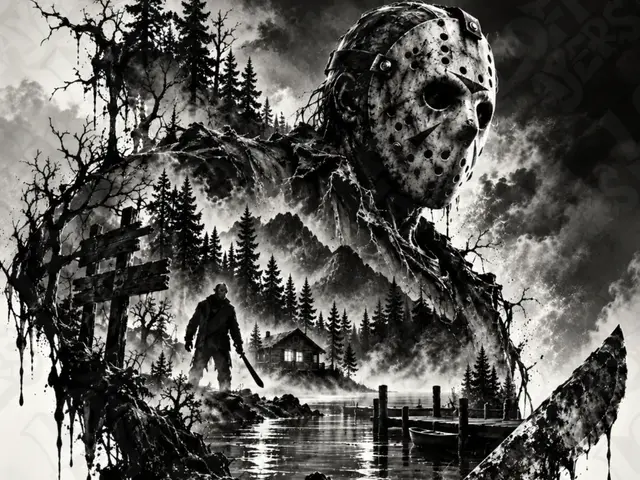
Jason Voorhees Hueforge
by LoFi Layers
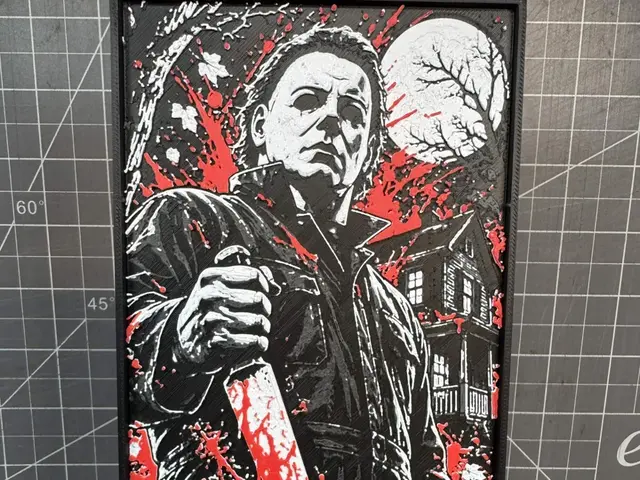
Hueforge of Michael Myers
by SBC Creations
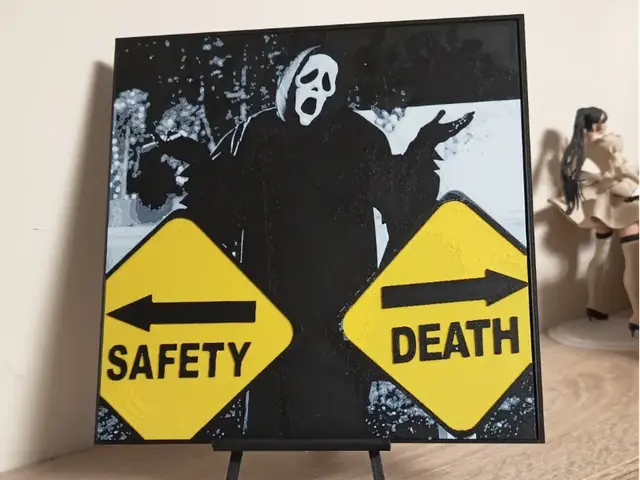
Ghostface Safety Death Hueforge
by 3DNesy

Jack Skellington Hueforge
by LoFi Layers
Recent Articles
View all
Best 3D Printed Gifts for Everyone on Your List — Made with HueForge
The best 3D printed gifts for everyone on your list, made with HueForge — custom pet and portrait art, ornaments and gift tags, bookmarks, and fandom prints matched to the recipient, plus how to turn gift requests into income.
Best Christmas 3D Prints for HueForge: Ornaments, Santa & Holiday Movie Posters
The Christmas 3D prints worth making as HueForge filament paintings — tree ornaments, Santa and snowmen, holiday movie posters, festive fandom crossovers, and gift tags, grouped by theme.
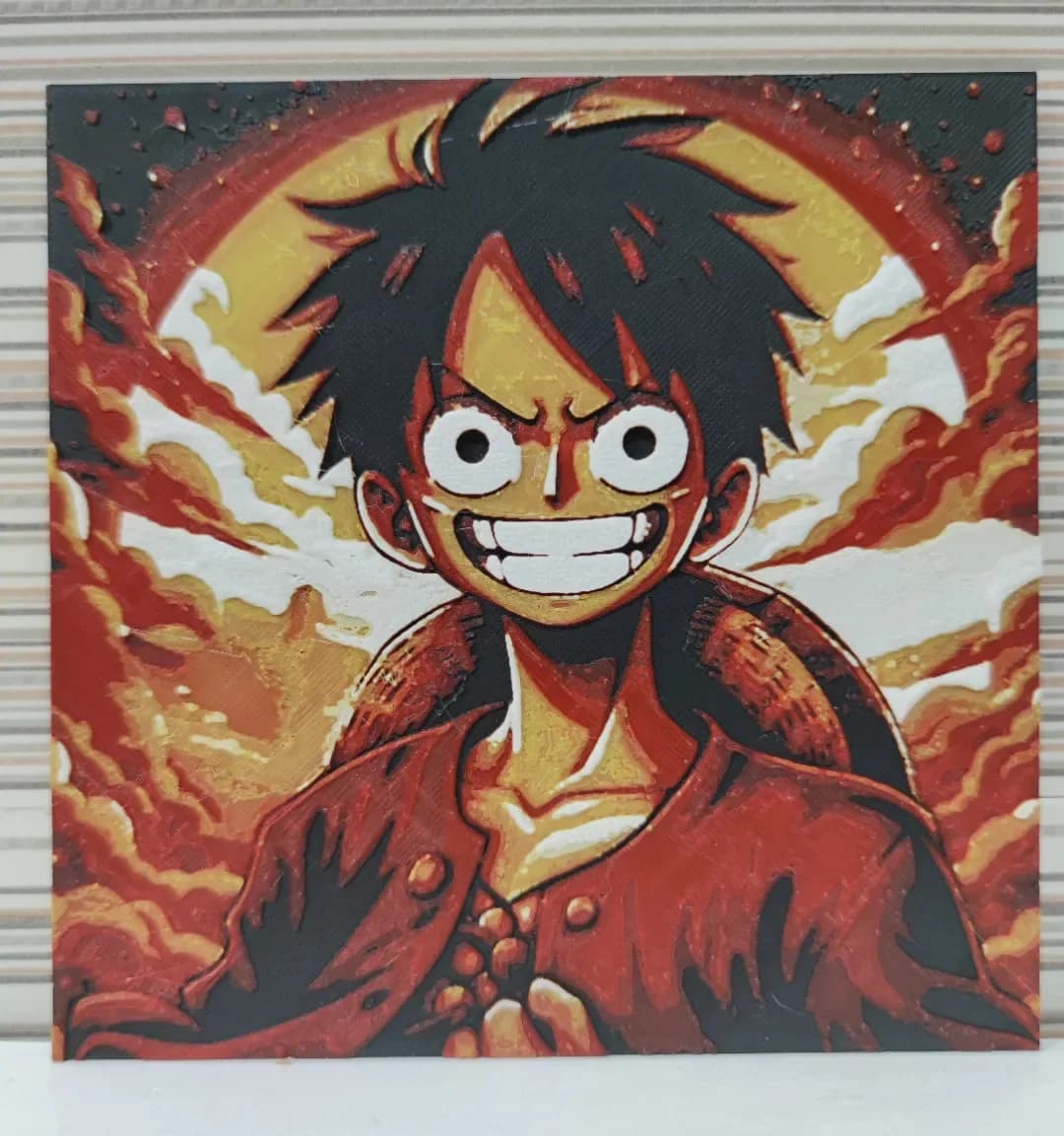
Best Anime 3D Prints for HueForge: From Shōnen Classics to the Modern Wave
The best anime 3D prints to make as HueForge filament paintings — One Piece, Naruto, Dragon Ball, Demon Slayer, Jujutsu Kaisen, Frieren, Gundam, and anime bookmarks, each linked in the HuePick catalog.