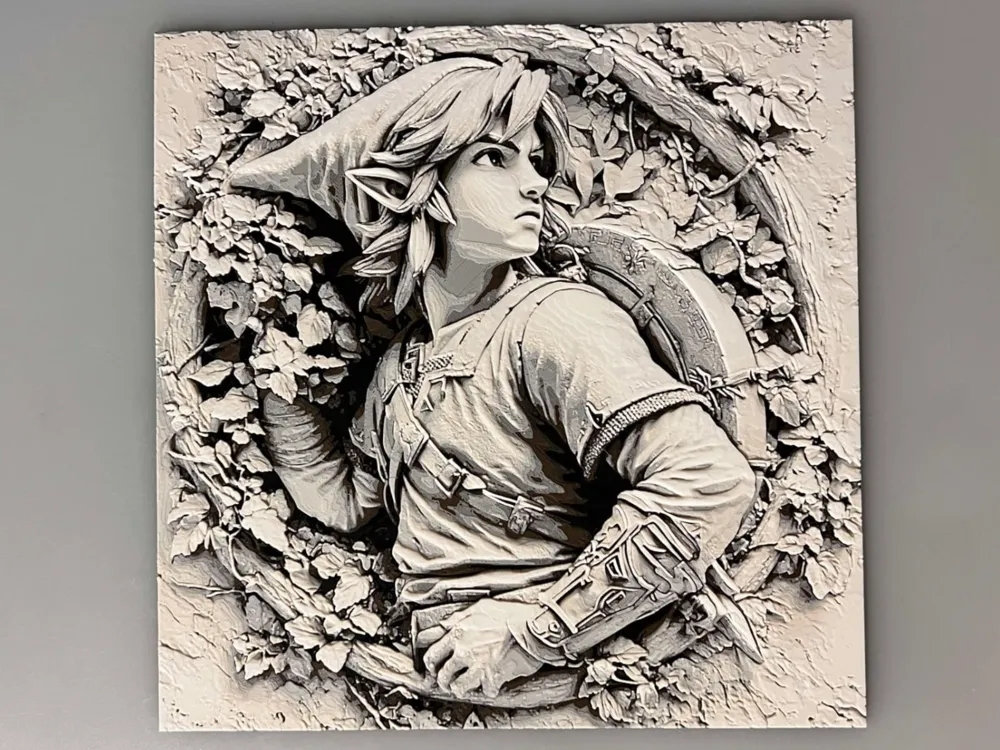
Link, The Legend of Zelda, In the Wall
by 3djd
Emerging from weathered stone like an ancient relief carving, Link gazes upward with determined resolve in this striking wall sculpture interpretation. The legendary hero appears trapped yet hopeful within crumbling masonry, surrounded by delicate ivy and fallen leaves that frame his iconic pointed ears and adventuring gear. Rendered in warm sepia and cream tones, this dimensional art piece captures the timeless spirit of Hyrule's champion with remarkable sculptural depth and botanical detail.
View on MakerWorldRequired Filaments6
Bambu Lab Basic Black
Bambu Lab Basic Cocoa Brown
Bambu Lab Basic Beige
Bambu Lab Basic Jade White
Bambu Lab Basic Dark Gray
Bambu Lab Basic Gray
Why filament details may vary
Filament details (brand, color, and TD value) may not exactly match the designer's original specification. In some cases, the designer didn't specify exact filaments and we've matched the closest options we could find. Always check the original listing for full details.
Some filament links are affiliate links — we may earn a small commission at no extra cost to you. Learn more
Sign up to track your filament inventory and check your matches.
Create accountYou Might Also Like
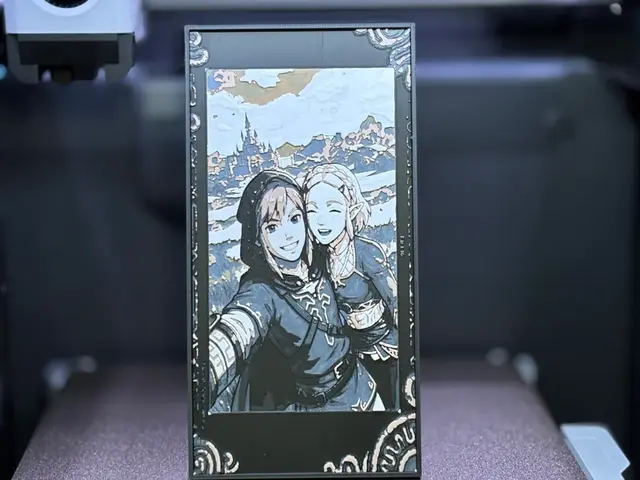
Link & Zelda Selfie | Breath of the Wild HueForge
by Hush | PixelFF
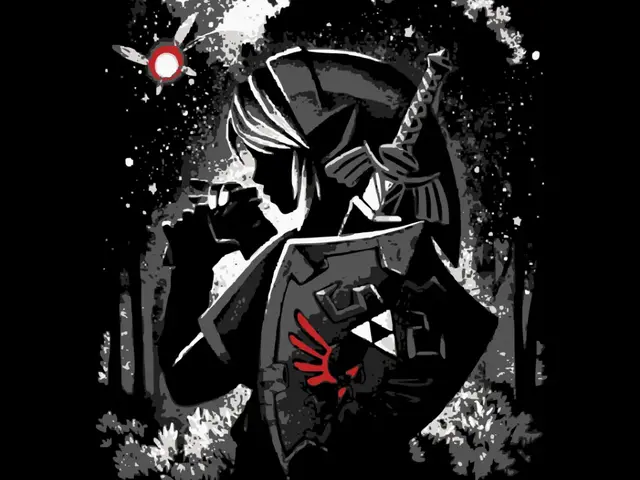
Link
by Krave
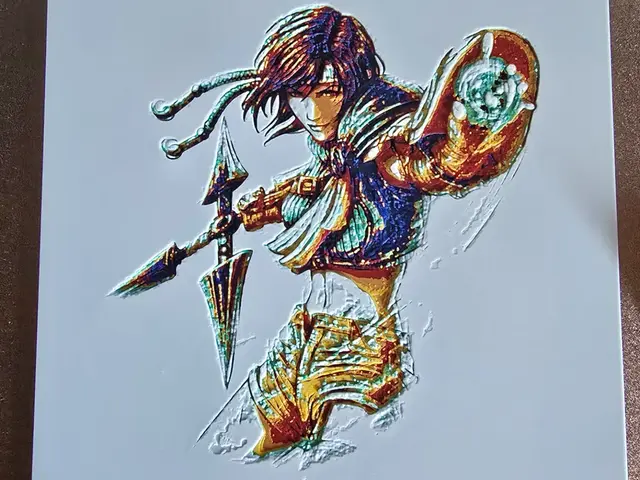
Final fantasy 7 - Yuffie Hueforge
by 3D-Mentiel
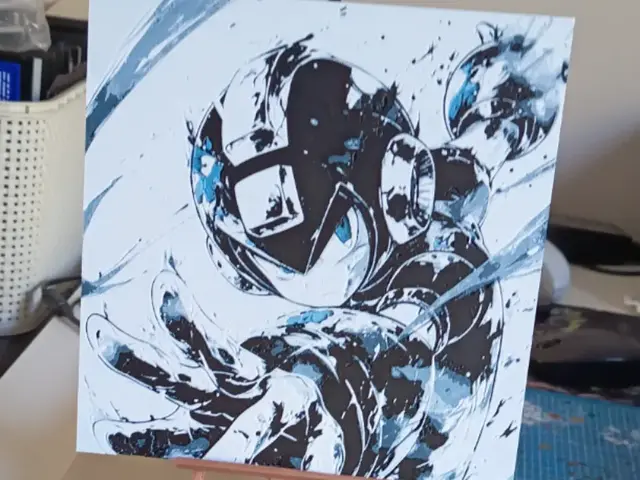
Mega Man X Rockman X Hueforge
by 3DNesy
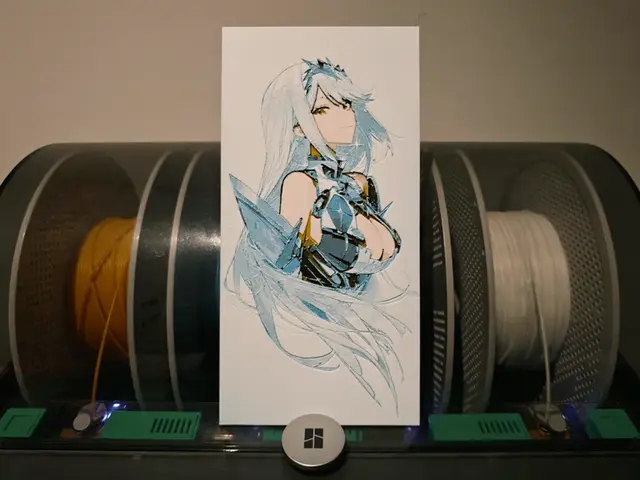
Mythra / Hikari - Xenoblade 2
by Razel
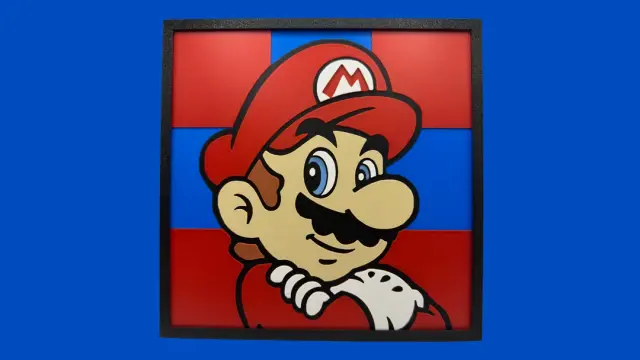
Mario - Super Mario Collection (SMC) - Hueforge
by Canadian Gamer
Recent Articles
View all
Best 3D Printed Gifts for Everyone on Your List — Made with HueForge
The best 3D printed gifts for everyone on your list, made with HueForge — custom pet and portrait art, ornaments and gift tags, bookmarks, and fandom prints matched to the recipient, plus how to turn gift requests into income.
Best Christmas 3D Prints for HueForge: Ornaments, Santa & Holiday Movie Posters
The Christmas 3D prints worth making as HueForge filament paintings — tree ornaments, Santa and snowmen, holiday movie posters, festive fandom crossovers, and gift tags, grouped by theme.
Best Anime 3D Prints for HueForge: From Shōnen Classics to the Modern Wave
The best anime 3D prints to make as HueForge filament paintings — One Piece, Naruto, Dragon Ball, Demon Slayer, Jujutsu Kaisen, Frieren, Gundam, and anime bookmarks, each linked in the HuePick catalog.