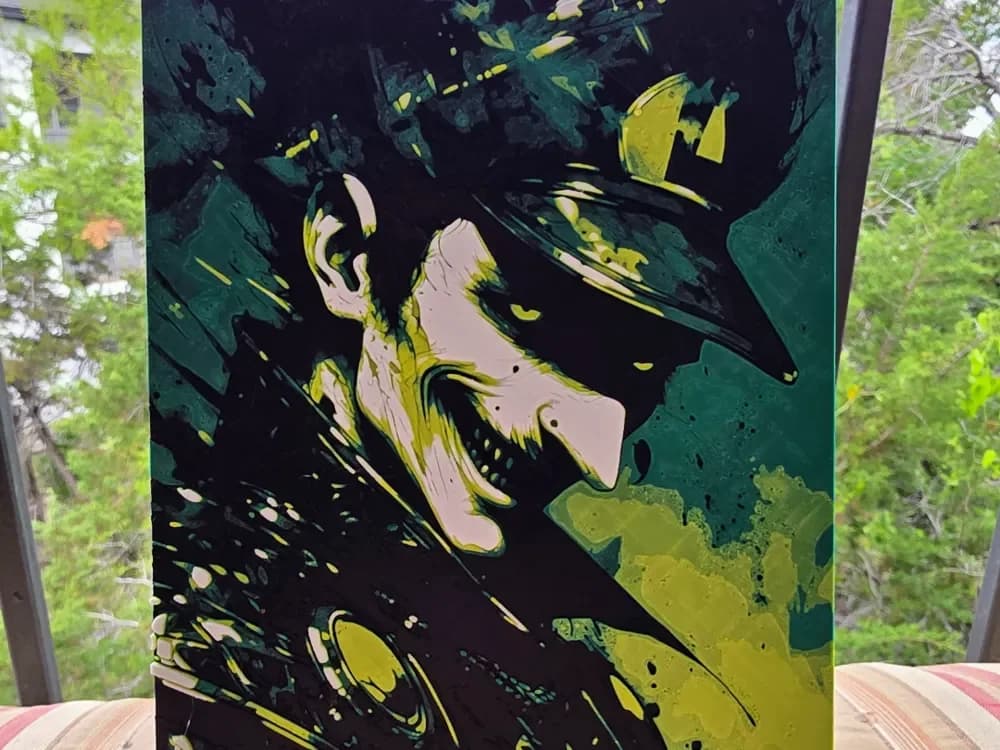
Luigi: The Infernal Sibling
Sinister shadows transform Nintendo's beloved green plumber into a haunting specter in this dark reimagining. Luigi's familiar features emerge from swirling blacks and deep greens, his expression twisted into something far more menacing than his usual cheerful demeanor. Yellow accents pierce through the darkness like malevolent eyes, while pink flesh tones create an unsettling contrast against the infernal palette that redefines the heroic brother.
View on MakerWorldRequired Filaments4
Bambu Lab Basic Black
Bambu Lab Basic Mistletoe Green
Bambu Lab Basic Bright Green
Bambu Lab Basic Jade White
Why filament details may vary
Filament details (brand, color, and TD value) may not exactly match the designer's original specification. In some cases, the designer didn't specify exact filaments and we've matched the closest options we could find. Always check the original listing for full details.
Some filament links are affiliate links — we may earn a small commission at no extra cost to you. Learn more
Sign up to track your filament inventory and check your matches.
Create accountYou Might Also Like
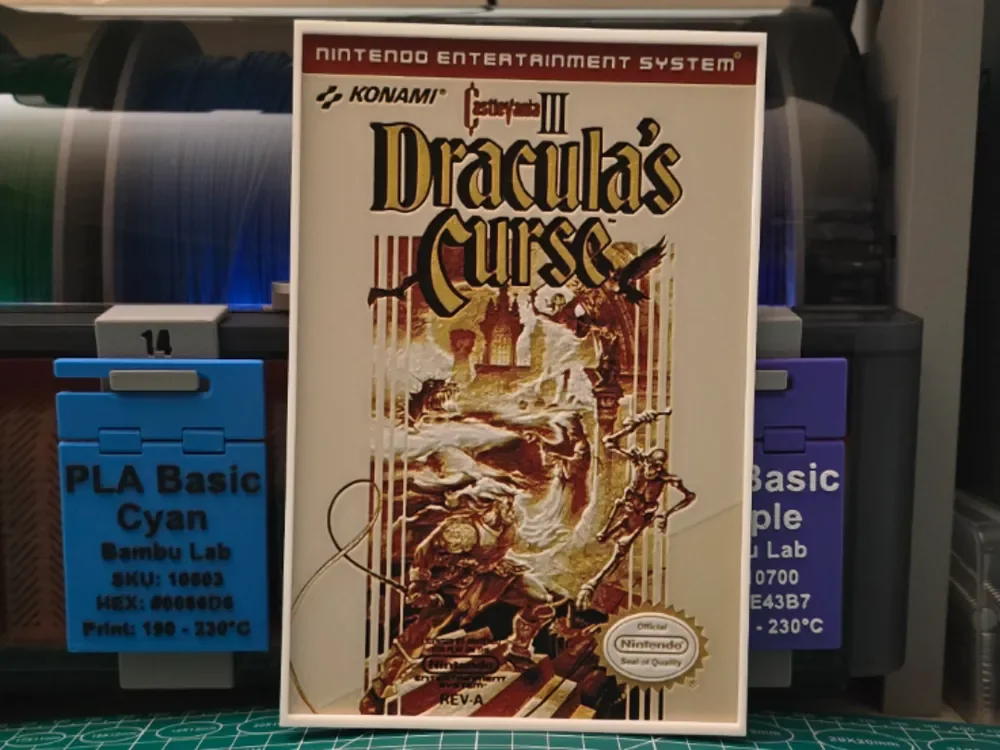
Castlevania III: Dracula's Curse Poster - Hueforge
by Lumpy3D

pac-man horror hueforge
by Buntsta
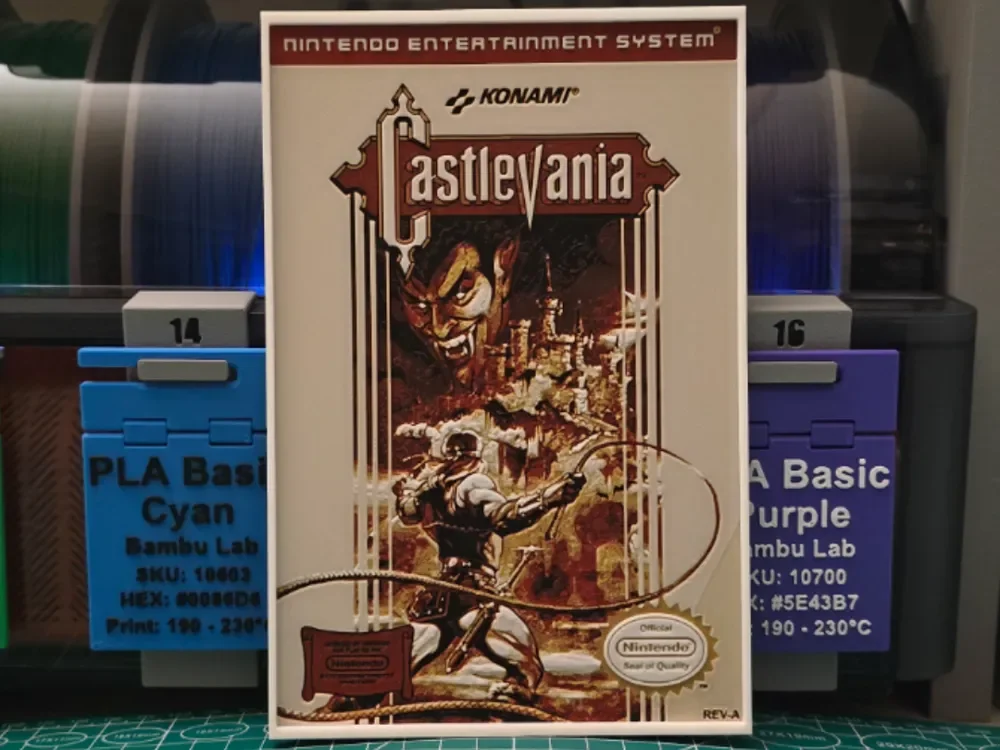
Castlevania Poster - Hueforge Art
by Lumpy3D
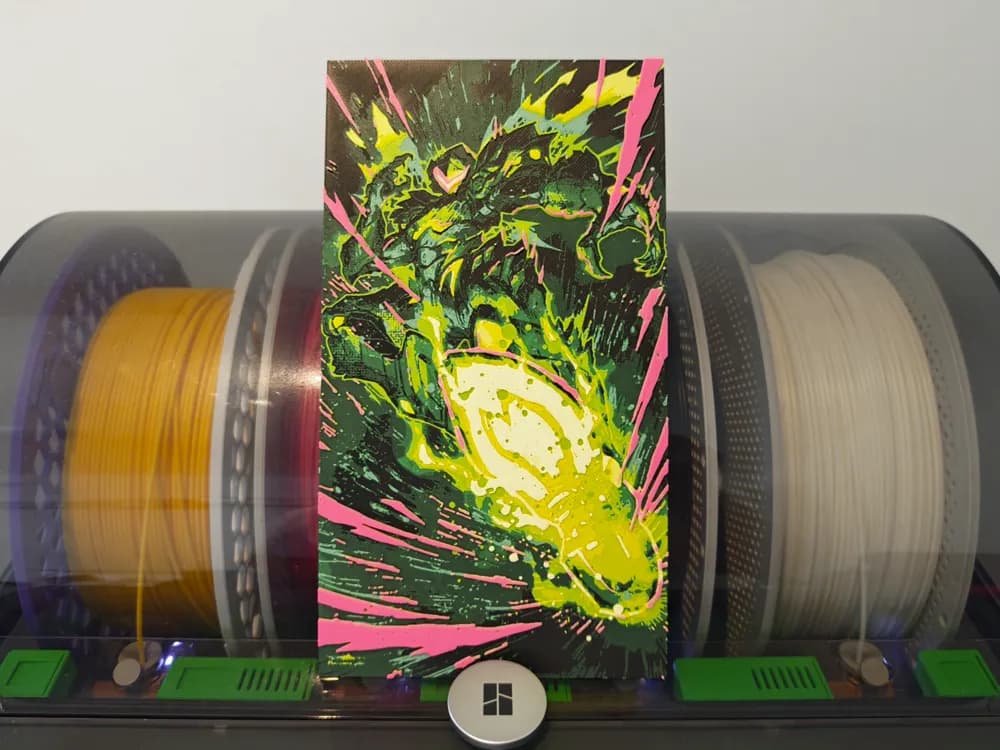
Samus Hueforge - Metroid Ravenous
by Razel
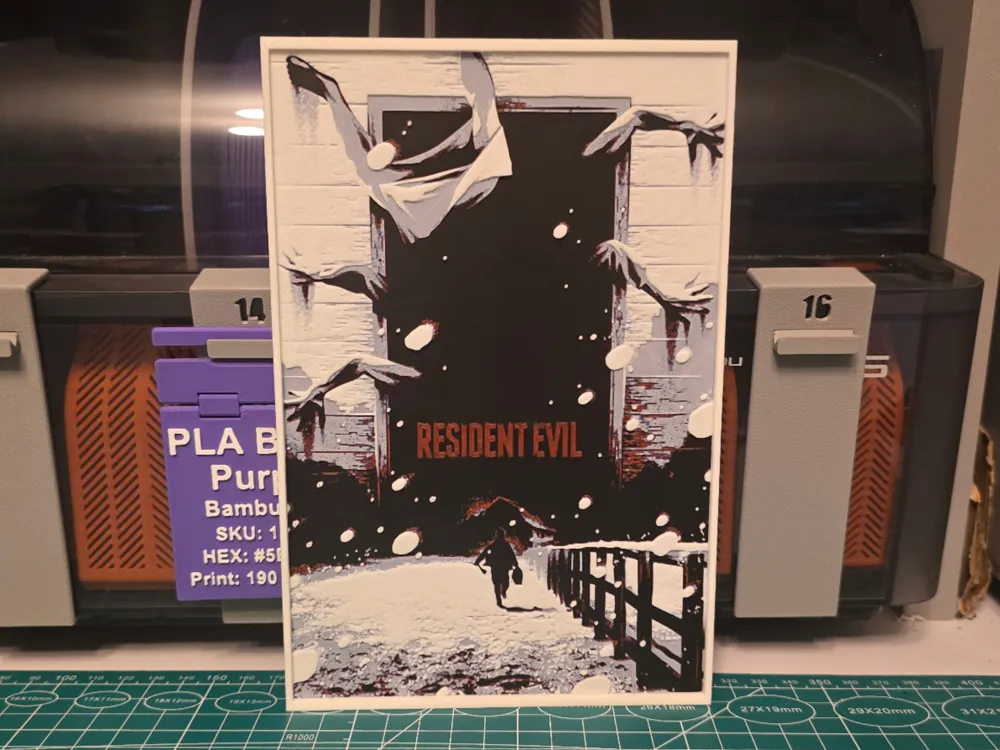
Resident Evil (2026) Movie Poster - Hueforge Art
by Lumpy3D
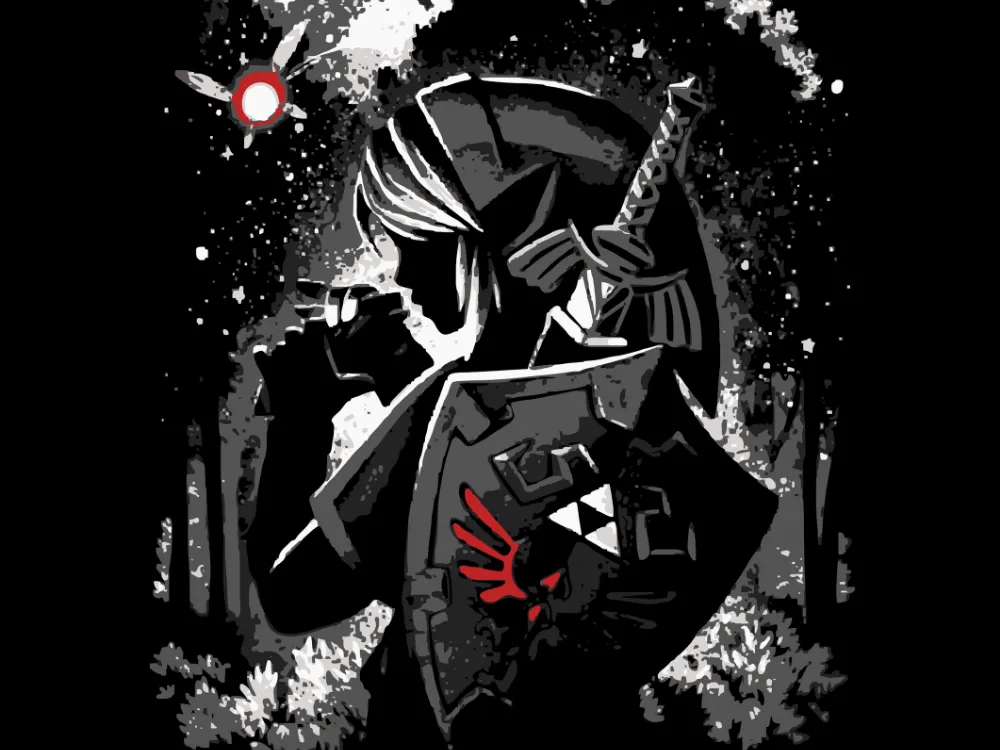
Link
by Krave
Recent Articles
View all
Best Halloween & Horror 3D Prints for HueForge: Slashers, Skulls & Spooky Wall Art
The Halloween 3D prints worth making as HueForge filament paintings — horror movie posters, Ghostface and Pennywise, skulls, pumpkins, spooky Pokemon, and bookmarks, grouped by theme.

Best Classic Saturday Morning Cartoon STL Files for HueForge
The best classic Saturday morning cartoon STL files for HueForge — Scooby-Doo, Looney Tunes, Transformers, He-Man, TMNT and more, as bold filament wall art.

3D Printing Business Name Ideas (and How to Pick One That Lasts)
3D printing business name ideas grouped by style — descriptive, filament-themed, clever, and premium — plus naming principles and how to check a name is free to use.