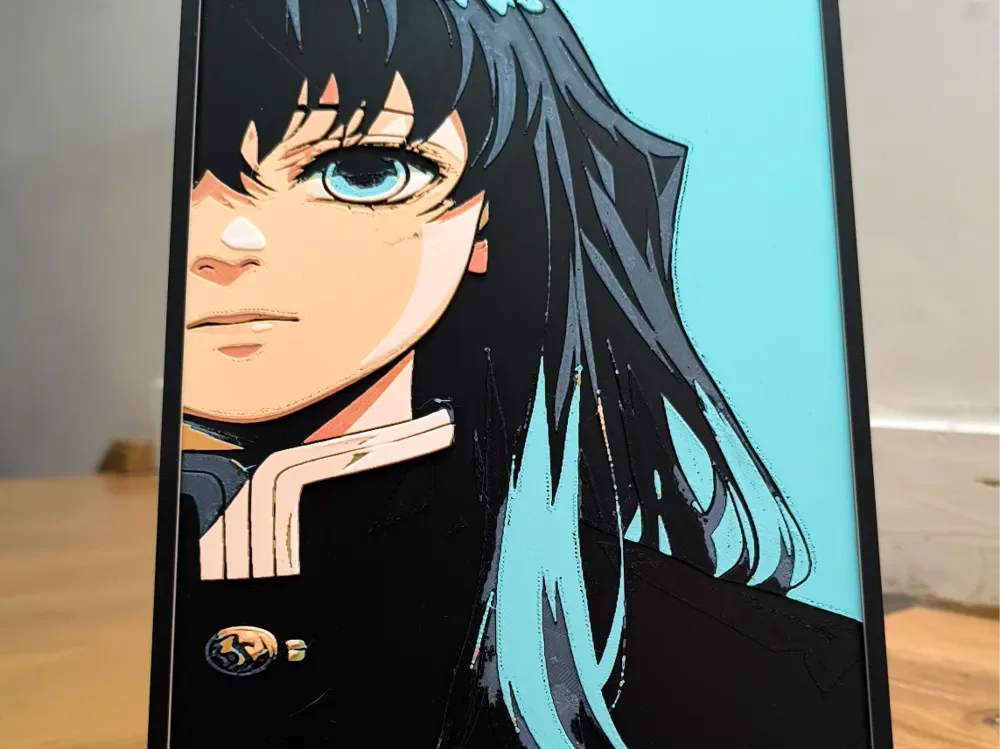
Muichiro Tokito
by Dark behelit
Piercing turquoise eyes gaze with quiet intensity from beneath dark strands of hair, capturing Muichiro Tokito's enigmatic presence. Dark behelit's masterful design showcases the Mist Hashira in striking detail, with cool blues and teals contrasting against warm peach skin tones and deep black hair. The subtle gradients and sharp linework create a contemplative mood that perfectly embodies this beloved Demon Slayer character's serene yet formidable nature.
View on MakerWorldRequired Filaments7
Bambu Lab Basic Black
Bambu Lab Basic Blue Gray
Bambu Lab Basic Pumpkin Orange
Bambu Lab Basic Beige
Bambu Lab Basic Turquoise
Bambu Lab Basic Hot Pink
Bambu Lab Basic Jade White
Why filament details may vary
Filament details (brand, color, and TD value) may not exactly match the designer's original specification. In some cases, the designer didn't specify exact filaments and we've matched the closest options we could find. Always check the original listing for full details.
Some filament links are affiliate links — we may earn a small commission at no extra cost to you. Learn more
Sign up to track your filament inventory and check your matches.
Create accountYou Might Also Like
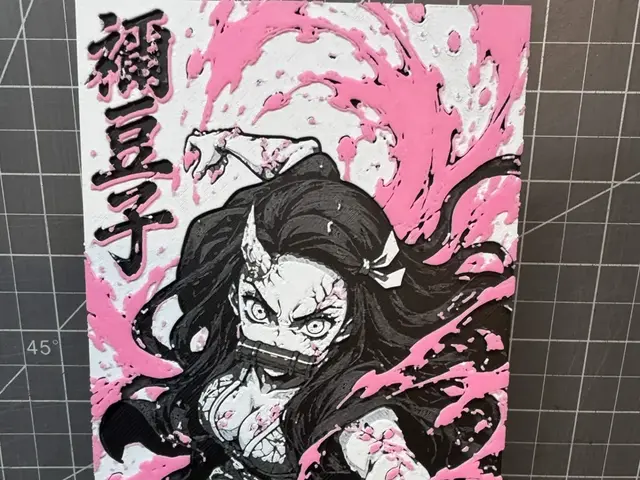
Hueforge of Nezuko Kamado from demon slayer
by SBC Creations
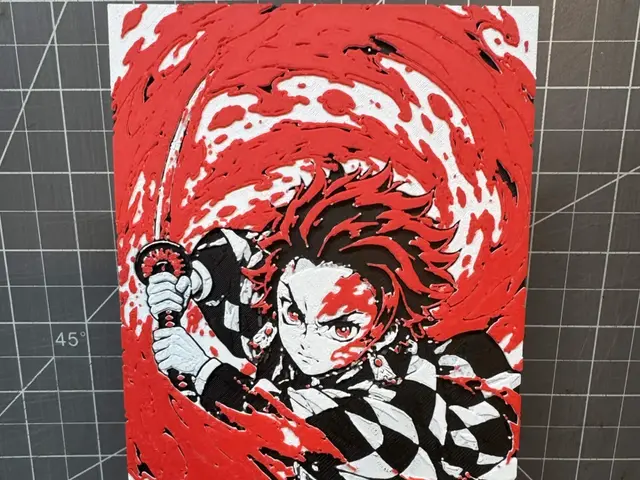
Hueforge of Tanjiro Kamado from Demon Slayer
by SBC Creations
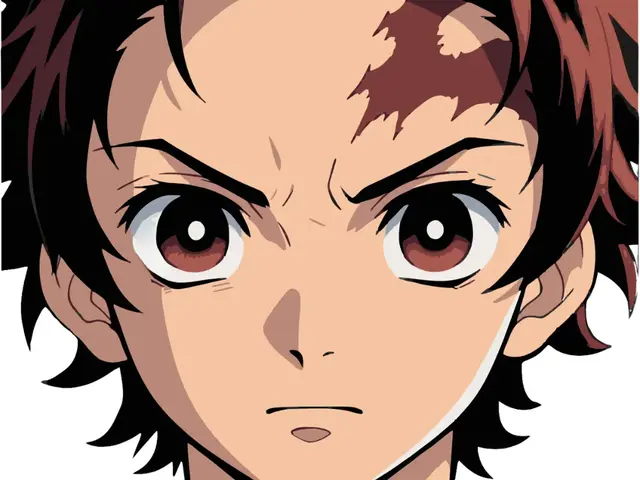
DS
by Krave
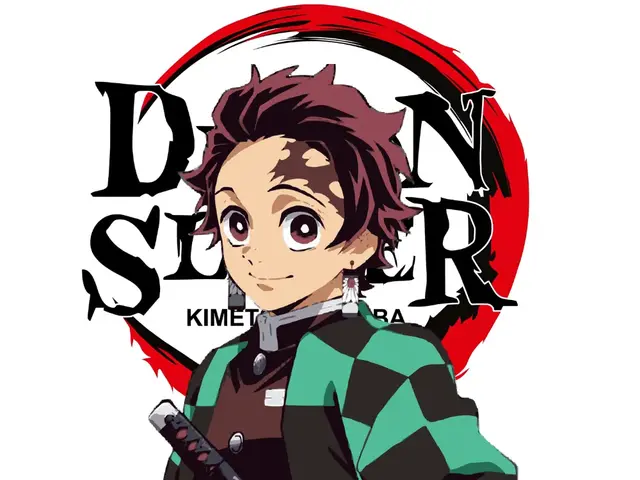
Tanjiro Kamado
by Krave
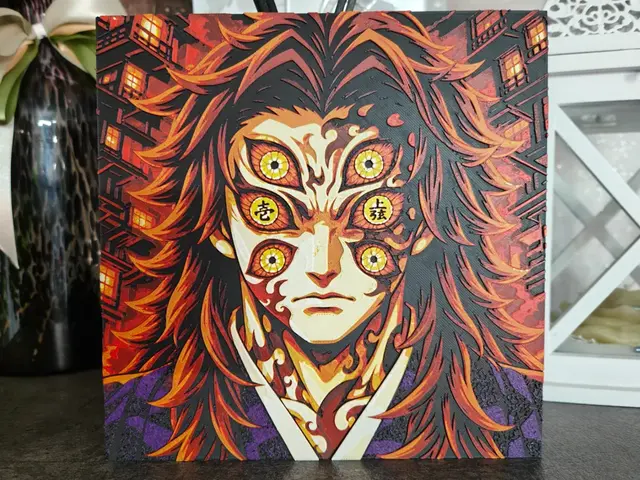
Kokushibo First Waxing Moon HueForge
by S1M0N389
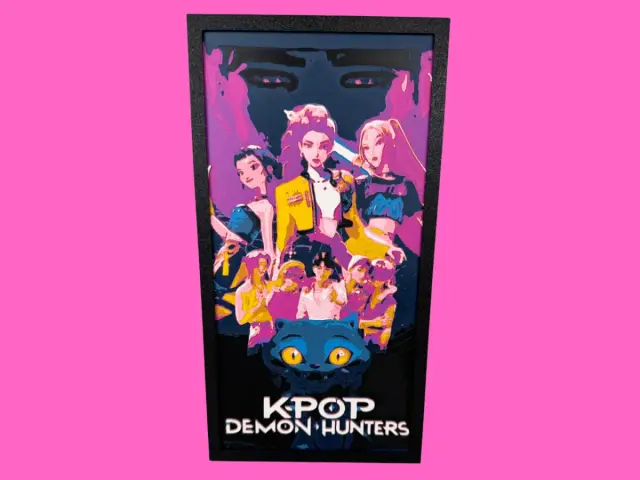
KPOP Demon Hunters with Saja Boys
by Canadian Gamer
Recent Articles
View all
Best 3D Printed Gifts for Everyone on Your List — Made with HueForge
The best 3D printed gifts for everyone on your list, made with HueForge — custom pet and portrait art, ornaments and gift tags, bookmarks, and fandom prints matched to the recipient, plus how to turn gift requests into income.
Best Christmas 3D Prints for HueForge: Ornaments, Santa & Holiday Movie Posters
The Christmas 3D prints worth making as HueForge filament paintings — tree ornaments, Santa and snowmen, holiday movie posters, festive fandom crossovers, and gift tags, grouped by theme.
Best Anime 3D Prints for HueForge: From Shōnen Classics to the Modern Wave
The best anime 3D prints to make as HueForge filament paintings — One Piece, Naruto, Dragon Ball, Demon Slayer, Jujutsu Kaisen, Frieren, Gundam, and anime bookmarks, each linked in the HuePick catalog.