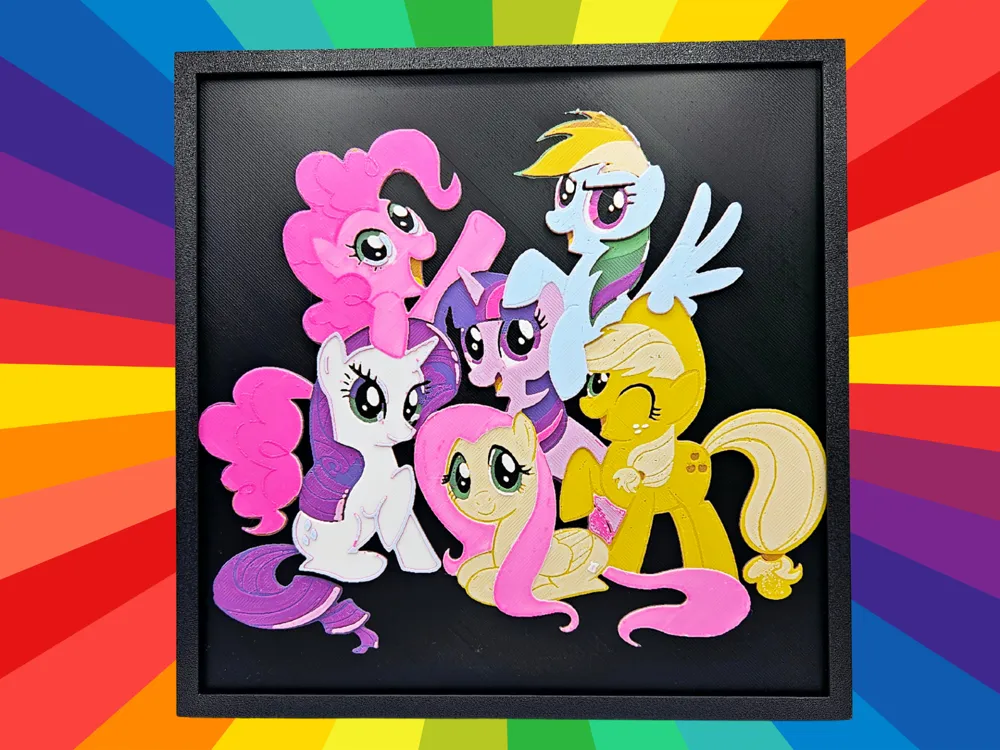
My Little Pony - The Mane 6
by BusyKikiBee
Six beloved friends burst from a black background in this vibrant HueForge tribute to My Little Pony: Friendship is Magic. BusyKikiBee's "The Mane 6" captures each iconic character with remarkable fidelity — Pinkie Pie's bubbly pink curls, Rainbow Dash's bold blue coat and feathered wings, Twilight Sparkle's deep purple hues, Rarity's pristine white form with flowing violet mane, Fluttershy's soft yellow and pink tones, and Applejack's warm golden coat with her signature blonde tail. The inky black backdrop makes every color pop with almost luminous intensity, perfectly echoing the show's cheerful, saturated aesthetic. The layered filament work is genuinely impressive here — you can see distinct depth between characters, giving the group composition a sense of real three-dimensionality rather than a flat print. The surface carries a subtle matte finish that keeps colors true without distracting sheen, and the fine detail on facial features and mane textures speaks to careful filament calibration. Mounted on a wall in a child's bedroom or a collector's display space, the square black frame provides a clean, gallery-ready presentation that lets the characters do all the talking.
View on MakerWorldRequired Filaments8
Bambu Lab Basic Black
Bambu Lab Matte Grass Green
Bambu Lab Basic Maroon Red
Bambu Lab Basic Purple
Bambu Lab Basic Magenta
Bambu Lab Basic Sunflower Yellow
Bambu Lab Matte Ivory White
Bambu Lab Matte Ice Blue
Why filament details may vary
Filament details (brand, color, and TD value) may not exactly match the designer's original specification. In some cases, the designer didn't specify exact filaments and we've matched the closest options we could find. Always check the original listing for full details.
Some filament links are affiliate links — we may earn a small commission at no extra cost to you. Learn more
Sign up to track your filament inventory and check your matches.
Create accountYou Might Also Like
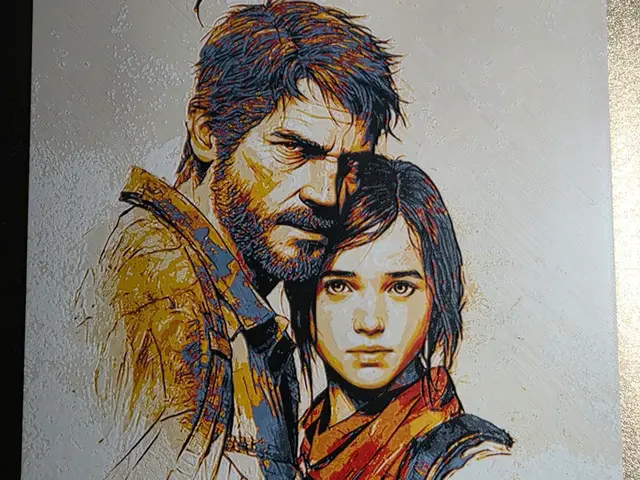
The last of us Hueforge
by 3D-Mentiel
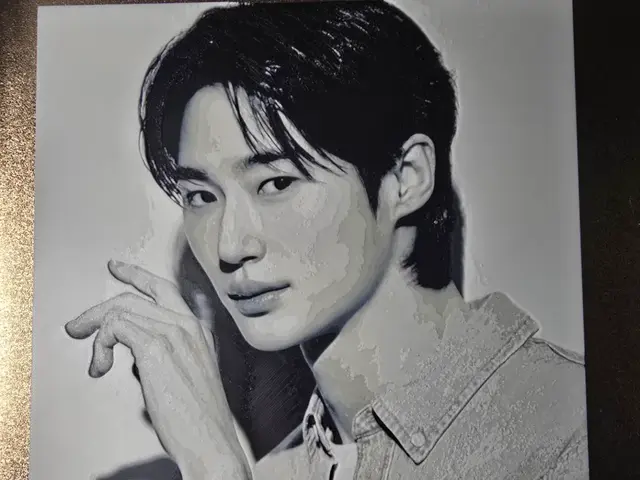
Byeon Woo Seok Hueforg
by 3D-Mentiel
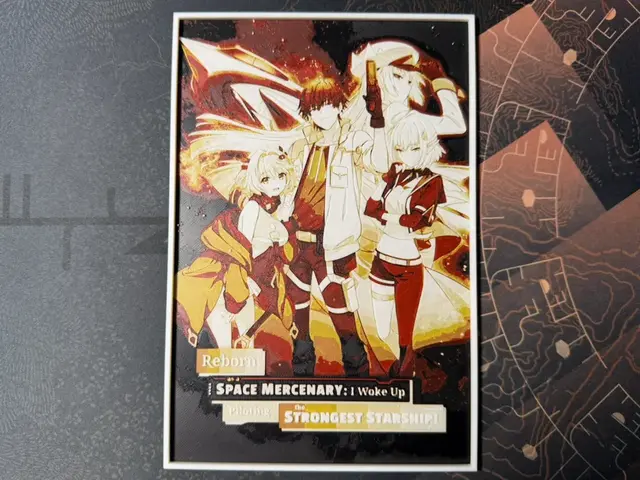
Reborn as a Space Mercenary ... - HueForge
by ZorPrime7
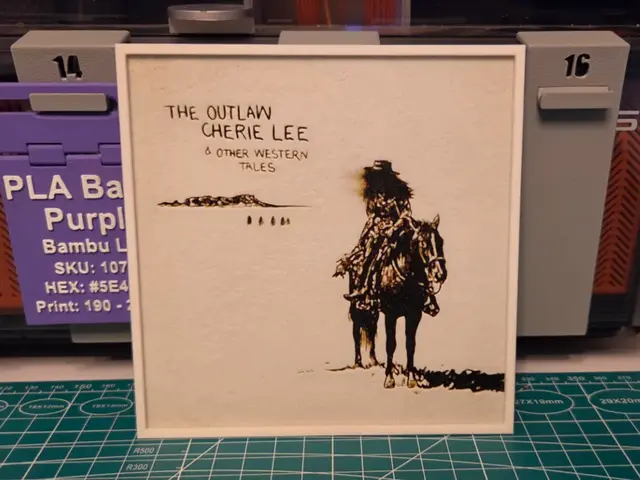
Shaboozey "The Outlaw Cherie Lee" Album - Hueforge
by Lumpy3D
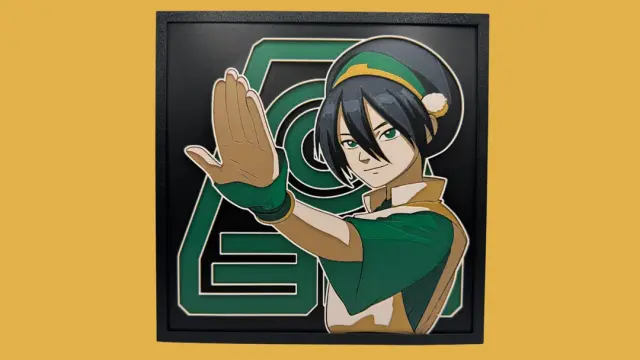
Toph Beifong - Avatar Hueforge
by Canadian Gamer
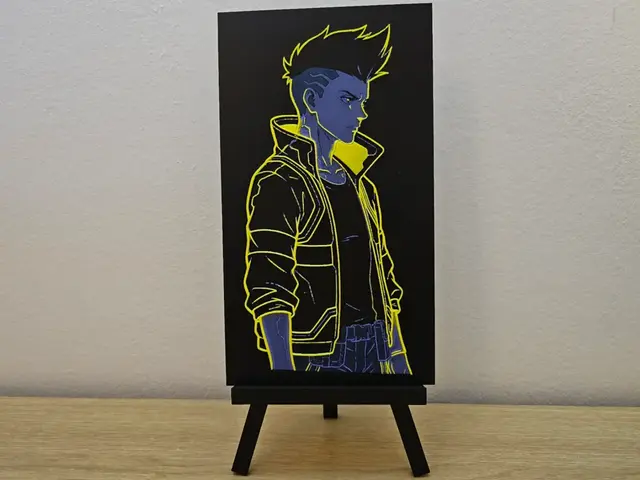
David Martinez Edgerunners HueForge
by Opao
Recent Articles
View all
Best 3D Printed Gifts for Everyone on Your List — Made with HueForge
The best 3D printed gifts for everyone on your list, made with HueForge — custom pet and portrait art, ornaments and gift tags, bookmarks, and fandom prints matched to the recipient, plus how to turn gift requests into income.
Best Christmas 3D Prints for HueForge: Ornaments, Santa & Holiday Movie Posters
The Christmas 3D prints worth making as HueForge filament paintings — tree ornaments, Santa and snowmen, holiday movie posters, festive fandom crossovers, and gift tags, grouped by theme.
Best Anime 3D Prints for HueForge: From Shōnen Classics to the Modern Wave
The best anime 3D prints to make as HueForge filament paintings — One Piece, Naruto, Dragon Ball, Demon Slayer, Jujutsu Kaisen, Frieren, Gundam, and anime bookmarks, each linked in the HuePick catalog.