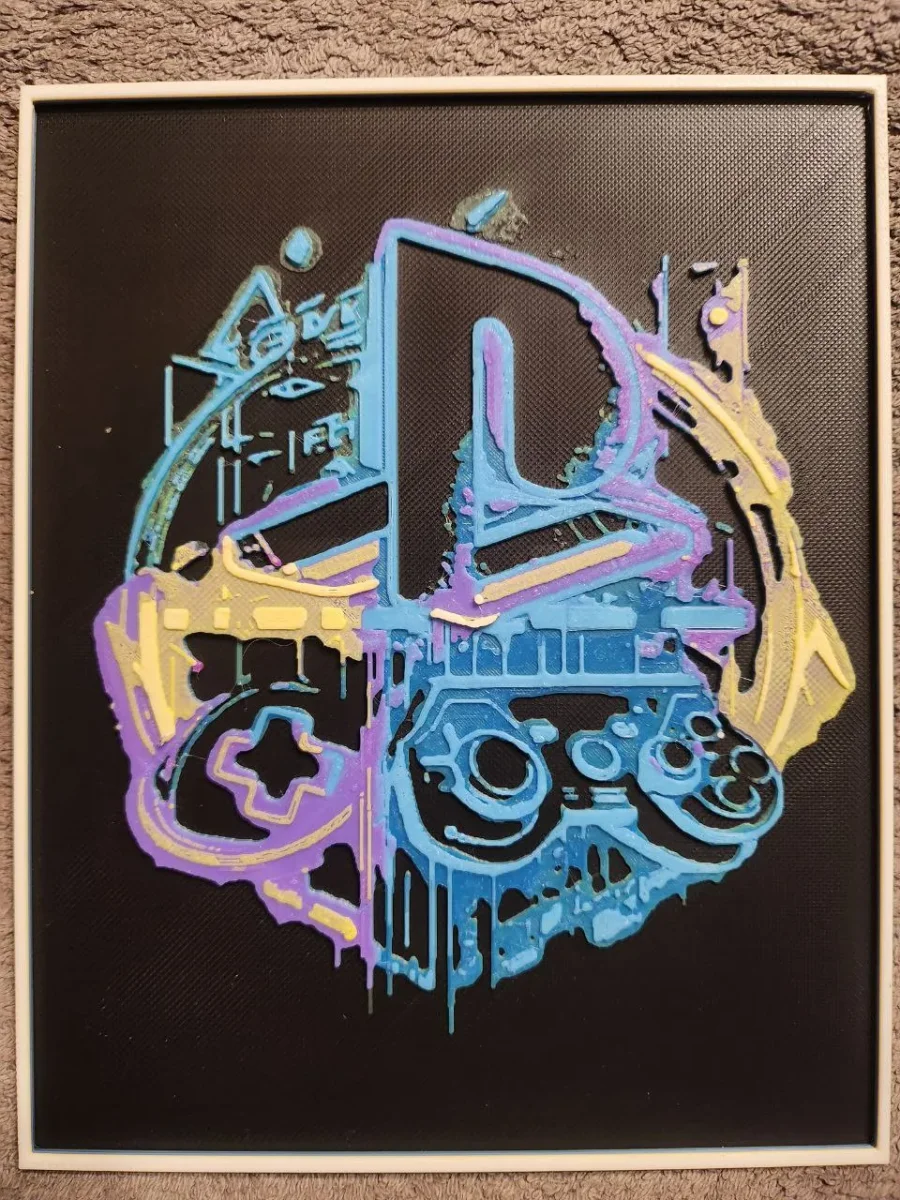
Play Station Logo - HueForge
by keko
Gaming nostalgia takes on a fluid, artistic form as the iconic PlayStation controller melts into vibrant streams of color. Brilliant blues dominate the composition, flowing like liquid through the familiar button symbols, while electric purples and warm yellows cascade downward in dramatic drips. Against the deep black background, this deconstructed controller becomes a mesmerizing fusion of retro gaming culture and contemporary street art aesthetics.
View on MakerWorldRequired Filaments8
Why filament details may vary
Filament details (brand, color, and TD value) may not exactly match the designer's original specification. In some cases, the designer didn't specify exact filaments and we've matched the closest options we could find. Always check the original listing for full details.
Some filament links are affiliate links — we may earn a small commission at no extra cost to you. Learn more
Sign up to track your filament inventory and check your matches.
Create accountYou Might Also Like
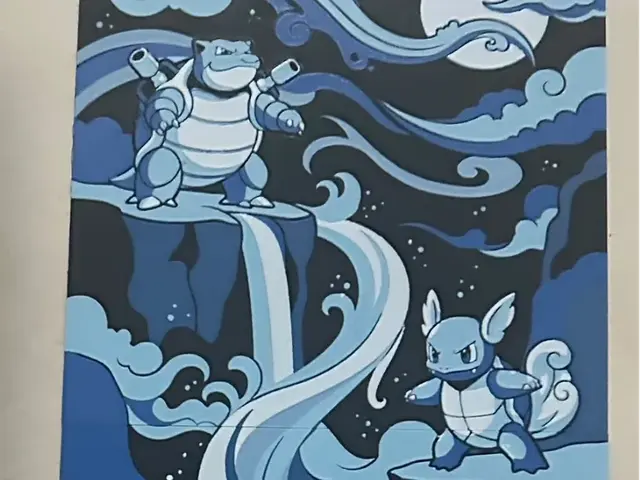
Squirtle evolution set
by TowerLayers
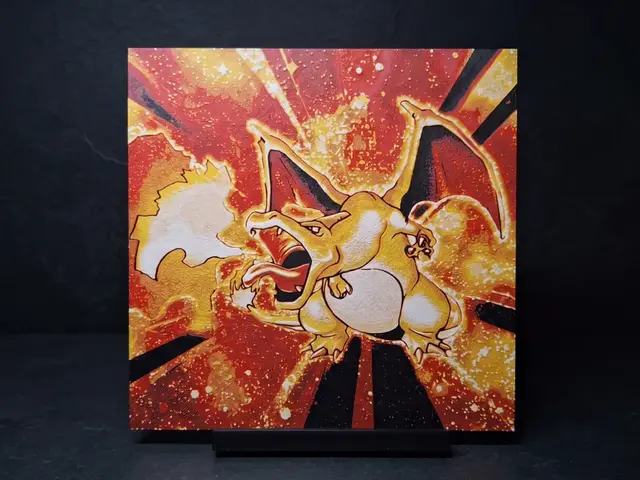
Classic Charizard - Wall Art
by LED
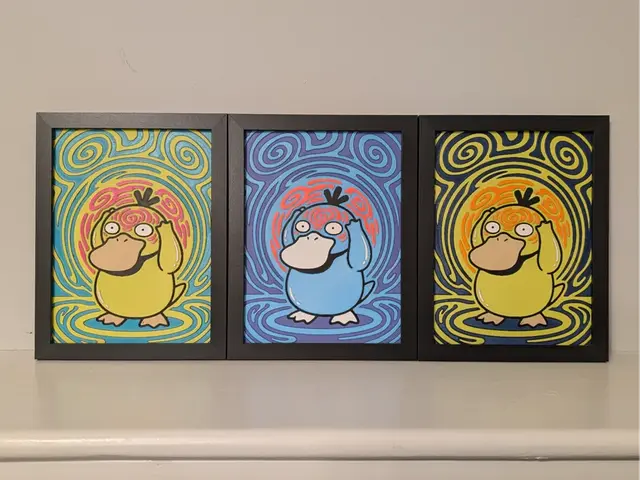
Trippy Psyduck Pokemon 6x8 Hueforge 3D Decor
by Super bird
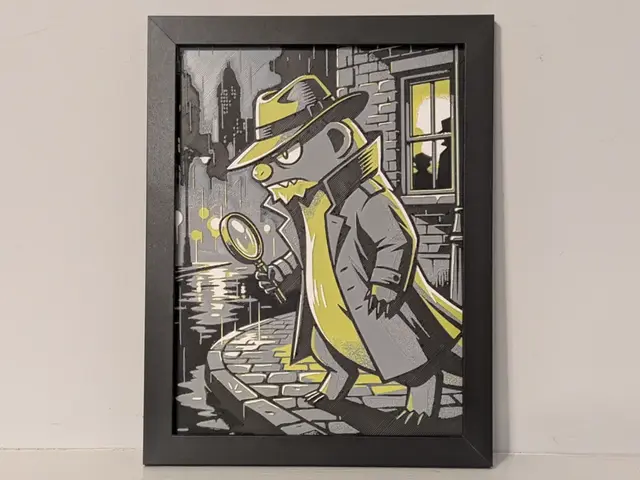
Detective Gumshoos Pokemon 6x8 Hueforge 3D Decor
by Super bird
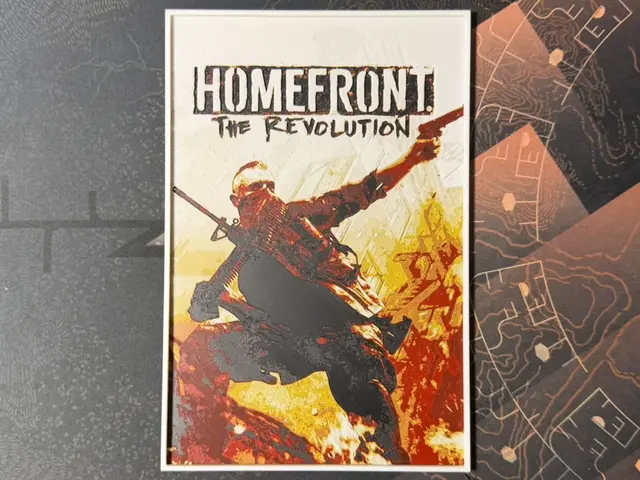
Homefront The Revolution - HueForge
by ZorPrime7
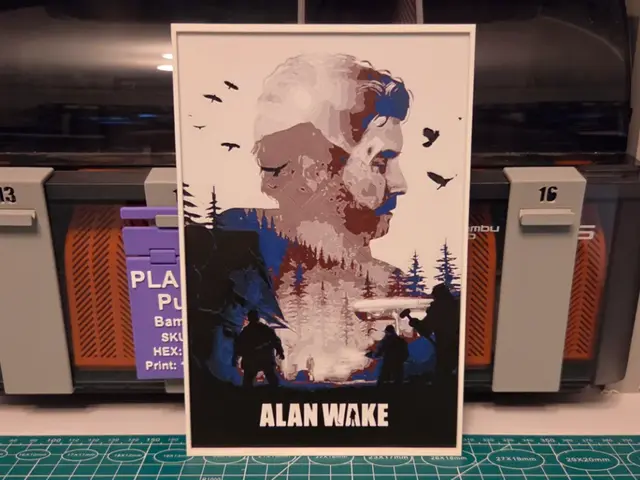
Alan Wake Game Poster - Hueforge Art
by Lumpy3D
Recent Articles
View all
Best Christmas 3D Prints for HueForge: Ornaments, Santa & Holiday Movie Posters
The Christmas 3D prints worth making as HueForge filament paintings — tree ornaments, Santa and snowmen, holiday movie posters, festive fandom crossovers, and gift tags, grouped by theme.
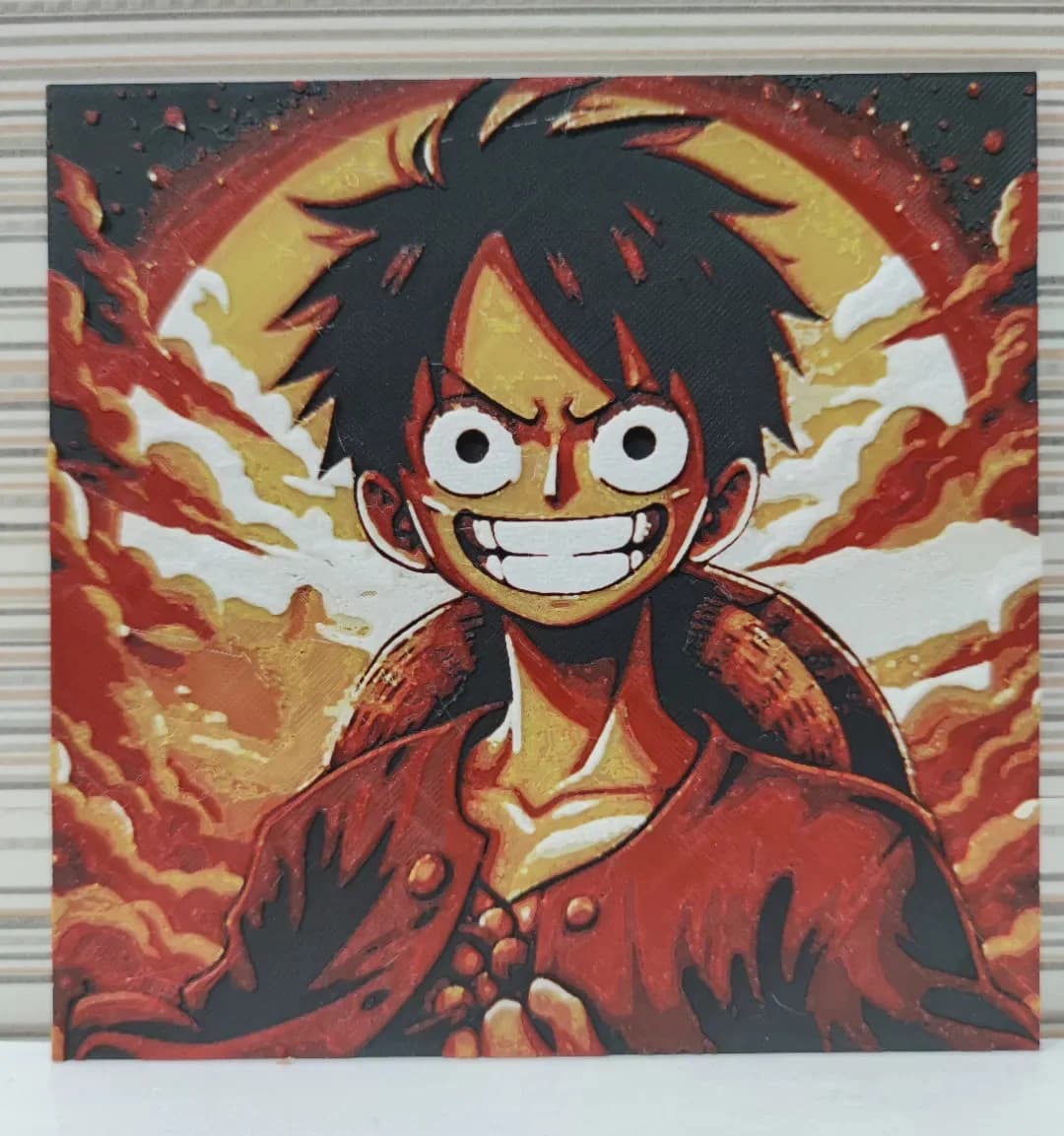
Best Anime 3D Prints for HueForge: From Shōnen Classics to the Modern Wave
The best anime 3D prints to make as HueForge filament paintings — One Piece, Naruto, Dragon Ball, Demon Slayer, Jujutsu Kaisen, Frieren, Gundam, and anime bookmarks, each linked in the HuePick catalog.
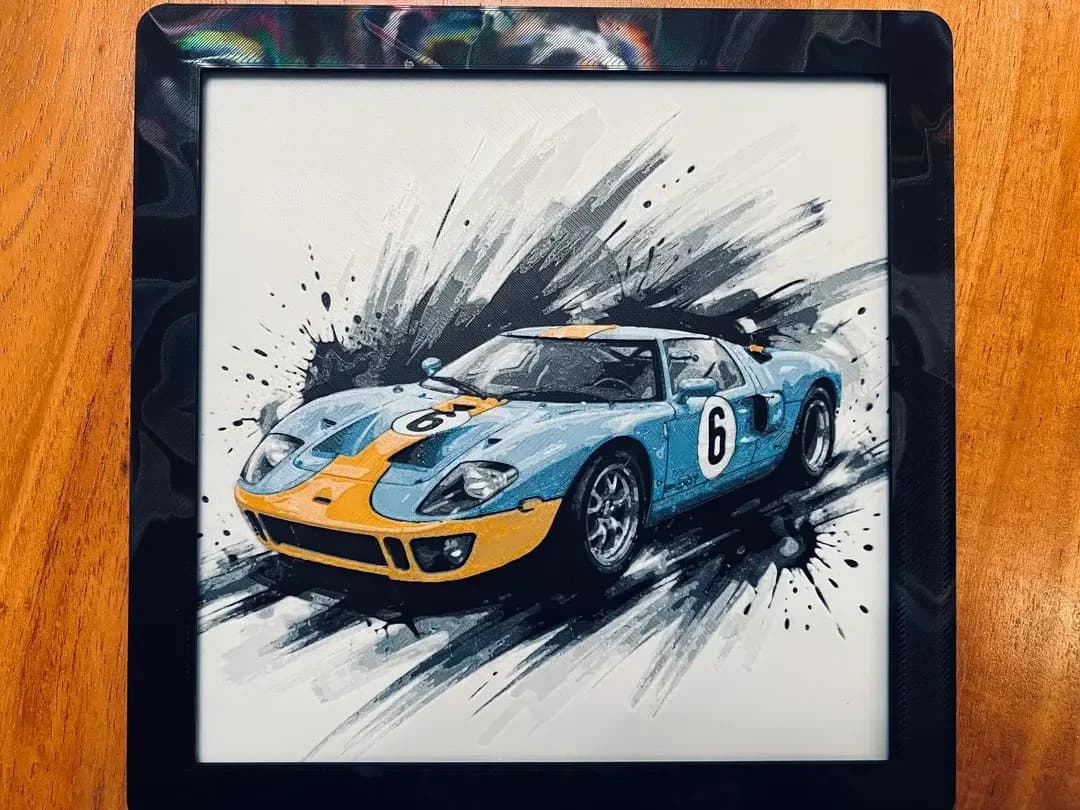
Best Car 3D Prints for HueForge: From Japanese Icons to Movie Cars
The best car 3D prints to make as HueForge filament paintings — JDM legends, supercars, American muscle, F1 and rally posters, and movie icons like the DeLorean, each linked in the HuePick catalog.