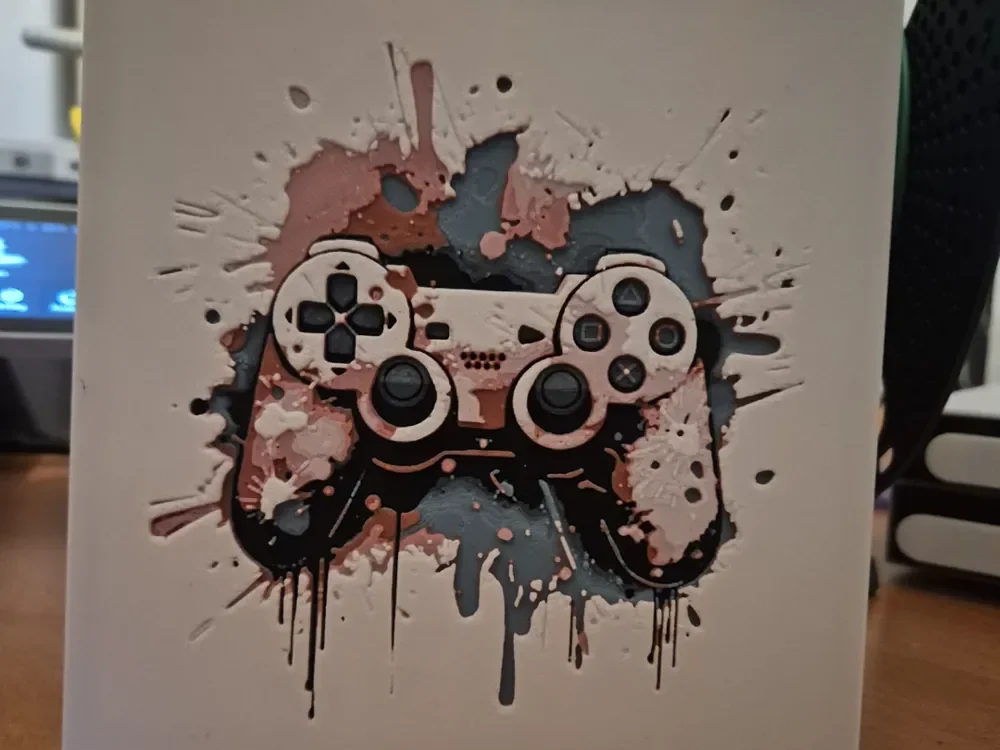
playstation splash hueforge
by Buntsta
A PlayStation controller emerges from an explosive burst of paint splatters and dripping colors in this dynamic gaming tribute. The iconic dual analog design takes center stage against chaotic splashes of muted browns, slate blues, and cream tones that radiate outward like creative energy unleashed. Paint drips cascade downward while energetic splatters spread in all directions, creating a grunge-inspired aesthetic that celebrates the intersection of digital gaming and street art culture.
View on MakerWorldRequired Filaments4
Why filament details may vary
Filament details (brand, color, and TD value) may not exactly match the designer's original specification. In some cases, the designer didn't specify exact filaments and we've matched the closest options we could find. Always check the original listing for full details.
Some filament links are affiliate links — we may earn a small commission at no extra cost to you. Learn more
Sign up to track your filament inventory and check your matches.
Create accountYou Might Also Like
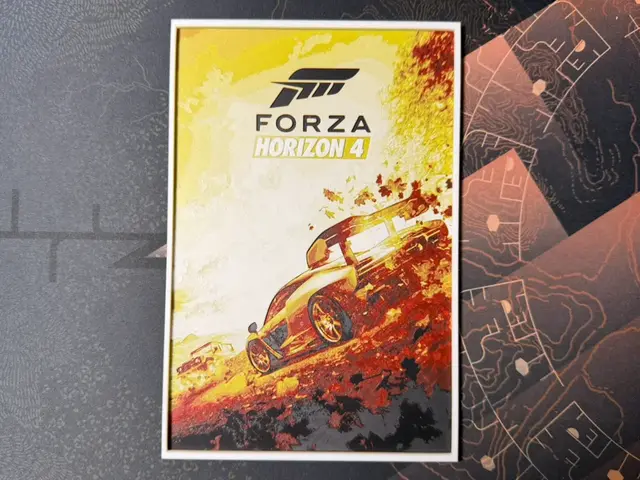
Forza Horizon 4 - HueForge
by ZorPrime7
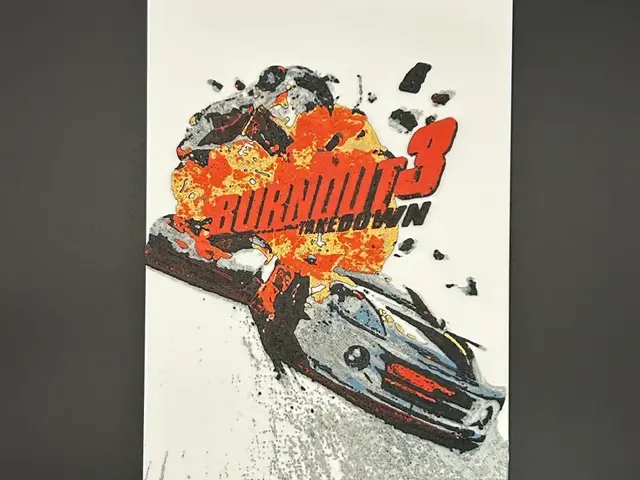
Burnout 3: Takedown Cover Art HueForge
by CreativeDestructions
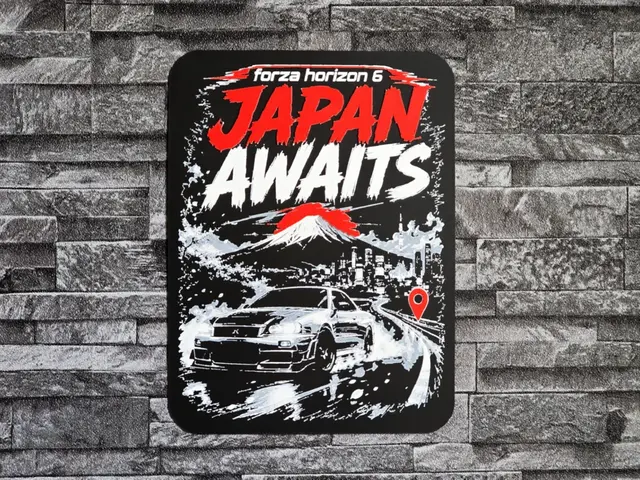
Hueforge Forza Horizon 6 Japan
by StefBull85
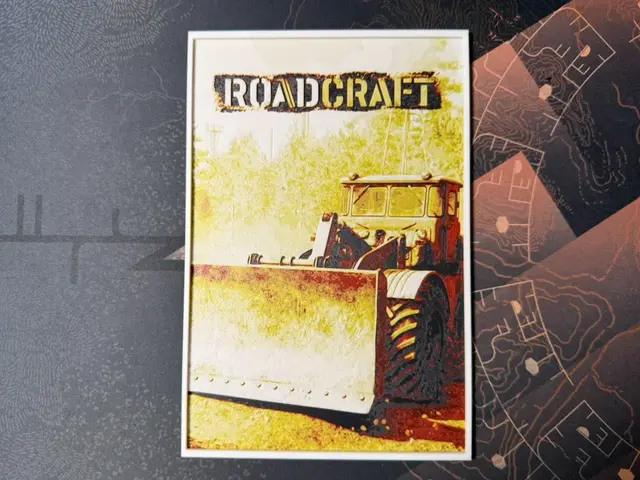
Roadcraft
by ZorPrime7
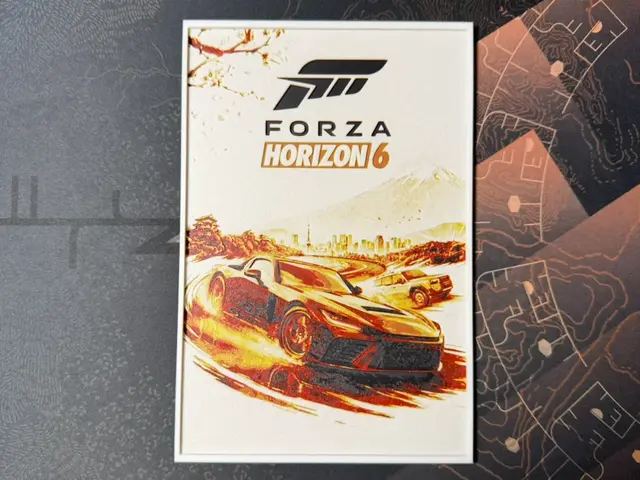
Forza Horizon 6 - HueForge
by ZorPrime7
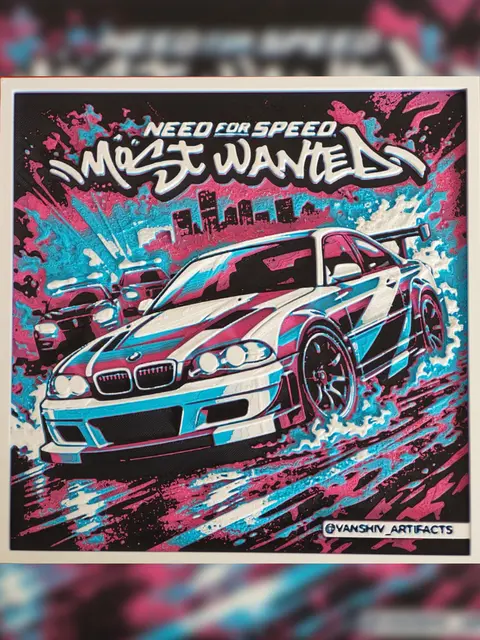
Need for Speed Most Wanted – Street Racing Artwork.3mf
by vanshivartifacts
Recent Articles
View all
Best Christmas 3D Prints for HueForge: Ornaments, Santa & Holiday Movie Posters
The Christmas 3D prints worth making as HueForge filament paintings — tree ornaments, Santa and snowmen, holiday movie posters, festive fandom crossovers, and gift tags, grouped by theme.
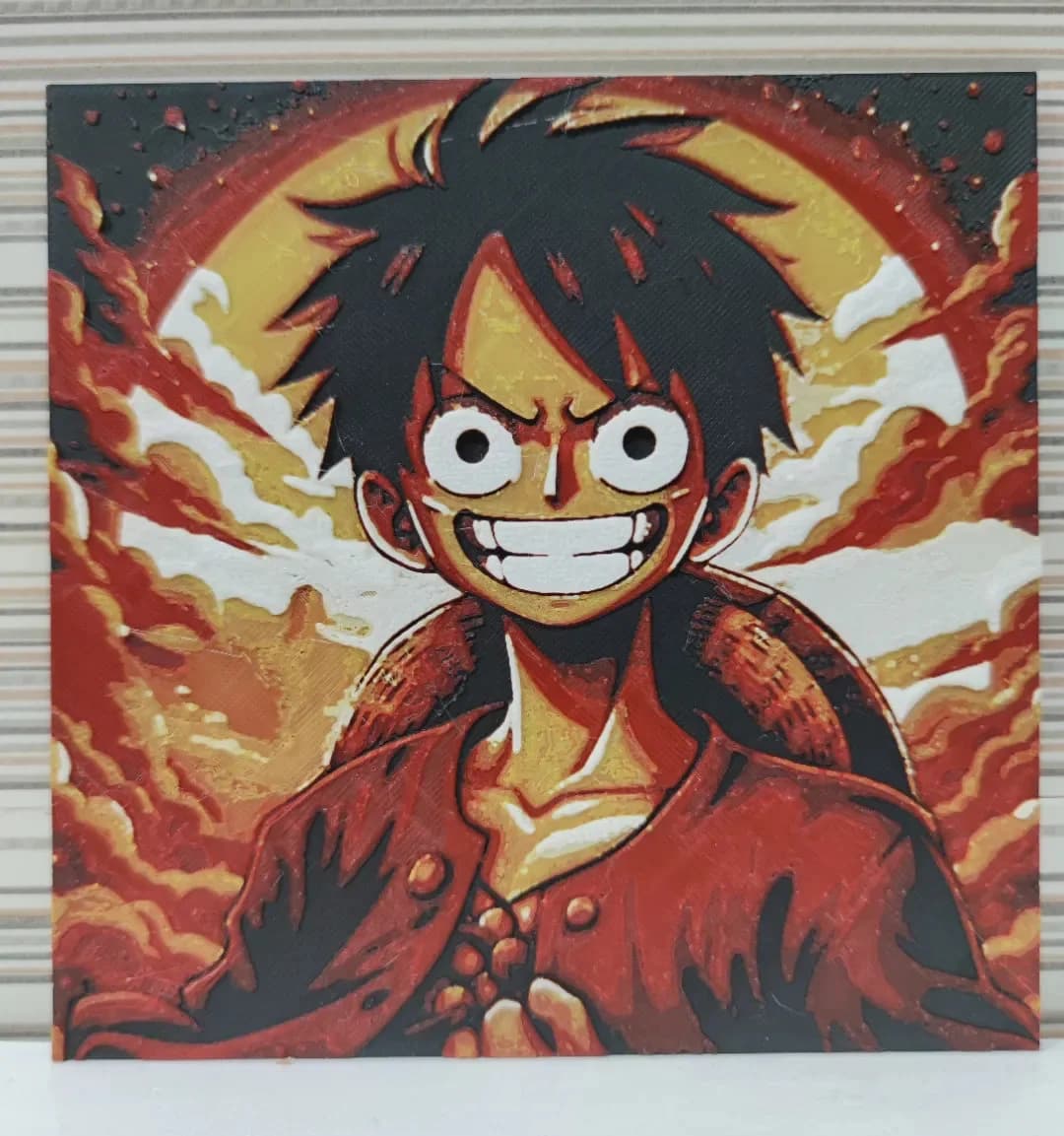
Best Anime 3D Prints for HueForge: From Shōnen Classics to the Modern Wave
The best anime 3D prints to make as HueForge filament paintings — One Piece, Naruto, Dragon Ball, Demon Slayer, Jujutsu Kaisen, Frieren, Gundam, and anime bookmarks, each linked in the HuePick catalog.
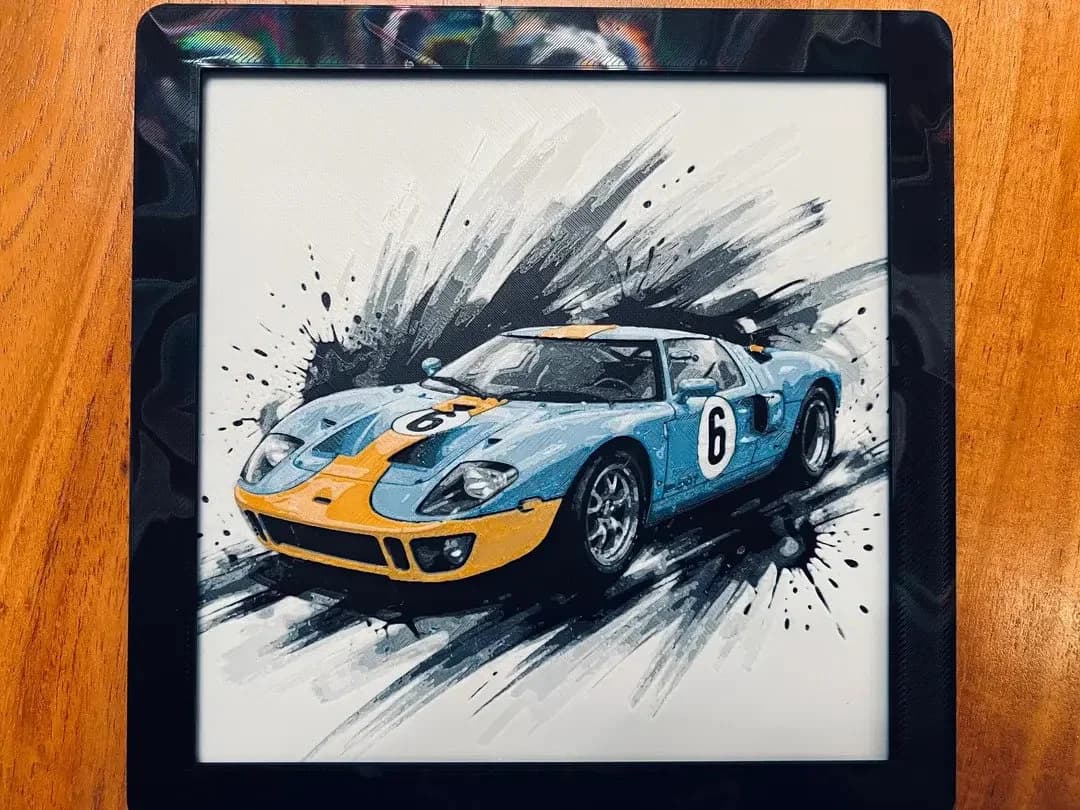
Best Car 3D Prints for HueForge: From Japanese Icons to Movie Cars
The best car 3D prints to make as HueForge filament paintings — JDM legends, supercars, American muscle, F1 and rally posters, and movie icons like the DeLorean, each linked in the HuePick catalog.