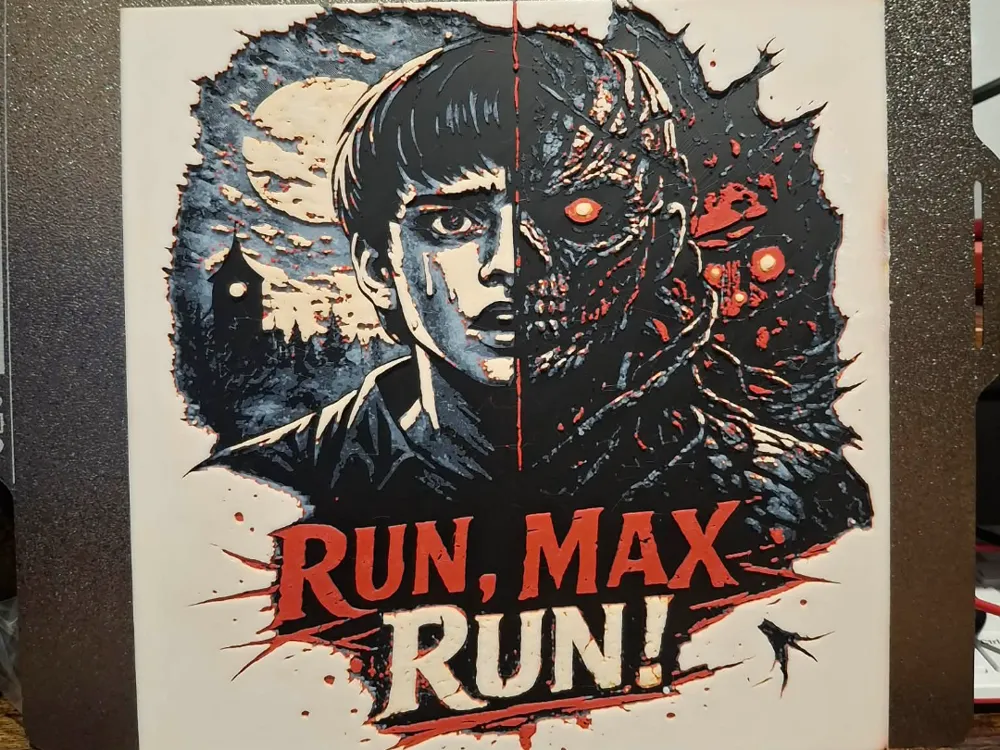
Run Max - Stranger things - Hueforge - 4 colours
by 3dGlow
Max Mayfield's determined face splits dramatically between light and shadow, capturing her pivotal Season 4 moment when Vecna's curse threatened to consume her. The left side shows her human vulnerability in muted blues and grays, while the right erupts into nightmarish reds and blacks depicting the Mind Flayer's terrifying influence. This four-color HueForge design masterfully balances the supernatural horror with Max's resilience, creating a striking tribute to one of Stranger Things' most harrowing episodes.
View on MakerWorldRequired Filaments4
Why filament details may vary
Filament details (brand, color, and TD value) may not exactly match the designer's original specification. In some cases, the designer didn't specify exact filaments and we've matched the closest options we could find. Always check the original listing for full details.
Some filament links are affiliate links — we may earn a small commission at no extra cost to you. Learn more
Sign up to track your filament inventory and check your matches.
Create accountYou Might Also Like
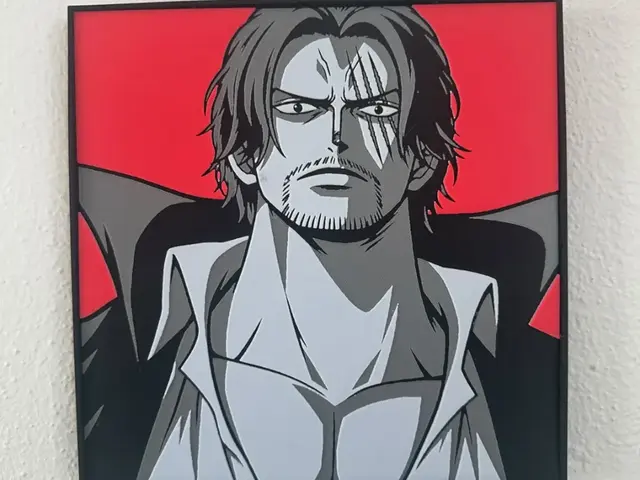
Shanks Red Collection
by TowerLayers
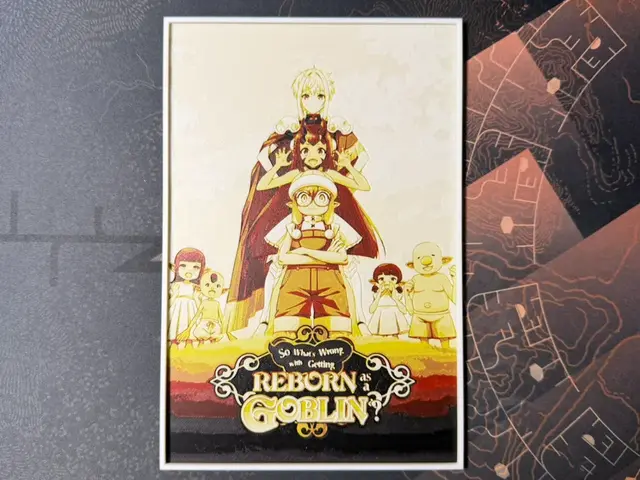
So What's Wrong with Getting Reborn as a Goblin
by ZorPrime7
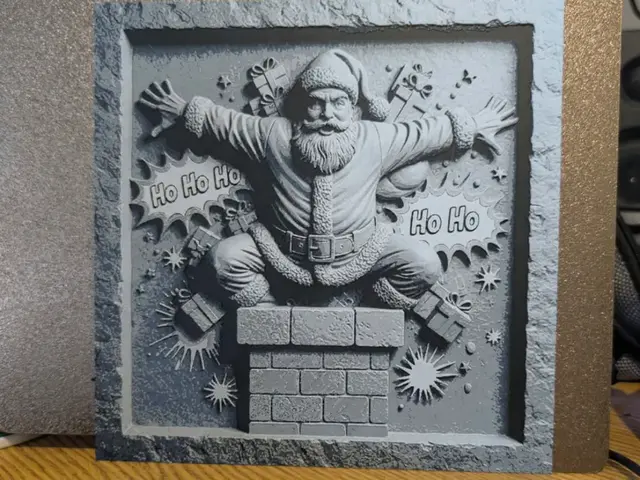
Santa flew out the chimney - Slate style hueforge
by 3dGlow
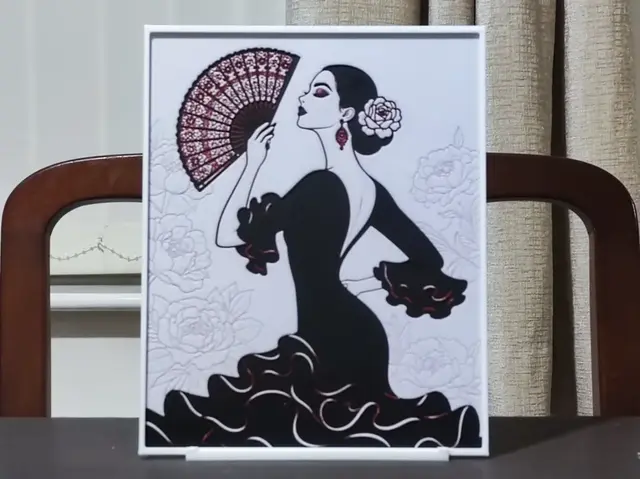
High Contrast Flamenco - 3 Color HueForge
by BoDad
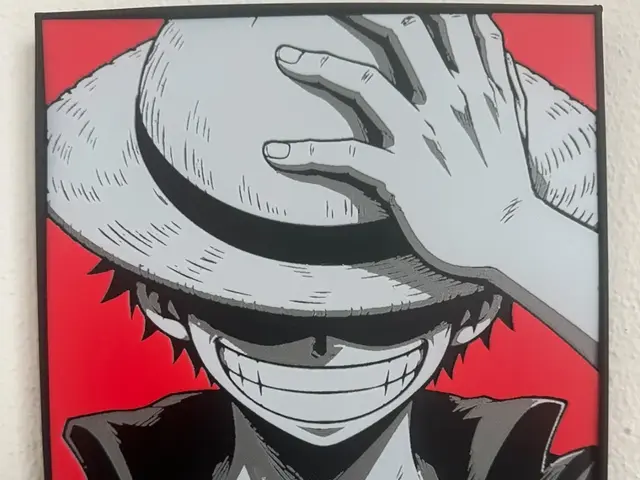
Luffy red collection
by TowerLayers
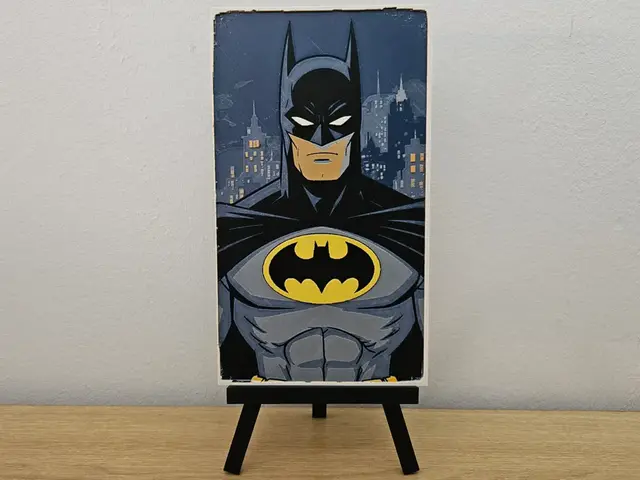
Classic Batman Comic HueForge
by Opao
Recent Articles
View all
Best 3D Printed Gifts for Everyone on Your List — Made with HueForge
The best 3D printed gifts for everyone on your list, made with HueForge — custom pet and portrait art, ornaments and gift tags, bookmarks, and fandom prints matched to the recipient, plus how to turn gift requests into income.
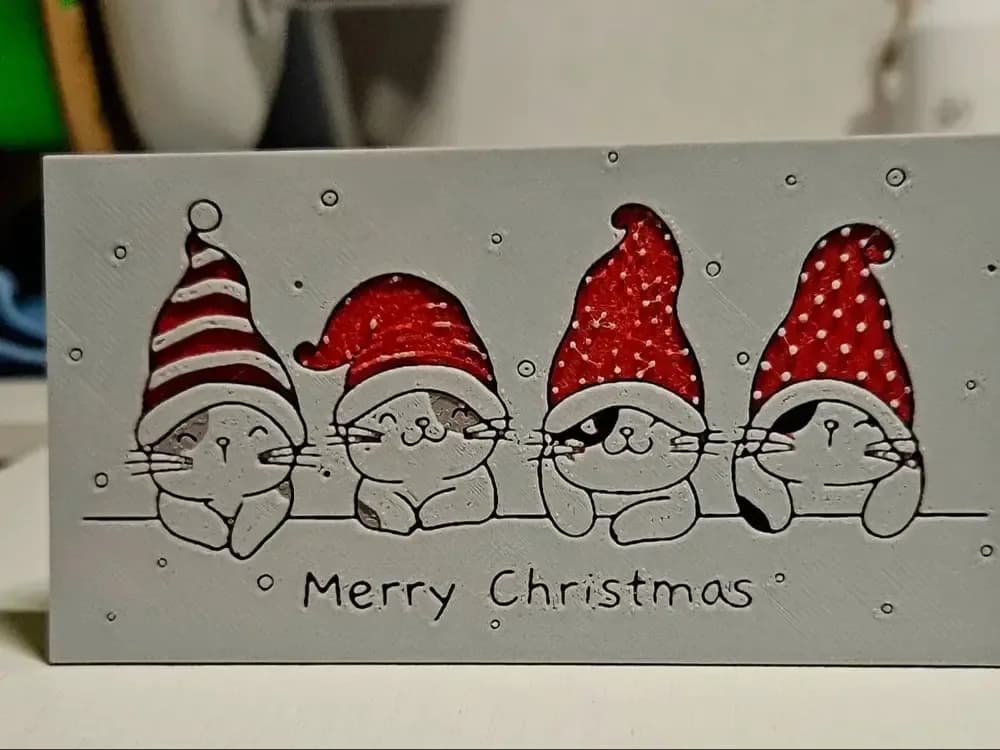
Best Christmas 3D Prints for HueForge: Ornaments, Santa & Holiday Movie Posters
The Christmas 3D prints worth making as HueForge filament paintings — tree ornaments, Santa and snowmen, holiday movie posters, festive fandom crossovers, and gift tags, grouped by theme.
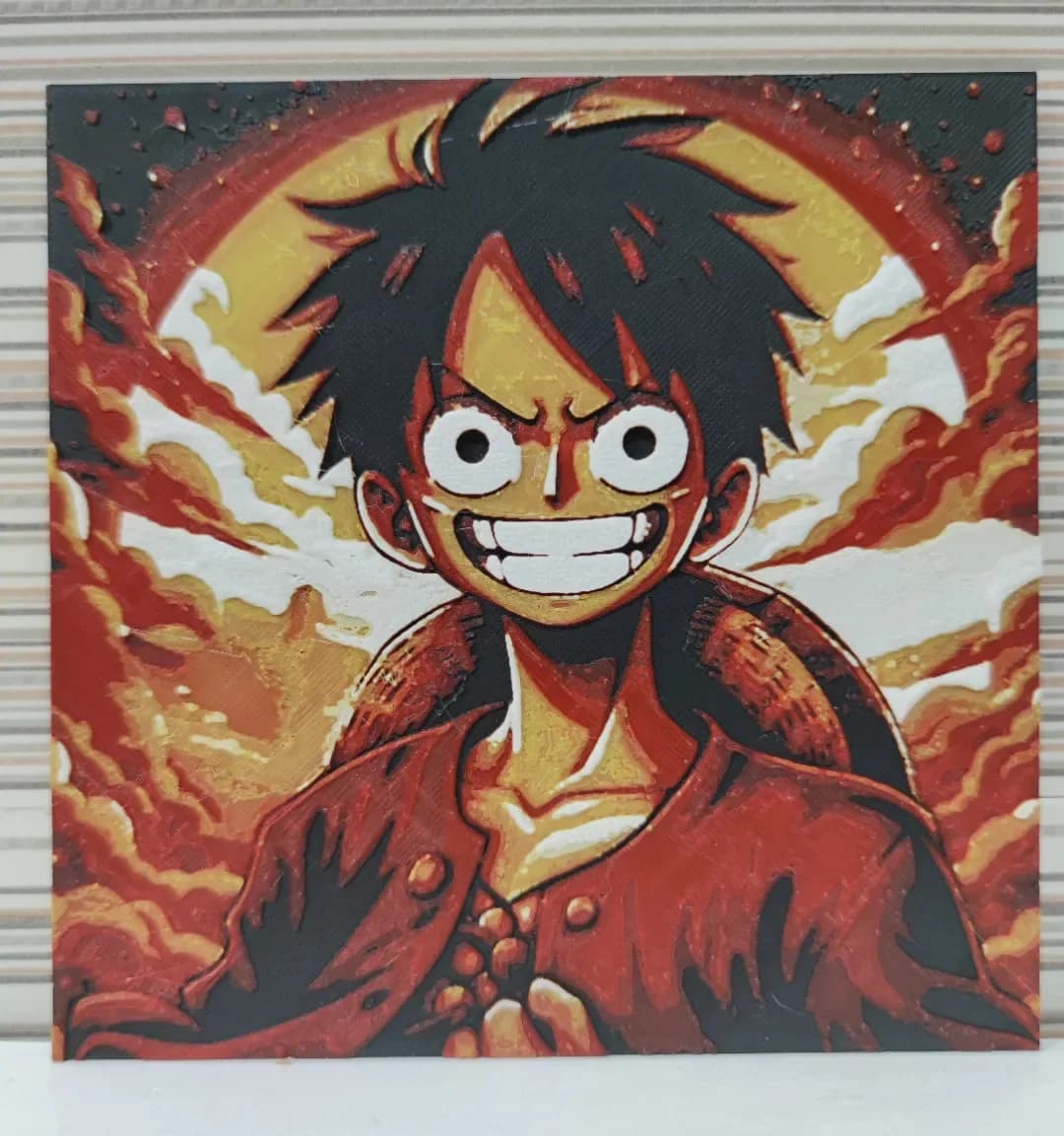
Best Anime 3D Prints for HueForge: From Shōnen Classics to the Modern Wave
The best anime 3D prints to make as HueForge filament paintings — One Piece, Naruto, Dragon Ball, Demon Slayer, Jujutsu Kaisen, Frieren, Gundam, and anime bookmarks, each linked in the HuePick catalog.