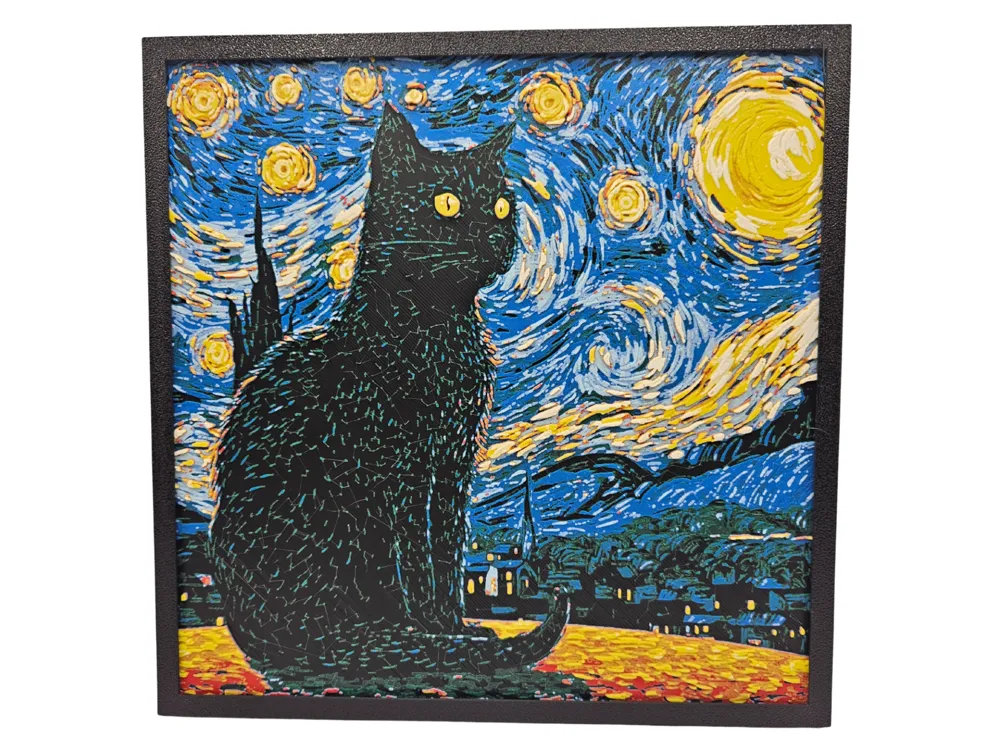
Starry Starry Cat
by BusyKikiBee
Van Gogh's swirling night sky provides a mesmerizing backdrop for a contemplative feline silhouette in this charming artistic mashup. The iconic starry composition flows in dynamic blues and yellows around a black cat perched beneath the luminous celestial dance. BusyKikiBee masterfully transforms the classic masterpiece into a whimsical tribute where art history meets feline grace, creating a striking wall art piece that captures both the original's energy and serene cat-watching-the-world magic.
View on MakerWorldRequired Filaments7
Bambu Lab Basic Black
Bambu Lab Basic Mistletoe Green
Bambu Lab Basic Cobalt Blue
Bambu Lab Matte Ice Blue
Bambu Lab Matte Dark Red
Bambu Lab Basic Yellow
Bambu Lab Matte Ivory White
Why filament details may vary
Filament details (brand, color, and TD value) may not exactly match the designer's original specification. In some cases, the designer didn't specify exact filaments and we've matched the closest options we could find. Always check the original listing for full details.
Some filament links are affiliate links — we may earn a small commission at no extra cost to you. Learn more
Sign up to track your filament inventory and check your matches.
Create accountYou Might Also Like
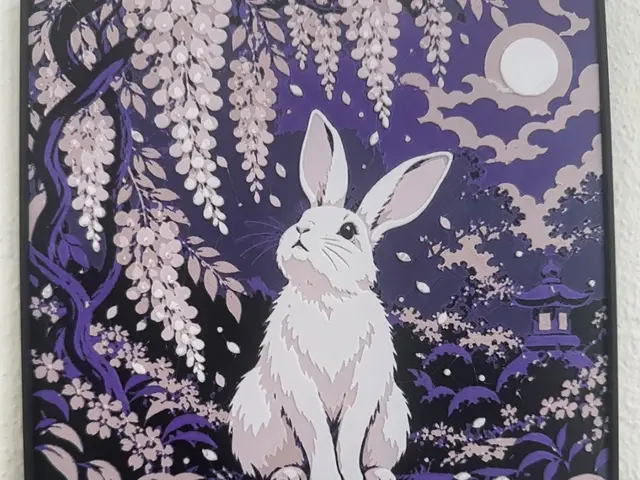
Fuji: Wisteria — Stillness
by TowerLayers
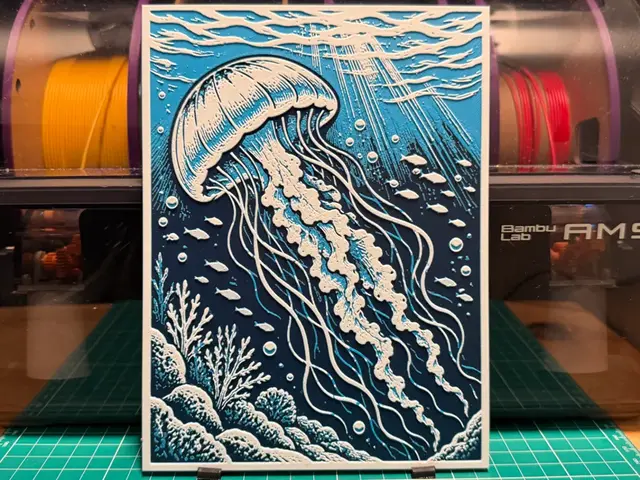
Jellyfish Print
by liv_3d
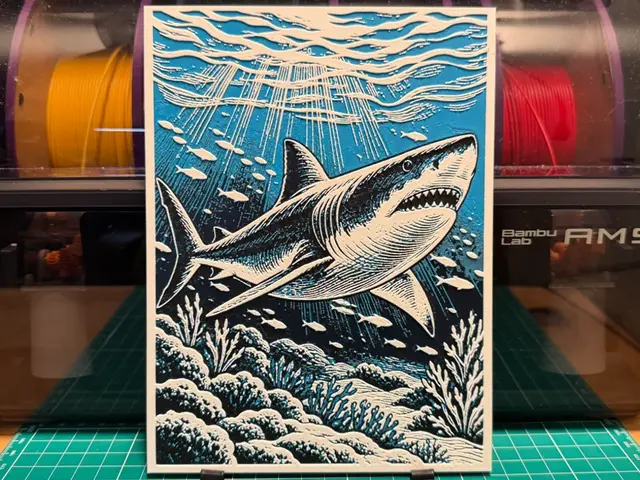
Shark Print
by liv_3d
Love Cat Bookmark
by Atrus Design
Huggy Cat Bookmark
by Atrus Design
Suiren: Water Lily — Perseverance
by TowerLayers
Recent Articles
View all
Best 3D Printed Gifts for Everyone on Your List — Made with HueForge
The best 3D printed gifts for everyone on your list, made with HueForge — custom pet and portrait art, ornaments and gift tags, bookmarks, and fandom prints matched to the recipient, plus how to turn gift requests into income.
Best Christmas 3D Prints for HueForge: Ornaments, Santa & Holiday Movie Posters
The Christmas 3D prints worth making as HueForge filament paintings — tree ornaments, Santa and snowmen, holiday movie posters, festive fandom crossovers, and gift tags, grouped by theme.
Best Anime 3D Prints for HueForge: From Shōnen Classics to the Modern Wave
The best anime 3D prints to make as HueForge filament paintings — One Piece, Naruto, Dragon Ball, Demon Slayer, Jujutsu Kaisen, Frieren, Gundam, and anime bookmarks, each linked in the HuePick catalog.