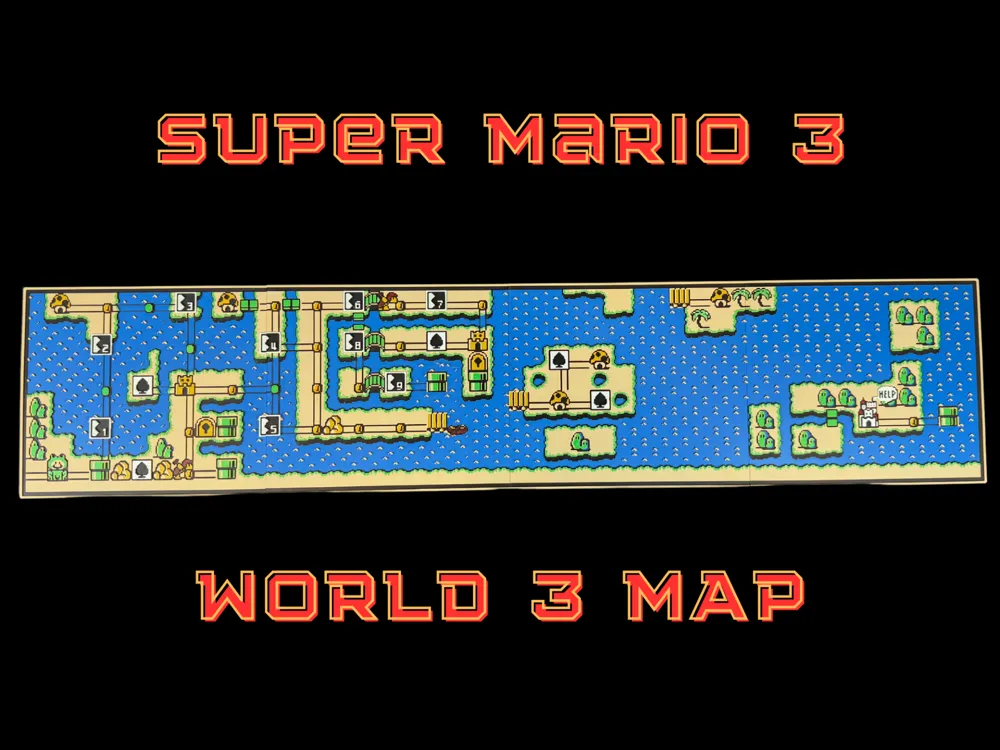
Super Mario 3 - World 3 Map - Multi-Panel 225x200
A nostalgic pixel-art tribute to Nintendo's beloved platformer unfolds across this detailed World 3 map recreation. The aquatic realm stretches horizontally in classic 8-bit style, featuring scattered islands connected by dotted pathways against deep blue waters. Sandy beige landmasses dot the oceanic expanse, each marked with tiny green trees and colorful level indicators that faithful fans will instantly recognize. This multi-panel display captures the maritime adventure's iconic overworld with remarkable precision and retro charm.
View on MakerWorldRequired Filaments7
Bambu Lab Matte Marine Blue
Bambu Lab Basic Black
Bambu Lab Basic Red
Bambu Lab Basic Yellow
Bambu Lab Matte Desert Tan
Bambu Lab Basic Green
Bambu Lab Matte Ivory White
Why filament details may vary
Filament details (brand, color, and TD value) may not exactly match the designer's original specification. In some cases, the designer didn't specify exact filaments and we've matched the closest options we could find. Always check the original listing for full details.
Some filament links are affiliate links — we may earn a small commission at no extra cost to you. Learn more
Sign up to track your filament inventory and check your matches.
Create accountYou Might Also Like
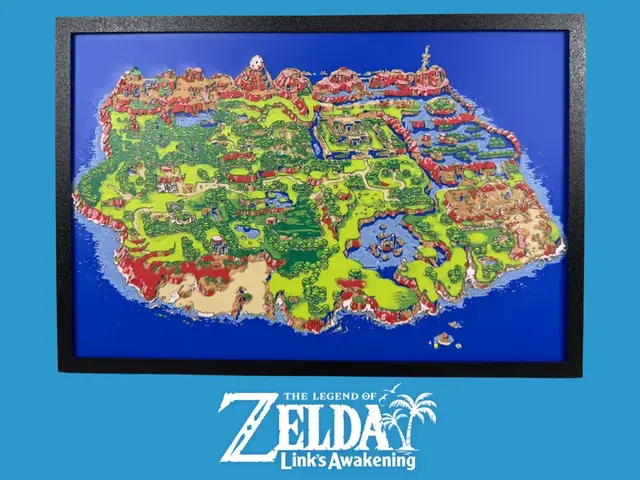
Legend of Zelda - Links Awakening - Map
by Canadian Gamer
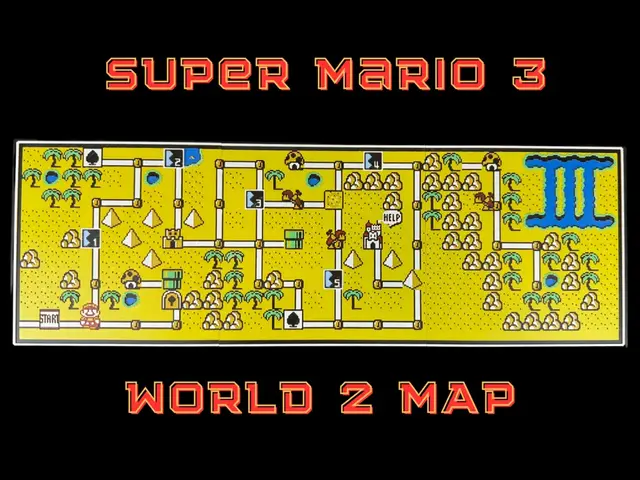
Super Mario 3 - World 2 Map - Multi-panel 600x200
by Canadian Gamer
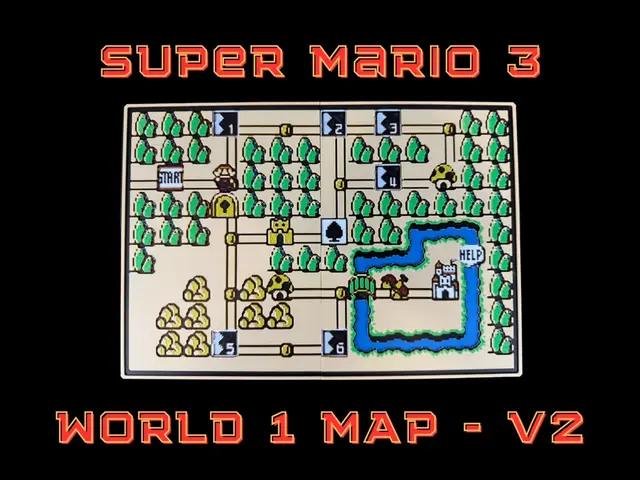
Super Mario 3 - World 1 Map - Multipanel 288x200mm
by Canadian Gamer
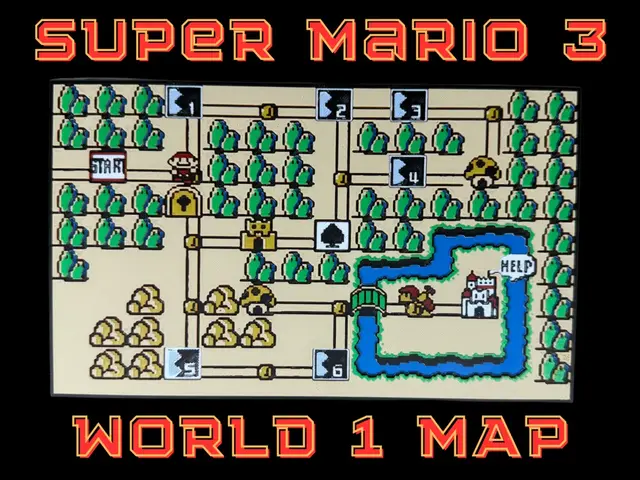
Super Mario Bros 3 - World 1 Map - NES
by Canadian Gamer
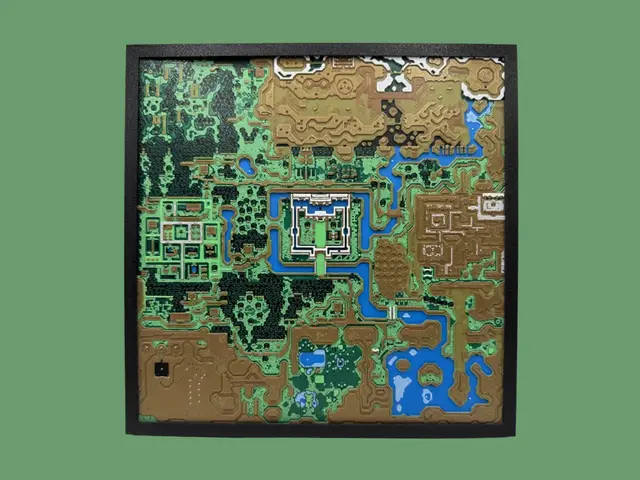
Legend of Zelda - A Link to the Past - Map
by Canadian Gamer
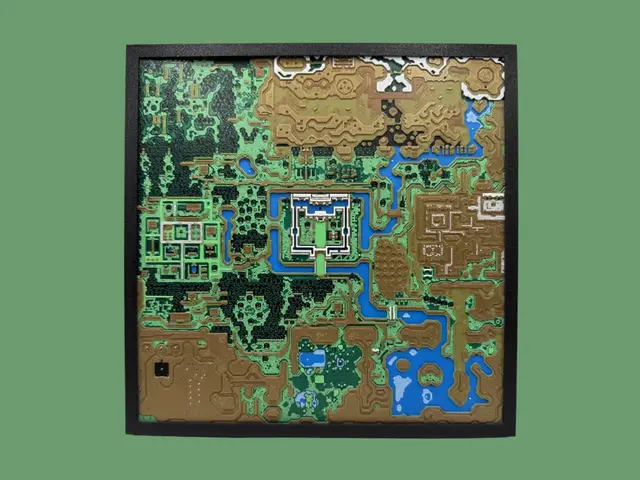
Legend of Zelda - A Link to the Past - Light Map - This Version has been optized for that size. Note there is a different STL if you download to set up your own as well as different
by Canadian Gamer
Recent Articles
View all
Best 3D Printed Gifts for Everyone on Your List — Made with HueForge
The best 3D printed gifts for everyone on your list, made with HueForge — custom pet and portrait art, ornaments and gift tags, bookmarks, and fandom prints matched to the recipient, plus how to turn gift requests into income.
Best Christmas 3D Prints for HueForge: Ornaments, Santa & Holiday Movie Posters
The Christmas 3D prints worth making as HueForge filament paintings — tree ornaments, Santa and snowmen, holiday movie posters, festive fandom crossovers, and gift tags, grouped by theme.
Best Anime 3D Prints for HueForge: From Shōnen Classics to the Modern Wave
The best anime 3D prints to make as HueForge filament paintings — One Piece, Naruto, Dragon Ball, Demon Slayer, Jujutsu Kaisen, Frieren, Gundam, and anime bookmarks, each linked in the HuePick catalog.