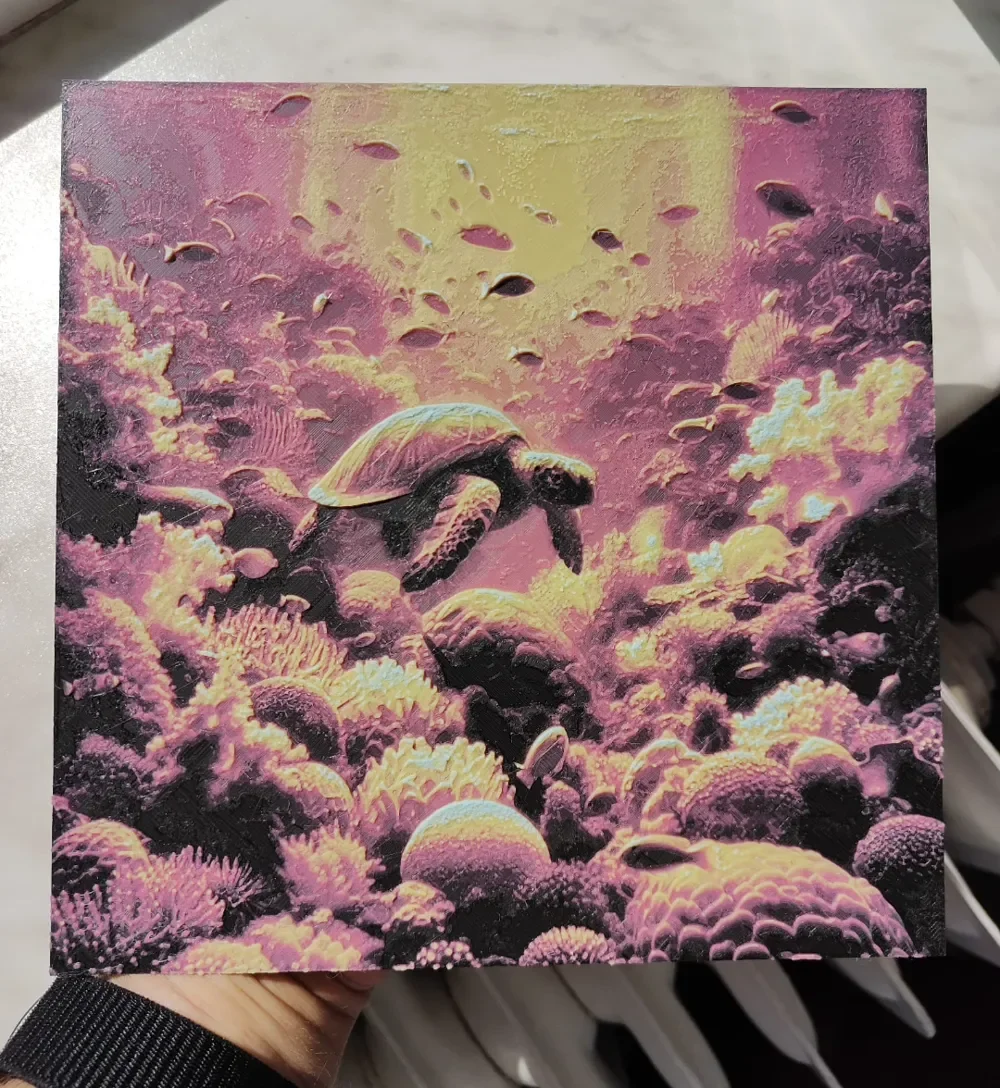
Turtle in sea - Hueforge - Glow in the dark
by BeaN
A majestic sea turtle glides through an otherworldly coral reef, rendered in luminous pinks, yellows, and purples that create an almost alien underwater paradise. BeaN's design transforms the ocean floor into a fantastical landscape where vibrant corals and marine life glow with ethereal beauty. The turtle's graceful form emerges from this colorful tapestry, while the glow-in-the-dark feature promises to illuminate this aquatic dreamscape even in darkness, creating a mesmerizing piece that captures both the mystery and wonder of ocean depths.
View on MakerWorldRequired Filaments4
Why filament details may vary
Filament details (brand, color, and TD value) may not exactly match the designer's original specification. In some cases, the designer didn't specify exact filaments and we've matched the closest options we could find. Always check the original listing for full details.
Some filament links are affiliate links — we may earn a small commission at no extra cost to you. Learn more
Sign up to track your filament inventory and check your matches.
Create accountYou Might Also Like
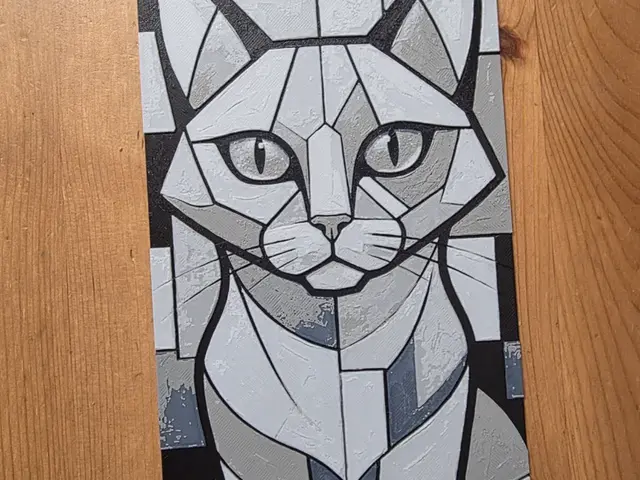
Cat Hueforge
by Morganja
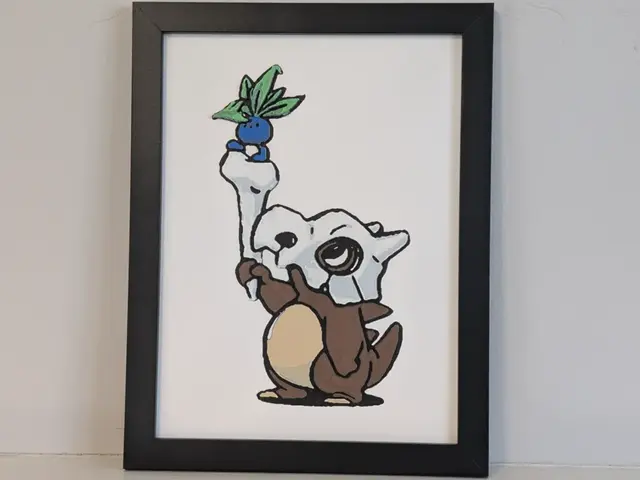
Cubone X Oddish Pokemon 6x8 Hueforge 3D Decor
by Super bird
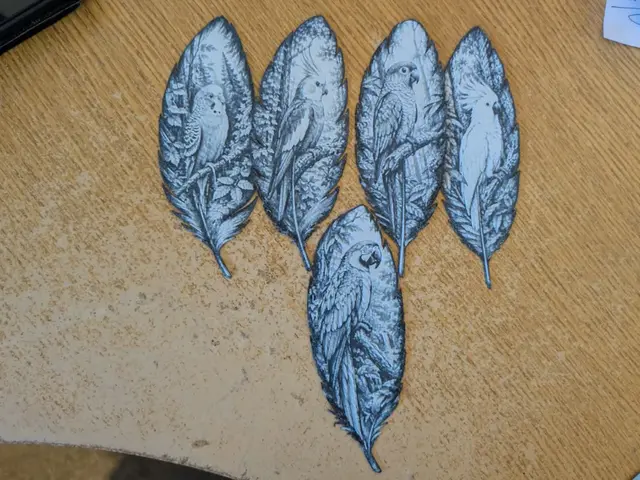
Set of 5 birds of a feather bookmarks
by 3dGlow
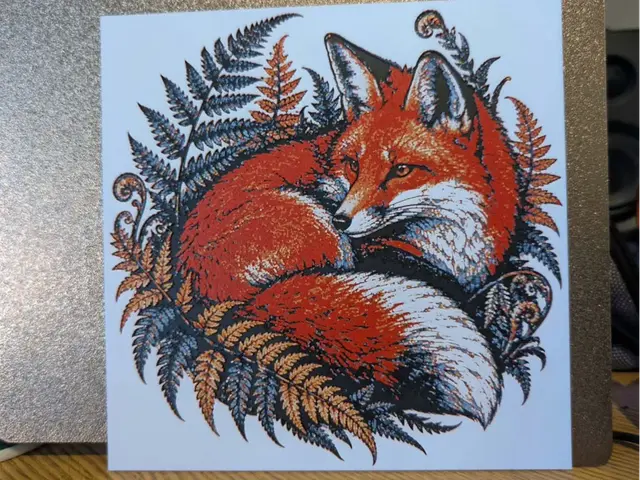
Autumn fox - Hueforge
by 3dGlow
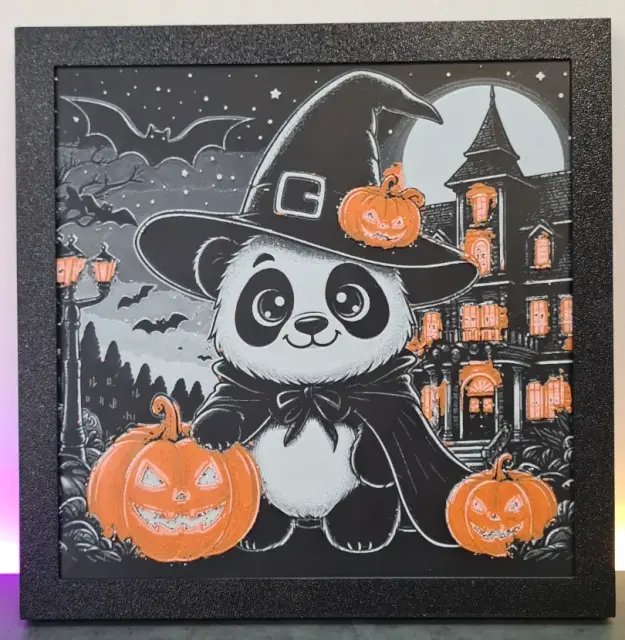
Cute Panda Halloween – Hueforge – 4 Colors
by Montoya Maker
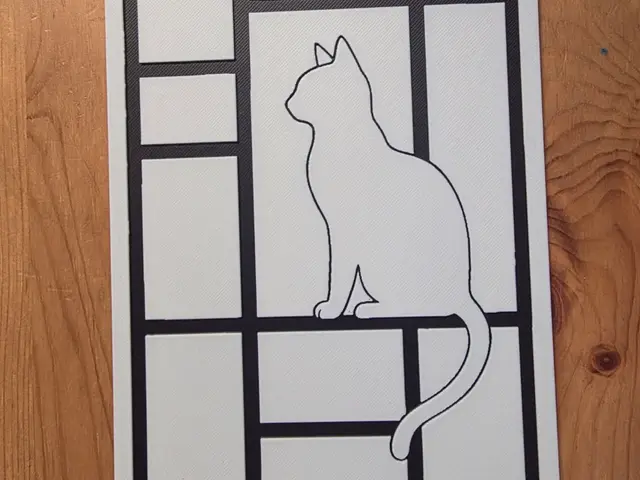
Cat Hueforge
by Morganja
Recent Articles
View all
Best 3D Printed Gifts for Everyone on Your List — Made with HueForge
The best 3D printed gifts for everyone on your list, made with HueForge — custom pet and portrait art, ornaments and gift tags, bookmarks, and fandom prints matched to the recipient, plus how to turn gift requests into income.
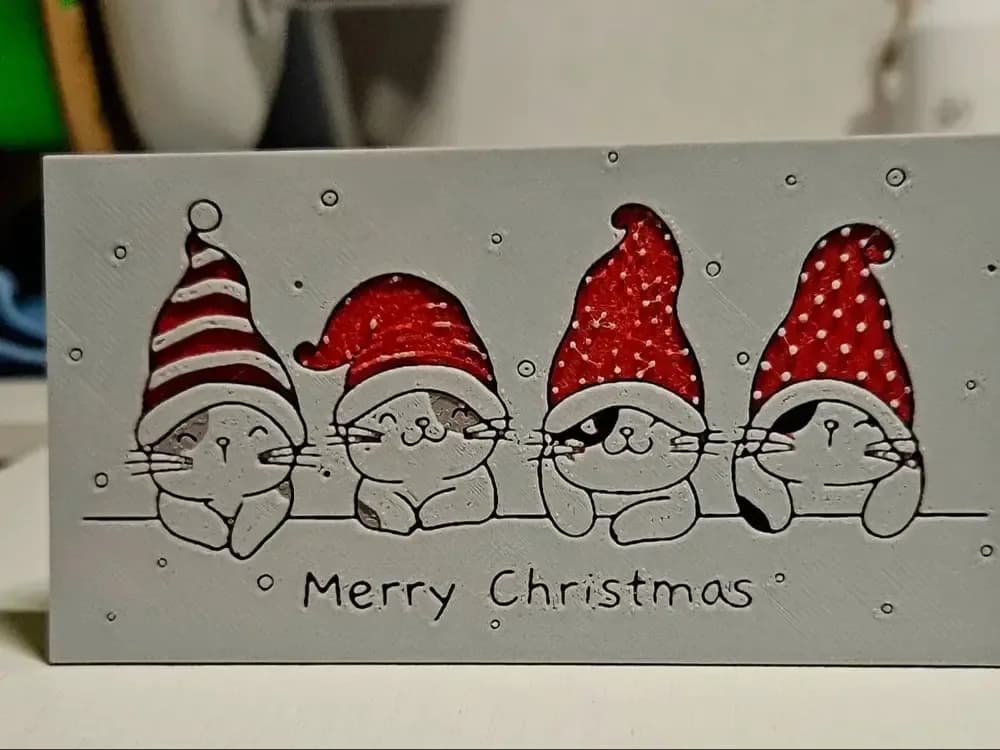
Best Christmas 3D Prints for HueForge: Ornaments, Santa & Holiday Movie Posters
The Christmas 3D prints worth making as HueForge filament paintings — tree ornaments, Santa and snowmen, holiday movie posters, festive fandom crossovers, and gift tags, grouped by theme.
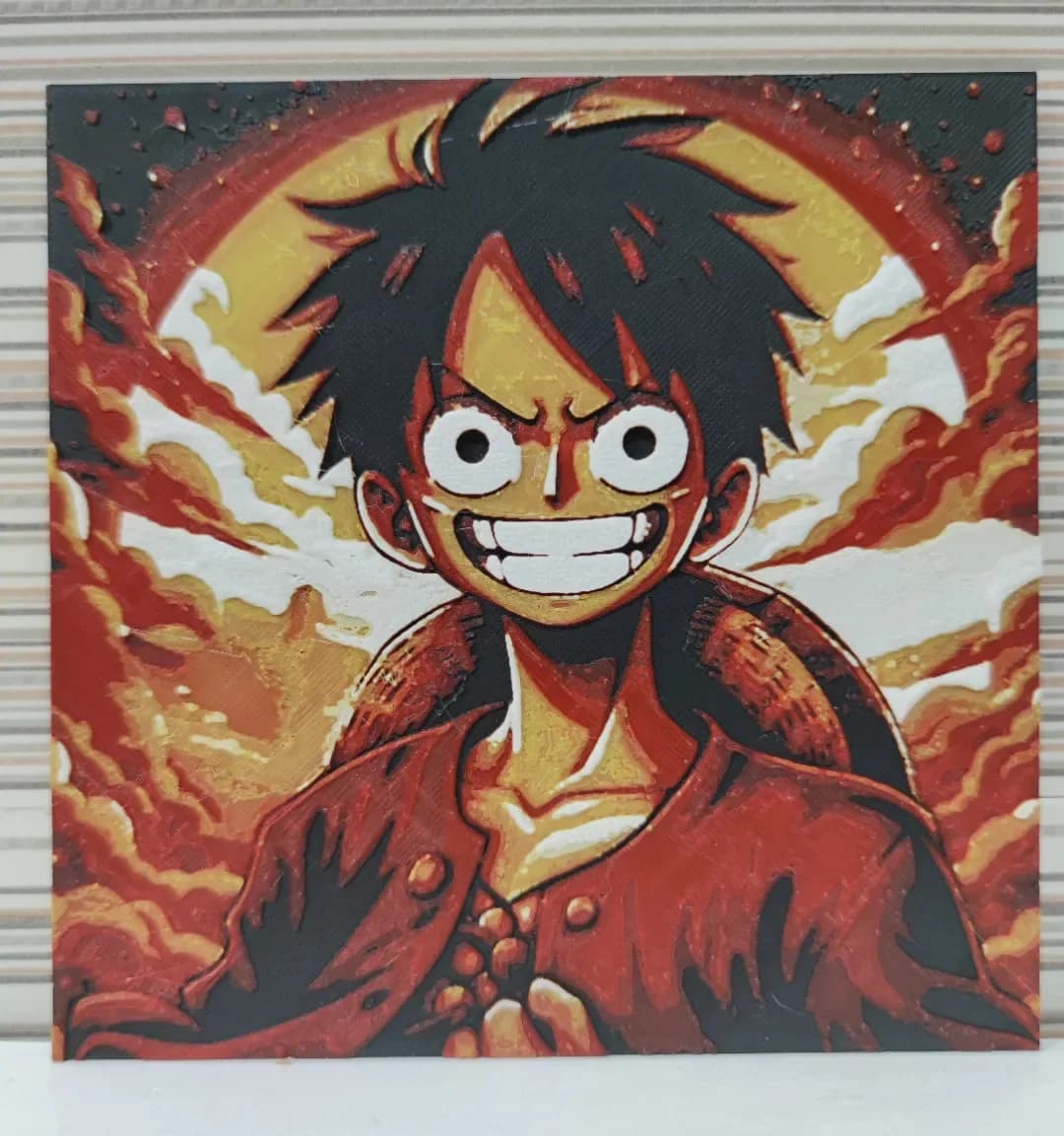
Best Anime 3D Prints for HueForge: From Shōnen Classics to the Modern Wave
The best anime 3D prints to make as HueForge filament paintings — One Piece, Naruto, Dragon Ball, Demon Slayer, Jujutsu Kaisen, Frieren, Gundam, and anime bookmarks, each linked in the HuePick catalog.