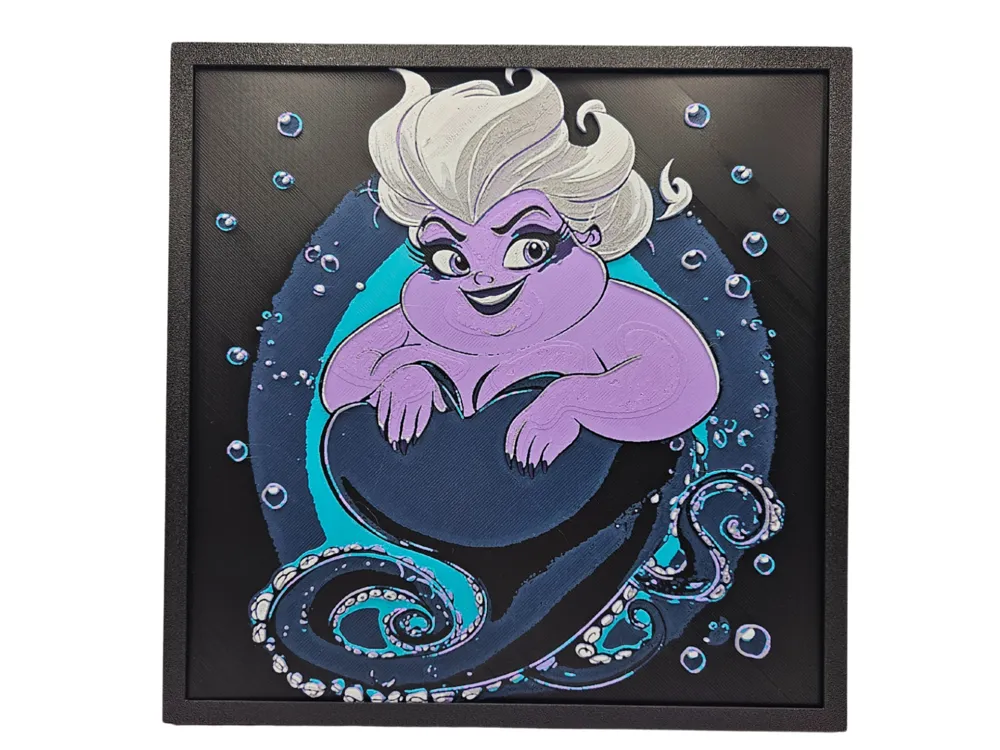
Ursula - Chibi Edition
by BusyKikiBee
The sea witch emerges from oceanic depths in this delightfully reimagined chibi interpretation, her purple tentacles swirling through dark underwater currents. Ursula's iconic platinum hair flows dramatically while her mischievous expression captures her villainous charm in adorable miniature form. Deep blues and teals create the ocean backdrop, punctuated by floating bubbles that add whimsical movement to this framed art piece celebrating Disney's most memorable aquatic antagonist.
View on MakerWorldRequired Filaments7
Bambu Lab Basic Black
Bambu Lab Matte Dark Blue
Bambu Lab Basic Indigo Purple
Bambu Lab Basic Turquoise
Bambu Lab Matte Lilac Purple
Bambu Lab Basic Silver
Bambu Lab Matte Ivory White
Why filament details may vary
Filament details (brand, color, and TD value) may not exactly match the designer's original specification. In some cases, the designer didn't specify exact filaments and we've matched the closest options we could find. Always check the original listing for full details.
Some filament links are affiliate links — we may earn a small commission at no extra cost to you. Learn more
Sign up to track your filament inventory and check your matches.
Create accountYou Might Also Like
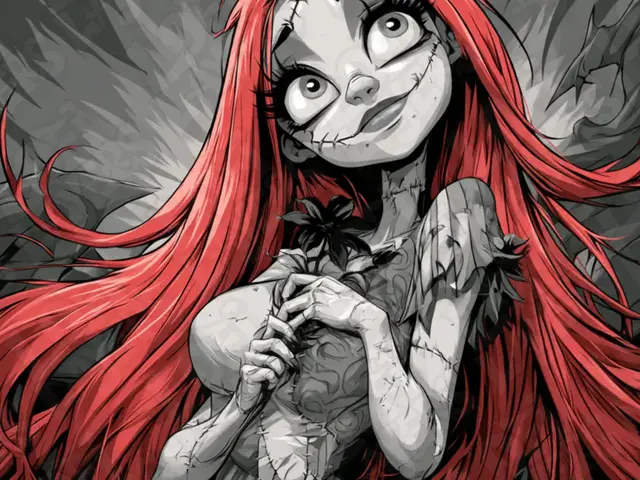
Sally Hueforge
by LoFi Layers
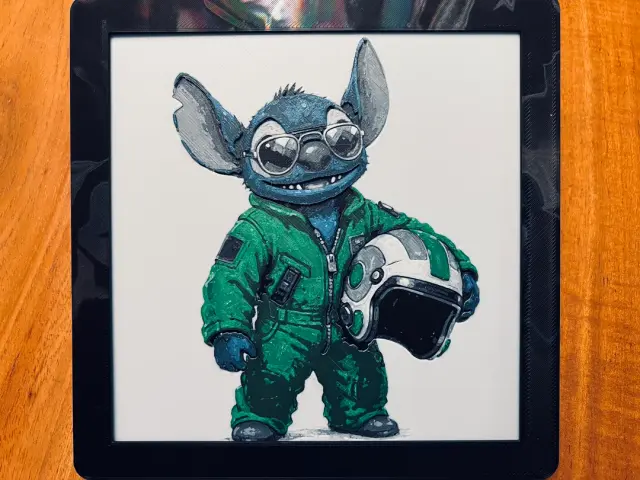
Stitch dressed as Fighter Pilot
by JustBe 3D Printing
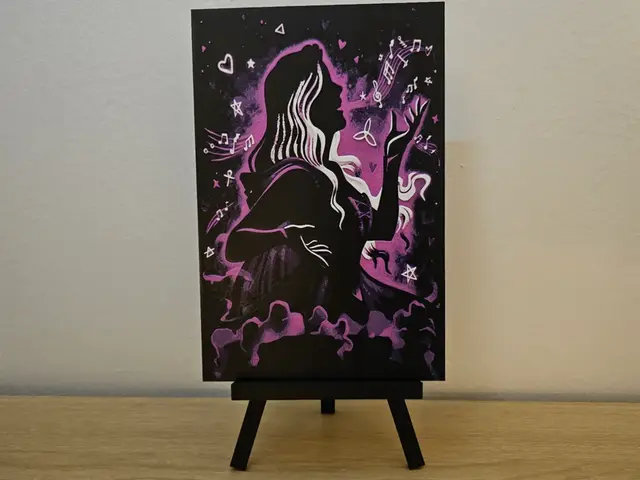
Hocus Pocus Halloween Hueforge
by Opao
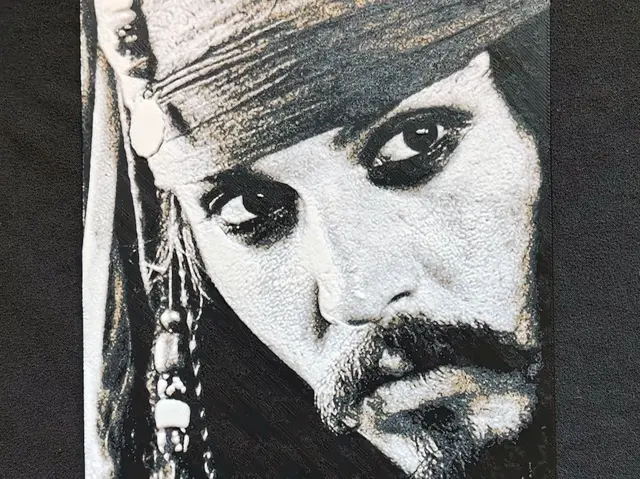
Jack HueForge
by fD.667
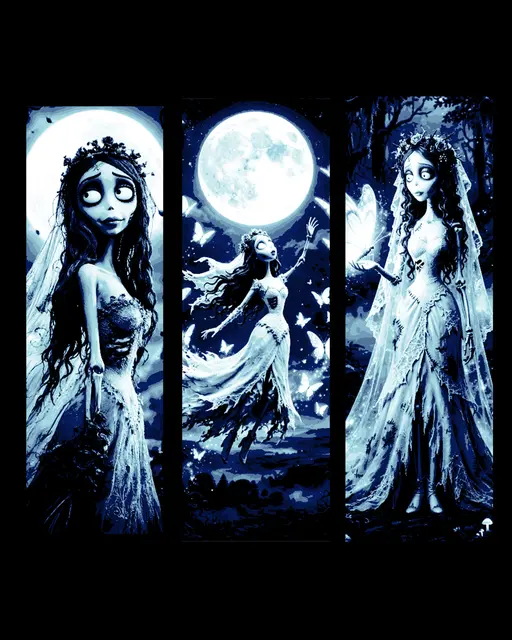
The corpse Bride art depicting a blue moon walk - Set of bookmarks
by BooneCo3d
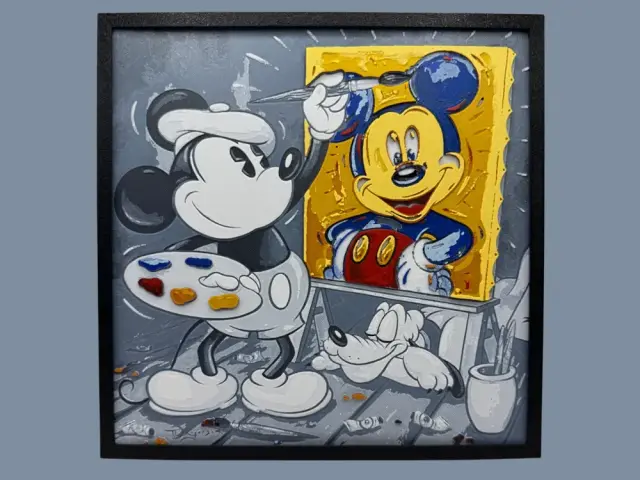
Mickey Mouse - Self Portrait
by Canadian Gamer
Recent Articles
View all
Best 3D Printed Gifts for Everyone on Your List — Made with HueForge
The best 3D printed gifts for everyone on your list, made with HueForge — custom pet and portrait art, ornaments and gift tags, bookmarks, and fandom prints matched to the recipient, plus how to turn gift requests into income.
Best Christmas 3D Prints for HueForge: Ornaments, Santa & Holiday Movie Posters
The Christmas 3D prints worth making as HueForge filament paintings — tree ornaments, Santa and snowmen, holiday movie posters, festive fandom crossovers, and gift tags, grouped by theme.
Best Anime 3D Prints for HueForge: From Shōnen Classics to the Modern Wave
The best anime 3D prints to make as HueForge filament paintings — One Piece, Naruto, Dragon Ball, Demon Slayer, Jujutsu Kaisen, Frieren, Gundam, and anime bookmarks, each linked in the HuePick catalog.