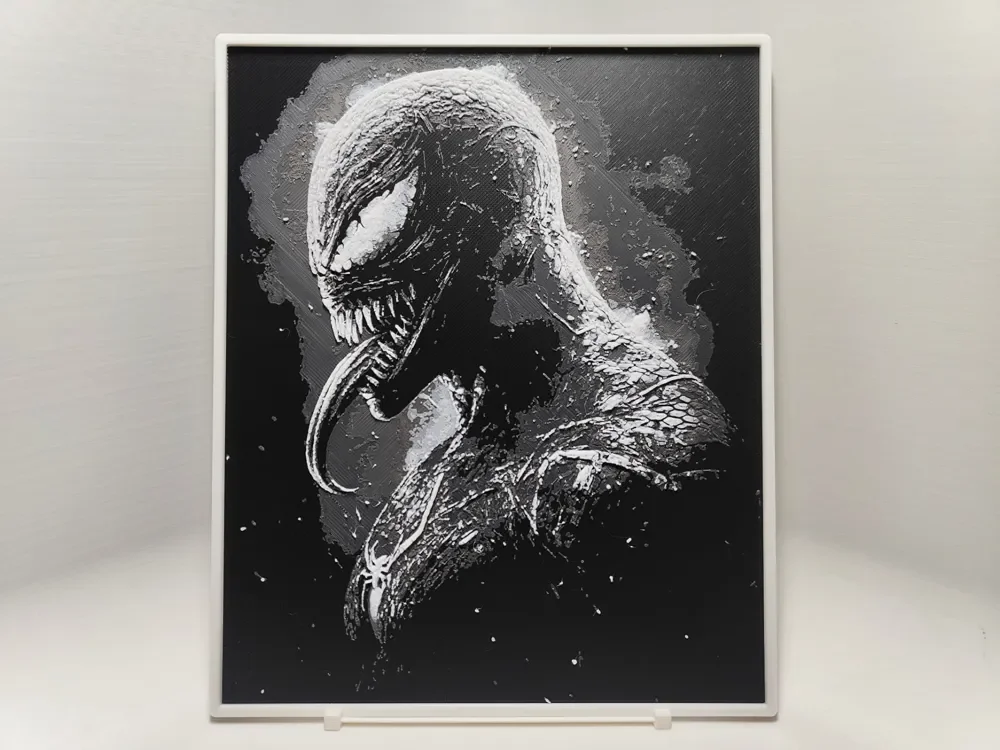
Venom - Hueforge
by BeaN
The menacing symbiote emerges from shadow in this dramatic black and white composition, its signature serpentine tongue unfurling with predatory intent. Venom's muscular form dominates the frame, rendered in striking monochromatic tones that emphasize the creature's alien texture and imposing presence. BeaN's masterful use of contrast creates depth and dimension, with silvery highlights dancing across the symbiote's rippling surface against the deep black background, capturing the raw power and malevolent energy of this iconic anti-hero.
View on MakerWorldRequired Filaments3
Bambu Lab Basic Black
Bambu Lab Basic Dark Gray
Bambu Lab Basic Jade White
Why filament details may vary
Filament details (brand, color, and TD value) may not exactly match the designer's original specification. In some cases, the designer didn't specify exact filaments and we've matched the closest options we could find. Always check the original listing for full details.
Some filament links are affiliate links — we may earn a small commission at no extra cost to you. Learn more
Sign up to track your filament inventory and check your matches.
Create accountYou Might Also Like
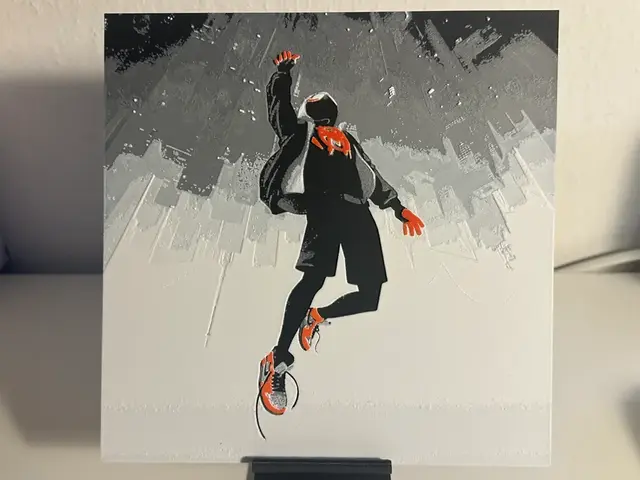
Spider-Man: Into the Spider-Verse
by VB
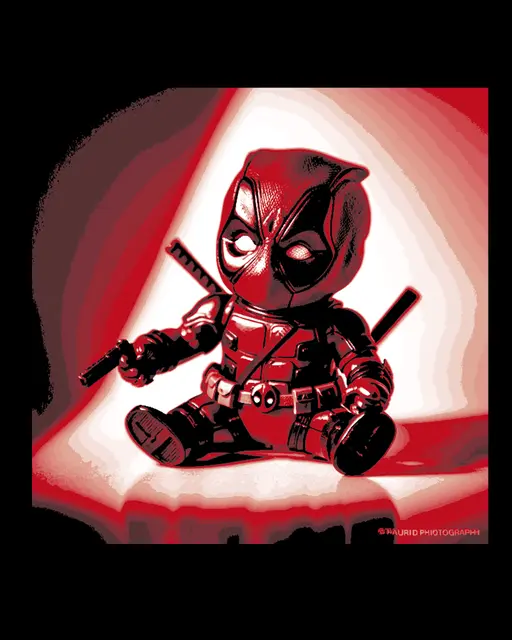
Chibi Art - Little one Photo of Deadpool from Marvel Comics
by BooneCo3d
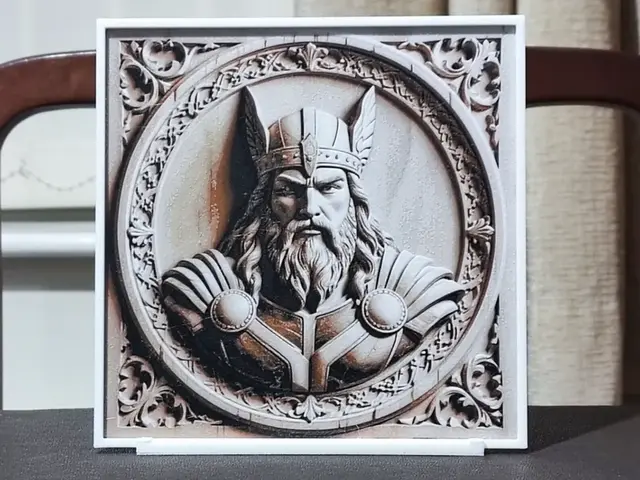
Carved Thor - HueForge 4 Color
by BoDad
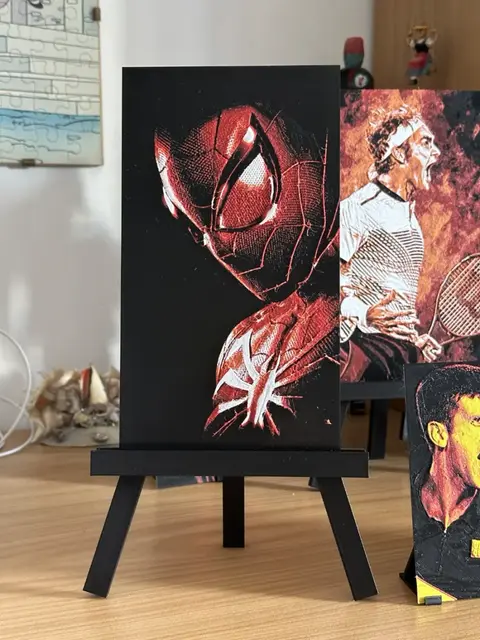
Marvel Spiderman face HueForge 131x233
by enricoRE
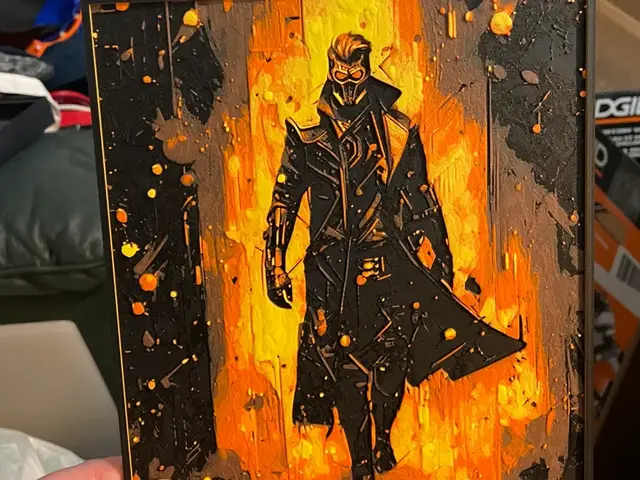
Star-Lord Hueforge
by Advancedtechworldwide
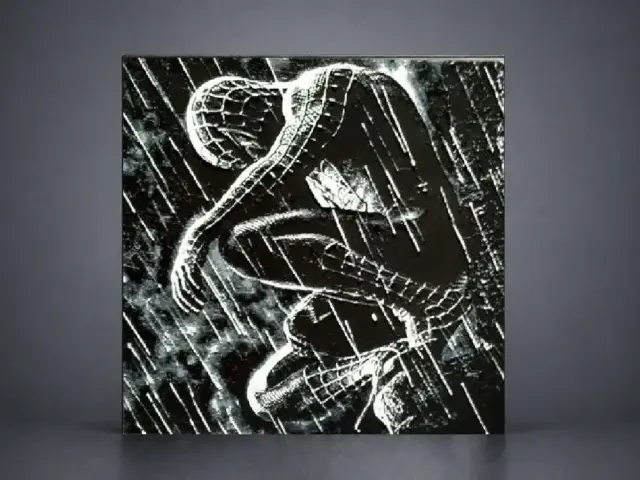
Spider-Man in the Rain — Dark Reflection
by Aleksandr
Recent Articles
View all
Best 3D Printed Gifts for Everyone on Your List — Made with HueForge
The best 3D printed gifts for everyone on your list, made with HueForge — custom pet and portrait art, ornaments and gift tags, bookmarks, and fandom prints matched to the recipient, plus how to turn gift requests into income.
Best Christmas 3D Prints for HueForge: Ornaments, Santa & Holiday Movie Posters
The Christmas 3D prints worth making as HueForge filament paintings — tree ornaments, Santa and snowmen, holiday movie posters, festive fandom crossovers, and gift tags, grouped by theme.
Best Anime 3D Prints for HueForge: From Shōnen Classics to the Modern Wave
The best anime 3D prints to make as HueForge filament paintings — One Piece, Naruto, Dragon Ball, Demon Slayer, Jujutsu Kaisen, Frieren, Gundam, and anime bookmarks, each linked in the HuePick catalog.