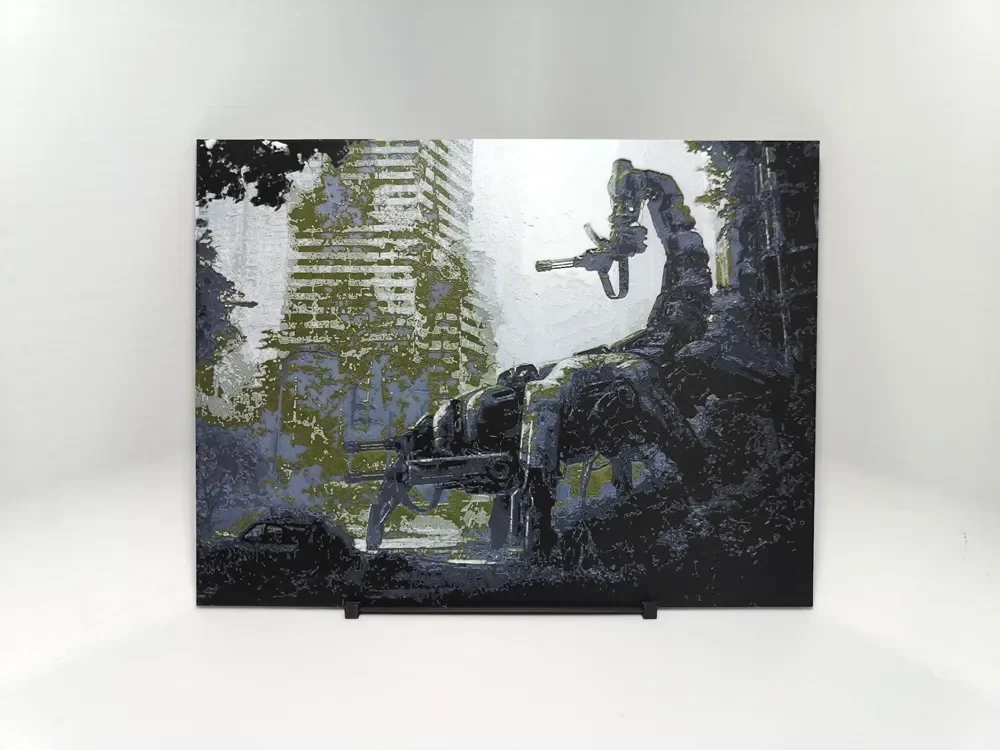
Wasteland Scorpitron - Hueforge
by BeaN
A lone warrior stands atop crumbling ruins, surveying the desolate aftermath of civilization's collapse. This haunting post-apocalyptic scene captures the essence of wasteland survival, where nature reclaims concrete towers and humanity endures among the debris. Muted grays and weathered blues dominate the palette, punctuated by patches of reclaiming greenery that hint at life persisting through devastation. BeaN's composition masterfully balances architectural decay with organic renewal.
View on MakerWorldRequired Filaments4
Bambu Lab Basic Black
Bambu Lab Basic Blue Gray
Bambu Lab Matte Dark Green
Bambu Lab Basic Jade White
Why filament details may vary
Filament details (brand, color, and TD value) may not exactly match the designer's original specification. In some cases, the designer didn't specify exact filaments and we've matched the closest options we could find. Always check the original listing for full details.
Some filament links are affiliate links — we may earn a small commission at no extra cost to you. Learn more
Sign up to track your filament inventory and check your matches.
Create accountYou Might Also Like
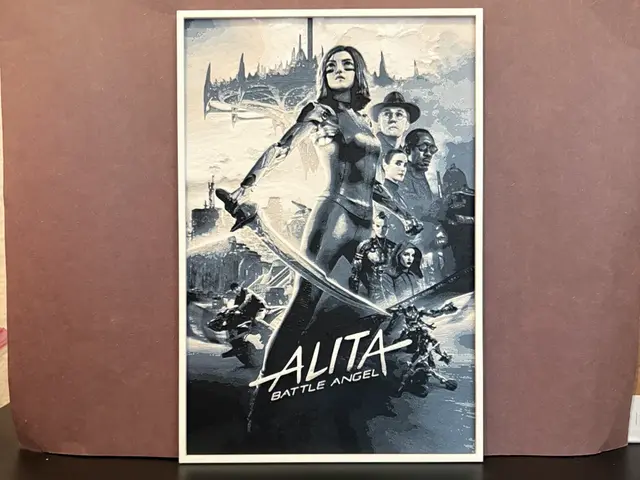
Alita Battle Angel Hueforge
by Estiv
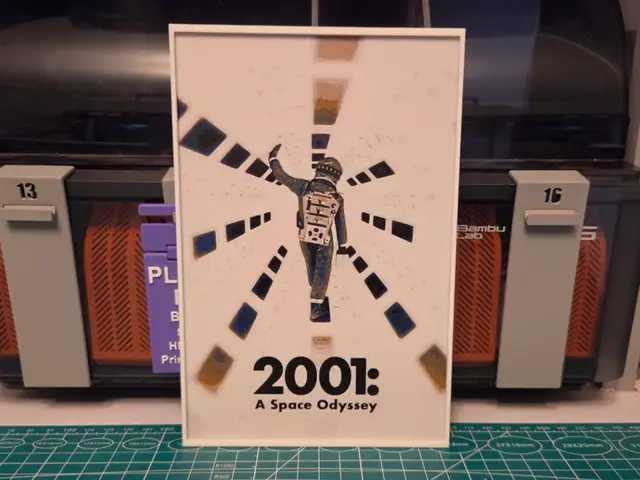
2001: A Space Odyssey Movie Poster - Hueforge Art
by Lumpy3D
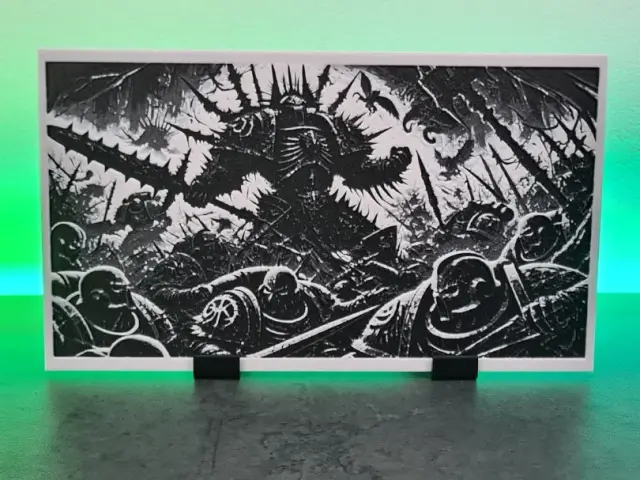
Chaos Space Marines War - Hueforge
by Montoya Maker
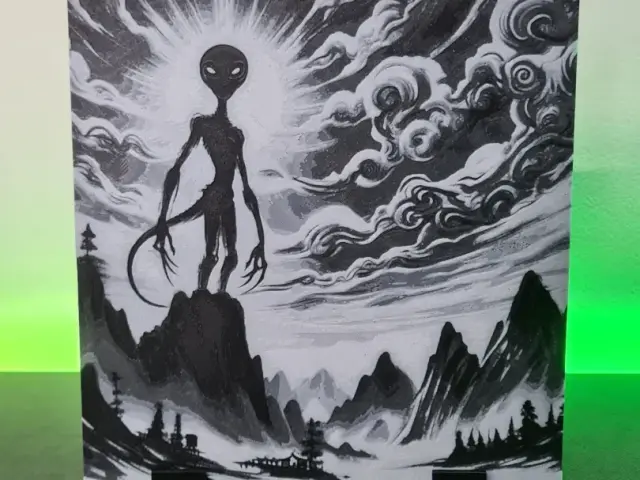
Alien Cloud Asia - Hueforge 150x150
by Montoya Maker
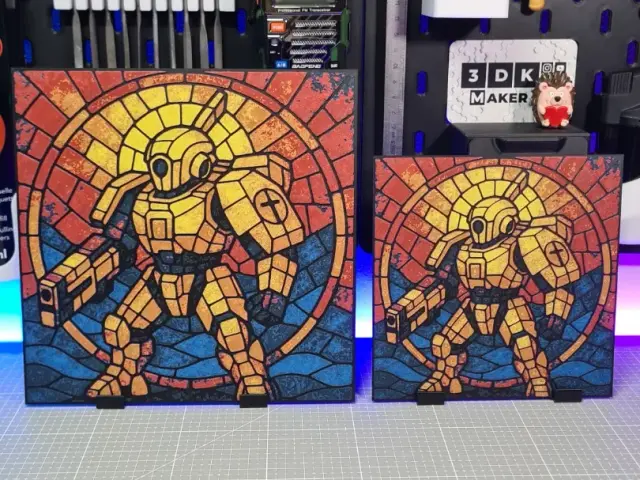
Tau Warrior - Hueforge - 4 Colors
by Montoya Maker
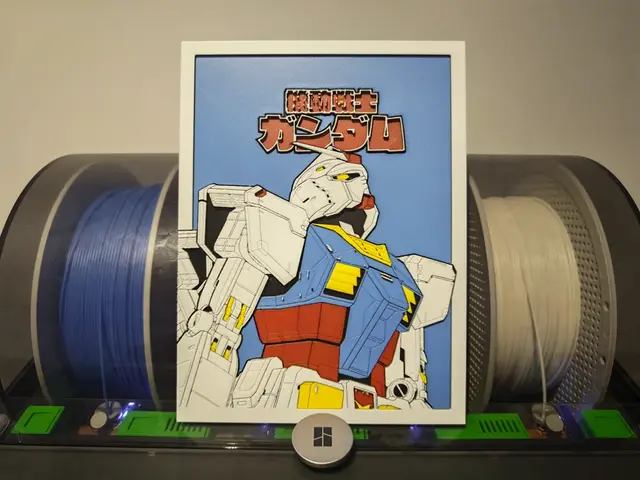
Gundam - Mobile Suit Gundam
by Razel
Recent Articles
View all
Best 3D Printed Gifts for Everyone on Your List — Made with HueForge
The best 3D printed gifts for everyone on your list, made with HueForge — custom pet and portrait art, ornaments and gift tags, bookmarks, and fandom prints matched to the recipient, plus how to turn gift requests into income.
Best Christmas 3D Prints for HueForge: Ornaments, Santa & Holiday Movie Posters
The Christmas 3D prints worth making as HueForge filament paintings — tree ornaments, Santa and snowmen, holiday movie posters, festive fandom crossovers, and gift tags, grouped by theme.
Best Anime 3D Prints for HueForge: From Shōnen Classics to the Modern Wave
The best anime 3D prints to make as HueForge filament paintings — One Piece, Naruto, Dragon Ball, Demon Slayer, Jujutsu Kaisen, Frieren, Gundam, and anime bookmarks, each linked in the HuePick catalog.