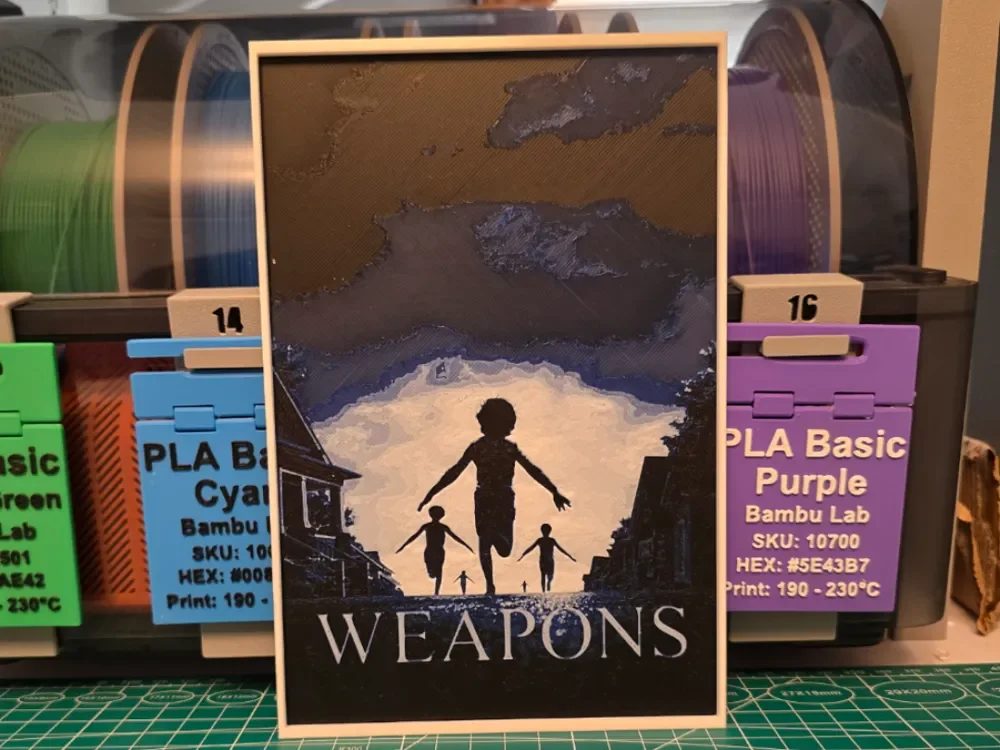
Weapons Movie Poster - Hueforge Art
by Lumpy3D
A haunting silhouette of three figures stands against a dramatic cave opening, their forms stark against pale light streaming from beyond. This movie poster recreation captures an ominous atmosphere through layered purples and blues that deepen into shadow, contrasting with warm earth tones framing the mysterious entrance. The composition builds tension through its interplay of darkness and illumination, creating depth that draws the eye toward the enigmatic figures at the center of this compelling cinematic tribute.
View on MakerWorldRequired Filaments3
Bambu Lab Basic Black
Bambu Lab Basic Blue
Bambu Lab Basic Jade White
Why filament details may vary
Filament details (brand, color, and TD value) may not exactly match the designer's original specification. In some cases, the designer didn't specify exact filaments and we've matched the closest options we could find. Always check the original listing for full details.
Some filament links are affiliate links — we may earn a small commission at no extra cost to you. Learn more
Sign up to track your filament inventory and check your matches.
Create accountYou Might Also Like
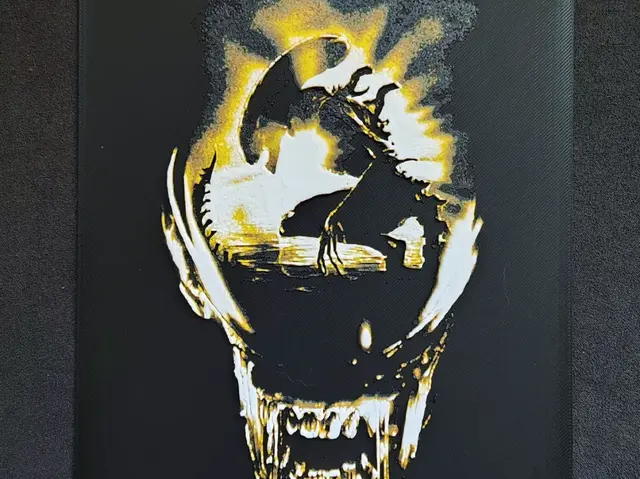
Alien IV. HueForge
by fD.667
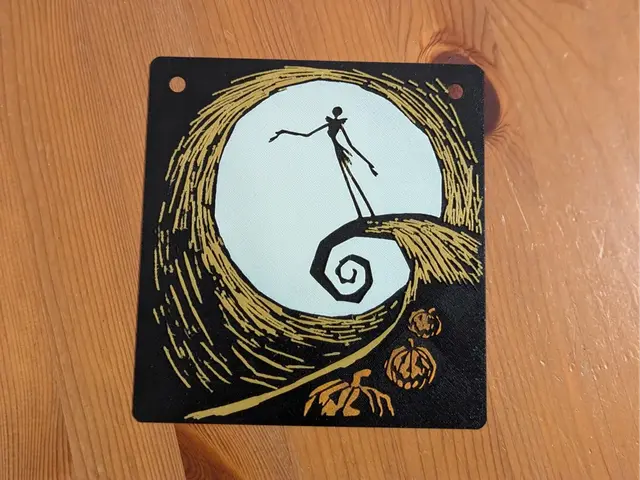
Jack Skellington Silhouette - HueForge Wall Art
by suaimondi
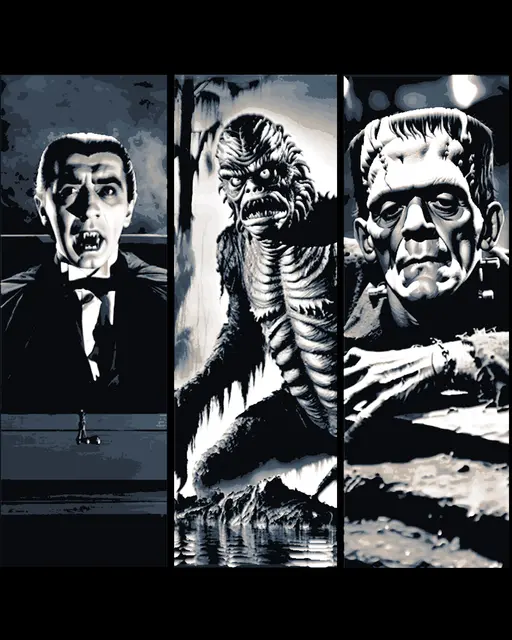
Classic Monsters - the villains in black and white cinema - Set of Bookmarks
by BooneCo3d
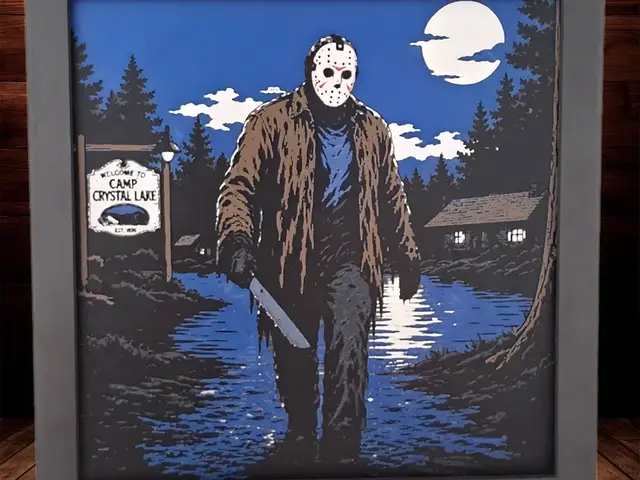
Jason Voorhees - Friday the 13th
by Side Quest Hues
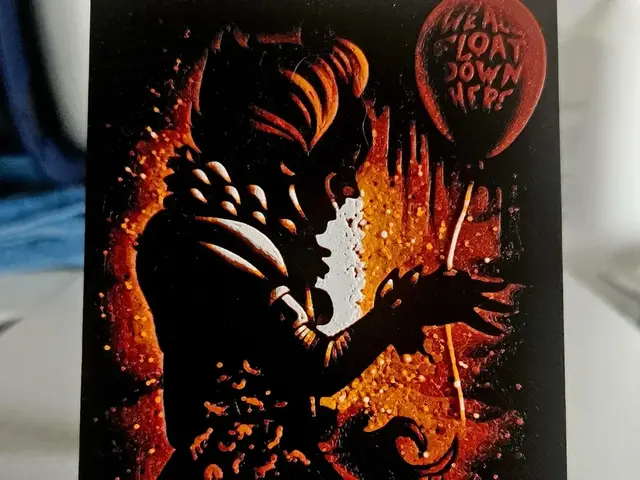
Halloween Pennywise Silhoutte
by Mano's 3d_Art
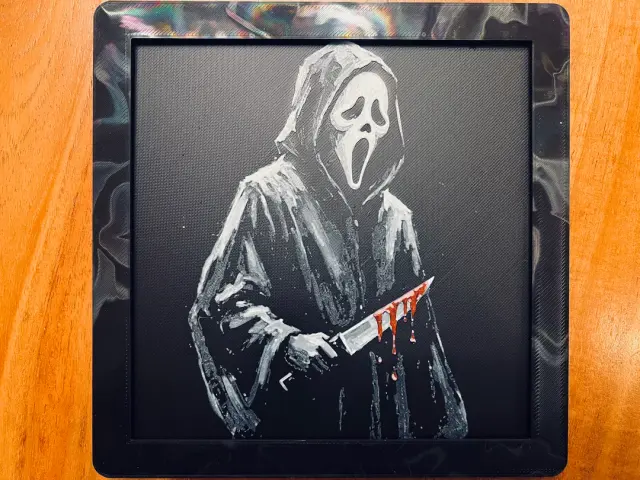
Ghost Face(Scream)
by JustBe 3D Printing
Recent Articles
View all
Best 3D Printed Gifts for Everyone on Your List — Made with HueForge
The best 3D printed gifts for everyone on your list, made with HueForge — custom pet and portrait art, ornaments and gift tags, bookmarks, and fandom prints matched to the recipient, plus how to turn gift requests into income.
Best Christmas 3D Prints for HueForge: Ornaments, Santa & Holiday Movie Posters
The Christmas 3D prints worth making as HueForge filament paintings — tree ornaments, Santa and snowmen, holiday movie posters, festive fandom crossovers, and gift tags, grouped by theme.
Best Anime 3D Prints for HueForge: From Shōnen Classics to the Modern Wave
The best anime 3D prints to make as HueForge filament paintings — One Piece, Naruto, Dragon Ball, Demon Slayer, Jujutsu Kaisen, Frieren, Gundam, and anime bookmarks, each linked in the HuePick catalog.