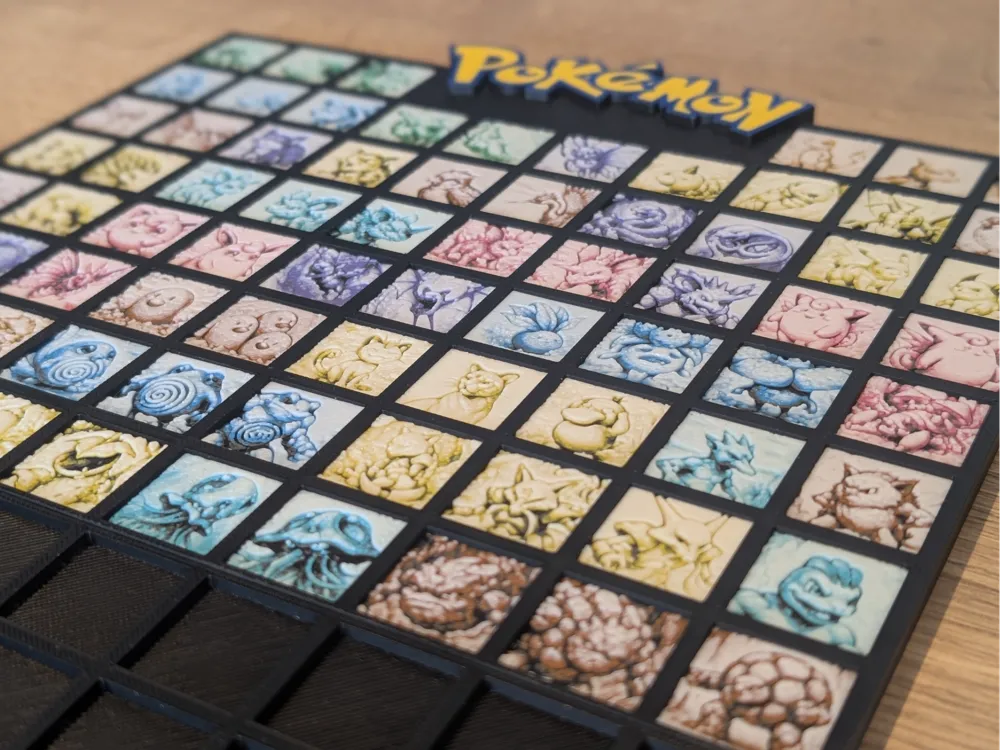
151 Kanto Pokemon Mini Hueforge (READ DESC)
by Nextopia
All 151 original Kanto Pokémon arranged in a grid mosaic — this is fandom rendered in meticulous miniature form. Nextopia's design celebrates the complete first-generation roster, each creature occupying its own small tile within a structured black grid framework topped with the iconic Pokémon logo in bold yellow. The color palette draws from a soft, almost watercolor-like range of pastels — dusty pinks, muted teals, warm yellows, and cool lavenders — giving the piece a gentle, nostalgic warmth rather than the punchy primaries you might expect. The effect feels more like an illuminated manuscript than a video game sprite sheet. The layered filament work gives each individual tile a subtle bas-relief quality, with visible depth separating the character silhouettes from their backgrounds. The transitions between colors are gradual and painterly, with the tonal shifts doing the heavy lifting that ink lines would handle in traditional illustration. The black grid frame provides sharp contrast that makes the soft-hued tiles pop without overwhelming them. Mounted on a wall or displayed flat on a desk, the piece rewards close inspection — the further you lean in, the more individual Pokémon personalities emerge from the quiet, unified color scheme.
View on MakerWorldRequired Filaments11
Bambu Lab Basic Blue Gray
Bambu Lab Basic Jade White
Bambu Lab Basic Black
Bambu Lab Basic Pumpkin Orange
Bambu Lab Basic Purple
Bambu Lab Basic Turquoise
Bambu Lab Basic Bambu Green
Bambu Lab Basic Brown
Bambu Lab Basic Sunflower Yellow
Bambu Lab Basic Cyan
Bambu Lab Basic Hot Pink
Why filament details may vary
Filament details (brand, color, and TD value) may not exactly match the designer's original specification. In some cases, the designer didn't specify exact filaments and we've matched the closest options we could find. Always check the original listing for full details.
Some filament links are affiliate links — we may earn a small commission at no extra cost to you. Learn more
Sign up to track your filament inventory and check your matches.
Create accountYou Might Also Like
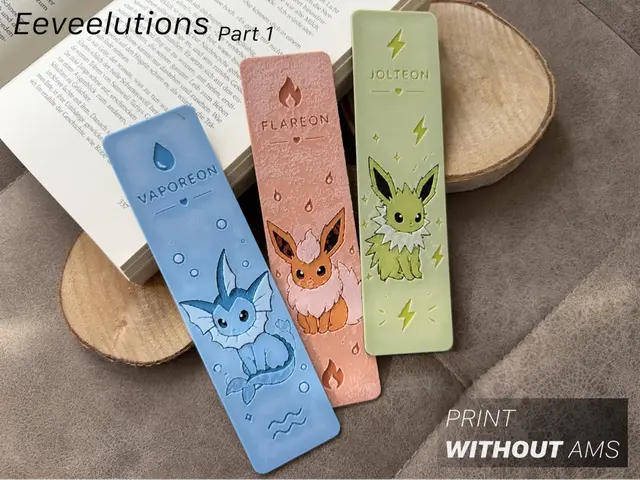
Eeveelutions Part 1 – Water Fire & Electric
by Loupes
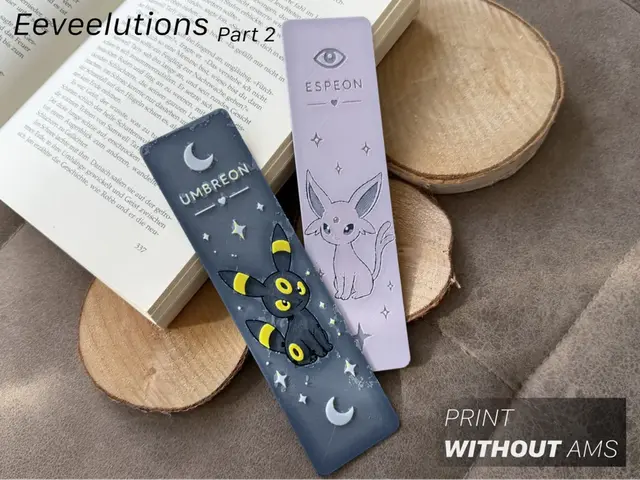
Eeveelutions Part 2 | Psychic & Dark
by Loupes
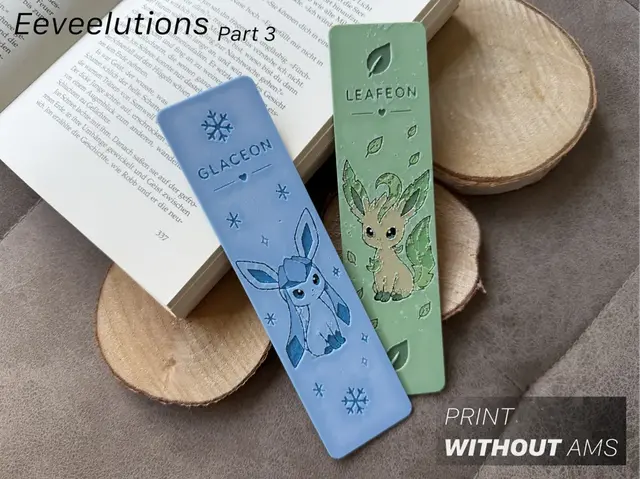
Eeveelutions Part 3 - Ice & Grass
by Loupes
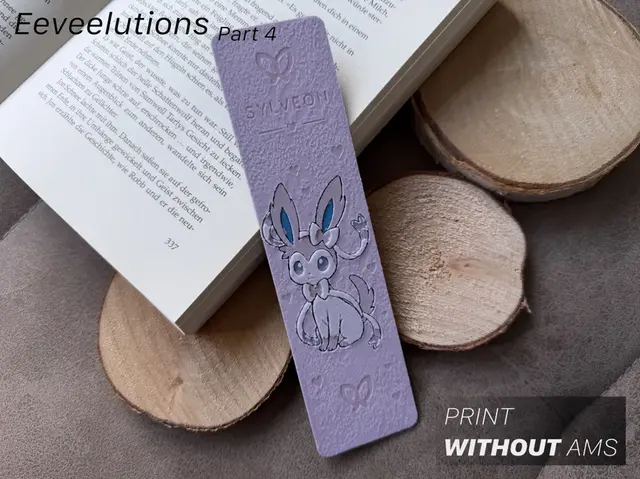
Eeveelutions Part 4 - Fairy
by Loupes
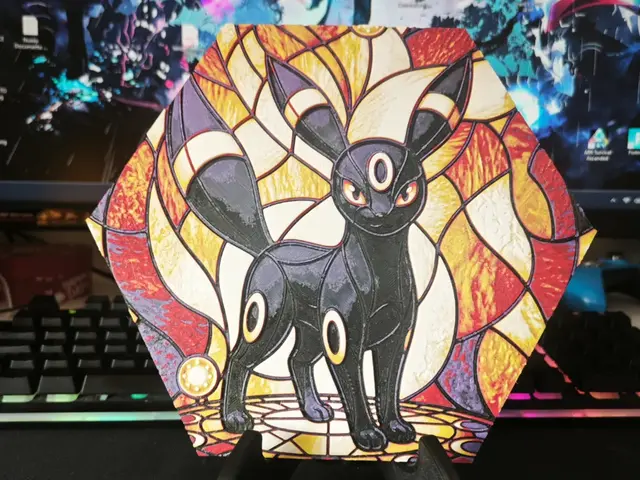
Hueforge Umbreon Pokemon honeycomb mode
by JGz3DMaker
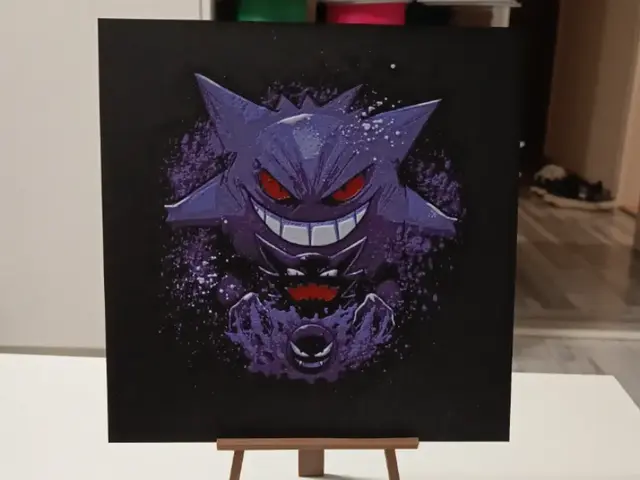
Pokemon Gengar Hueforge
by 3DNesy
Recent Articles
View all
HueForge vs Lithophane: What's the Difference (and Which Should You Print)?
HueForge vs lithophane, explained: how each turns a photo into a print, the real differences in color, lighting, difficulty and cost, and when to choose one over the other.
Best 3D Printed Gifts for Everyone on Your List — Made with HueForge
The best 3D printed gifts for everyone on your list, made with HueForge — custom pet and portrait art, ornaments and gift tags, bookmarks, and fandom prints matched to the recipient, plus how to turn gift requests into income.
Best Christmas 3D Prints for HueForge: Ornaments, Santa & Holiday Movie Posters
The Christmas 3D prints worth making as HueForge filament paintings — tree ornaments, Santa and snowmen, holiday movie posters, festive fandom crossovers, and gift tags, grouped by theme.