HueForge vs Lithophane: What's the Difference (and Which Should You Print)?
HueForge vs lithophane, explained: how each turns a photo into a print, the real differences in color, lighting, difficulty and cost, and when to choose one over the other.
Quick Answer
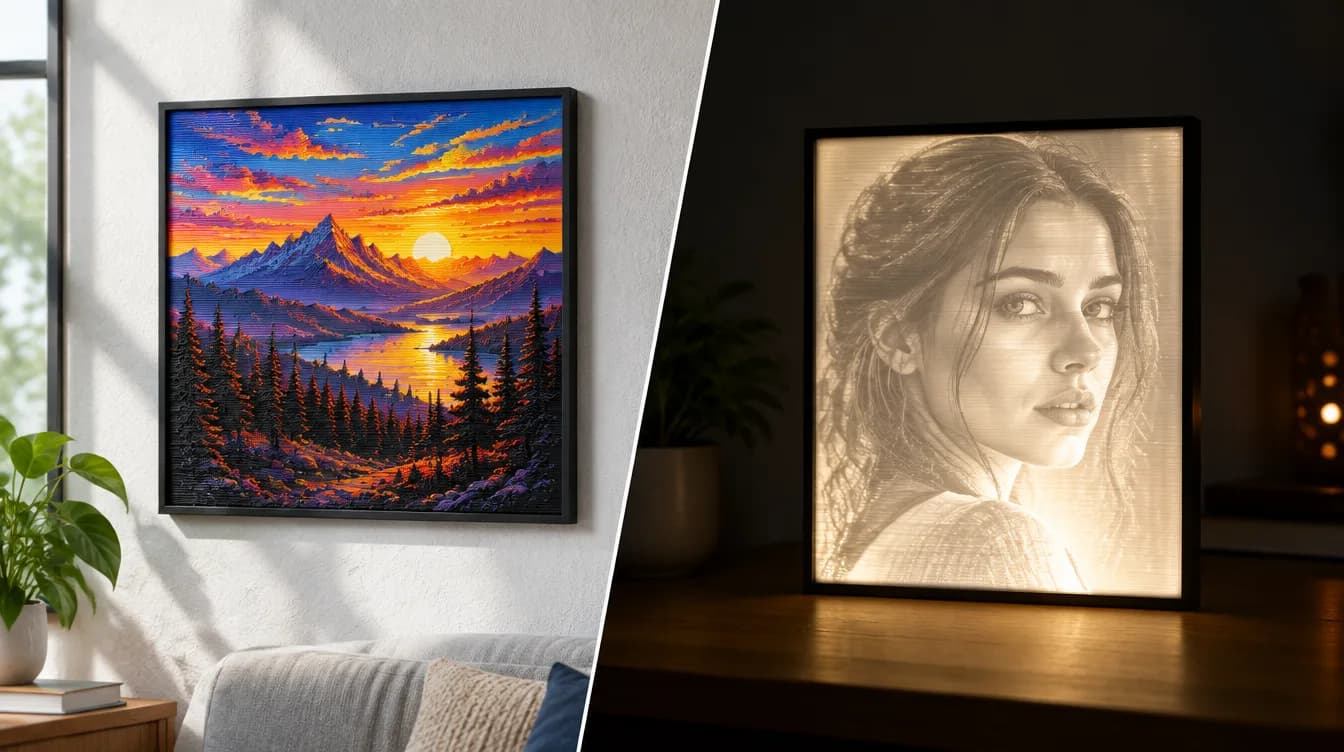
A lithophane is a thin, translucent print that only reveals its image when you shine a light through it: grayscale, backlit, one filament. HueForge stacks *colored* filament layers to make a full-color image that reads on a wall in normal daylight, no backlight required. Lithophanes are cheaper and simpler; HueForge gives you color and hangs like real art. If you want a backlit photo night-light, print a lithophane. If you want colorful wall art, HueForge is the upgrade.
If you've spent any time in 3D printing, you've seen a lithophane — that magical moment when a plain white panel lights up into a detailed photo. HueForge produces something that looks related but fundamentally different: a full-color image that looks like a painting. People shopping for one often end up comparing the two, so here's the honest breakdown of how they differ and which one fits what you're trying to make.
What Is a Lithophane?
A lithophane is a 3D print that turns a photo into an image using thickness. The print is made from a single translucent filament (usually white PLA), and the software varies how thick the panel is at each point: thick where the image should be dark, thin where it should be light. On its own it looks like a faint, ghostly white relief. Shine a light behind it, though, and those thickness differences become shades of gray: a genuinely stunning, detailed photo.
The appeal is simplicity. A lithophane needs only one spool of filament and any basic single-color printer, the software is free, and the result is a lovely backlit keepsake (night lights, lamp panels, photo gifts). The catch is right there in how it works: a lithophane is grayscale and it only looks like anything when it's backlit. Off the light, it's a blank white panel.
What Is HueForge?
HueForge takes a different route to the same goal — turning an image into a print — but it uses color instead of thickness. It builds the picture from a stack of different colored filaments, swapping colors at specific layers, and relies on how much light each filament lets through (its transmission distance, or TD) to blend tones. The result is a full-color image, more like a painting than a photo, that reads perfectly well in ordinary room light. Hang it on a wall and it looks like art, not a 3D print. (You can backlight a HueForge piece for extra pop, but you don't have to.)
The trade-off is effort. HueForge uses multiple filaments, so you need a multi-color setup (like an AMS) or the patience for manual color swaps; it uses more filament, the software is paid (around $24), and there's a real learning curve to building a good color stack. For the full introduction, see What Is HueForge? and HueForge Printing for Beginners.
The Key Differences at a Glance
| Lithophane | HueForge | |
|---|---|---|
| How the image forms | Varying thickness | Stacked colored layers |
| Color | Grayscale (one filament) | Full color (3-6 filaments) |
| Viewing | Needs a backlight | Reads in normal daylight |
| Printer | Any single-color printer | Multi-color (AMS) or manual swaps |
| Software | Free | Paid (~$24) |
| Difficulty | Beginner-friendly | Moderate learning curve |
| Filament used | Low (one spool) | Higher (several colors) |
| Best for | Backlit photo gifts, night lights | Colorful wall art, display pieces |
When a Lithophane Still Wins
HueForge doesn't make lithophanes obsolete; they're just built for different jobs. A lithophane is the better choice when you want a backlit effect specifically (a lamp, a night light, a light box), when you only have a single-color printer, when you want the cheapest, simplest possible photo gift, or when the moody, monochrome, glowing look is exactly the aesthetic you're after. For a quick, one-spool keepsake that lights up, it's hard to beat.
When HueForge Is the Better Choice
HueForge is the better choice when you want color, when you want a piece that hangs on a wall and reads in daylight without needing a lamp behind it, and when you want the finished result to look like a framed painting rather than a photo panel. It's the natural step up for anyone who loved their first lithophane and thought, "now I want that, but in color and on the wall." If that's you, the How to Use HueForge walkthrough and the Choosing Filament Colors guide are the two things to read next.
See What HueForge Can Do
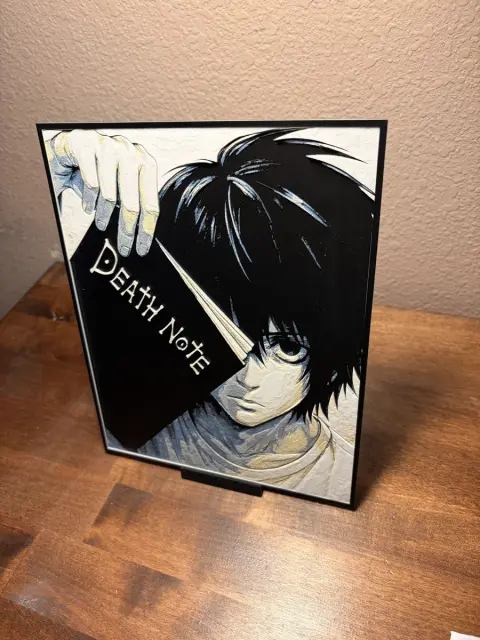
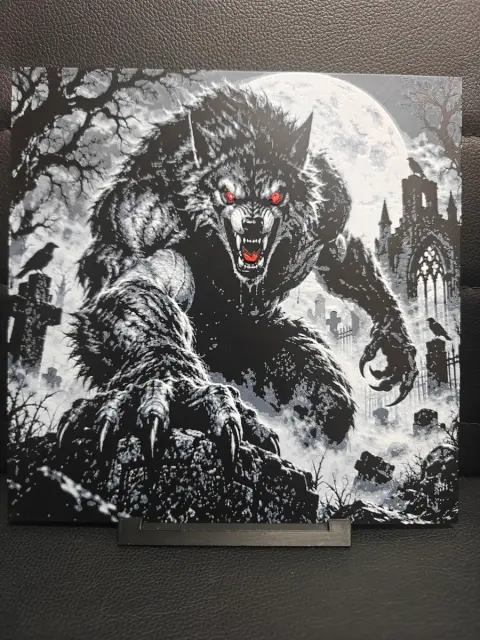
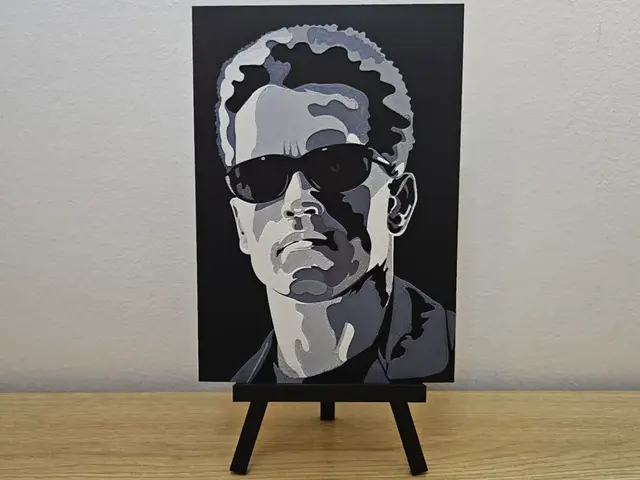
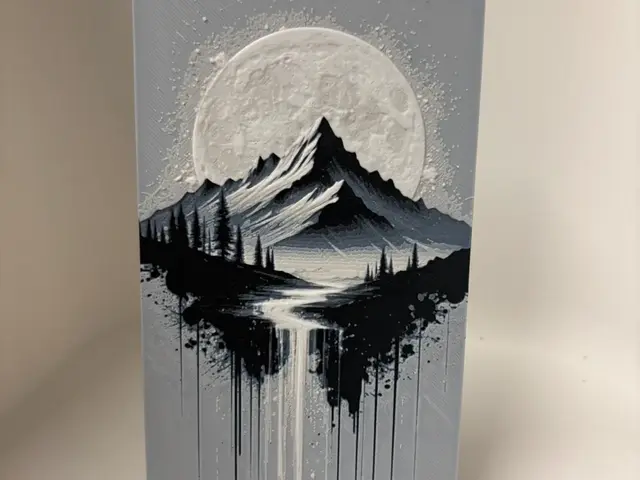
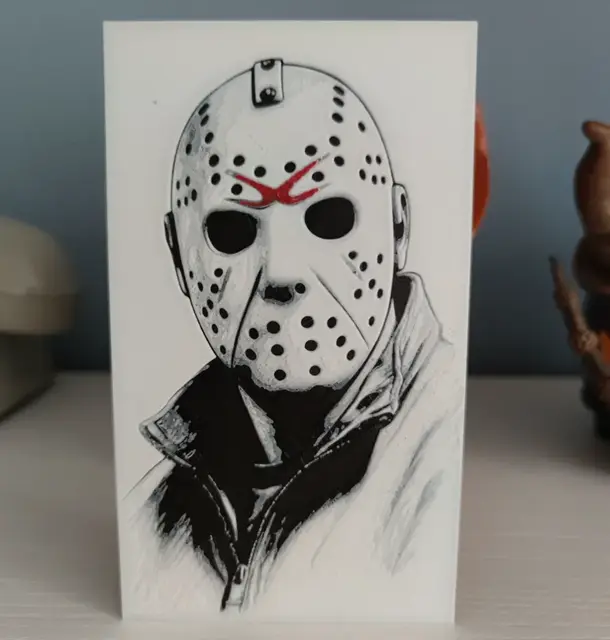
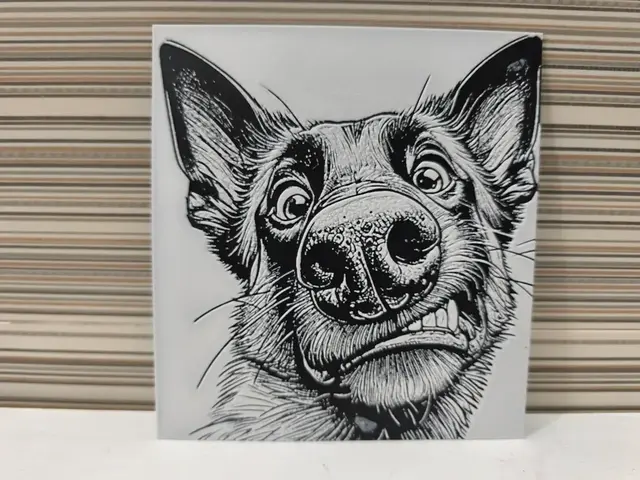
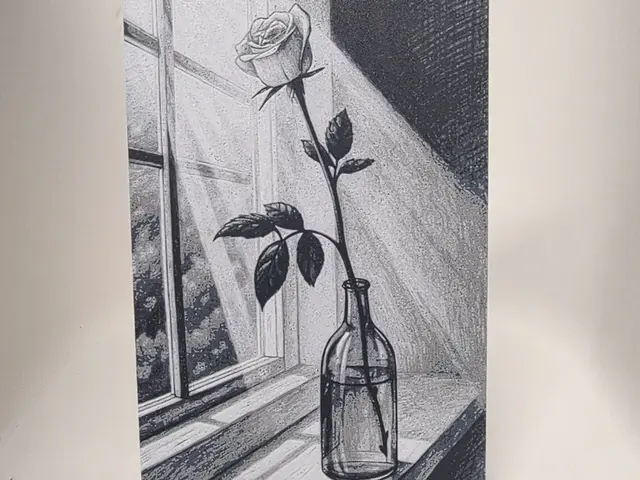
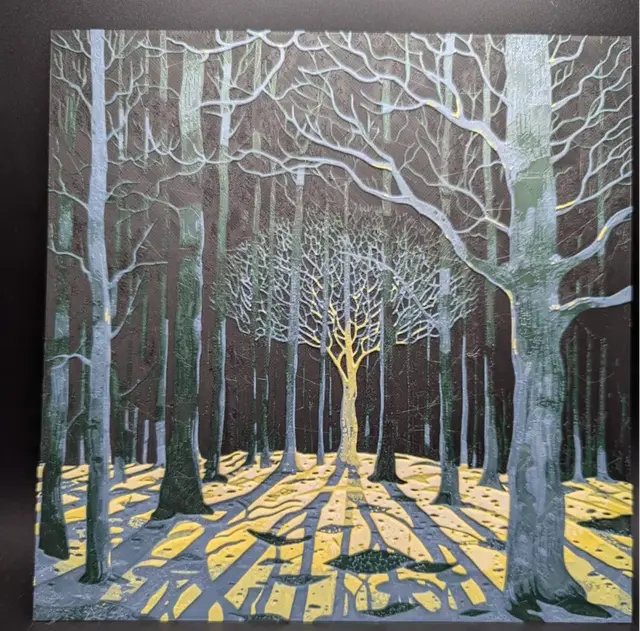
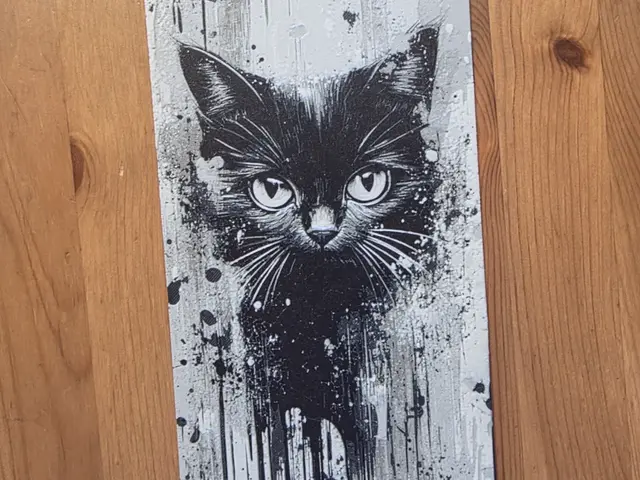
These are the same subjects people love printing as lithophanes (portraits, pets, landscapes, flowers), but rendered in full color, no backlight required. This is the difference in a nutshell: everything below reads like this on a shelf in a normally-lit room.
Browse the full HueForge catalog →
Which Should You Print?
It comes down to one question: do you want light shining through it, or hanging on a wall? For a glowing, backlit, grayscale keepsake on any printer for the price of one spool, print a lithophane. For colorful art that stands on its own in daylight, HueForge is worth the extra filament and the learning curve — and it's not close once you've seen a good one in person.
If HueForge is the direction you're leaning, the best first move is to find a design you can make with the filament you already own. Open Print Now, load in your spools, and see what the catalog matches. A colorful first print is the fastest way to understand why people make the jump.