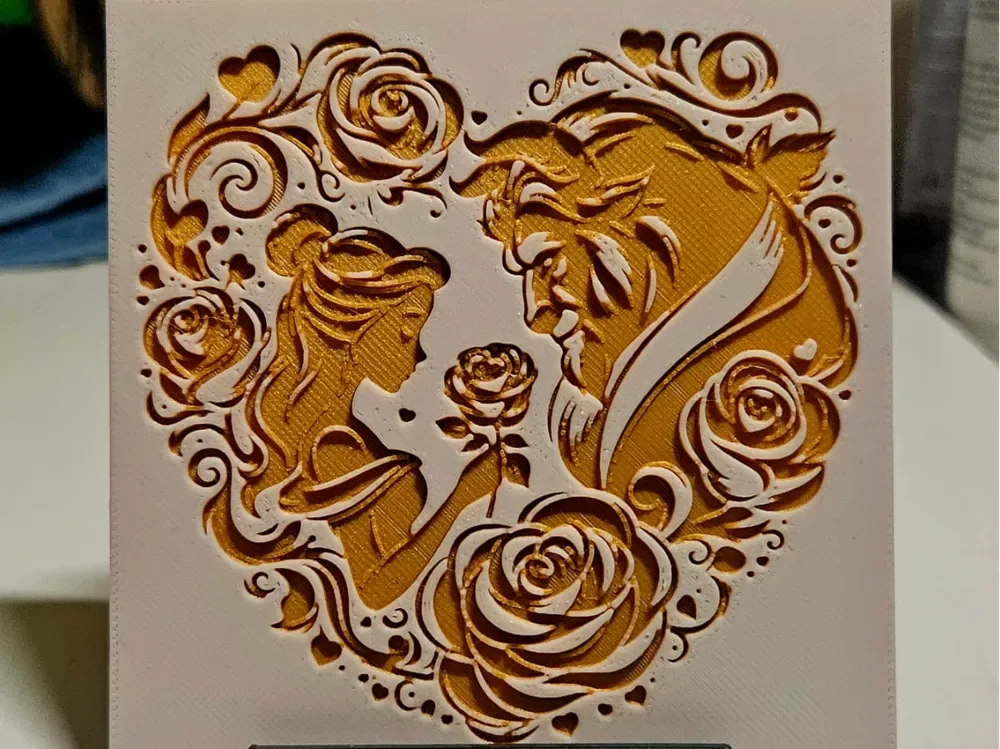
Beauty and the Beast
Belle and the Beast gaze tenderly at one another, framed within a heart-shaped cascade of roses and golden flourishes. Mano's 3d_Art captures the timeless romance of Disney's beloved fairy tale in warm amber and cream tones, with intricate layered relief giving each petal and curl incredible depth. The enchanted rose at the center anchors the composition beautifully.
View on MakerWorldRequired Filaments2
Protopasta Good as Gold
Bambu Lab Basic Jade White
Why filament details may vary
Filament details (brand, color, and TD value) may not exactly match the designer's original specification. In some cases, the designer didn't specify exact filaments and we've matched the closest options we could find. Always check the original listing for full details.
Some filament links are affiliate links — we may earn a small commission at no extra cost to you. Learn more
Sign up to track your filament inventory and check your matches.
Create accountYou Might Also Like
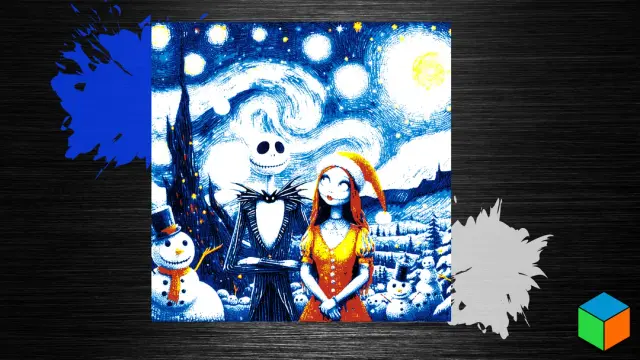
Jack & Sally’s Starry Night — A Rediscovered Christmas Poster
by 3D Prints By Vic
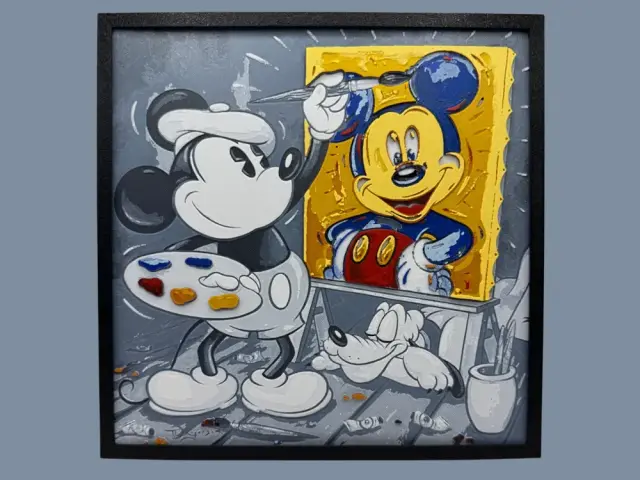
Mickey Mouse - Self Portrait
by Canadian Gamer
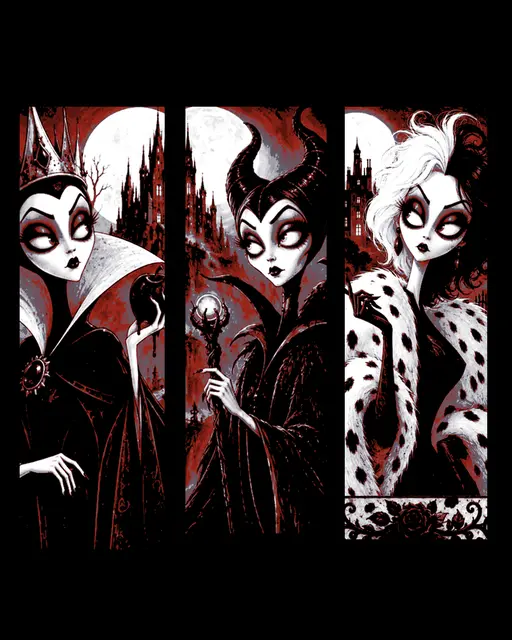
artistic impressions of Disney Villains - set of bookmarks
by BooneCo3d
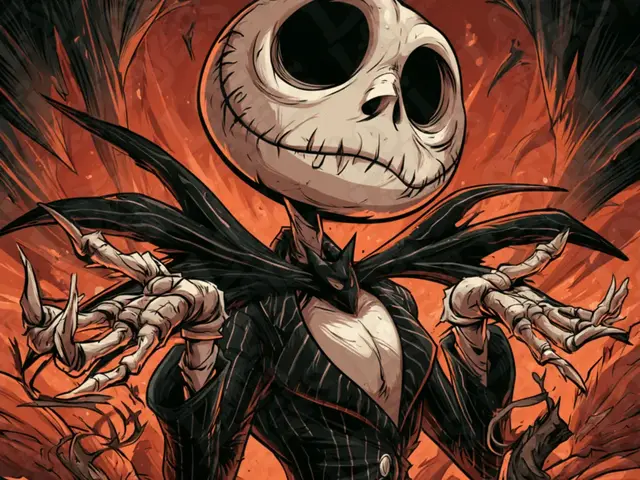
Jack Skellington Hueforge
by LoFi Layers
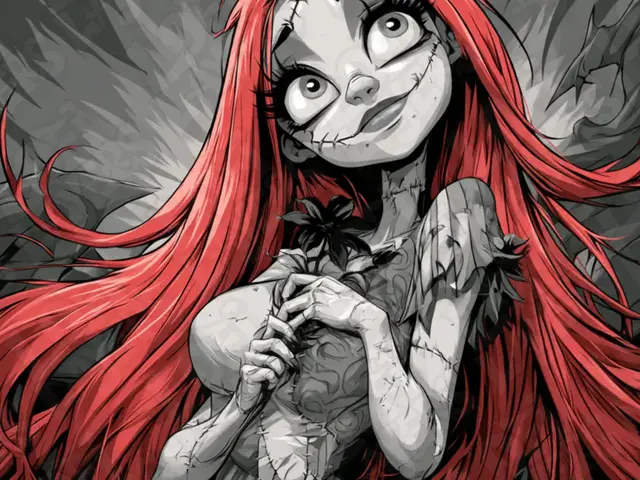
Sally Hueforge
by LoFi Layers
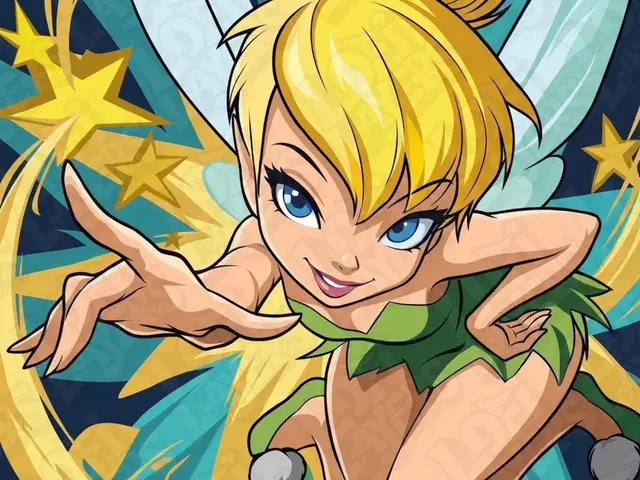
Tinker Bell Hueforge
by LoFi Layers
Recent Articles
View all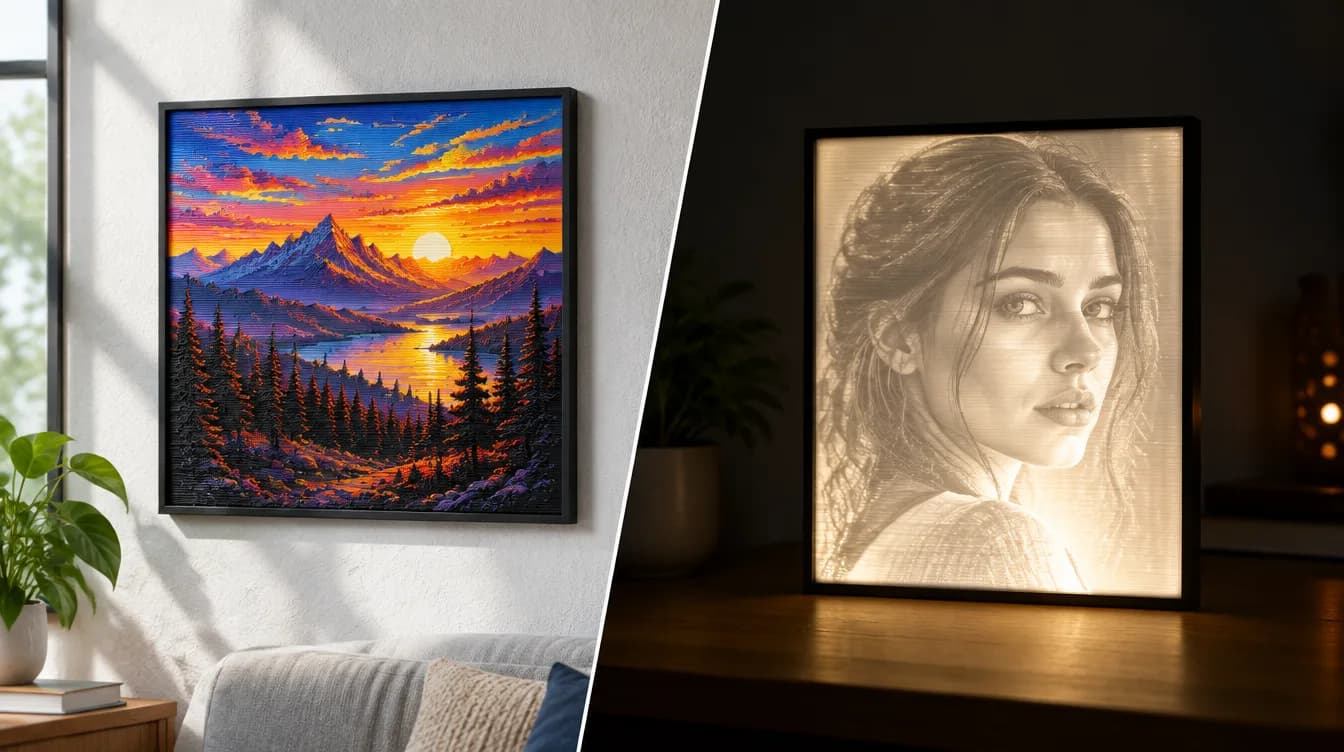
HueForge vs Lithophane: What's the Difference (and Which Should You Print)?
HueForge vs lithophane, explained: how each turns a photo into a print, the real differences in color, lighting, difficulty and cost, and when to choose one over the other.
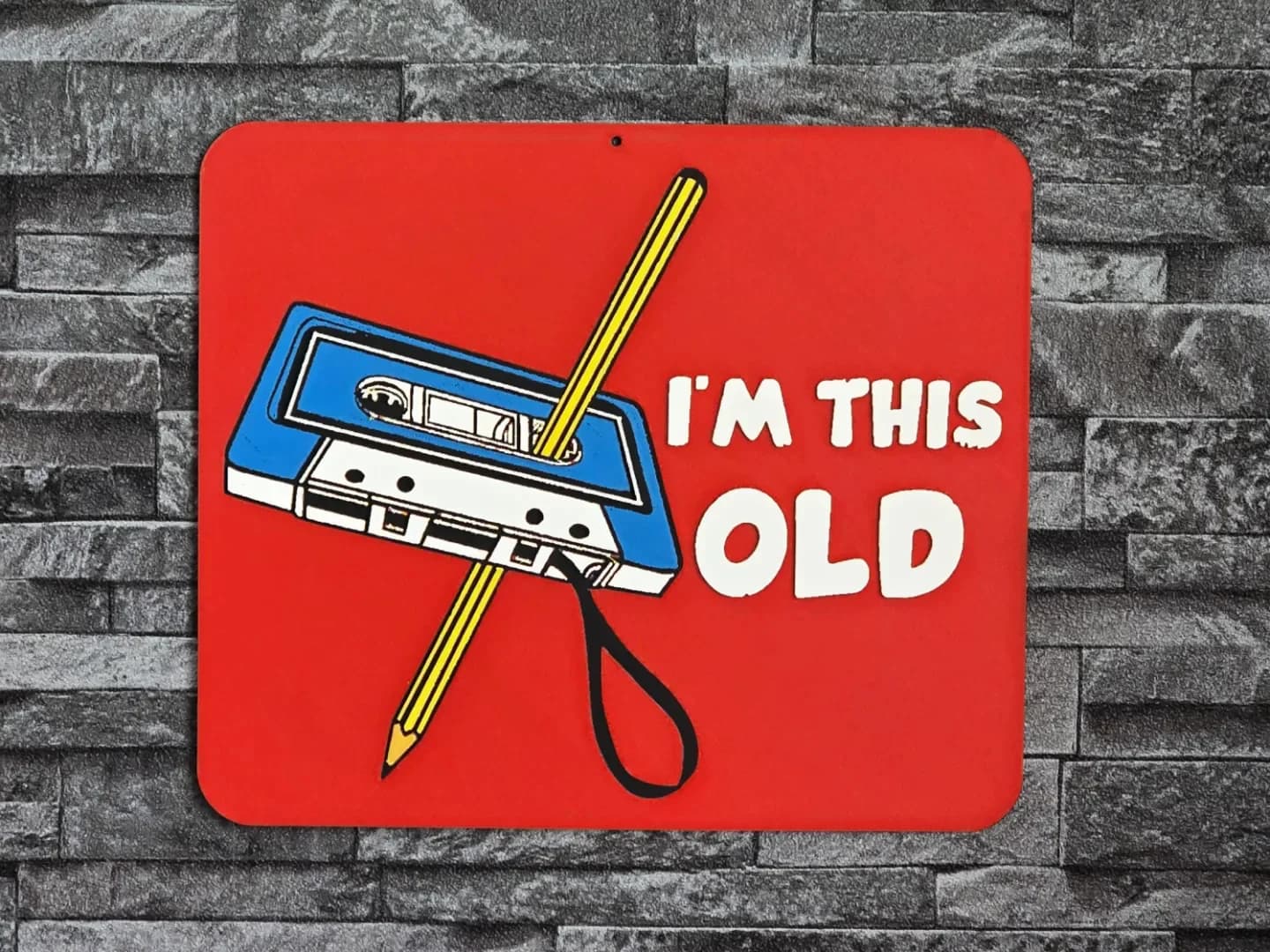
Best 3D Printed Gifts for Everyone on Your List — Made with HueForge
The best 3D printed gifts for everyone on your list, made with HueForge — custom pet and portrait art, ornaments and gift tags, bookmarks, and fandom prints matched to the recipient, plus how to turn gift requests into income.
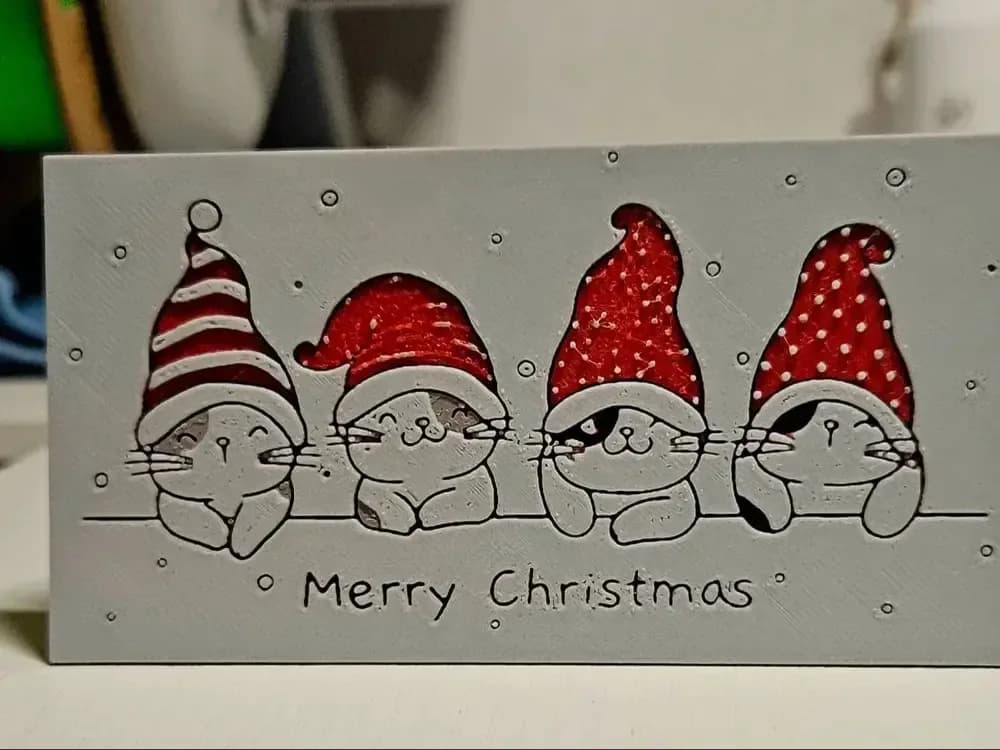
Best Christmas 3D Prints for HueForge: Ornaments, Santa & Holiday Movie Posters
The Christmas 3D prints worth making as HueForge filament paintings — tree ornaments, Santa and snowmen, holiday movie posters, festive fandom crossovers, and gift tags, grouped by theme.