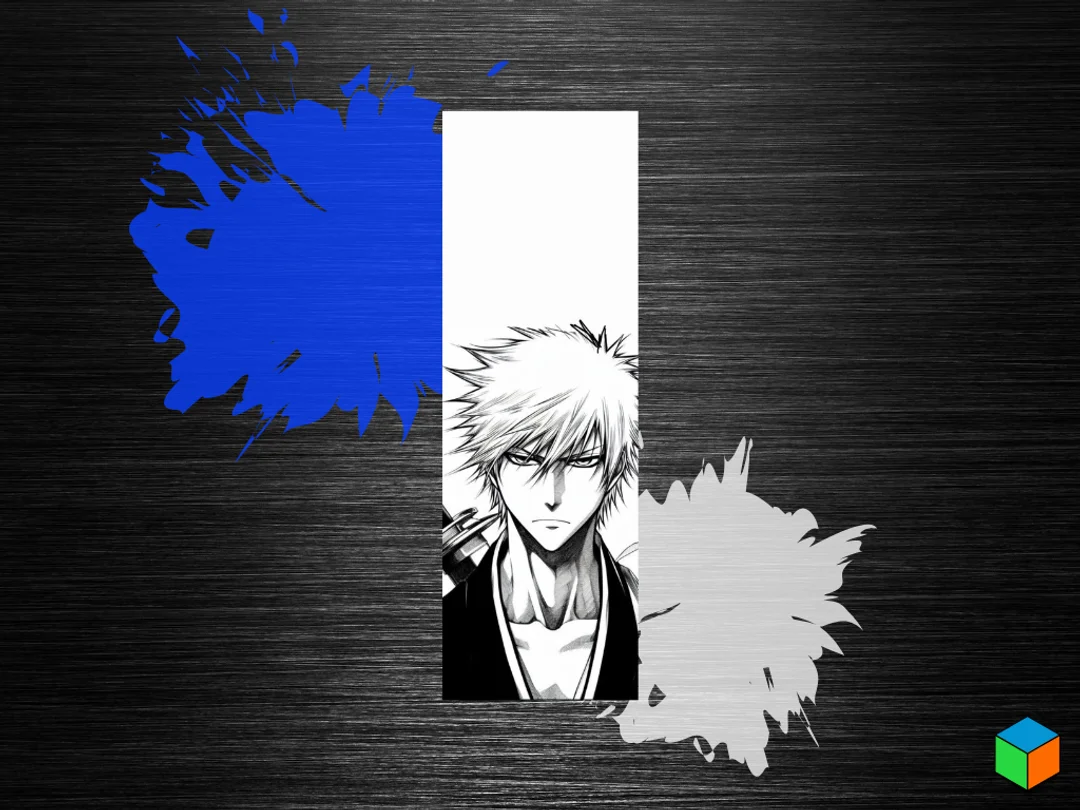
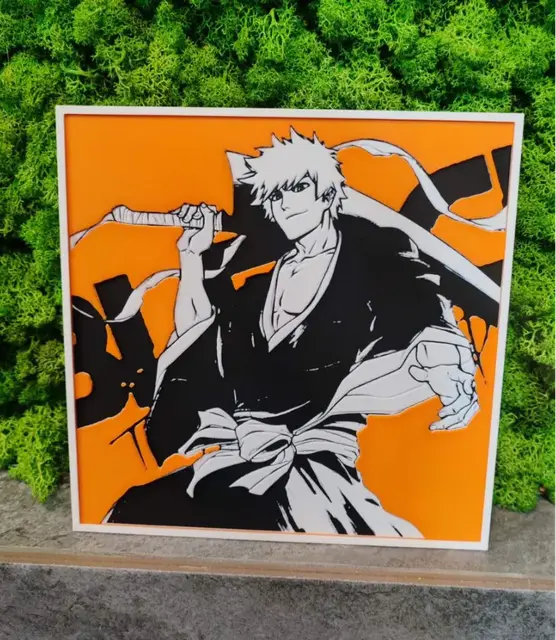
Bleach's Ichigo Kicks Off the Week
Spiky orange hair and determined eyes capture the iconic Soul Reaper as he kicks off another adventure. This dynamic portrait showcases Ichigo's fierce expression through bold contrasts of deep blacks and crisp whites, with his signature unruly locks framing an intense gaze. The composition balances detailed character work against clean negative space, creating a striking monochromatic tribute to the beloved Bleach protagonist ready to face whatever spiritual battles await.
View on PatreonRequired Filaments3
Bambu Lab Basic Black
Bambu Lab Basic Blue Gray
Bambu Lab Basic Jade White
Why filament details may vary
Filament details (brand, color, and TD value) may not exactly match the designer's original specification. In some cases, the designer didn't specify exact filaments and we've matched the closest options we could find. Always check the original listing for full details.
Some filament links are affiliate links — we may earn a small commission at no extra cost to you. Learn more
Sign up to track your filament inventory and check your matches.
Create accountYou Might Also Like
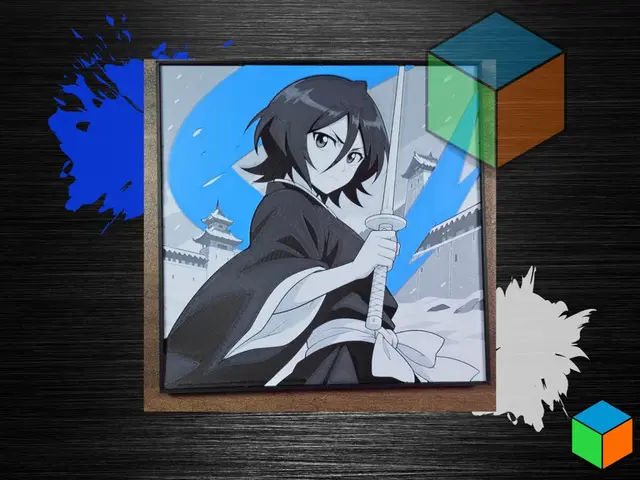
Rukia Kuchiki Color Pop | Bleach HueForge
by 3D Prints By Vic
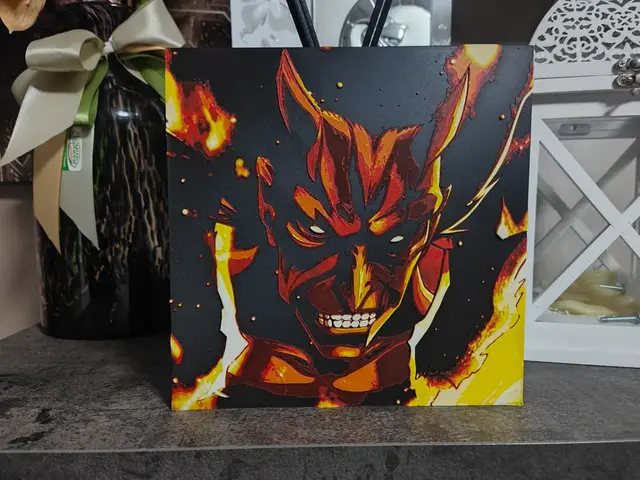
Kenpachi Zaraki Bankai Fanart Hueforge
by S1M0N389
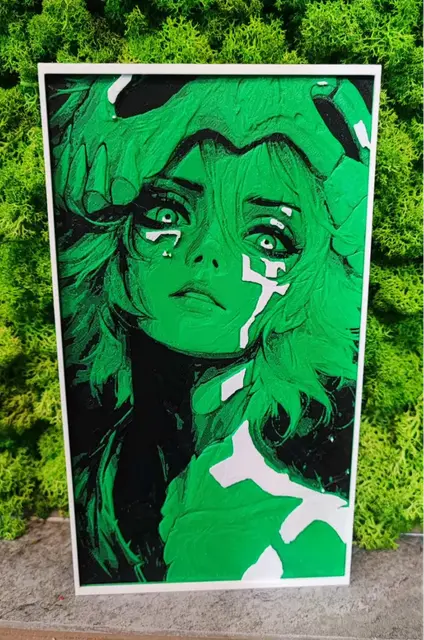
Nelliel
by Garuda3D
Bleach
by Garuda3D
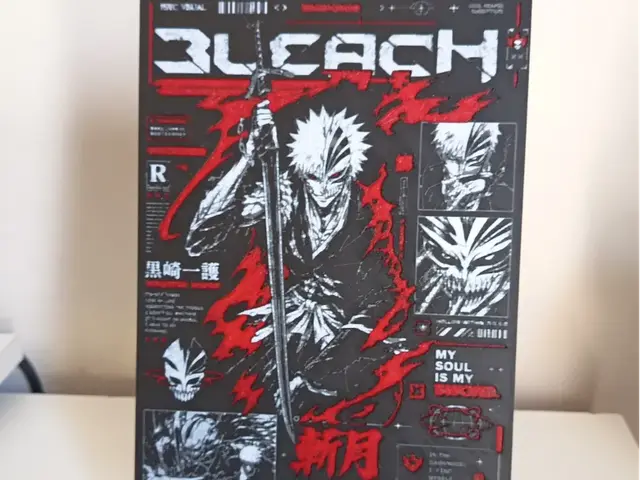
Bleach Ichigo Hueforge
by 3DNesy
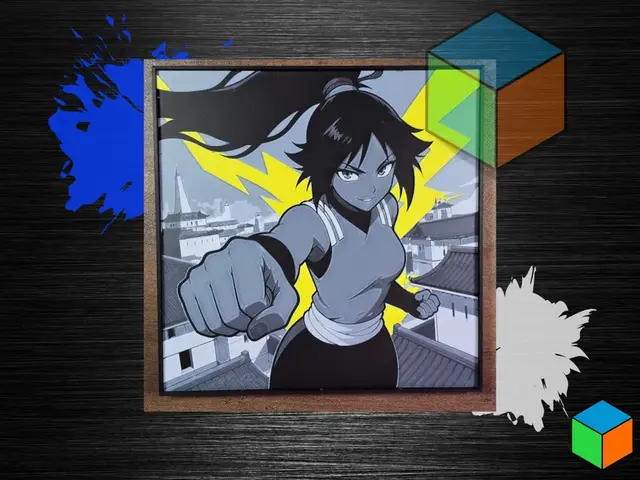
Yoruichi Color Pop | Bleach HueForge
by 3D Prints By Vic
Recent Articles
View all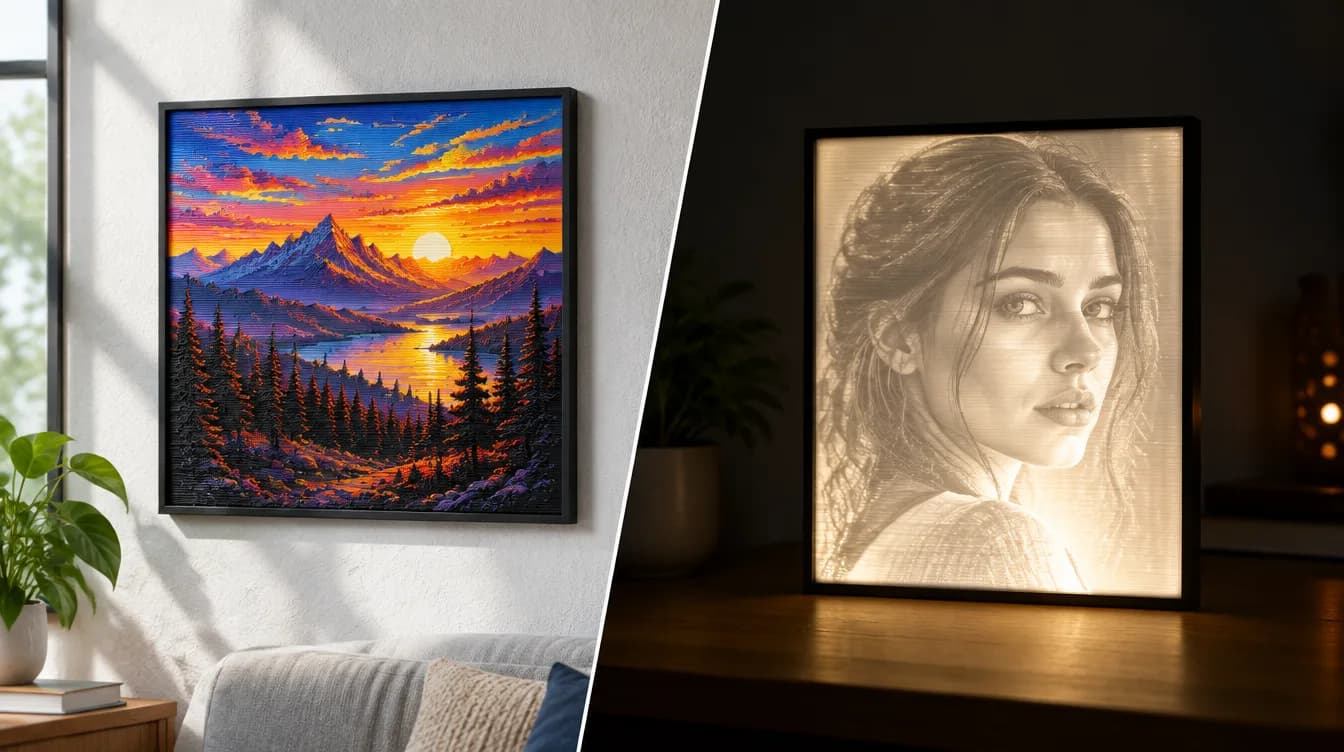
HueForge vs Lithophane: What's the Difference (and Which Should You Print)?
HueForge vs lithophane, explained: how each turns a photo into a print, the real differences in color, lighting, difficulty and cost, and when to choose one over the other.
Best 3D Printed Gifts for Everyone on Your List — Made with HueForge
The best 3D printed gifts for everyone on your list, made with HueForge — custom pet and portrait art, ornaments and gift tags, bookmarks, and fandom prints matched to the recipient, plus how to turn gift requests into income.
Best Christmas 3D Prints for HueForge: Ornaments, Santa & Holiday Movie Posters
The Christmas 3D prints worth making as HueForge filament paintings — tree ornaments, Santa and snowmen, holiday movie posters, festive fandom crossovers, and gift tags, grouped by theme.