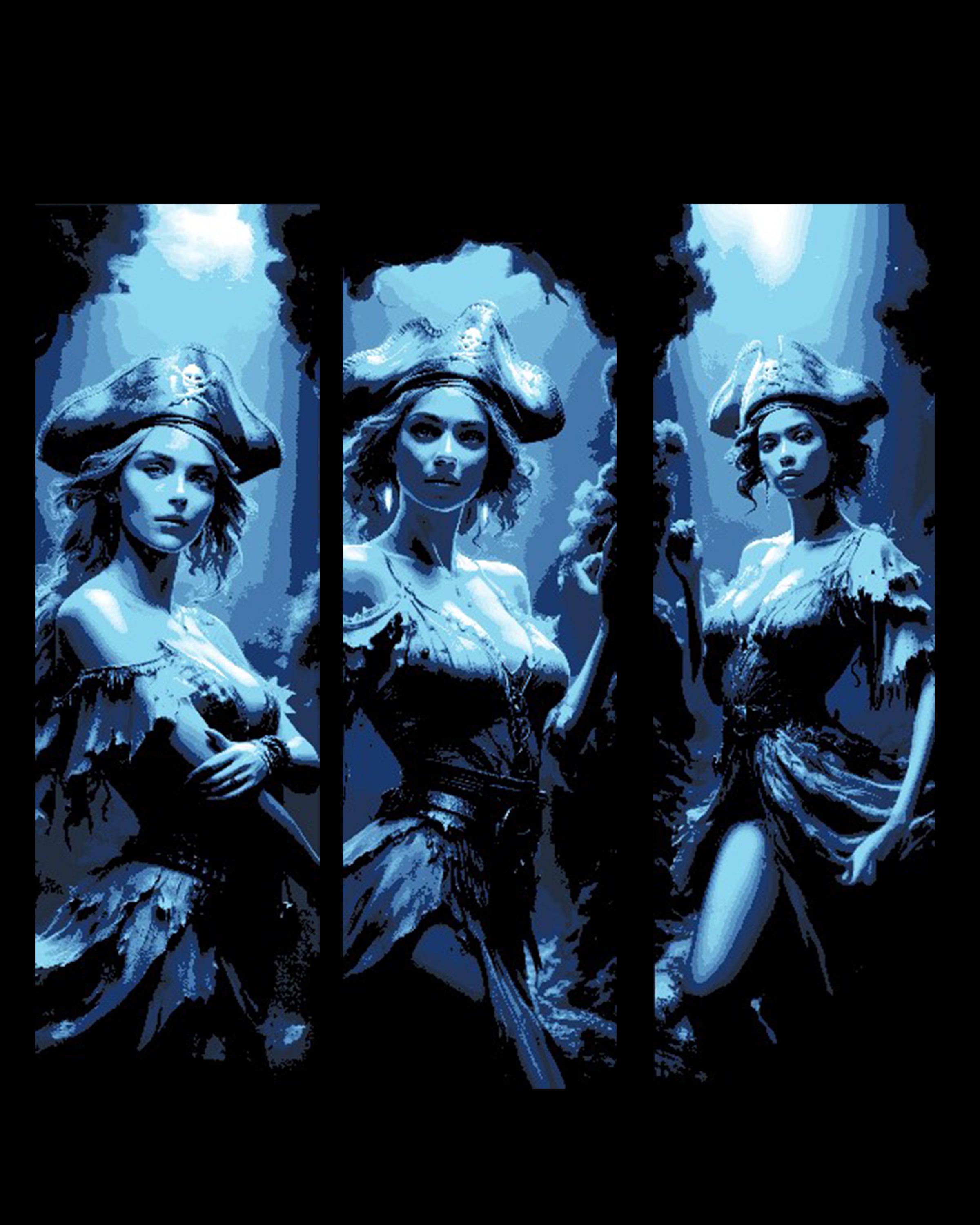
Davey's Locker claims the lives of Pirate Beauties - Set of Bookmarks
by BooneCo3d
Claimed by the depths, three pirate beauties haunt this triptych in haunting monochromatic blue. Each panel frames a swashbuckling figure — tricorn hat adorned with a skull emblem, tattered dress billowing — rendered in striking pixel-art style against moonlit, storm-clouded skies. BooneCo3d's "Davey's Locker" set captures both danger and elegance, the deep navy palette evoking cold, unforgiving ocean depths.
View on ThangsRequired Filaments4
Bambu Lab Basic Black
Bambu Lab Basic Blue
Bambu Lab Matte Ice Blue
Bambu Lab Basic Jade White
Why filament details may vary
Filament details (brand, color, and TD value) may not exactly match the designer's original specification. In some cases, the designer didn't specify exact filaments and we've matched the closest options we could find. Always check the original listing for full details.
Some filament links are affiliate links — we may earn a small commission at no extra cost to you. Learn more
Sign up to track your filament inventory and check your matches.
Create accountYou Might Also Like
Images of an Anime Style Pirate Doll - Set of 3 Bookmarks
by BooneCo3d
The Lady in Red - Beautiful She-devil with alluring Eyes - Set of 3 Bookmarks
by BooneCo3d
The Red Queen - Set of 3 bookmarks
by BooneCo3d

Classic Army Pinup Girl Rallying the Troops to Victory
by BooneCo3d
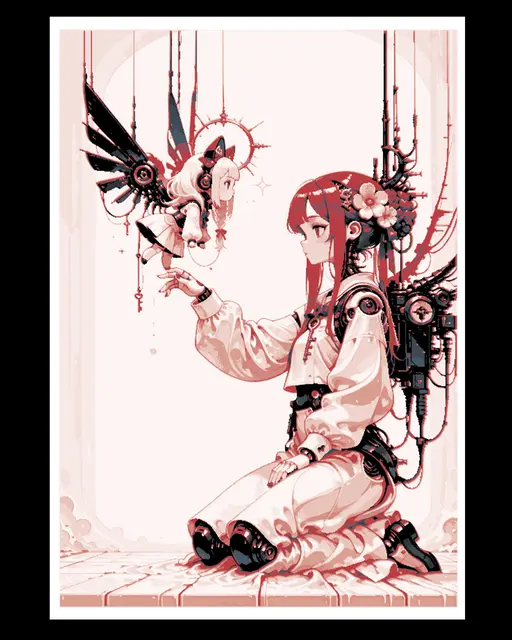
Wonderful world animated and beautiful - Lady and her creation - Wall Art
by BooneCo3d
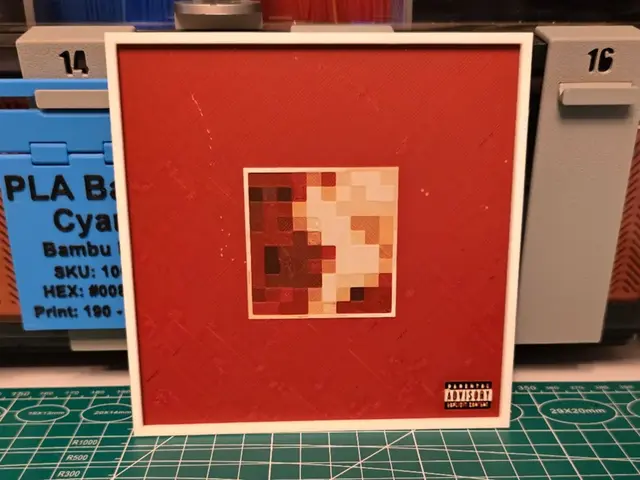
Kanye West "My Beautiful Dark Twisted Fantasy" Art
by Lumpy3D
Recent Articles
View all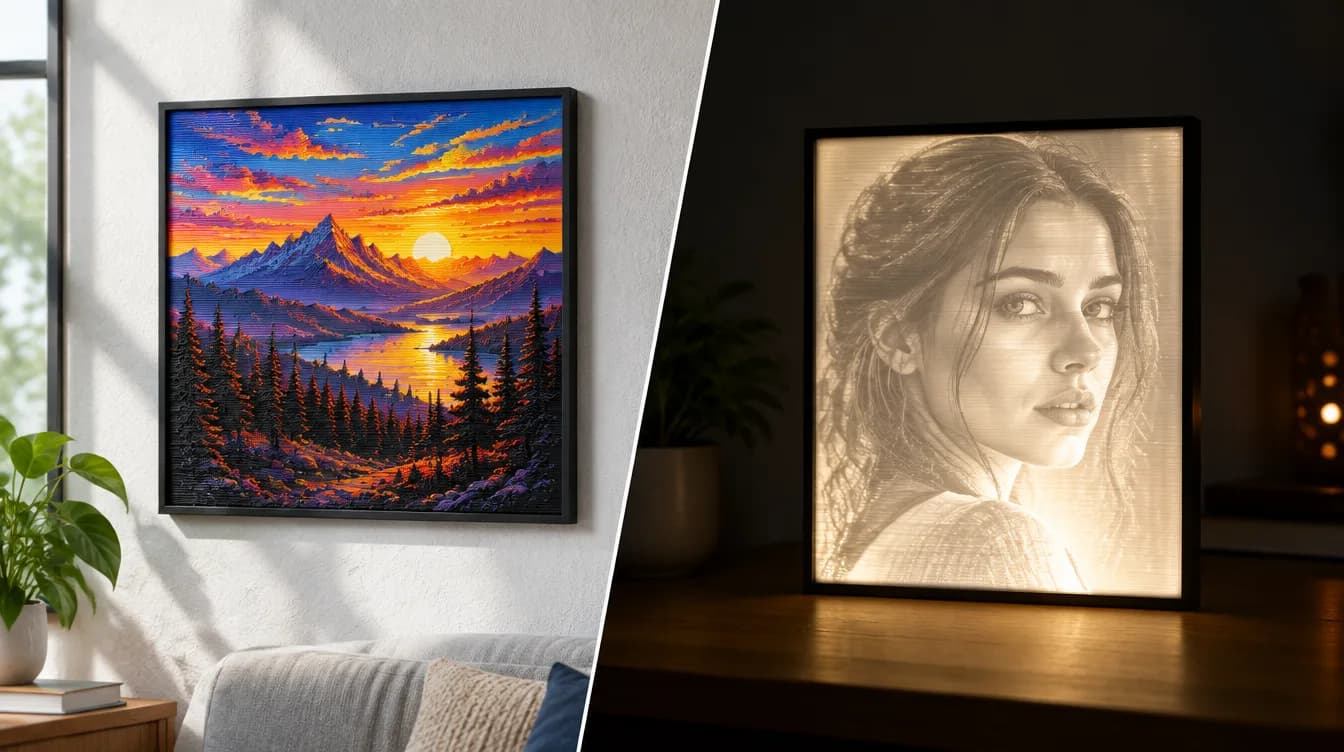
HueForge vs Lithophane: What's the Difference (and Which Should You Print)?
HueForge vs lithophane, explained: how each turns a photo into a print, the real differences in color, lighting, difficulty and cost, and when to choose one over the other.
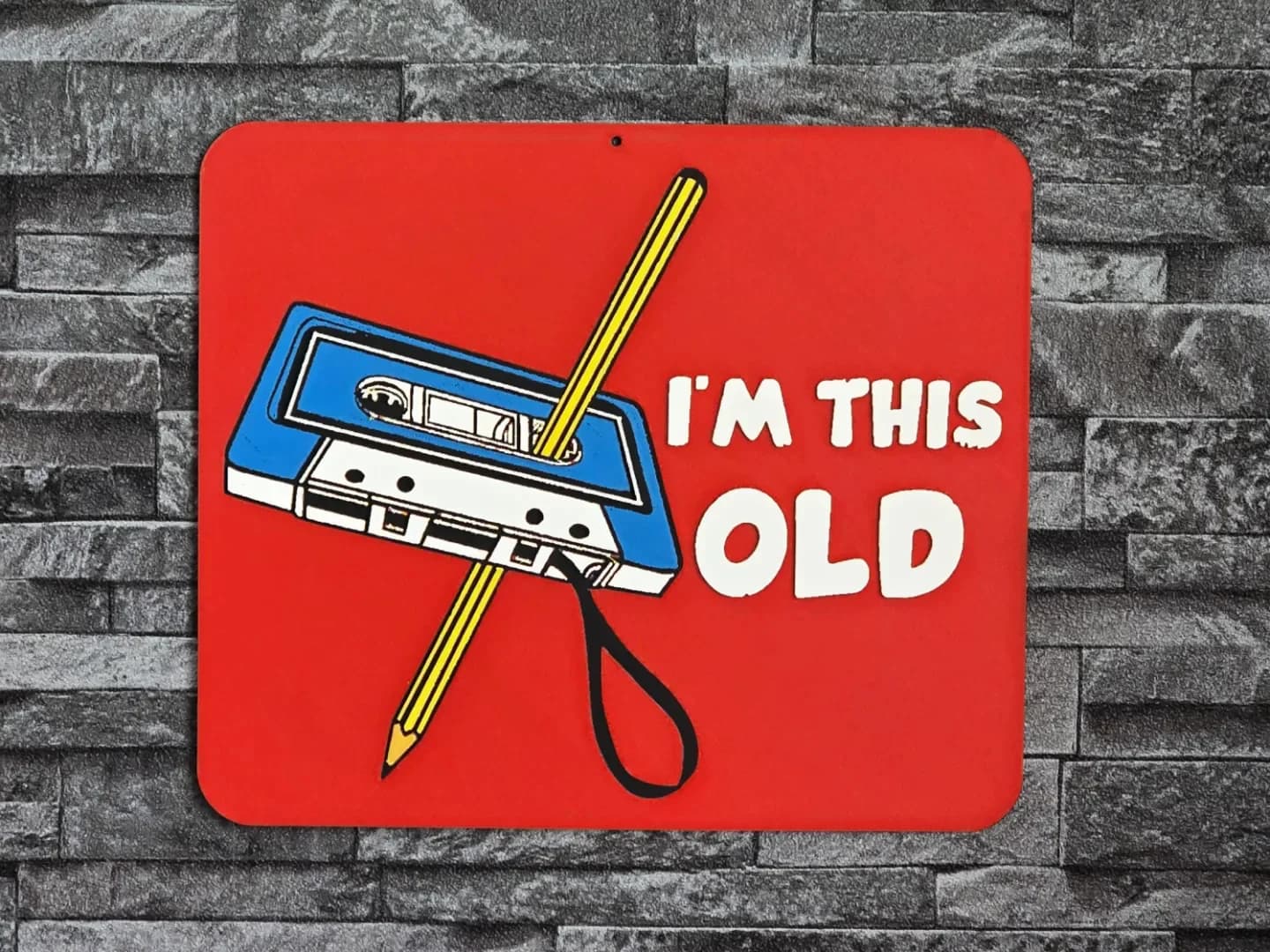
Best 3D Printed Gifts for Everyone on Your List — Made with HueForge
The best 3D printed gifts for everyone on your list, made with HueForge — custom pet and portrait art, ornaments and gift tags, bookmarks, and fandom prints matched to the recipient, plus how to turn gift requests into income.
Best Christmas 3D Prints for HueForge: Ornaments, Santa & Holiday Movie Posters
The Christmas 3D prints worth making as HueForge filament paintings — tree ornaments, Santa and snowmen, holiday movie posters, festive fandom crossovers, and gift tags, grouped by theme.