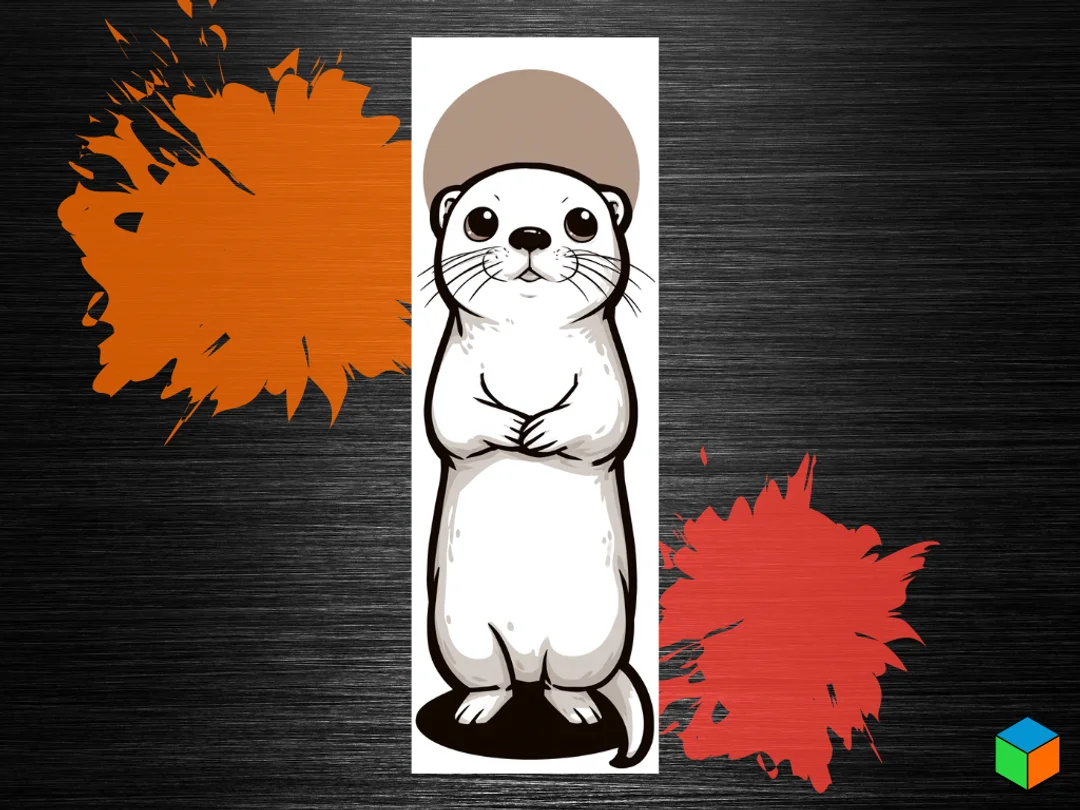
🦦 De Otter
A charming otter stands upright in endearing pose, tiny paws clasped together as if in gentle greeting. The adorable mammal's soft white belly contrasts beautifully with its rich brown head cap and darker outlined features. Wide, innocent eyes and delicate whiskers bring personality to this sweet aquatic creature. The clean composition emphasizes the otter's naturally curious and friendly demeanor, capturing the playful spirit that makes these semi-aquatic animals so beloved.
View on PatreonRequired Filaments4
Bambu Lab Basic Black
Bambu Lab Basic Blue Gray
Bambu Lab Basic Jade White
Bambu Lab Basic Cocoa Brown
Why filament details may vary
Filament details (brand, color, and TD value) may not exactly match the designer's original specification. In some cases, the designer didn't specify exact filaments and we've matched the closest options we could find. Always check the original listing for full details.
Some filament links are affiliate links — we may earn a small commission at no extra cost to you. Learn more
Sign up to track your filament inventory and check your matches.
Create accountYou Might Also Like
Snoopy & Woodstock — A Little Reading Time
by 3D Prints By Vic
HueForge Horse Portrait Horse
by FYTY112
Ajisai: Hydrangea — Solitude
by TowerLayers
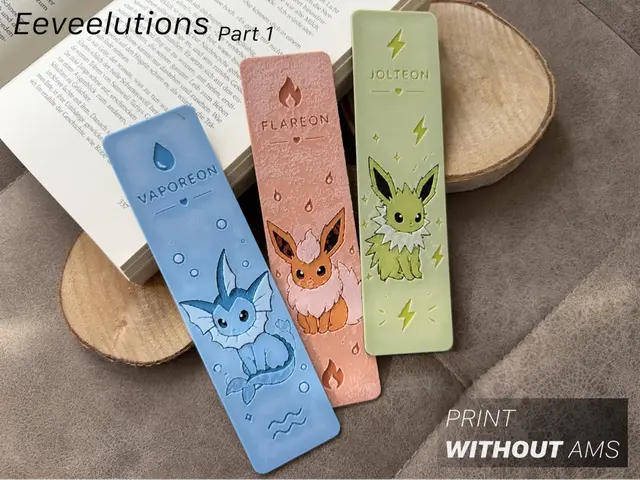
Eeveelutions Part 1 – Water Fire & Electric
by Loupes
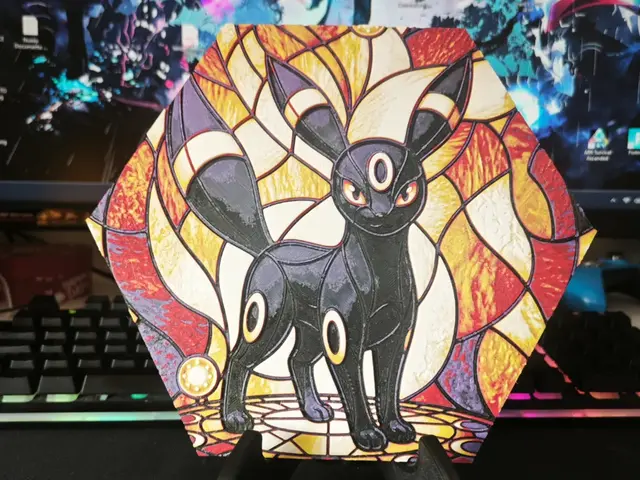
Hueforge Umbreon Pokemon honeycomb mode
by JGz3DMaker
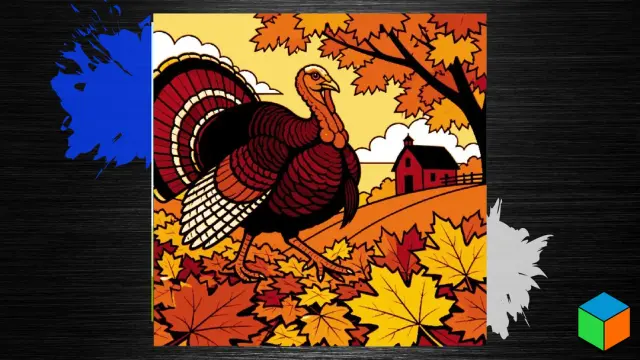
Thanksgiving Turkey — Five Filaments for Fall
by 3D Prints By Vic
Recent Articles
View all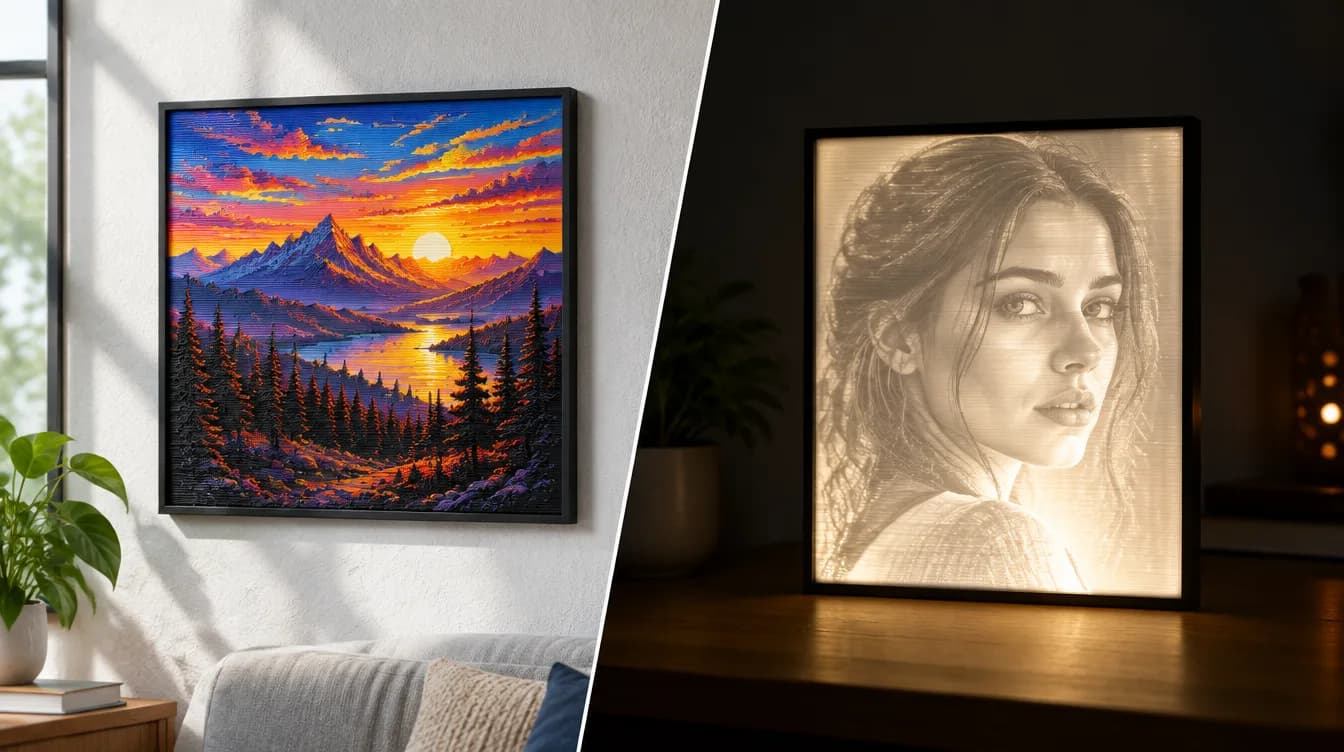
HueForge vs Lithophane: What's the Difference (and Which Should You Print)?
HueForge vs lithophane, explained: how each turns a photo into a print, the real differences in color, lighting, difficulty and cost, and when to choose one over the other.
Best 3D Printed Gifts for Everyone on Your List — Made with HueForge
The best 3D printed gifts for everyone on your list, made with HueForge — custom pet and portrait art, ornaments and gift tags, bookmarks, and fandom prints matched to the recipient, plus how to turn gift requests into income.
Best Christmas 3D Prints for HueForge: Ornaments, Santa & Holiday Movie Posters
The Christmas 3D prints worth making as HueForge filament paintings — tree ornaments, Santa and snowmen, holiday movie posters, festive fandom crossovers, and gift tags, grouped by theme.