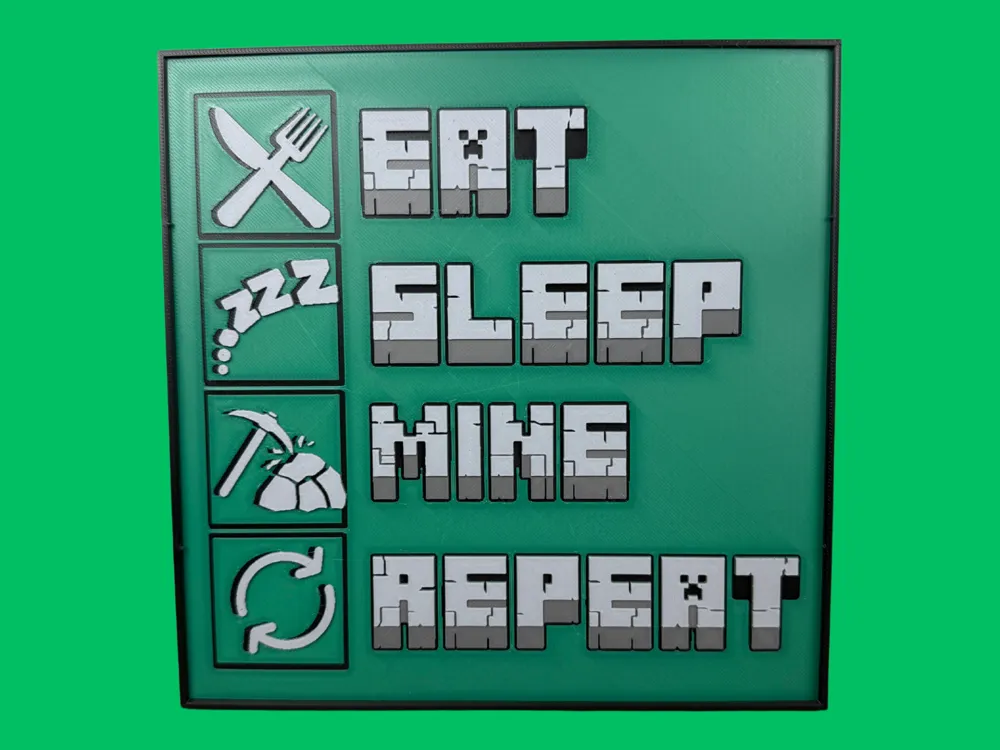
Eat Sleep Mine Repeat - Minecraft Sign
A nostalgic pixel-art tribute to every Minecraft player's daily routine blazes across this playful wall sign in vibrant emerald tones. Canadian Gamer's design captures the endless cycle of gaming life through four iconic symbols—crossed utensils for eating, "zzz" for sleeping, a trusty pickaxe for mining, and circular arrows for repeating it all. The chunky, block-style typography perfectly mirrors Minecraft's aesthetic against the gradient green background.
View on MakerWorldRequired Filaments4
Bambu Lab Basic Black
Bambu Lab Basic Mistletoe Green
Bambu Lab Basic Dark Gray
Bambu Lab Matte Ash Gray
Why filament details may vary
Filament details (brand, color, and TD value) may not exactly match the designer's original specification. In some cases, the designer didn't specify exact filaments and we've matched the closest options we could find. Always check the original listing for full details.
Some filament links are affiliate links — we may earn a small commission at no extra cost to you. Learn more
Sign up to track your filament inventory and check your matches.
Create accountYou Might Also Like
Plants Vs. Zombies Hueforge Video Game Poster
by NiiON
Bethesda Logo - Hueforge
by JoDau
Capcom Logo - Hueforge
by JoDau
Sega Genesis Logo - Hueforge
by JoDau
Sega Logo - Hueforge
by JoDau
Stardew Valley Sign
by Canadian Gamer
Recent Articles
View all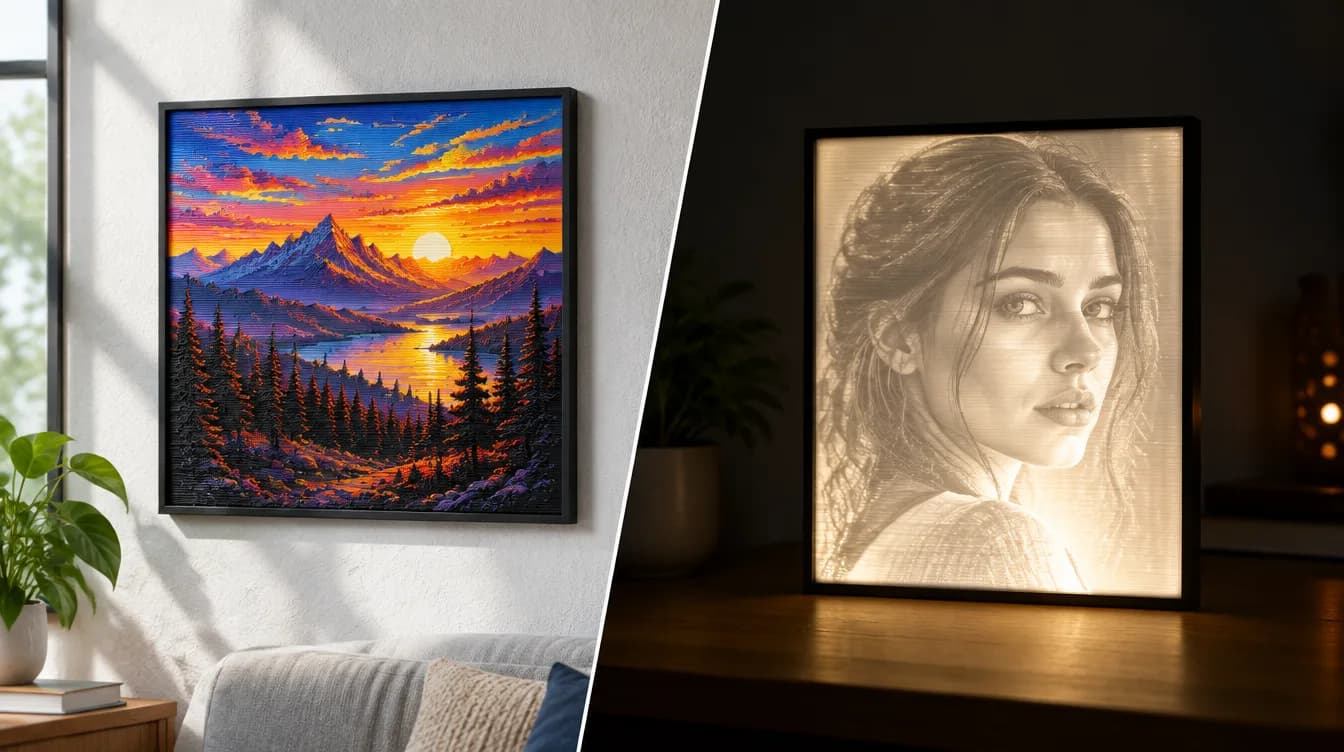
HueForge vs Lithophane: What's the Difference (and Which Should You Print)?
HueForge vs lithophane, explained: how each turns a photo into a print, the real differences in color, lighting, difficulty and cost, and when to choose one over the other.
Best 3D Printed Gifts for Everyone on Your List — Made with HueForge
The best 3D printed gifts for everyone on your list, made with HueForge — custom pet and portrait art, ornaments and gift tags, bookmarks, and fandom prints matched to the recipient, plus how to turn gift requests into income.
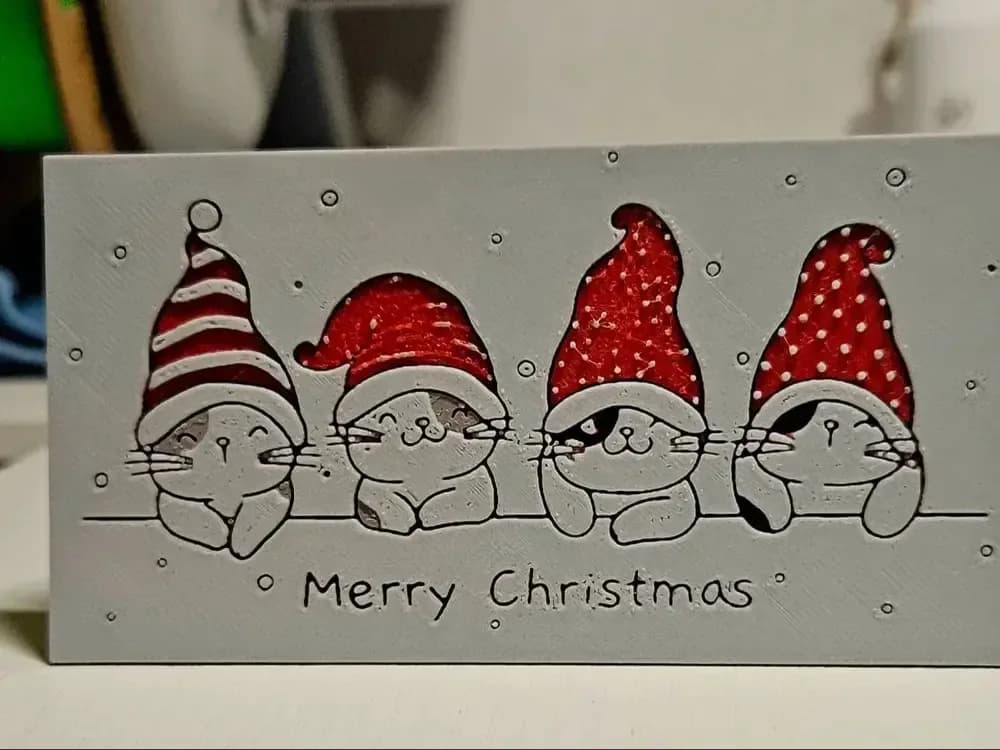
Best Christmas 3D Prints for HueForge: Ornaments, Santa & Holiday Movie Posters
The Christmas 3D prints worth making as HueForge filament paintings — tree ornaments, Santa and snowmen, holiday movie posters, festive fandom crossovers, and gift tags, grouped by theme.