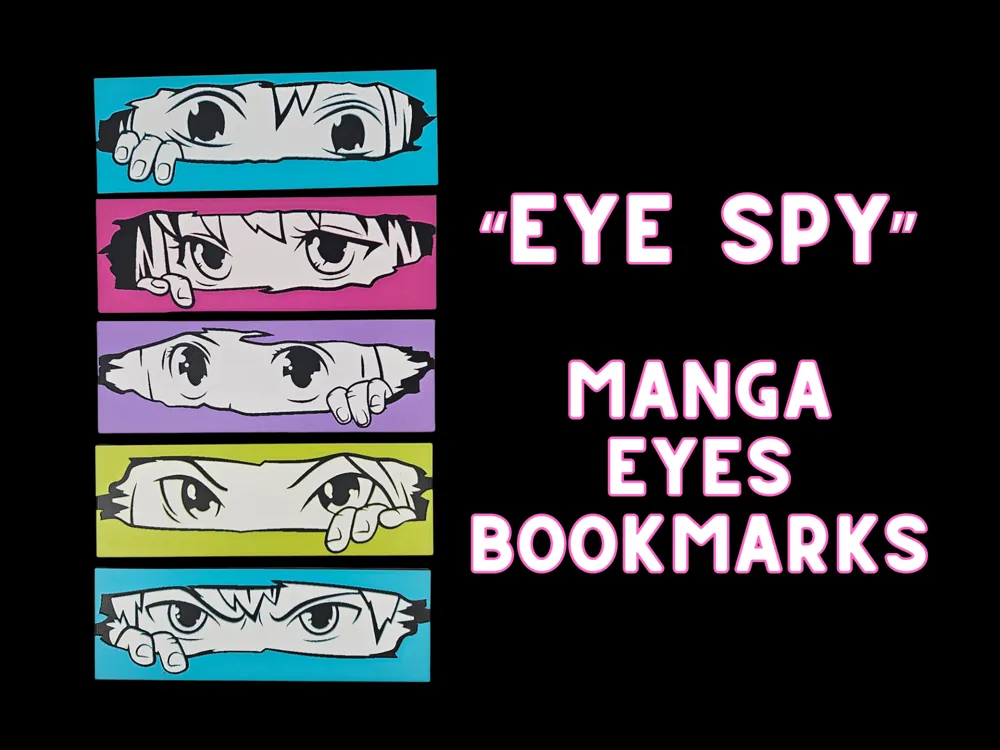
Eye Spy Manga Bookmark Set
by BusyKikiBee
Watchful anime eyes peer through colorful rectangular frames, creating an enchanting "eye spy" game for manga enthusiasts. Each set of eyes captures different expressions and character styles, from wide-eyed innocence to determined intensity. The vibrant palette features turquoise, magenta, purple, lime green, and cyan backgrounds that make each pair of eyes pop dramatically. Small hands occasionally peek into frame, adding a playful hide-and-seek element to these captivating manga-inspired bookmarks. Choose any background color you like!
View on MakerWorldRequired Filaments6
Bambu Lab Basic Black
Bambu Lab Matte Ivory White
Bambu Lab Basic Hot Pink
Bambu Lab Basic Turquoise
Bambu Lab Matte Lilac Purple
Bambu Lab Basic Bright Green
Why filament details may vary
Filament details (brand, color, and TD value) may not exactly match the designer's original specification. In some cases, the designer didn't specify exact filaments and we've matched the closest options we could find. Always check the original listing for full details.
Some filament links are affiliate links — we may earn a small commission at no extra cost to you. Learn more
Sign up to track your filament inventory and check your matches.
Create accountYou Might Also Like
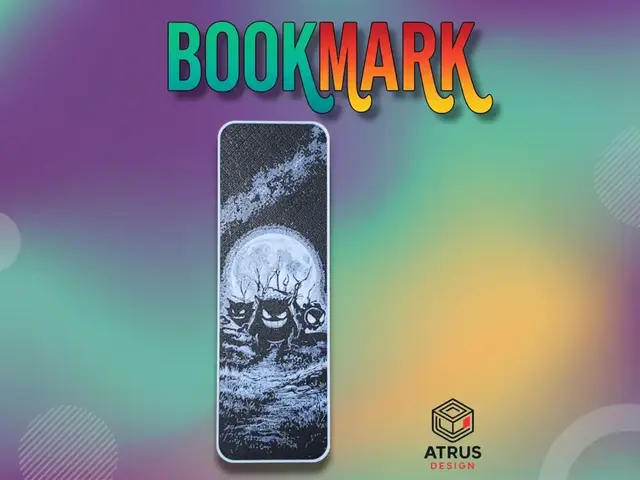
Gengar Bookmark
by Atrus Design
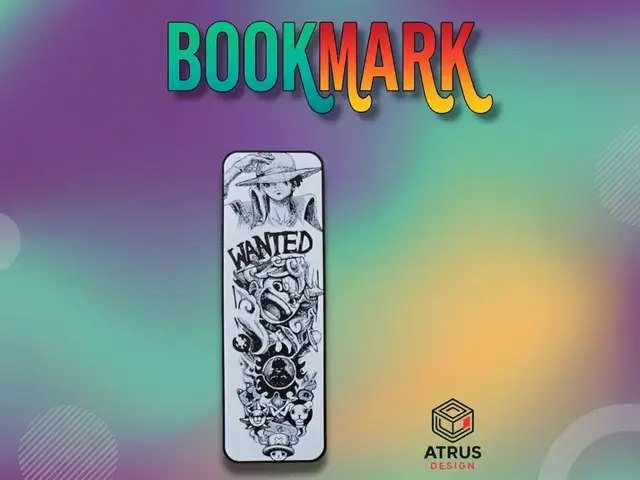
Luffy Gears 5 Bookmark
by Atrus Design

Izuku "Deku" Midoriya Bookmark (fan art-sized)
by LoFi Layers
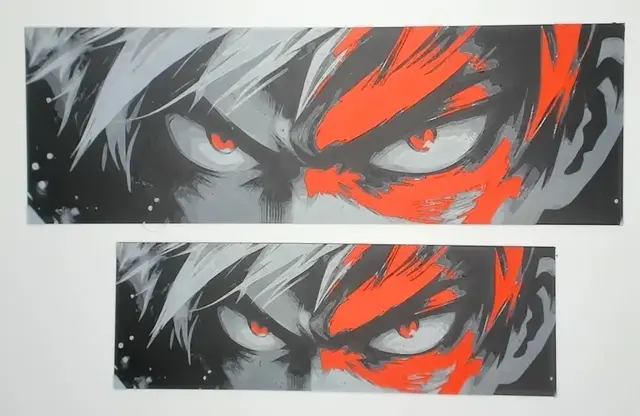
Shoto Todoroki Bookmark (fan art-sized)
by LoFi Layers
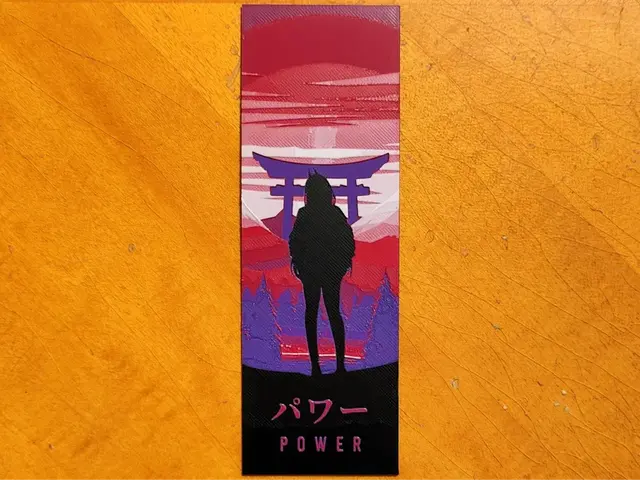
Power Chainsaw Man Bookmark - 4 Colours
by Sarge
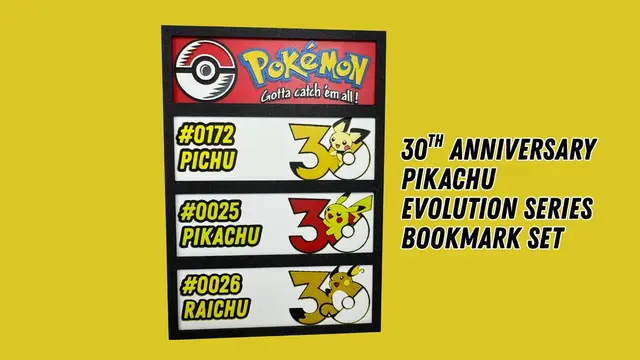
Pikachu Evolution Series - Pokemon 30th Anniversary - Bookmark Set
by Canadian Gamer
Recent Articles
View all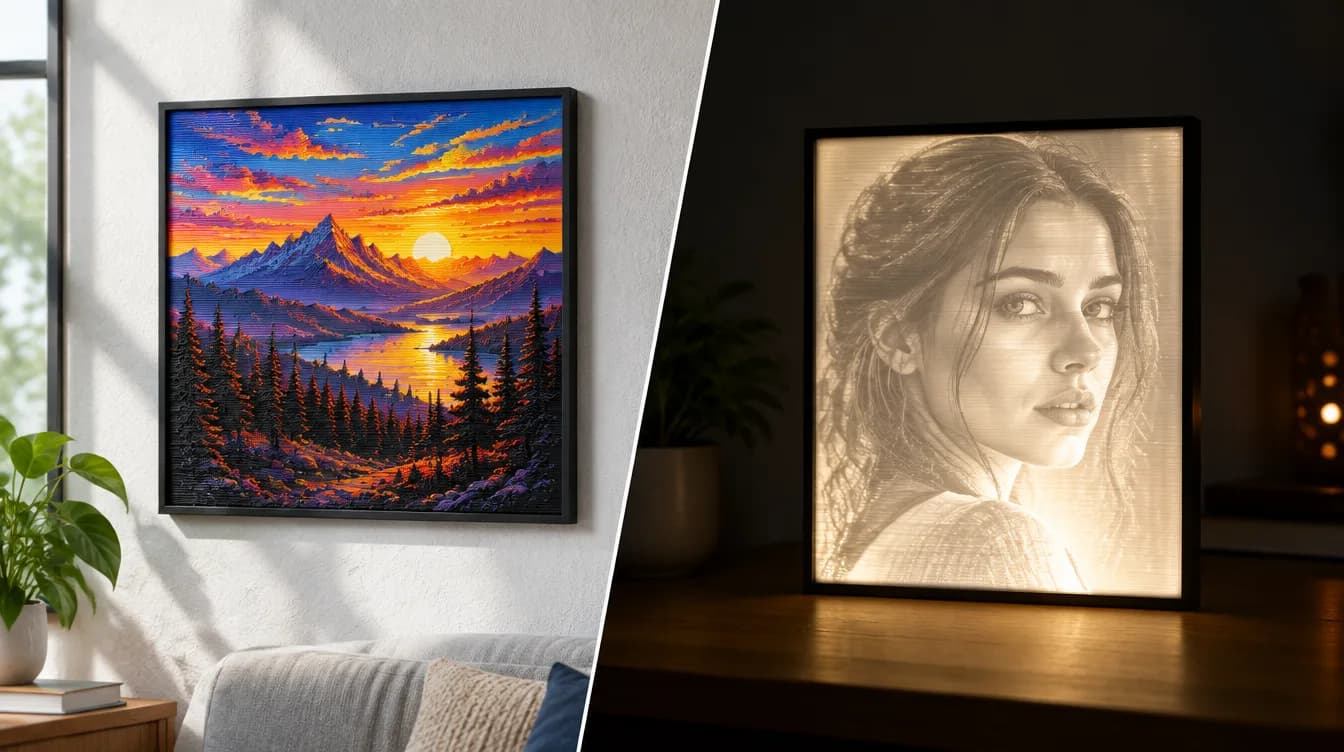
HueForge vs Lithophane: What's the Difference (and Which Should You Print)?
HueForge vs lithophane, explained: how each turns a photo into a print, the real differences in color, lighting, difficulty and cost, and when to choose one over the other.
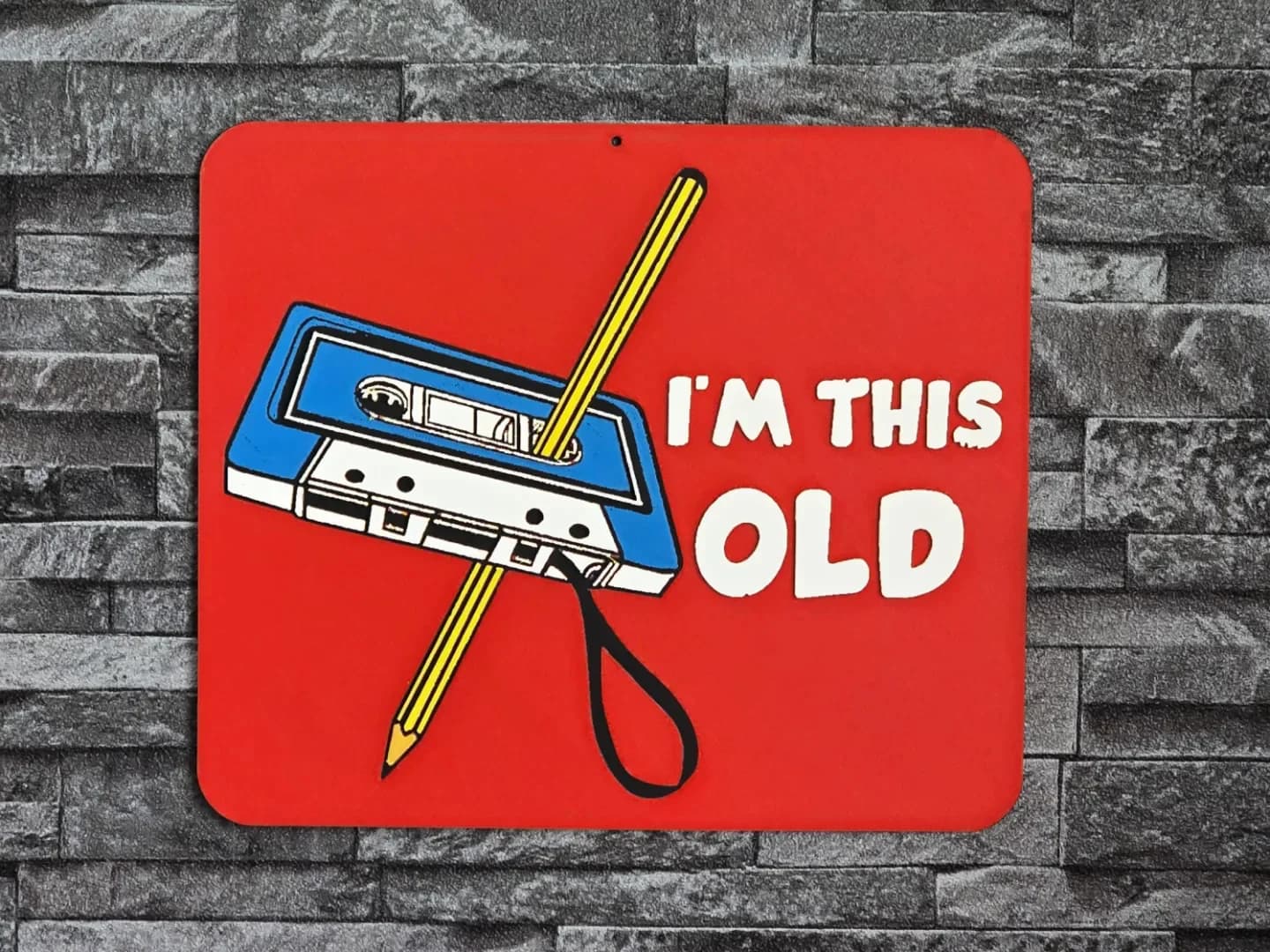
Best 3D Printed Gifts for Everyone on Your List — Made with HueForge
The best 3D printed gifts for everyone on your list, made with HueForge — custom pet and portrait art, ornaments and gift tags, bookmarks, and fandom prints matched to the recipient, plus how to turn gift requests into income.
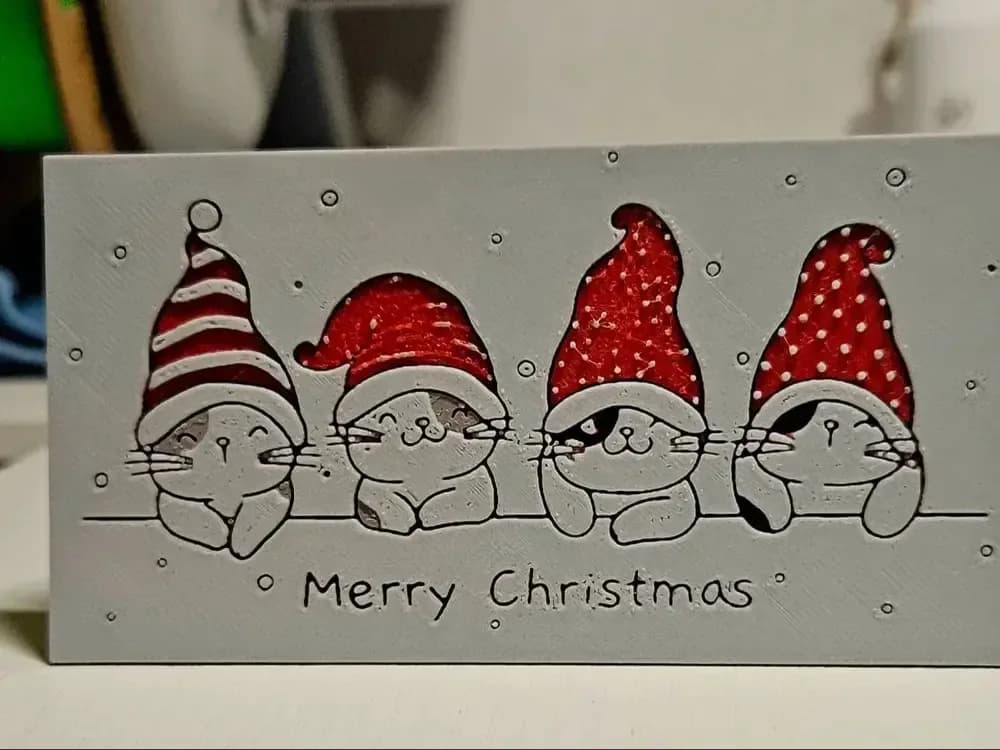
Best Christmas 3D Prints for HueForge: Ornaments, Santa & Holiday Movie Posters
The Christmas 3D prints worth making as HueForge filament paintings — tree ornaments, Santa and snowmen, holiday movie posters, festive fandom crossovers, and gift tags, grouped by theme.