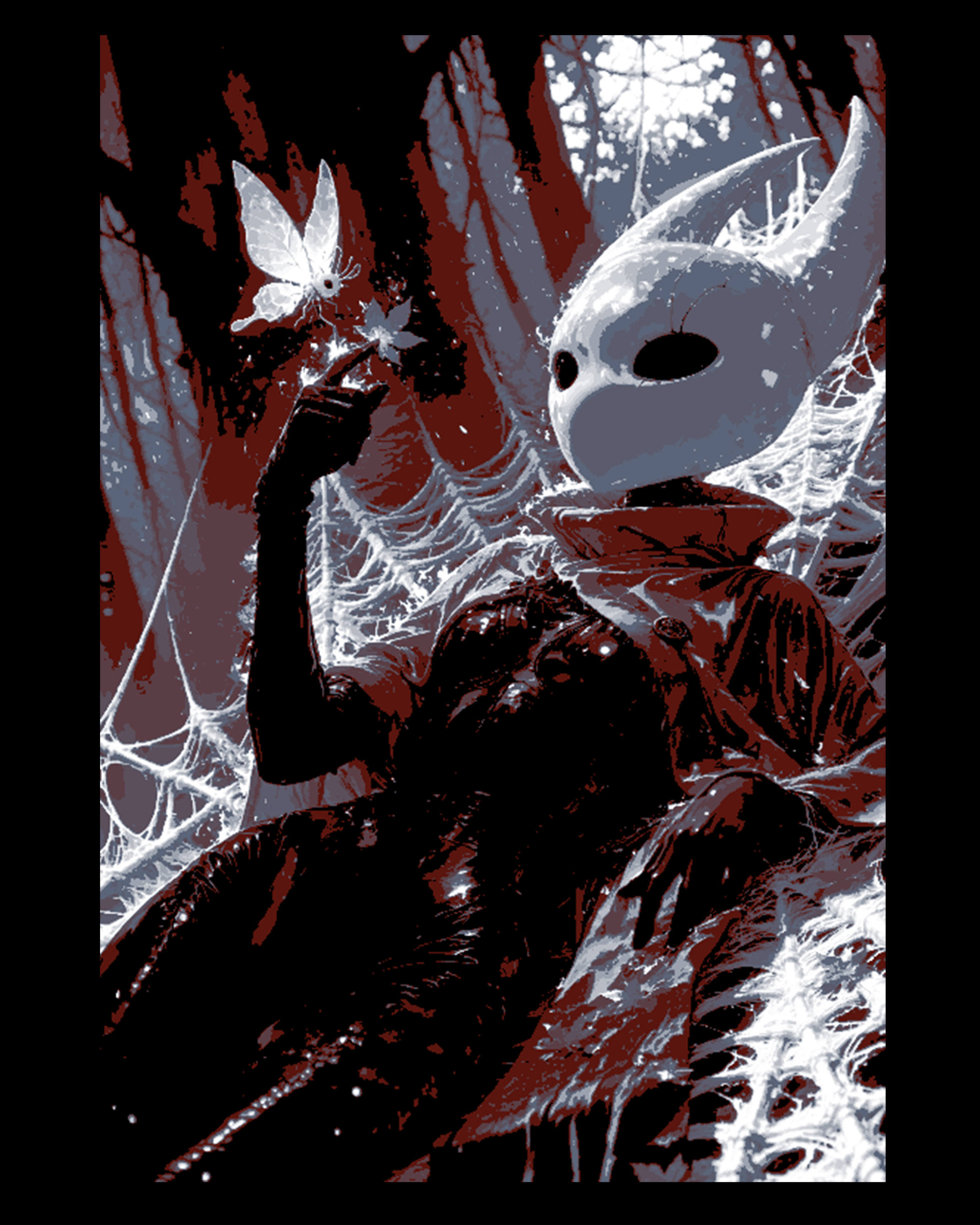
Fan Art Design of Hornet from the game Hollow Knight - Hueforge Wall Art
by BooneCo3d
Hornet stands wreathed in spider silk and shadow, her iconic white mask gleaming against a dramatic palette of deep crimson, charcoal black, and stark white. BooneCo3d's fan art capture of this beloved Hollow Knight character renders her mid-gesture, a luminous butterfly alighting on her fingertip — a hauntingly beautiful contrast to the dark, web-laden forest surrounding her. The high-contrast HueForge filament transitions amplify every gothic detail.
View on ThangsRequired Filaments4
Bambu Lab Matte Charcoal
Bambu Lab Basic Red
Bambu Lab Basic Blue Gray
Bambu Lab Basic Jade White
Why filament details may vary
Filament details (brand, color, and TD value) may not exactly match the designer's original specification. In some cases, the designer didn't specify exact filaments and we've matched the closest options we could find. Always check the original listing for full details.
Some filament links are affiliate links — we may earn a small commission at no extra cost to you. Learn more
Sign up to track your filament inventory and check your matches.
Create accountYou Might Also Like
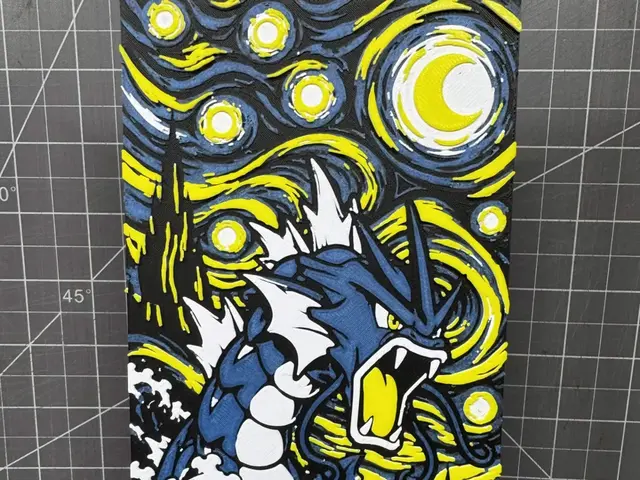
Hueforge of Starry Nights Gyarados
by SBC Creations
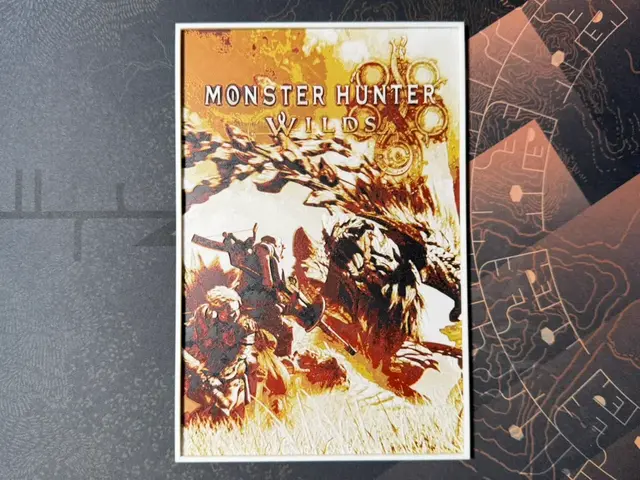
Monster Hunter Wilds - HueForge
by ZorPrime7
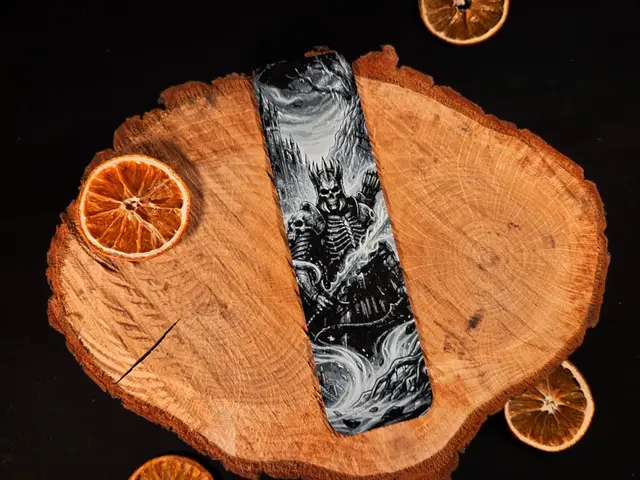
Eredin , The Witcher / Wiedźmin bookmark
by EternalDesigns3D
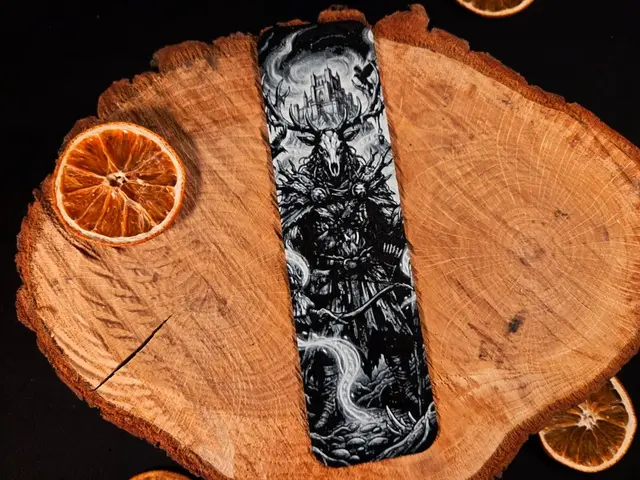
Leszy / Leshen , The Witcher / Wiedźmin bookmark
by EternalDesigns3D
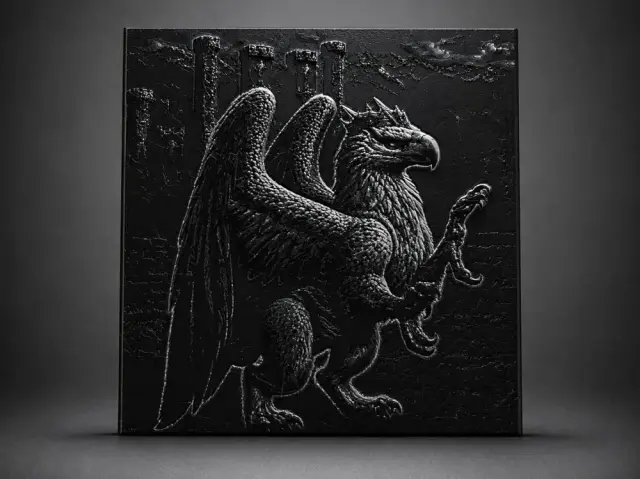
Heroes of Might and Magic 3 - Royal Griffin
by Aleksandr
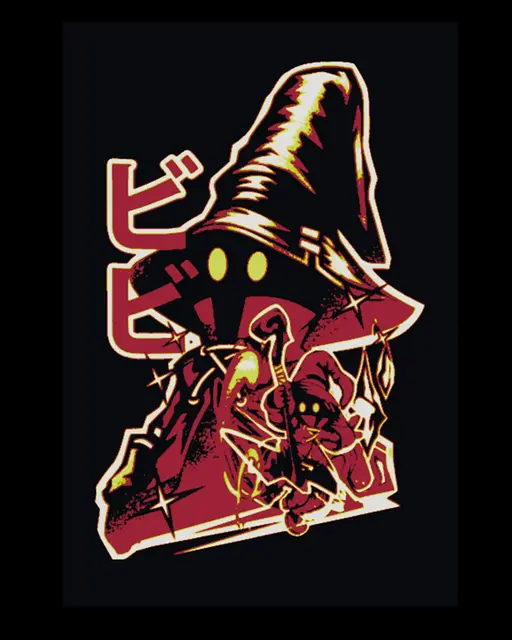
Final Fantasy IX Fan Art depiction of Character Vivi Ornitier as wall art
by BooneCo3d
Recent Articles
View all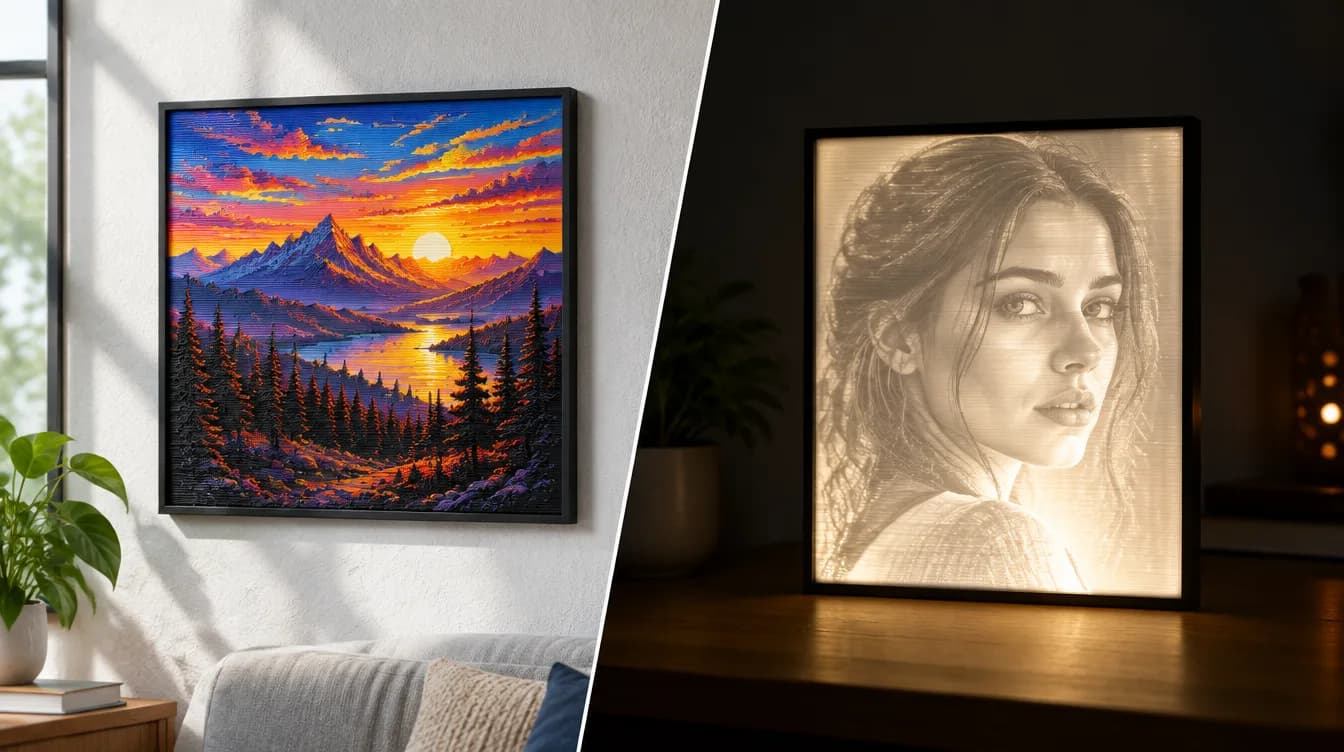
HueForge vs Lithophane: What's the Difference (and Which Should You Print)?
HueForge vs lithophane, explained: how each turns a photo into a print, the real differences in color, lighting, difficulty and cost, and when to choose one over the other.
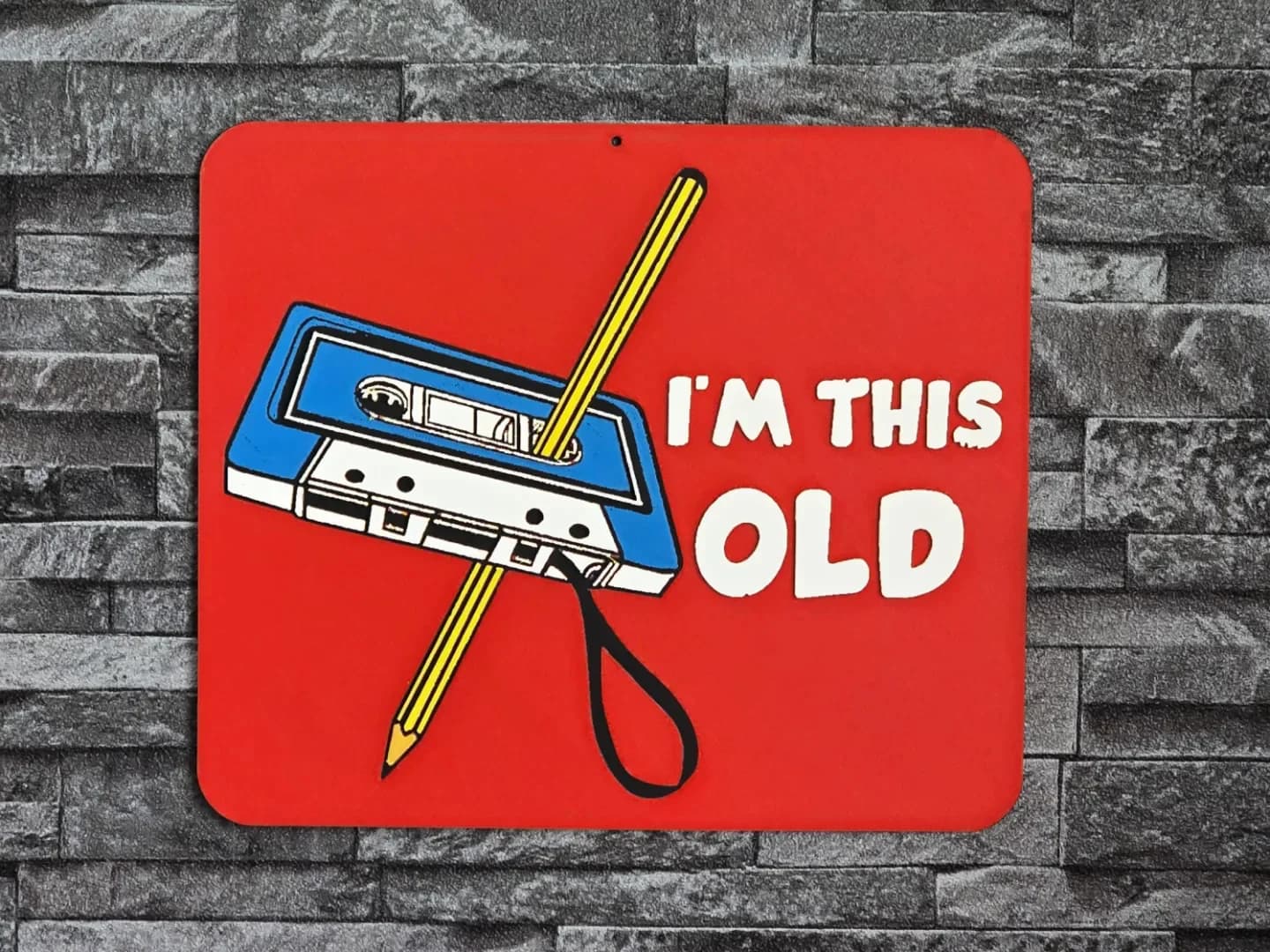
Best 3D Printed Gifts for Everyone on Your List — Made with HueForge
The best 3D printed gifts for everyone on your list, made with HueForge — custom pet and portrait art, ornaments and gift tags, bookmarks, and fandom prints matched to the recipient, plus how to turn gift requests into income.
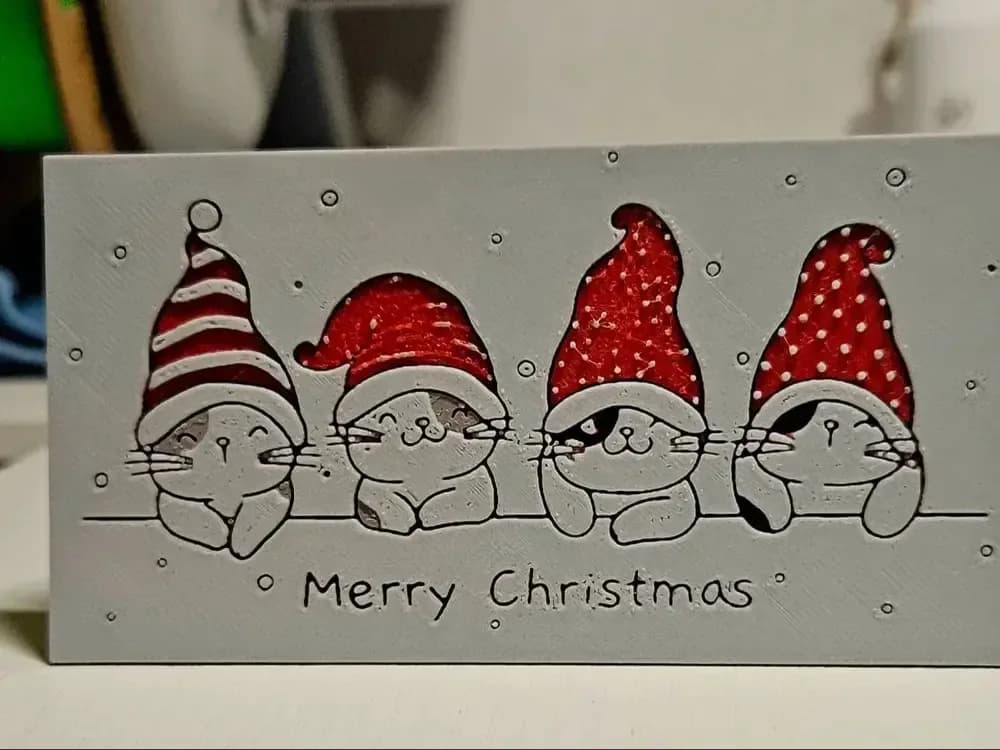
Best Christmas 3D Prints for HueForge: Ornaments, Santa & Holiday Movie Posters
The Christmas 3D prints worth making as HueForge filament paintings — tree ornaments, Santa and snowmen, holiday movie posters, festive fandom crossovers, and gift tags, grouped by theme.