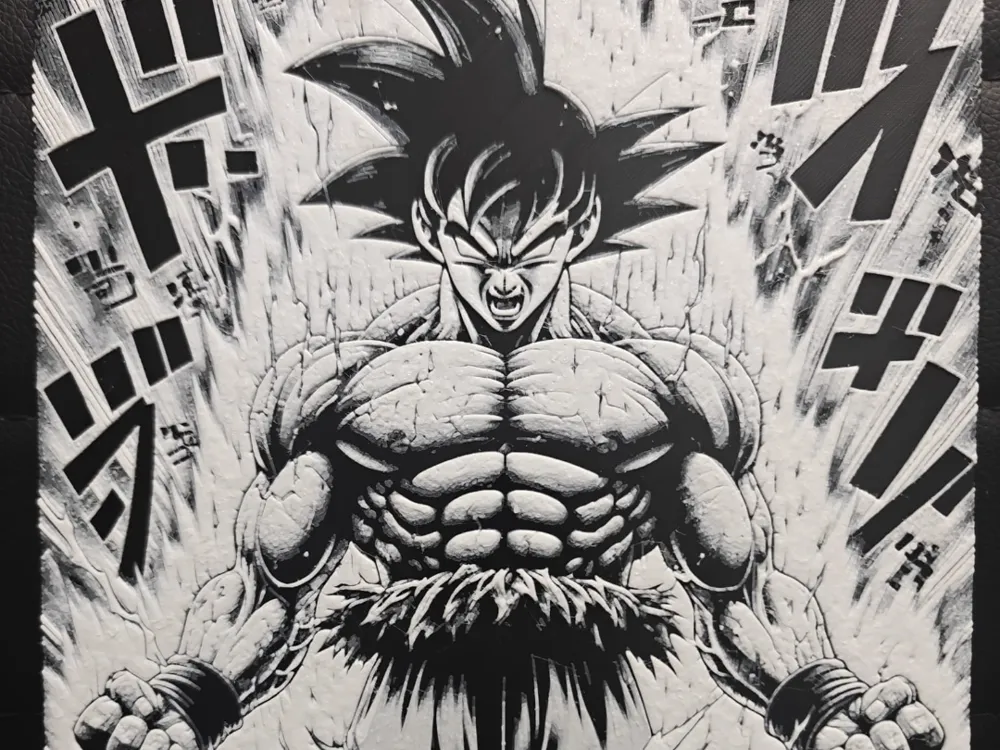
Goku Manga Style NO AMS REQUIRED
Explosive energy radiates from Goku's powerfully muscled form as he unleashes his legendary strength in this dynamic manga-style interpretation. Bold black linework defines every chiseled detail against stark white highlights, creating the classic high-contrast aesthetic of Japanese comic artistry. Dramatic speed lines and energy bursts frame the iconic Saiyan warrior, while intricate cross-hatching and shading techniques bring incredible depth to his intimidating pose and fierce expression.
View on MakerWorldRequired Filaments3
Bambu Lab Basic Black
Bambu Lab Tough Gray
Bambu Lab Basic Jade White
Why filament details may vary
Filament details (brand, color, and TD value) may not exactly match the designer's original specification. In some cases, the designer didn't specify exact filaments and we've matched the closest options we could find. Always check the original listing for full details.
Some filament links are affiliate links — we may earn a small commission at no extra cost to you. Learn more
Sign up to track your filament inventory and check your matches.
Create accountYou Might Also Like
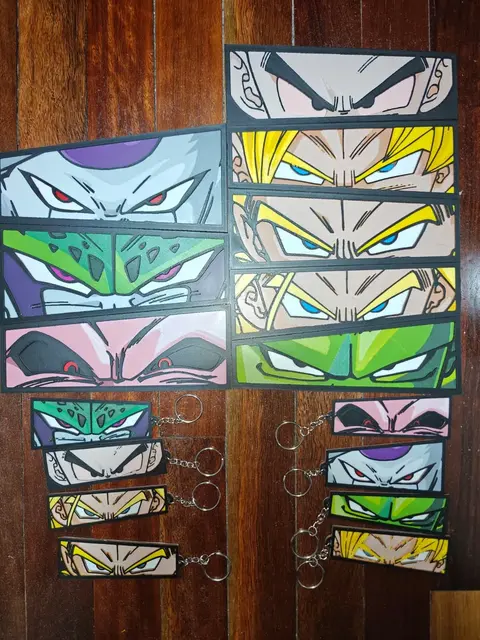
Piccolo Junior / Through The Eyes Series
by TheHueforgeLady
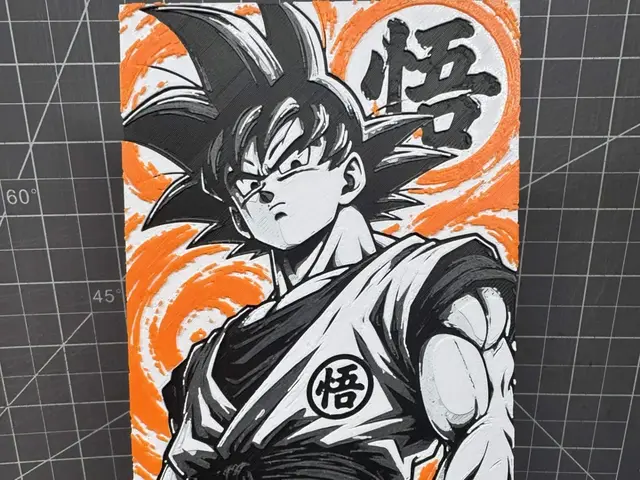
Hueforge of goku from dragonball Z 100x200
by SBC Creations
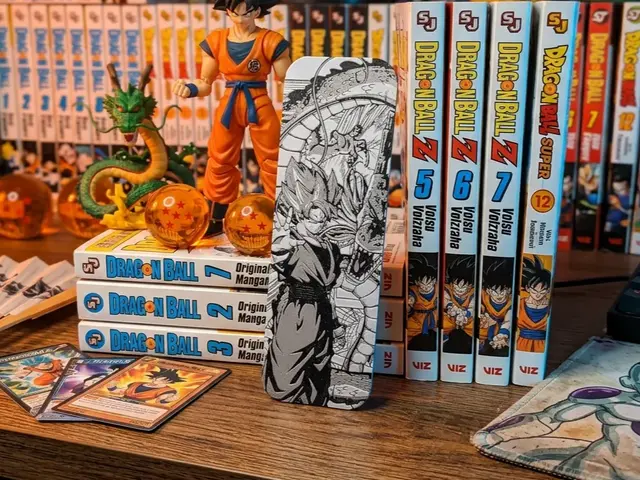
Bookmark Goku and Shenron - HueForge
by keko
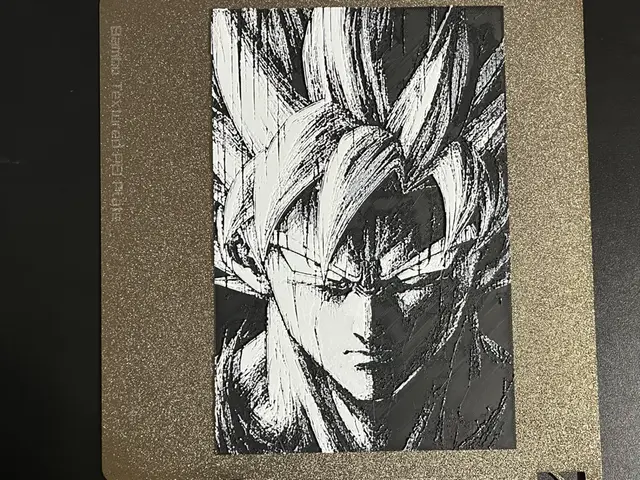
Goku Black and White Hueforge
by FantasyZ
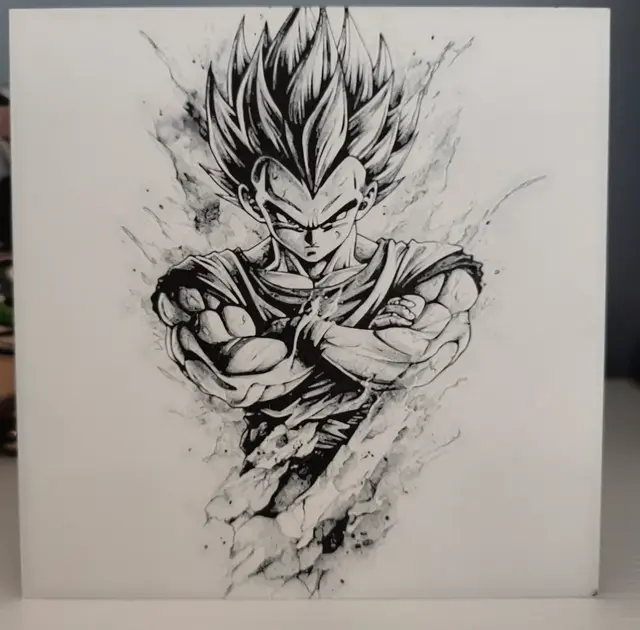
Hueforge Vegeta in pencil style
by Litolunar
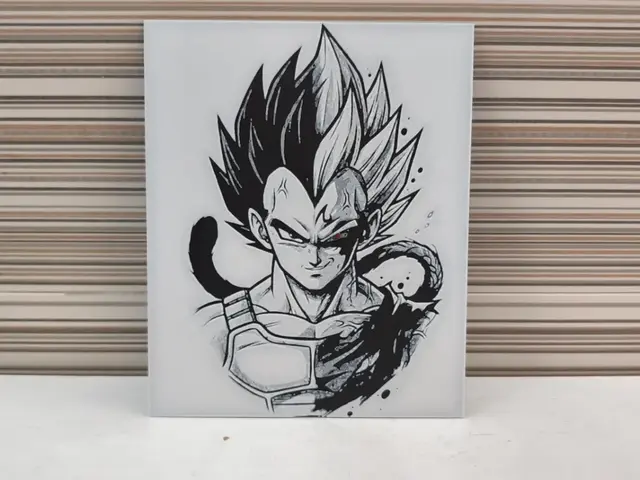
Vegeta Split HueForge – Prince of All Saiyans
by Litolunar
Recent Articles
View all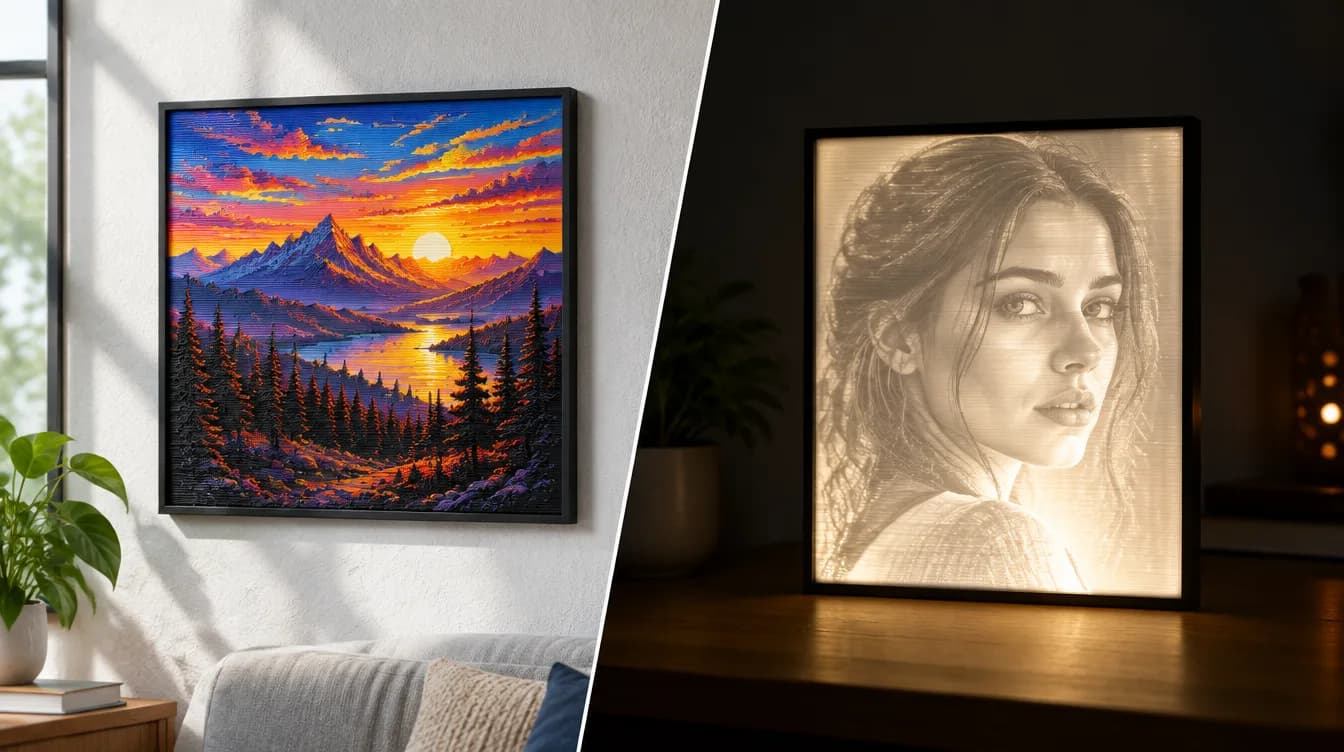
HueForge vs Lithophane: What's the Difference (and Which Should You Print)?
HueForge vs lithophane, explained: how each turns a photo into a print, the real differences in color, lighting, difficulty and cost, and when to choose one over the other.
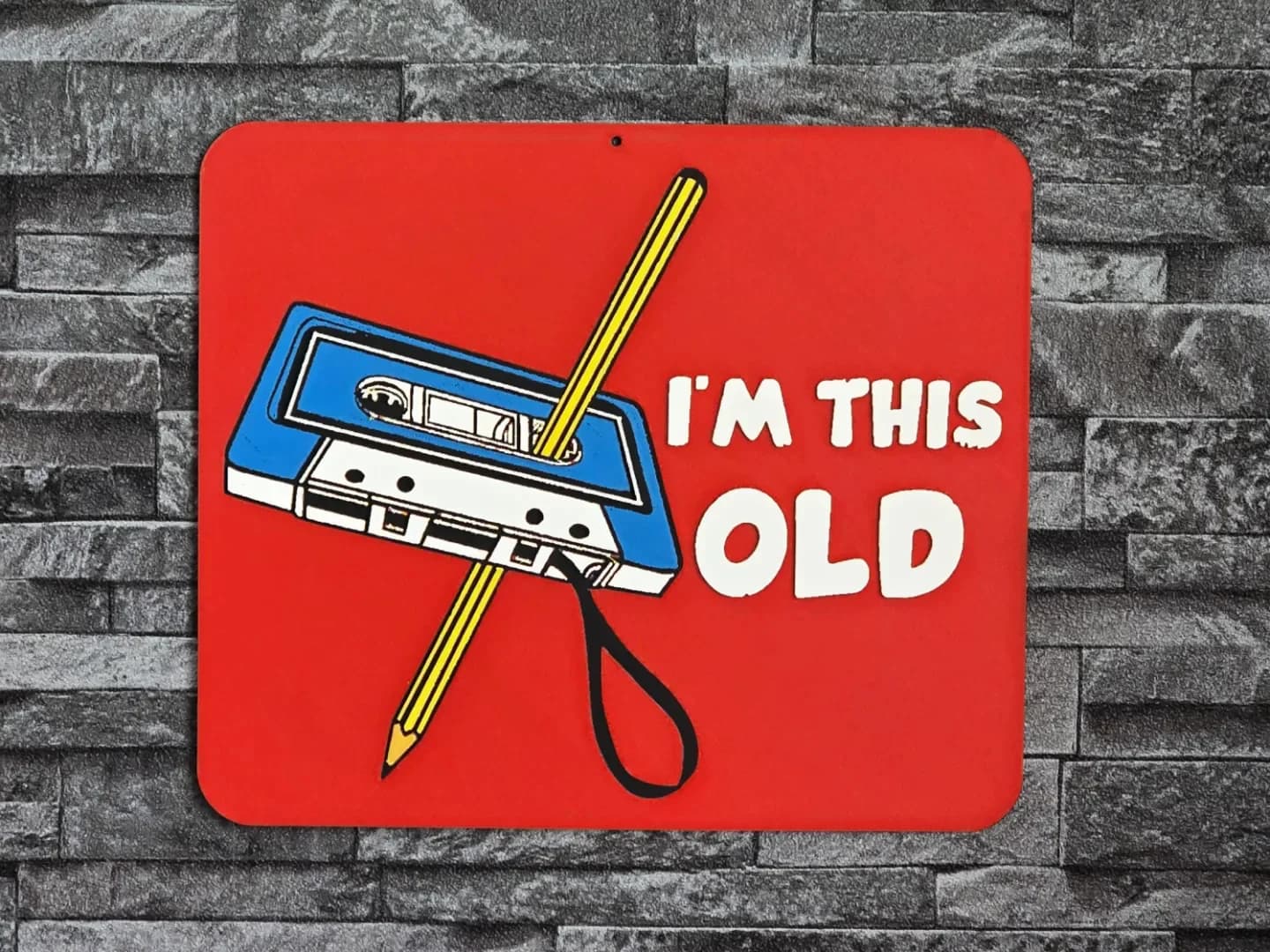
Best 3D Printed Gifts for Everyone on Your List — Made with HueForge
The best 3D printed gifts for everyone on your list, made with HueForge — custom pet and portrait art, ornaments and gift tags, bookmarks, and fandom prints matched to the recipient, plus how to turn gift requests into income.
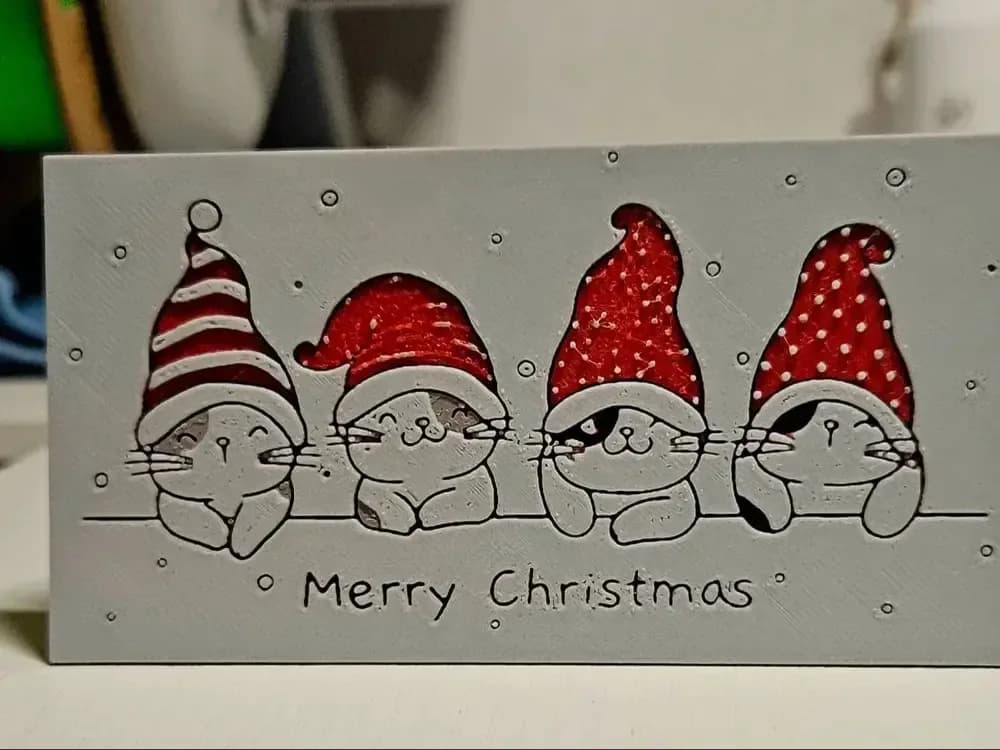
Best Christmas 3D Prints for HueForge: Ornaments, Santa & Holiday Movie Posters
The Christmas 3D prints worth making as HueForge filament paintings — tree ornaments, Santa and snowmen, holiday movie posters, festive fandom crossovers, and gift tags, grouped by theme.