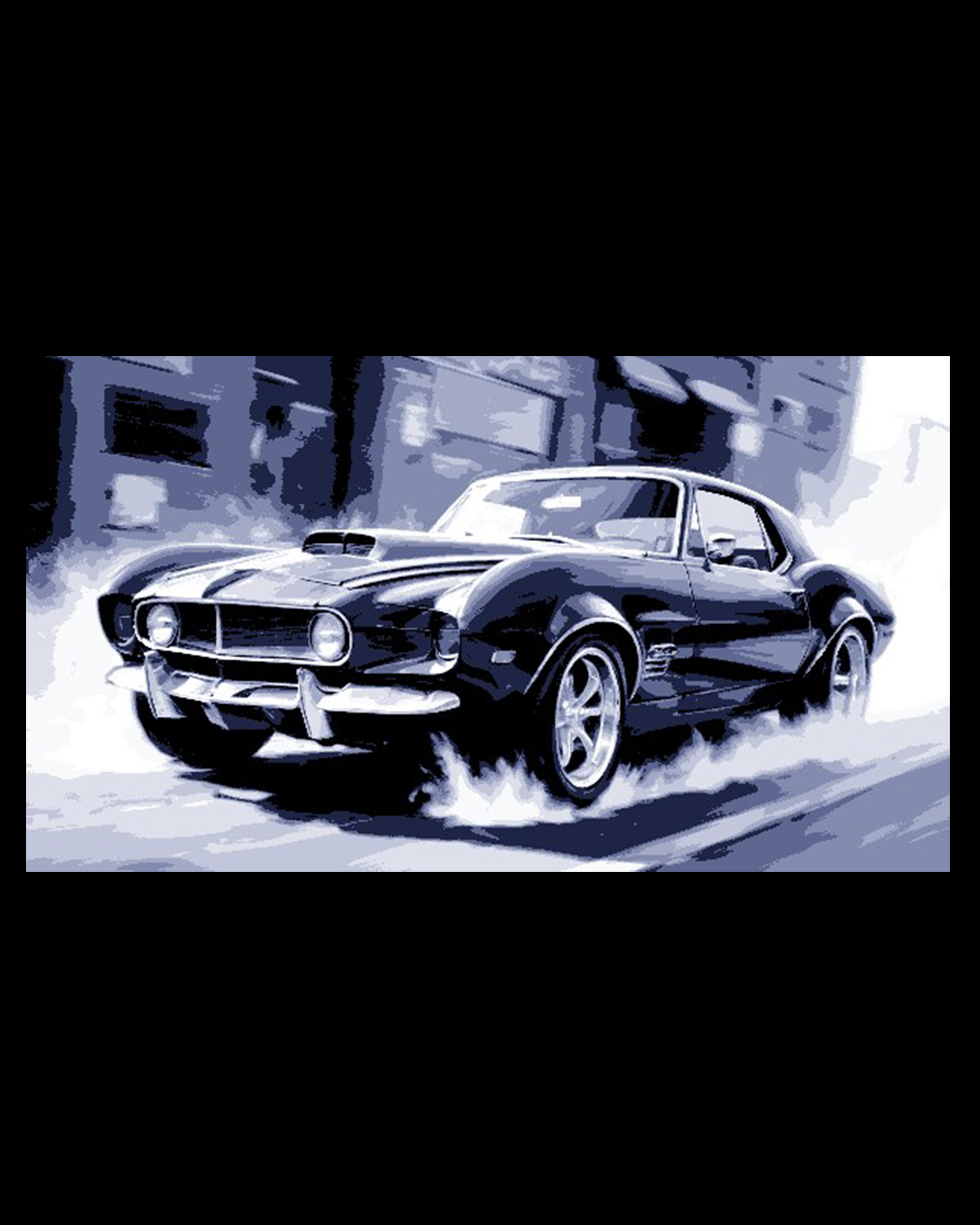
Hot Rod Art - Classic Chop shop special Racer - Corvette Mustang mix
by BooneCo3d
Rubber burns and horsepower roars off the surface of BooneCo3d's "Hot Rod Art - Classic Chop Shop Special Racer." This pixel-art-styled muscle car — a wild Corvette-Mustang hybrid fever dream — surges forward in a dramatic burnout, trailing clouds of tire smoke. Rendered in a moody blue-black palette with sharp contrast highlights, the aggressive hood scoops, wide stance, and chrome wheels capture pure American muscle energy.
View on ThangsRequired Filaments3
Bambu Lab Basic Black
Bambu Lab Matte Dark Blue
Bambu Lab Basic Jade White
Why filament details may vary
Filament details (brand, color, and TD value) may not exactly match the designer's original specification. In some cases, the designer didn't specify exact filaments and we've matched the closest options we could find. Always check the original listing for full details.
Some filament links are affiliate links — we may earn a small commission at no extra cost to you. Learn more
Sign up to track your filament inventory and check your matches.
Create accountYou Might Also Like
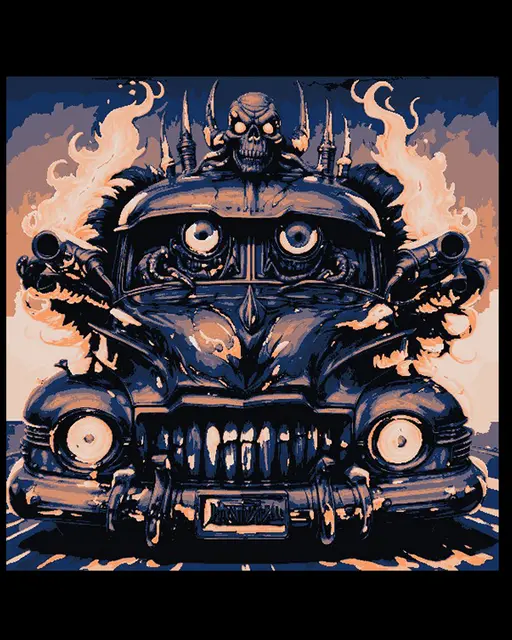
Crazycars are on the Loose! Primal Pickup is ready to Roll
by BooneCo3d
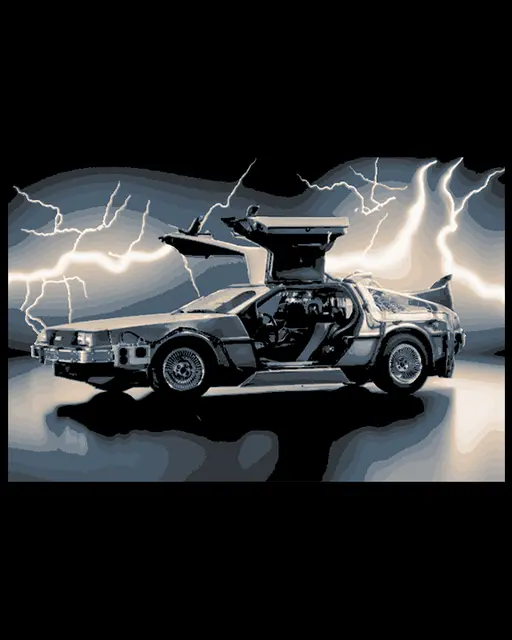
Artful Creation and Fan art - Back to the Future Star, the DeLorean - Car Collection Model
by BooneCo3d
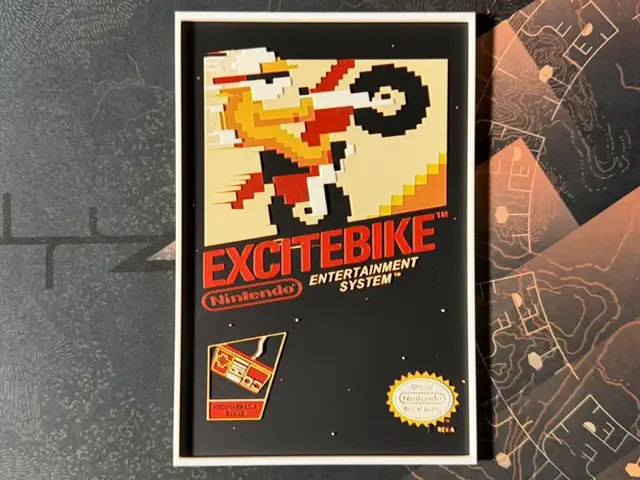
Excitebike - Hueforge
by ZorPrime7
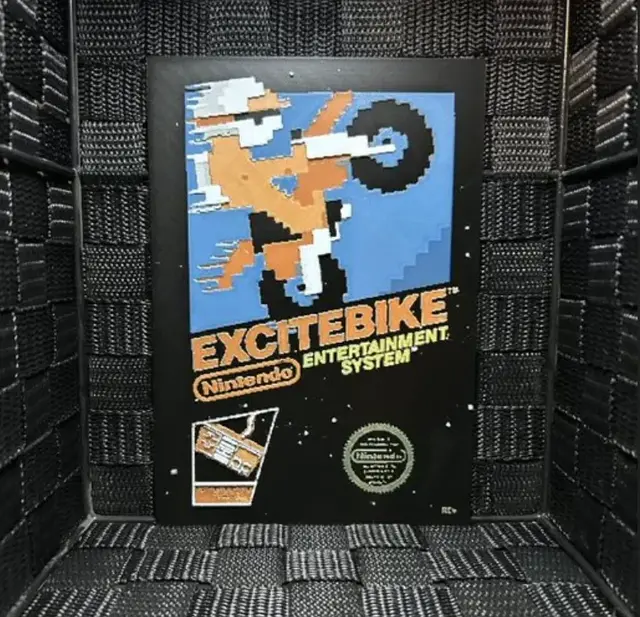
Hueforge Game Poster - Excitebike -
by JoDau
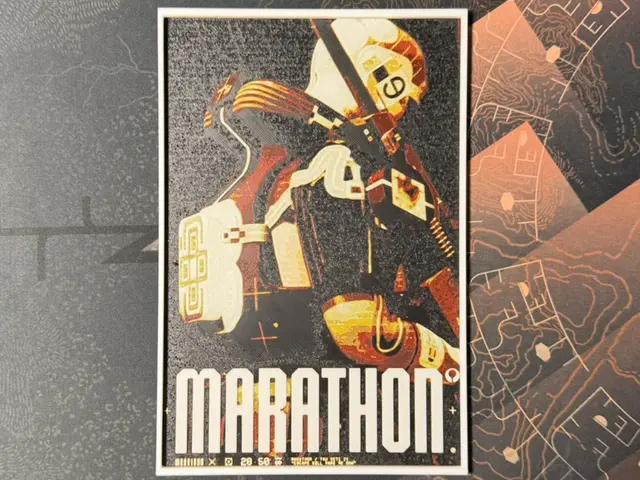
Marathon - HueForge
by ZorPrime7
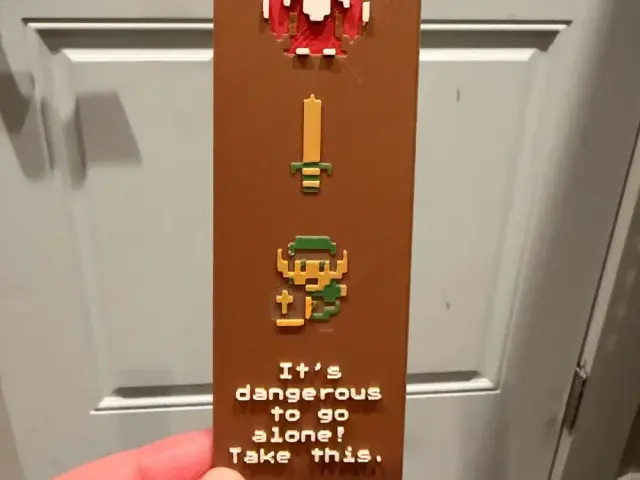
Take This - The Legend of Zelda Retro Bookmark
by IslandLooter
Recent Articles
View all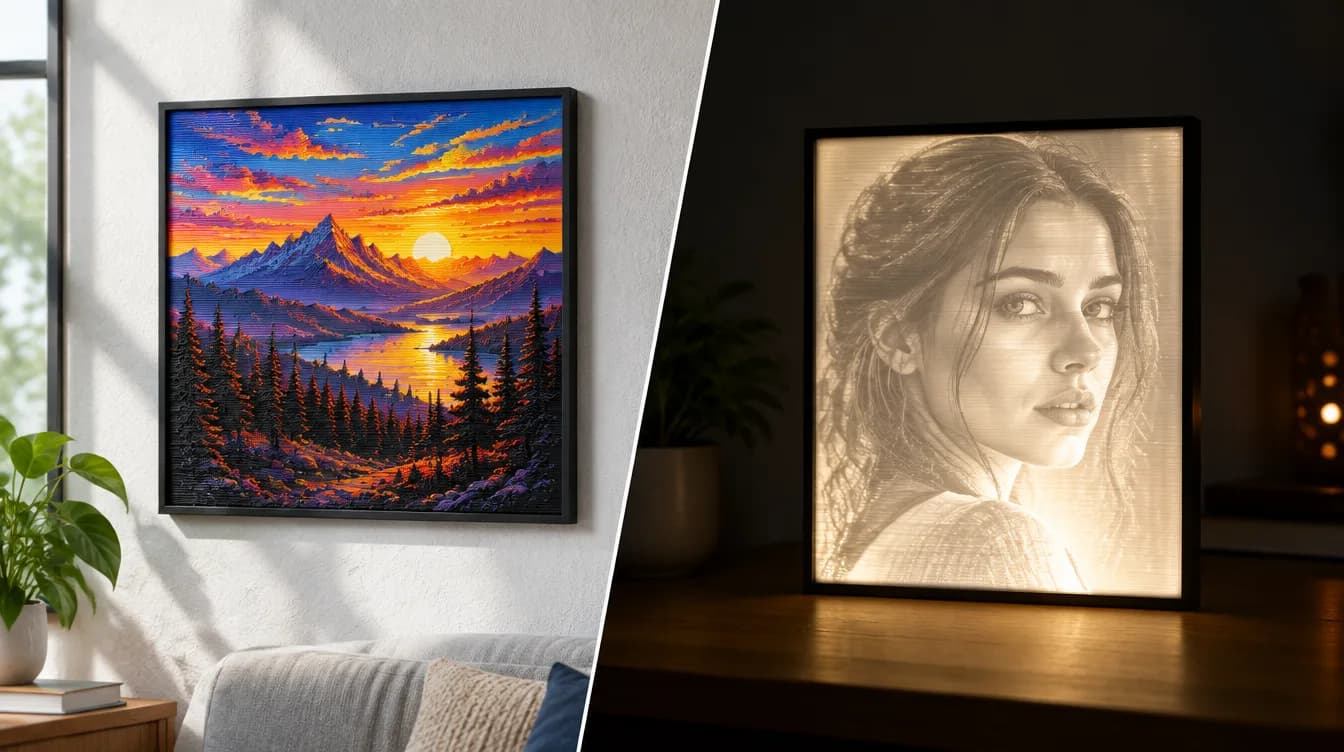
HueForge vs Lithophane: What's the Difference (and Which Should You Print)?
HueForge vs lithophane, explained: how each turns a photo into a print, the real differences in color, lighting, difficulty and cost, and when to choose one over the other.
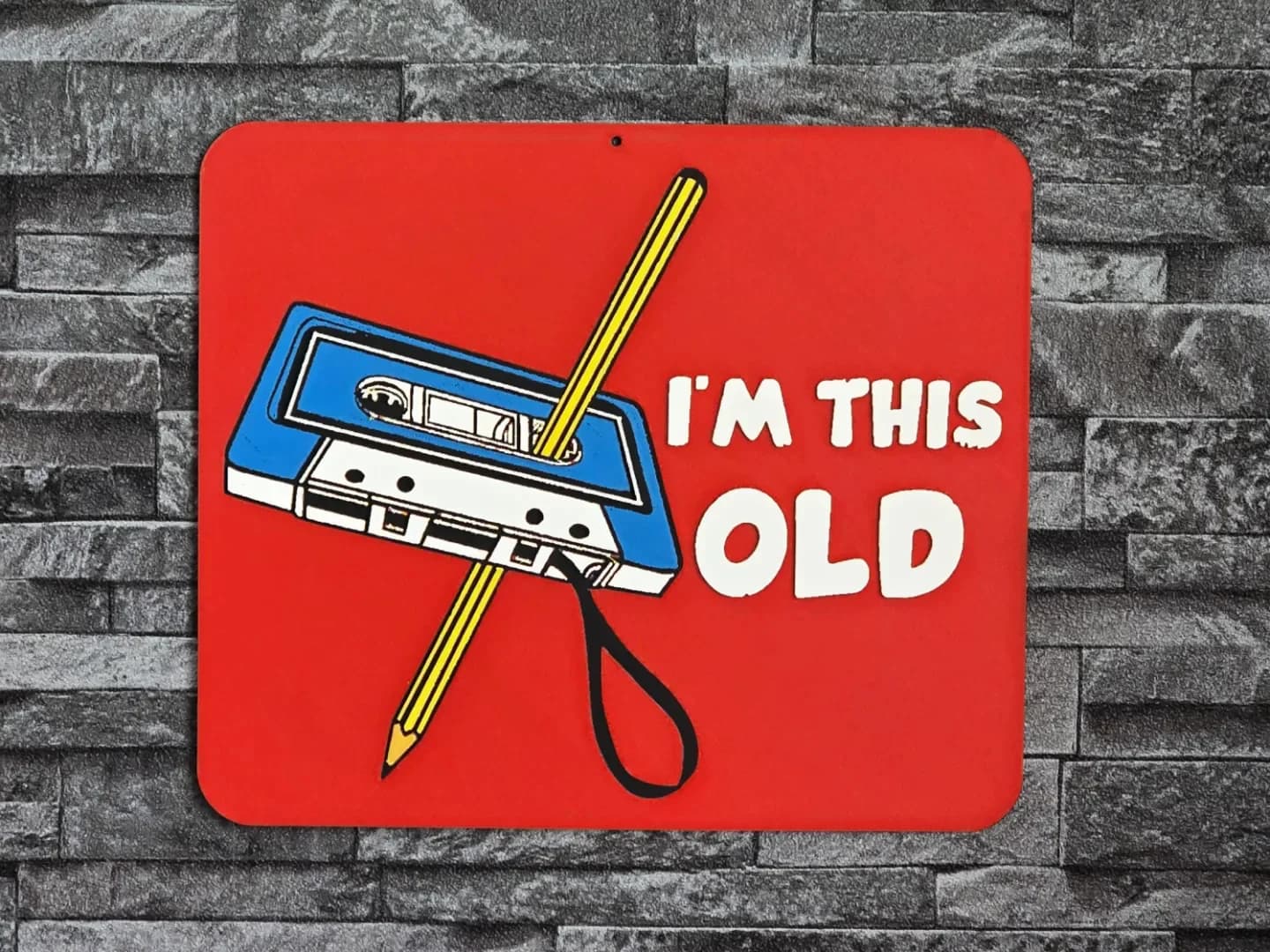
Best 3D Printed Gifts for Everyone on Your List — Made with HueForge
The best 3D printed gifts for everyone on your list, made with HueForge — custom pet and portrait art, ornaments and gift tags, bookmarks, and fandom prints matched to the recipient, plus how to turn gift requests into income.
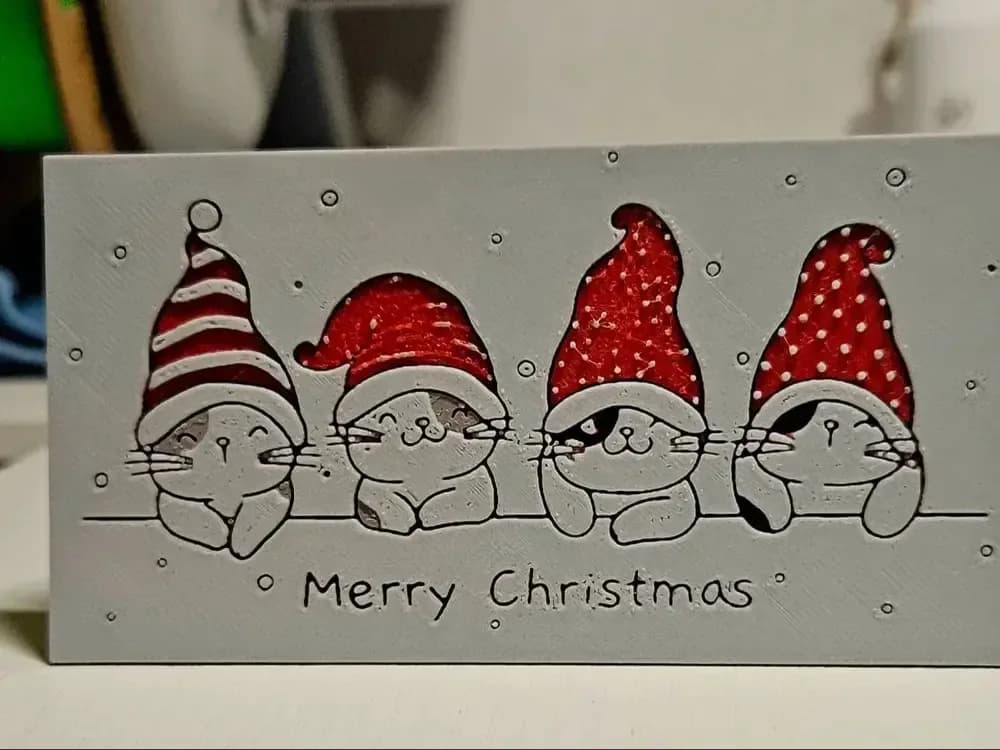
Best Christmas 3D Prints for HueForge: Ornaments, Santa & Holiday Movie Posters
The Christmas 3D prints worth making as HueForge filament paintings — tree ornaments, Santa and snowmen, holiday movie posters, festive fandom crossovers, and gift tags, grouped by theme.