
Hueforge Aera 51 4 colors
by StefBull85
A retro-styled emblem captures the mystique of America's most famous classified facility with vintage military aesthetics. Bold red accents frame the iconic "AREA 51" lettering against a striking black background, while cream-colored borders complete the authentic government insignia look. The distinctive globe and star motifs evoke Cold War-era design, transforming conspiracy theories into nostalgic Americana with weathered, authentic appeal.
View on MakerWorldRequired Filaments4
Why filament details may vary
Filament details (brand, color, and TD value) may not exactly match the designer's original specification. In some cases, the designer didn't specify exact filaments and we've matched the closest options we could find. Always check the original listing for full details.
Some filament links are affiliate links — we may earn a small commission at no extra cost to you. Learn more
Sign up to track your filament inventory and check your matches.
Create accountYou Might Also Like
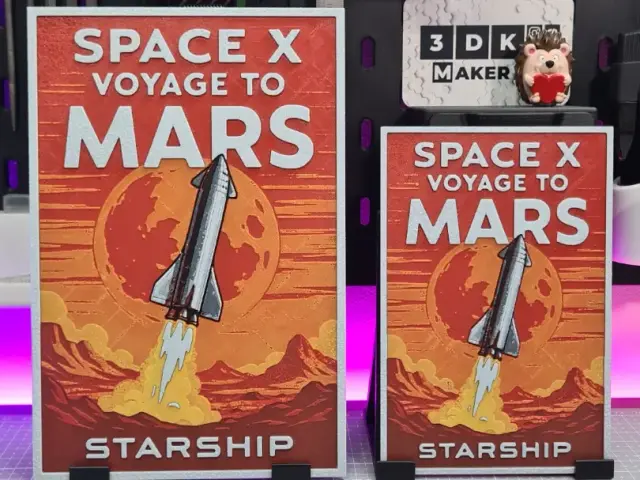
Starship Voyage to Mars - Hueforge - 4 Colors
by Montoya Maker
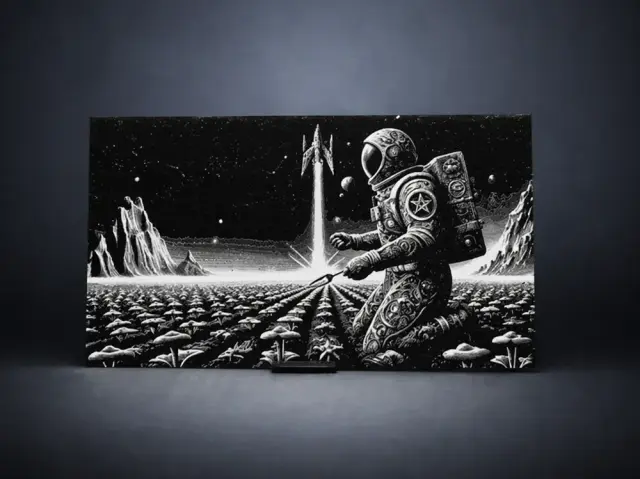
Space Farmer
by Aleksandr
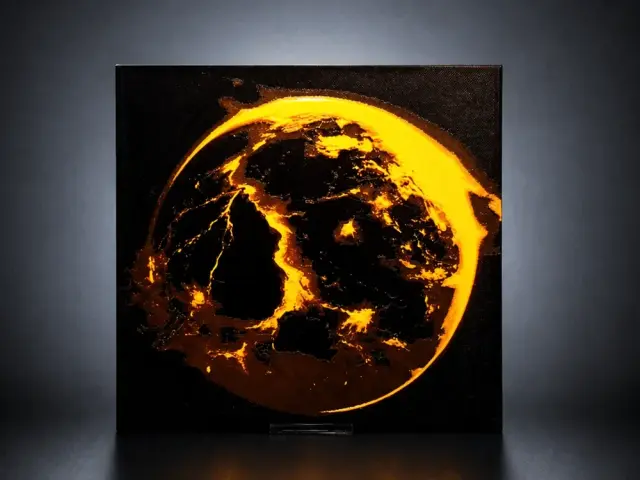
Molten World - The Earth is on fire
by Aleksandr
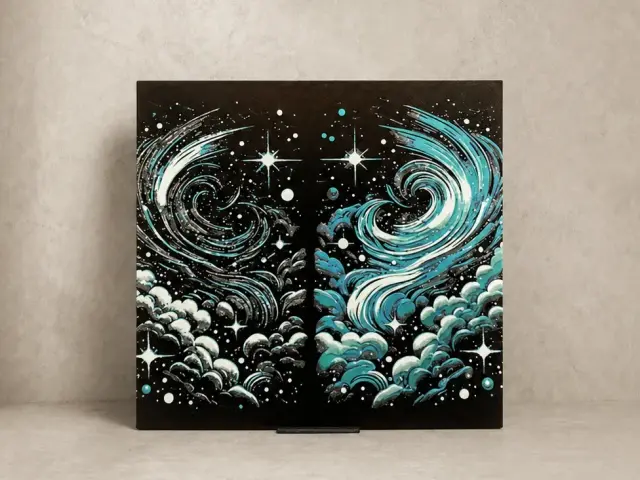
Breath of the Universe
by Aleksandr
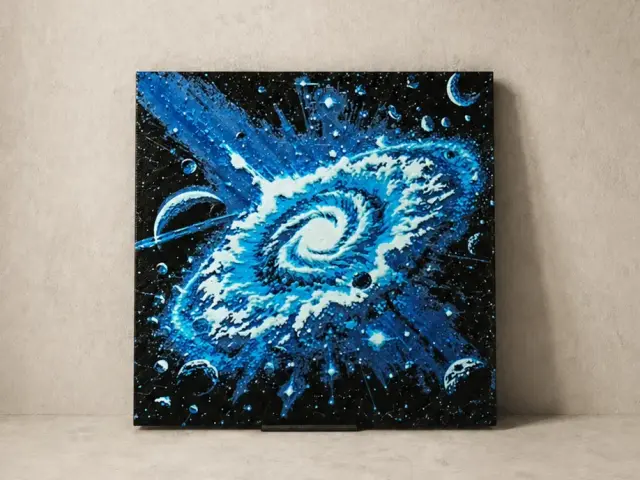
Cosmic Vortex
by Aleksandr
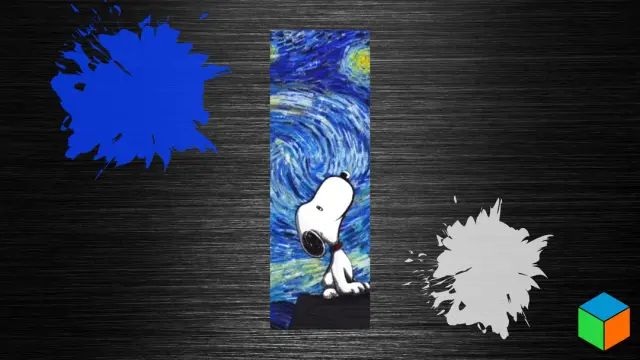
Snoopy’s Starry Night — New 50 × 150mm Bookmark
by 3D Prints By Vic
Recent Articles
View all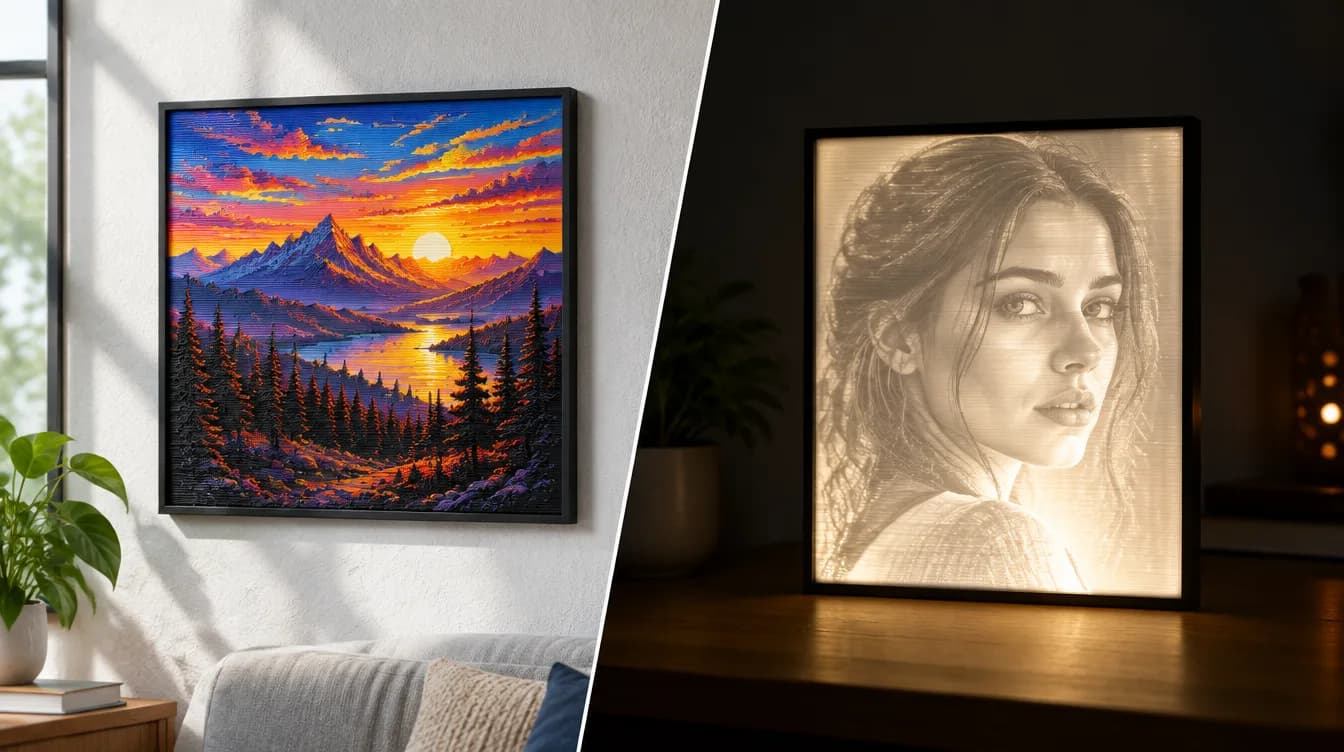
HueForge vs Lithophane: What's the Difference (and Which Should You Print)?
HueForge vs lithophane, explained: how each turns a photo into a print, the real differences in color, lighting, difficulty and cost, and when to choose one over the other.
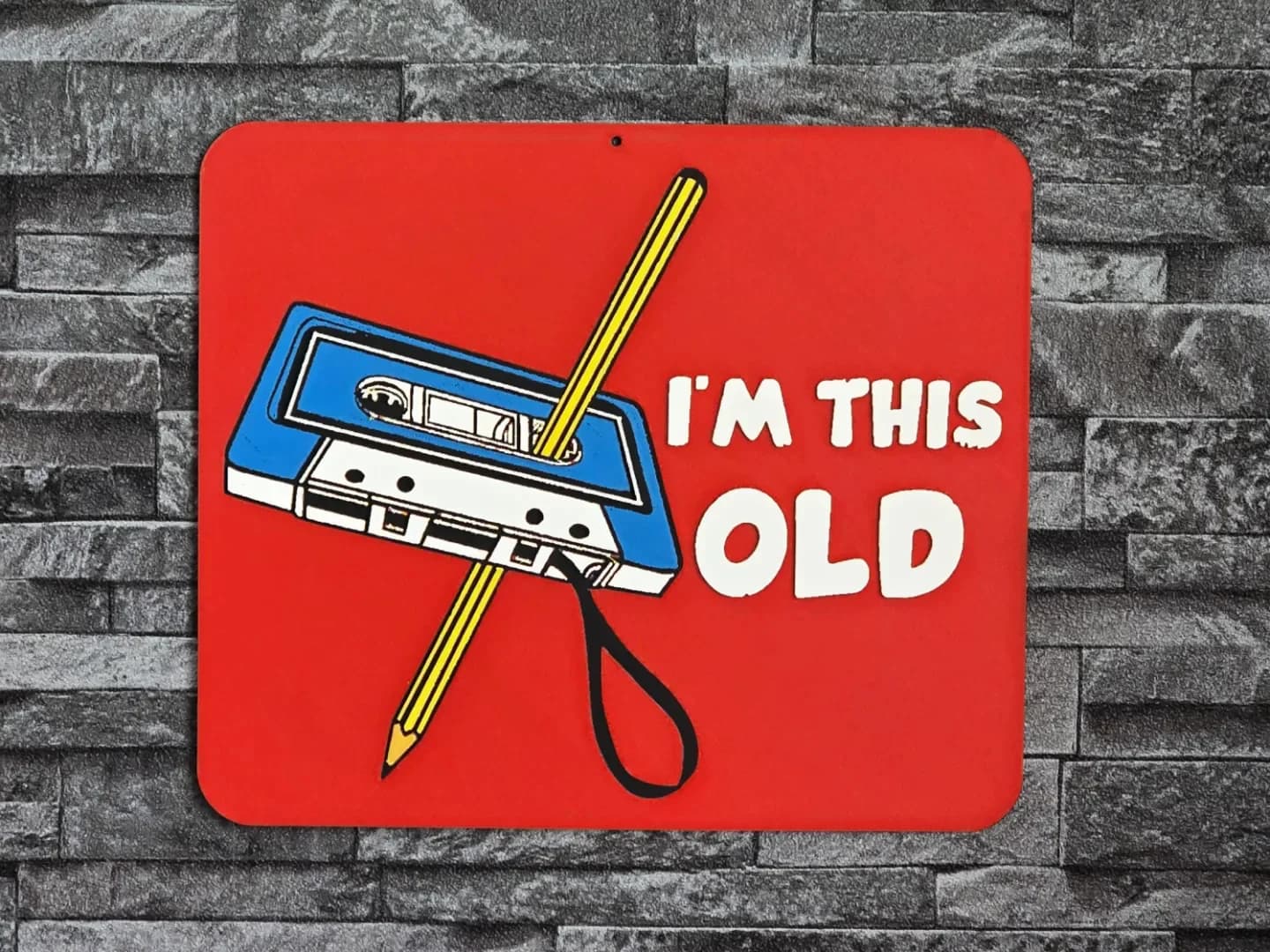
Best 3D Printed Gifts for Everyone on Your List — Made with HueForge
The best 3D printed gifts for everyone on your list, made with HueForge — custom pet and portrait art, ornaments and gift tags, bookmarks, and fandom prints matched to the recipient, plus how to turn gift requests into income.
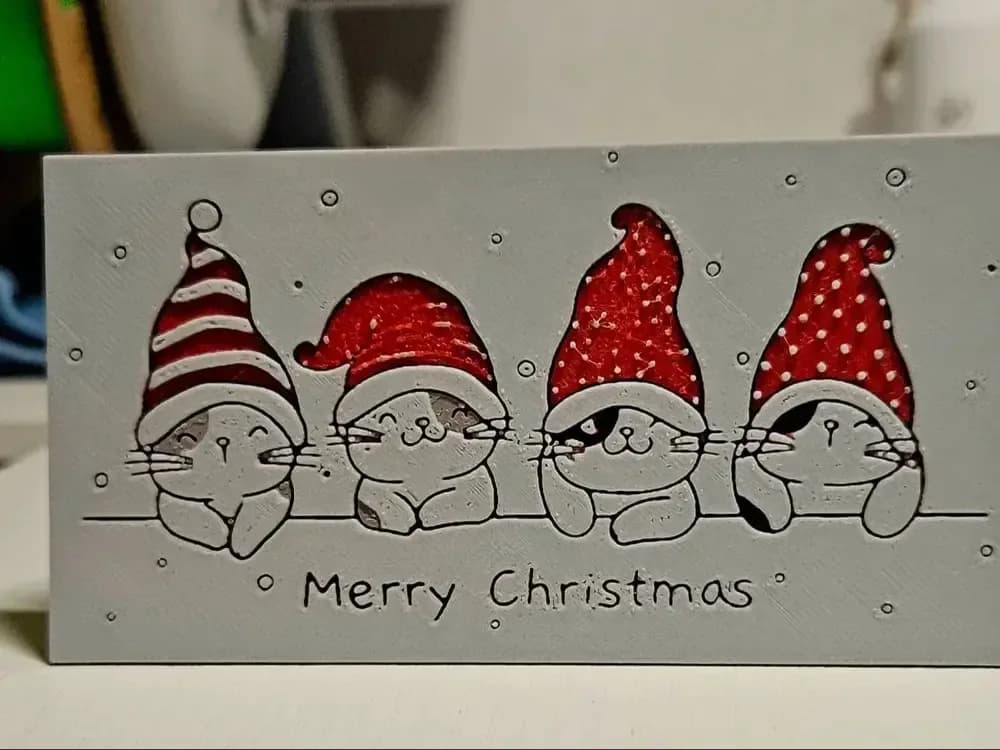
Best Christmas 3D Prints for HueForge: Ornaments, Santa & Holiday Movie Posters
The Christmas 3D prints worth making as HueForge filament paintings — tree ornaments, Santa and snowmen, holiday movie posters, festive fandom crossovers, and gift tags, grouped by theme.