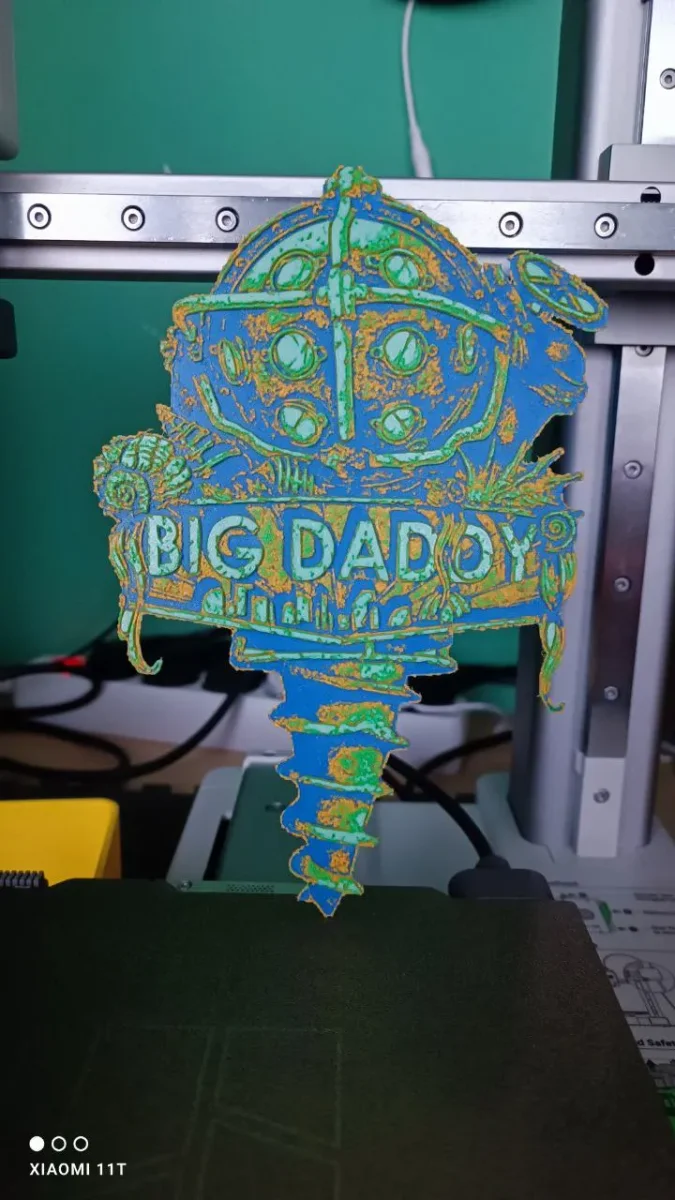
hueforge big daddy (bioshock)
A towering underwater guardian emerges from the depths of Rapture, his iconic diving helmet gleaming with luminescent green porthole windows. This Big Daddy captures the haunting atmosphere of BioShock through masterful color layering—deep oceanic blues blend seamlessly with vibrant emerald accents and weathered bronze details. The imposing figure's massive drill arm and bulky silhouette create a striking vertical composition that showcases the game's unforgettable antagonist in dimensional glory.
View on MakerWorldRequired Filaments4
Bambu Lab Basic Cobalt Blue
Bambu Lab Basic Jade White
Bambu Lab Basic Orange
Bambu Lab Basic Bambu Green
Why filament details may vary
Filament details (brand, color, and TD value) may not exactly match the designer's original specification. In some cases, the designer didn't specify exact filaments and we've matched the closest options we could find. Always check the original listing for full details.
Some filament links are affiliate links — we may earn a small commission at no extra cost to you. Learn more
Sign up to track your filament inventory and check your matches.
Create accountYou Might Also Like
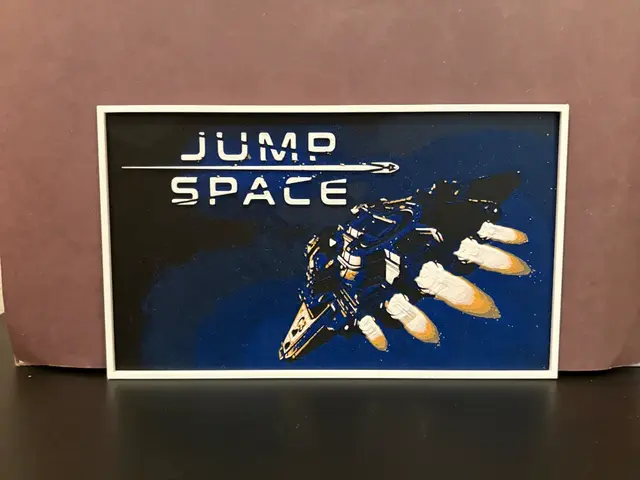
Jump Space Hueforge
by Estiv
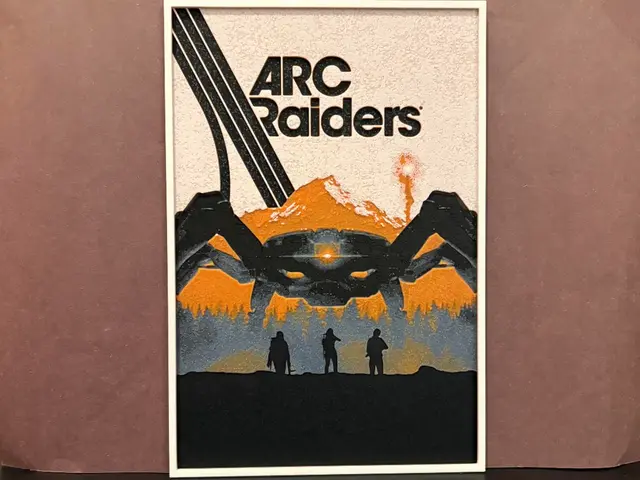
Arc Raiders Hueforge
by Estiv
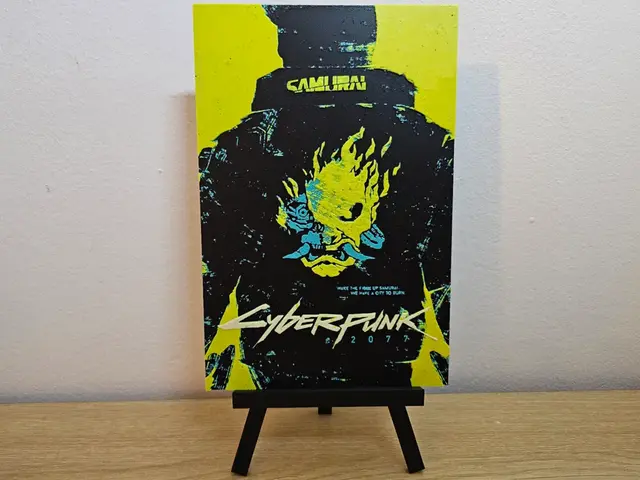
Cyberpunk 2077 Hueforge
by Opao
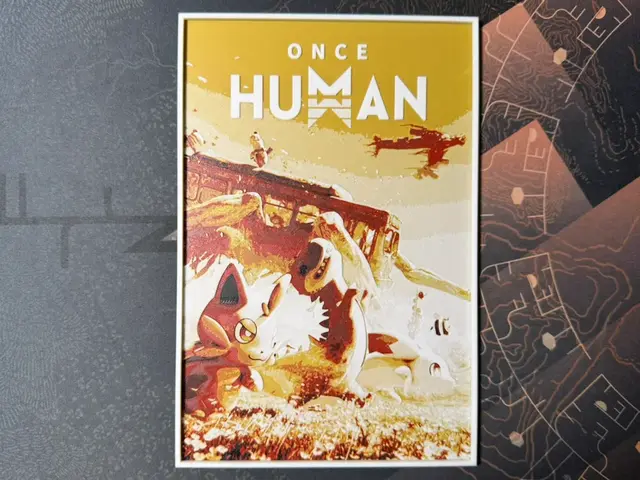
Once Human - HueForge
by ZorPrime7
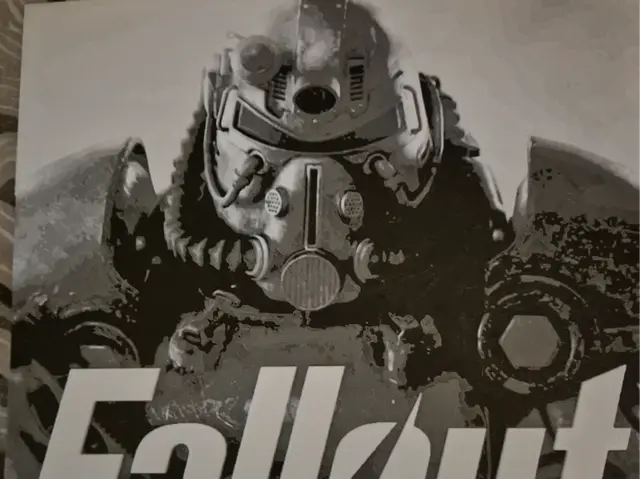
Fallout Power Armour Wall Art
by FiremanprintsIRL (BR3Design)
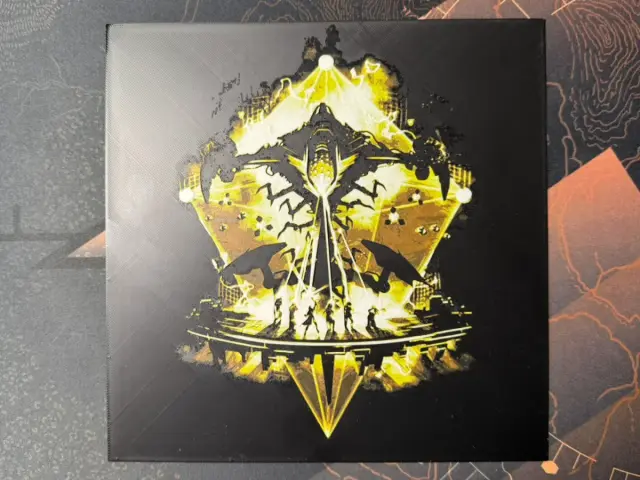
Destiny - Leviathan Raid Lair - Eater of Worlds
by ZorPrime7
Recent Articles
View all
Best 3D Printed Gifts for Everyone on Your List — Made with HueForge
The best 3D printed gifts for everyone on your list, made with HueForge — custom pet and portrait art, ornaments and gift tags, bookmarks, and fandom prints matched to the recipient, plus how to turn gift requests into income.
Best Christmas 3D Prints for HueForge: Ornaments, Santa & Holiday Movie Posters
The Christmas 3D prints worth making as HueForge filament paintings — tree ornaments, Santa and snowmen, holiday movie posters, festive fandom crossovers, and gift tags, grouped by theme.
Best Anime 3D Prints for HueForge: From Shōnen Classics to the Modern Wave
The best anime 3D prints to make as HueForge filament paintings — One Piece, Naruto, Dragon Ball, Demon Slayer, Jujutsu Kaisen, Frieren, Gundam, and anime bookmarks, each linked in the HuePick catalog.