
Hueforge CHEVROLET Services
by StefBull85
A nostalgic automotive emblem comes to life with weathered authenticity, capturing the classic Chevrolet dealership sign that once welcomed customers seeking reliable service. Bold royal blue dominates the circular design, contrasting beautifully with bright yellow borders that frame the iconic bowtie logo. StefBull85's interpretation preserves every detail of vintage signage, from the crisp white lettering spelling "SALES," "CHEVROLET," and "SERVICE" to the subtle aging effects that give this piece genuine character and automotive heritage appeal.
View on MakerWorldRequired Filaments5
Why filament details may vary
Filament details (brand, color, and TD value) may not exactly match the designer's original specification. In some cases, the designer didn't specify exact filaments and we've matched the closest options we could find. Always check the original listing for full details.
Some filament links are affiliate links — we may earn a small commission at no extra cost to you. Learn more
Sign up to track your filament inventory and check your matches.
Create accountYou Might Also Like
Tesla Logo - Hueforge
by JoDau
Honda Logo - Hueforge
by JoDau
Land Rover Logo - Hueforge
by JoDau
Coast Guard Hueforge
by Magnolia Crafts
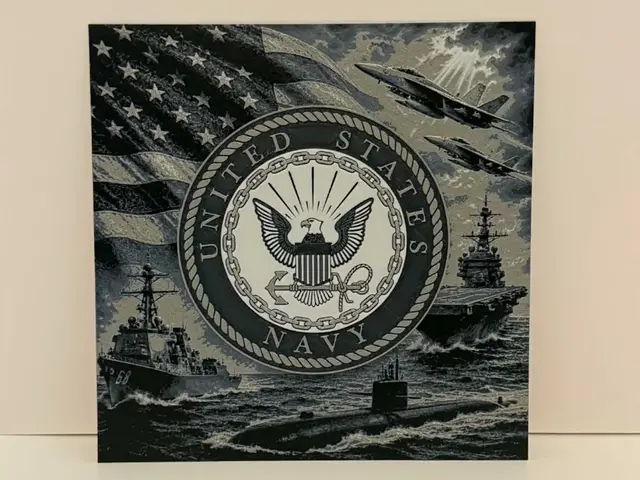
Navy Hueforge
by Magnolia Crafts
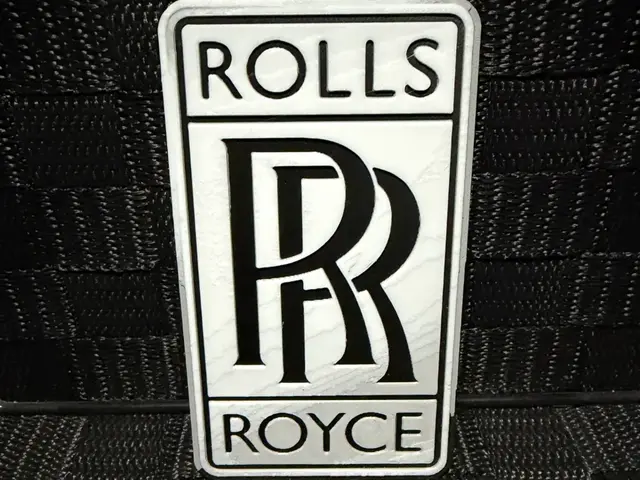
Rolls Royce Logo - Hueforge
by JoDau
Recent Articles
View all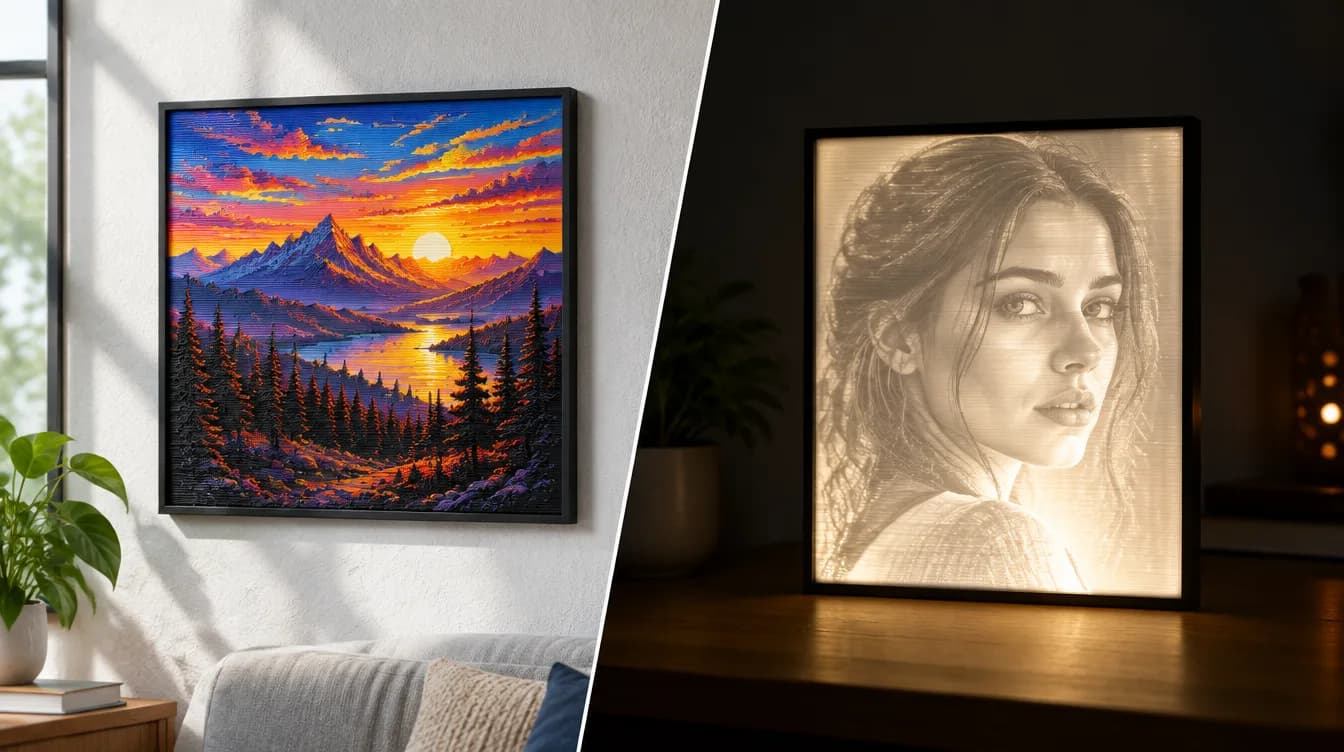
HueForge vs Lithophane: What's the Difference (and Which Should You Print)?
HueForge vs lithophane, explained: how each turns a photo into a print, the real differences in color, lighting, difficulty and cost, and when to choose one over the other.
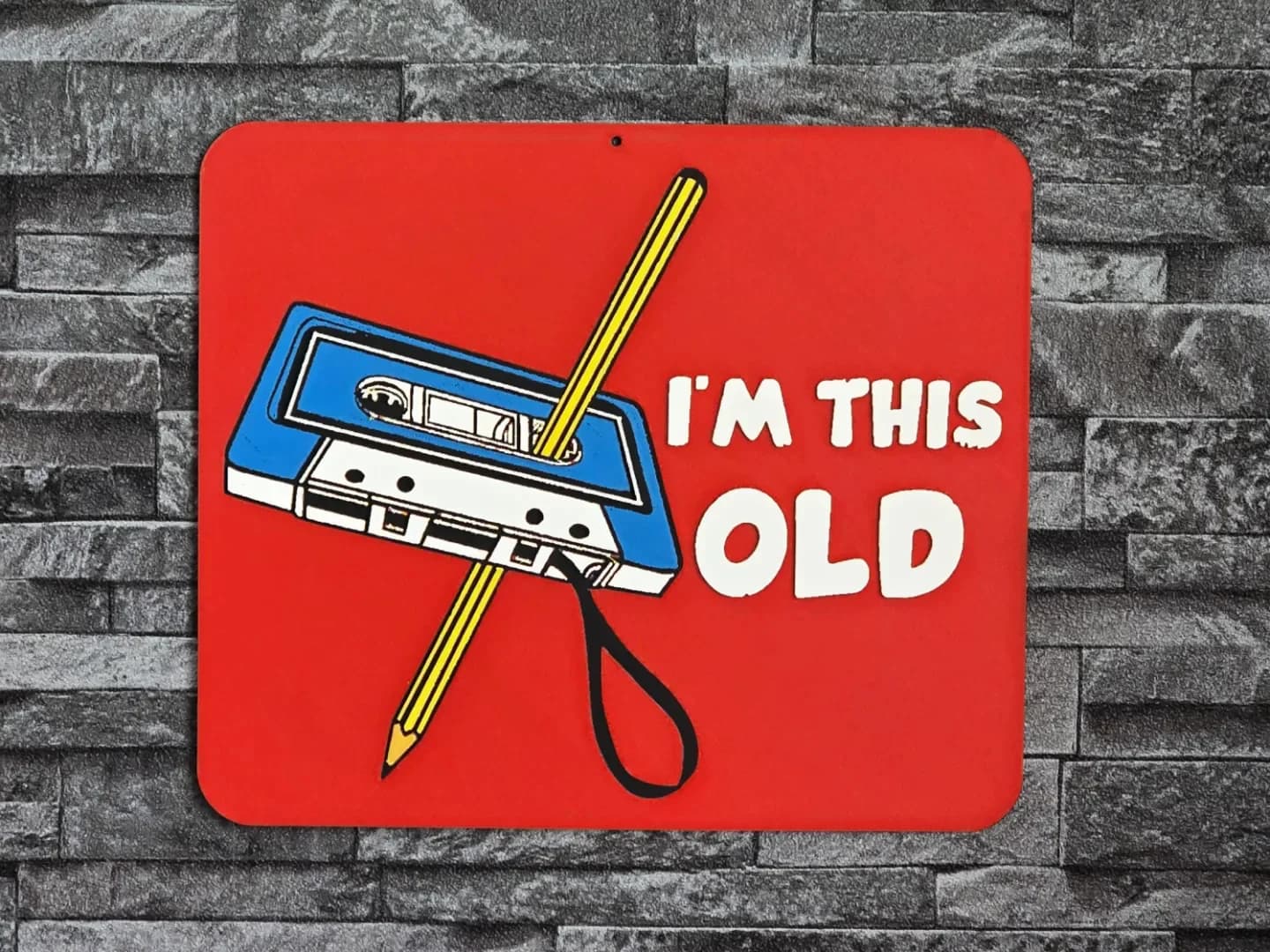
Best 3D Printed Gifts for Everyone on Your List — Made with HueForge
The best 3D printed gifts for everyone on your list, made with HueForge — custom pet and portrait art, ornaments and gift tags, bookmarks, and fandom prints matched to the recipient, plus how to turn gift requests into income.
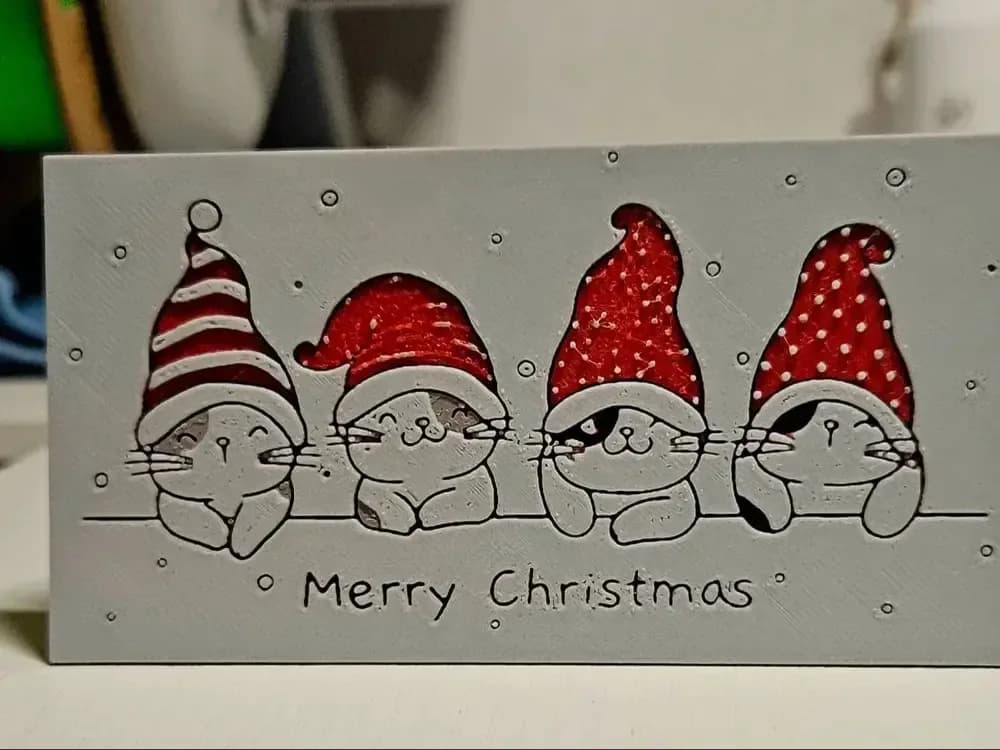
Best Christmas 3D Prints for HueForge: Ornaments, Santa & Holiday Movie Posters
The Christmas 3D prints worth making as HueForge filament paintings — tree ornaments, Santa and snowmen, holiday movie posters, festive fandom crossovers, and gift tags, grouped by theme.