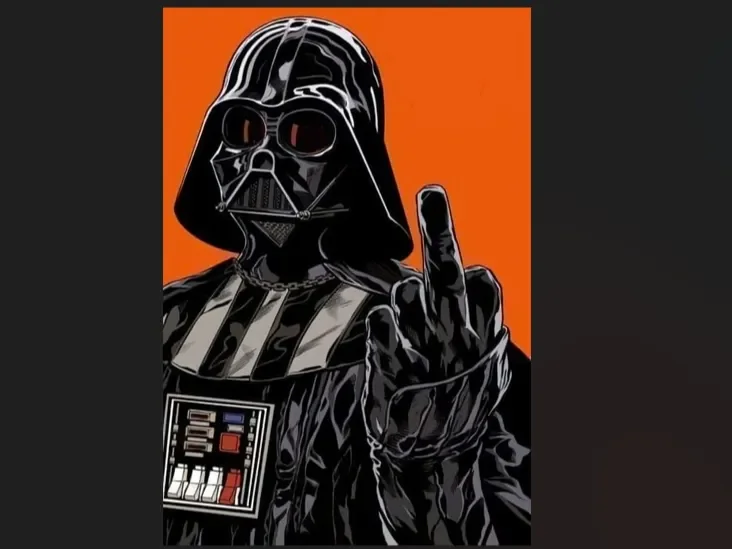
Hueforge Darth Vader - "Midfinger"
by Luckyfer
Darth Vader makes his feelings unmistakably clear in Luckyfer's bold pop-art tribute — the Dark Lord of the Sith raising a defiant middle finger against a blazing orange backdrop. The illustration-style rendering captures every iconic detail: the imposing helmet with crimson lenses, chest control panel, and gleaming black armor rendered in dramatic comic-book contrast. A gloriously irreverent take on a galaxy far, far away.
View on MakerWorldRequired Filaments4
Bambu Lab Basic Blue Gray
BASICFIL Orange
Bambu Lab Basic Black
Bambu Lab Basic Jade White
Why filament details may vary
Filament details (brand, color, and TD value) may not exactly match the designer's original specification. In some cases, the designer didn't specify exact filaments and we've matched the closest options we could find. Always check the original listing for full details.
Some filament links are affiliate links — we may earn a small commission at no extra cost to you. Learn more
Sign up to track your filament inventory and check your matches.
Create accountYou Might Also Like
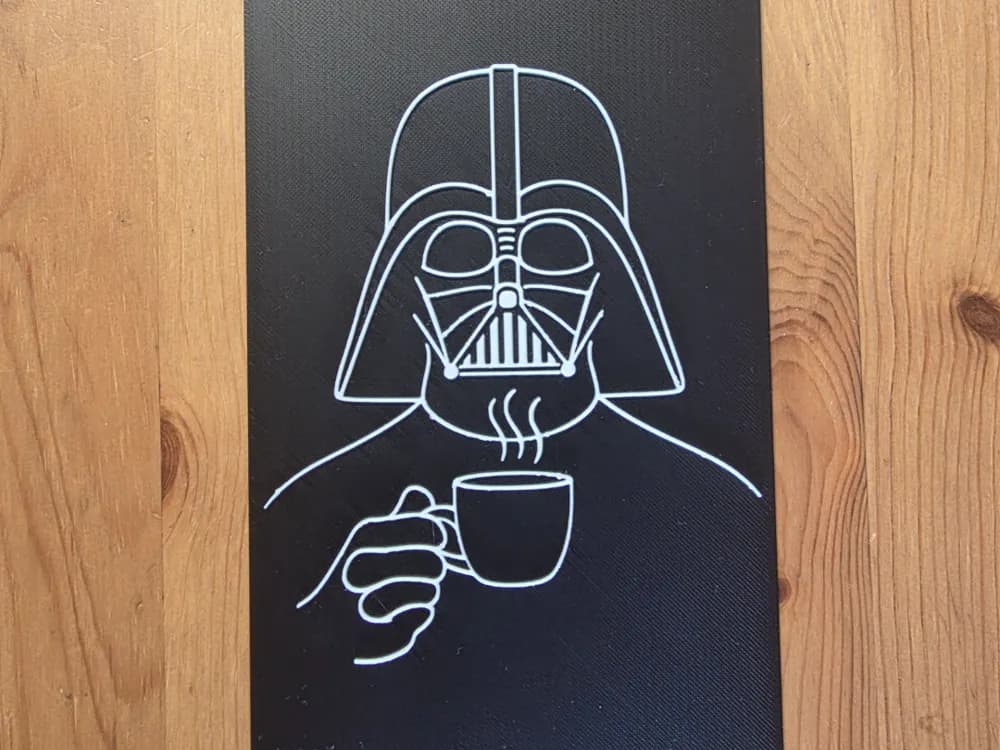
Darth Vader Hueforge
by Morganja
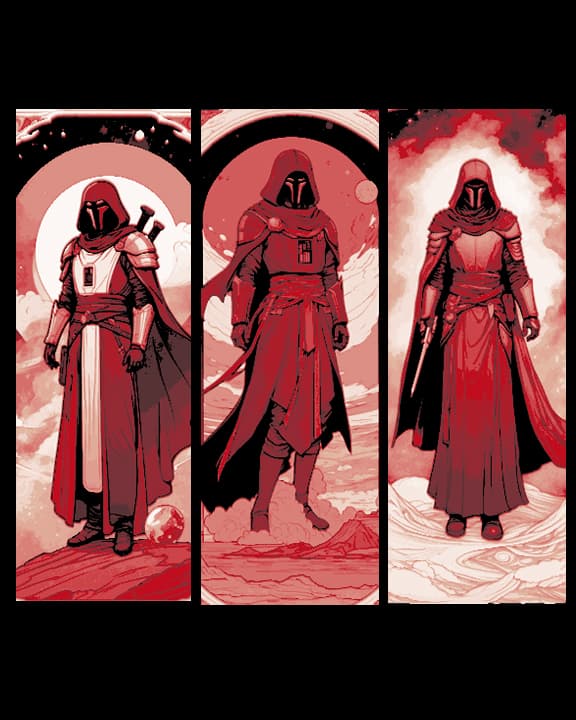
Fan Art of Star Wars Extended Universe Character Darth Revan - Set of 3 Bookmarks
by BooneCo3d
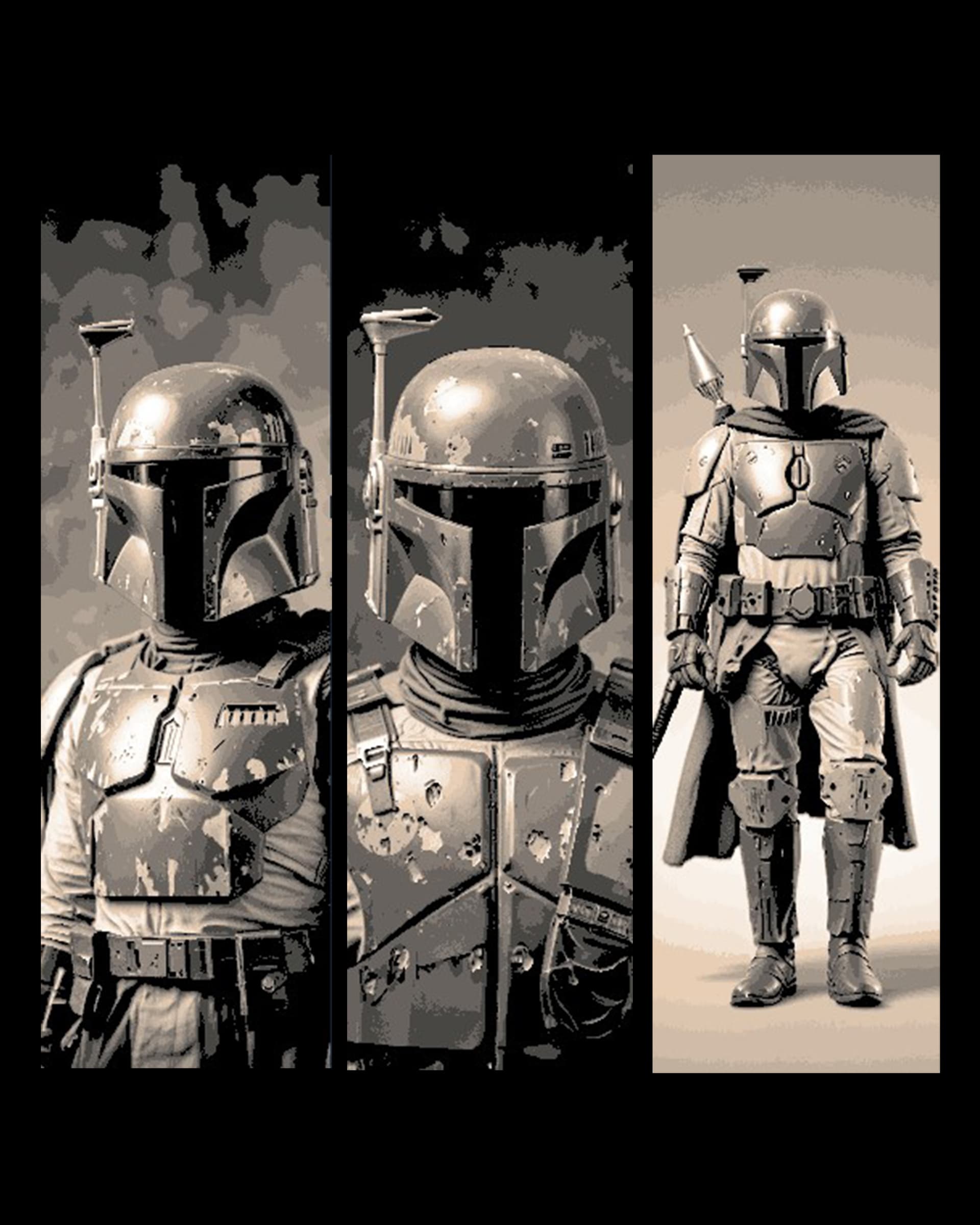
Fan Art of Star Wars Character Bounty Hunter Boba Fett - Set of 3 Bookmarks
by BooneCo3d
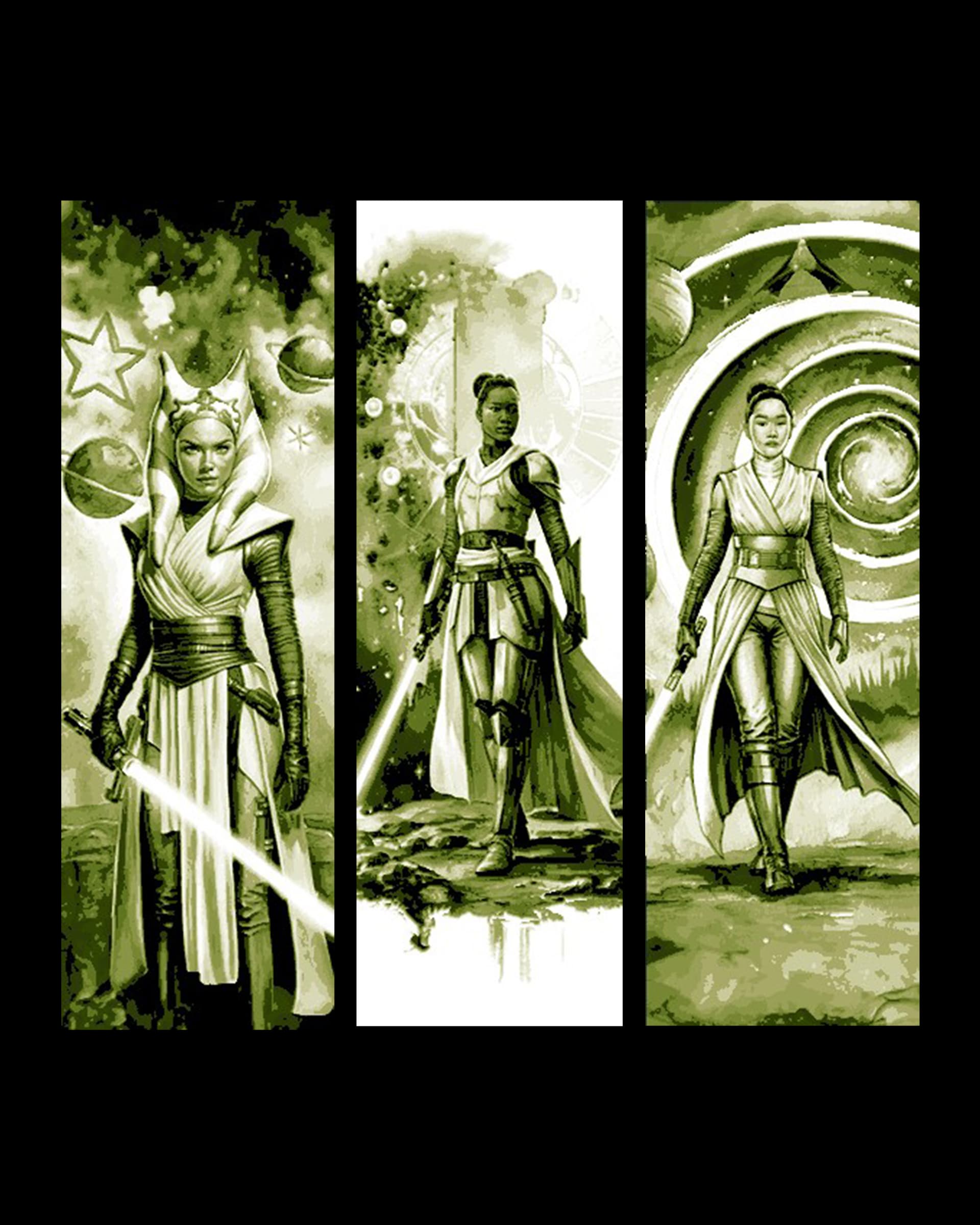
Fan Art Set of Bookmarks - Star Wars High Republic Sketches of Lady Jedi
by BooneCo3d

He is a little Chewy - Fan Art little Chewbacca from Star Wars
by BooneCo3d
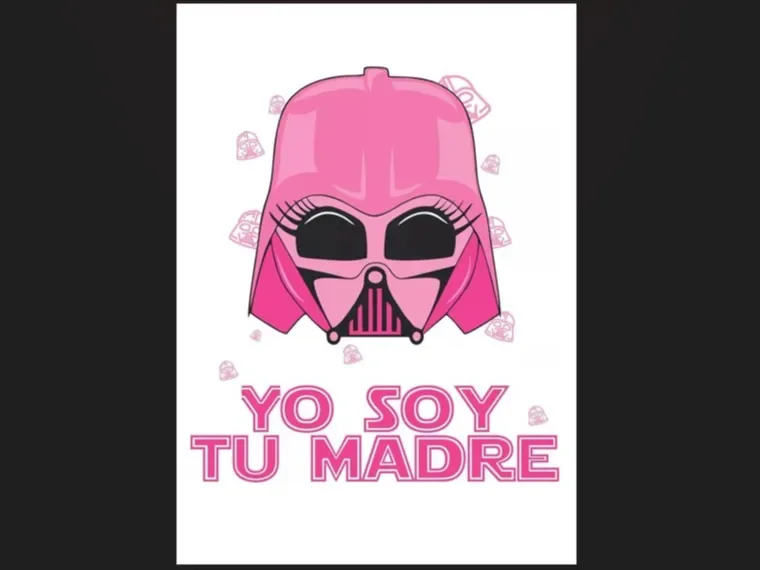
Hueforge Darth Mother
by Luckyfer
Recent Articles
View all
Best Harry Potter 3D Prints for HueForge: Hogwarts, Patronuses & the Deathly Hallows
The Harry Potter 3D prints worth making as HueForge filament paintings — Hogwarts and house crests, the Deathly Hallows, patronuses, and bookmarks, with the catalog's take on each.
Best 3D Printed Bookmarks for HueForge: Fandom, Dragons, Animals & More
The 3D printed bookmarks worth printing as HueForge filament paintings — fandom, dragon, animal, floral, and gothic designs, and why they make the ideal first print.
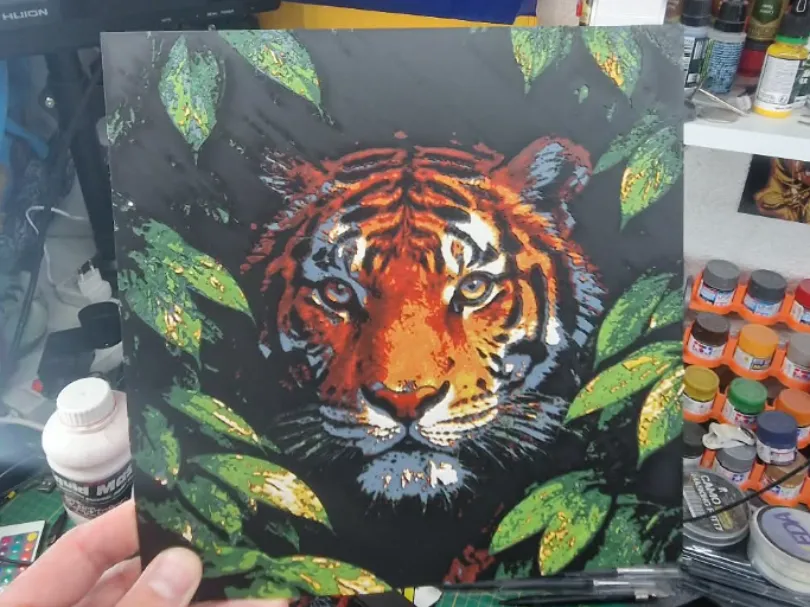
Best 3D Printed Animals for HueForge: Cats, Dogs, Birds & Wildlife
The 3D printed animals worth printing as HueForge filament paintings — cats, dogs, birds, wildlife, and ocean life, with the position the catalog takes on each.