Hueforge Rudo Gachiakuta honeycomb mode
by JGz3DMaker
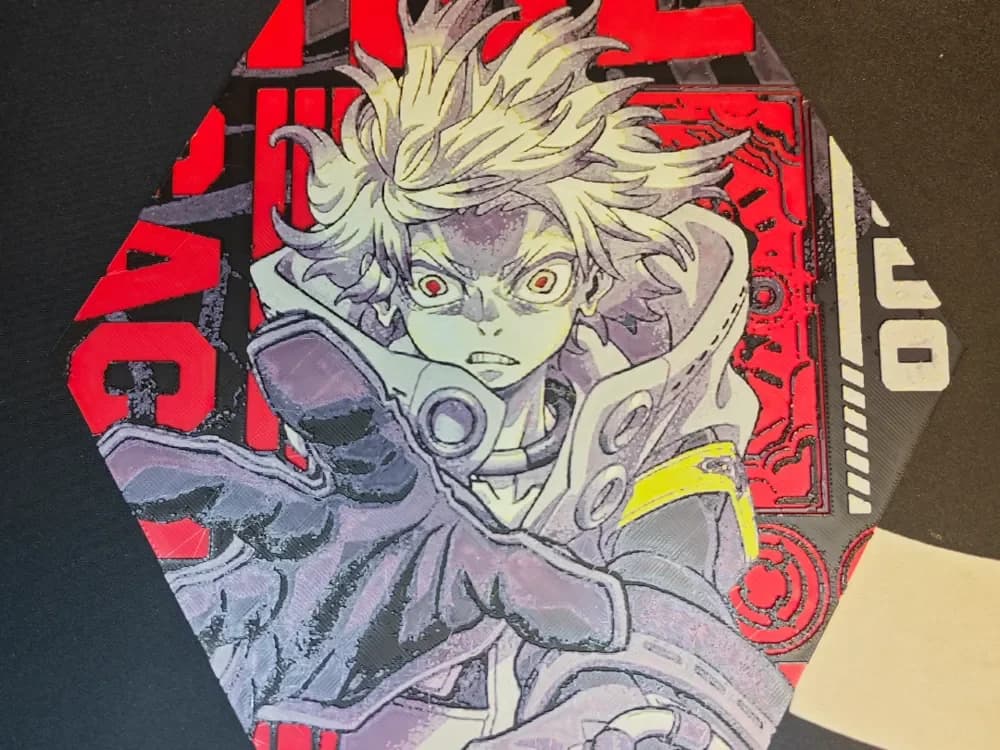
Fierce red eyes and wild, electric hair define Rudo from the manga series Gachiakuta — a character who radiates raw intensity, and JGz3DMaker has captured that energy perfectly in this HueForge octagonal piece. The composition places Rudo center-frame in a dramatic close-up, clad in mechanical armor with a circular respirator detail at the collar. A deep crimson background layered with circuitry-like patterns and bold lettering from the series title frames the figure, while the character's pale tones contrast sharply against the dark, brooding grays of the suit. A flash of yellow at the shoulder adds a single jolt of warmth to an otherwise cool, aggressive palette. The honeycomb mode print technique gives the piece a distinctive texture, visible across the mid-tones and shadow areas where the layering creates subtle depth rather than flat color fills. The transition from the pale blond hair down through the gray armor reads with convincing tonal range, showing how carefully the filament swaps were calibrated. Displayed on a dark shelf or wall mount, the red and black contrast pops dramatically, making this a striking centerpiece for any anime or manga collection.
View on MakerWorldRequired Filaments6
Why filament details may vary
Filament details (brand, color, and TD value) may not exactly match the designer's original specification. In some cases, the designer didn't specify exact filaments and we've matched the closest options we could find. Always check the original listing for full details.
Some filament links are affiliate links — we may earn a small commission at no extra cost to you. Learn more
Sign up to track your filament inventory and check your matches.
Create accountYou Might Also Like
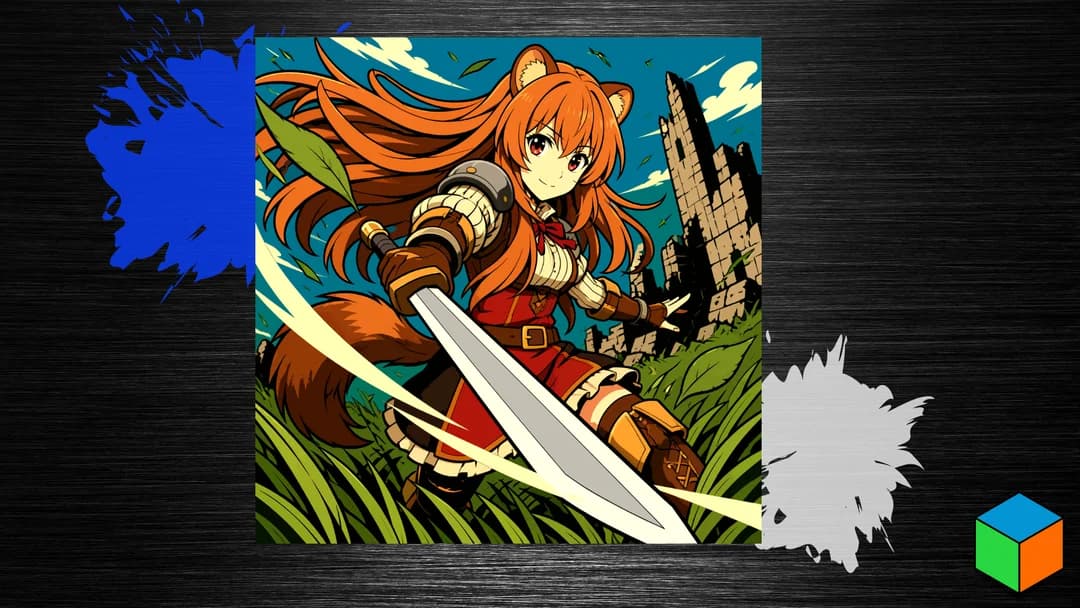
Raphtalia — Ten Filaments for This One
by 3D Prints By Vic
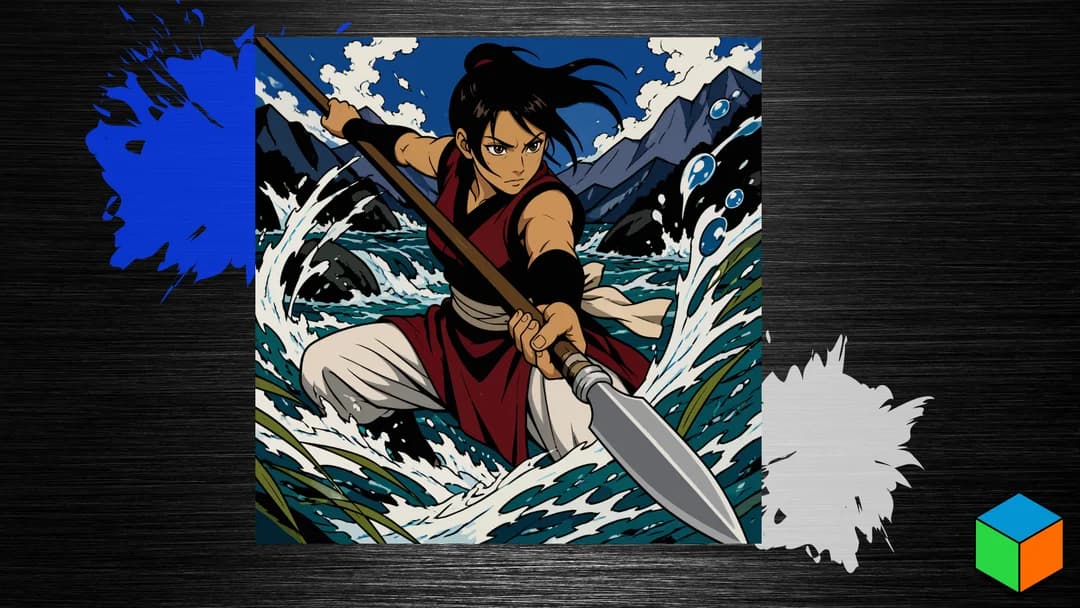
Balsa — Spear in Hand, Eight Filaments
by 3D Prints By Vic
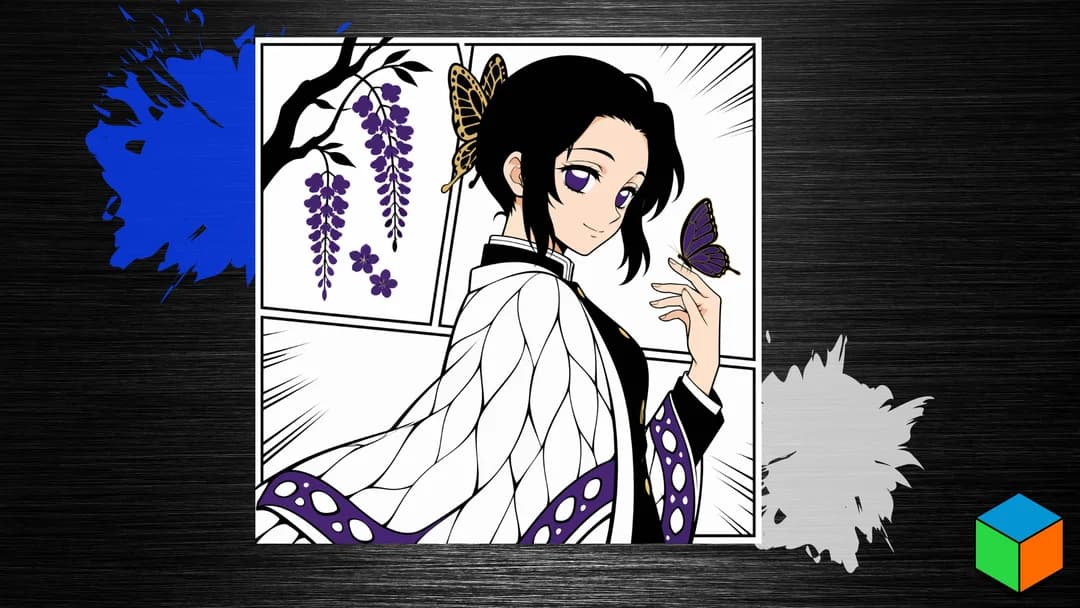
Shinobu Kocho — Five Filaments and a Touch of Purple
by 3D Prints By Vic
The Secret World of Arrietty - Bookmark
by ZorPrime7
Yoriichi Tsugikuni - Demon Slayer HueForge
by S1M0N389
David Martinez - Cyberpunk Edgerunners Hueforge
by 3D Prints By Vic
Recent Articles
View all
Best Anime 3D Prints for HueForge: From Shōnen Classics to the Modern Wave
The best anime 3D prints to make as HueForge filament paintings — One Piece, Naruto, Dragon Ball, Demon Slayer, Jujutsu Kaisen, Frieren, Gundam, and anime bookmarks, each linked in the HuePick catalog.
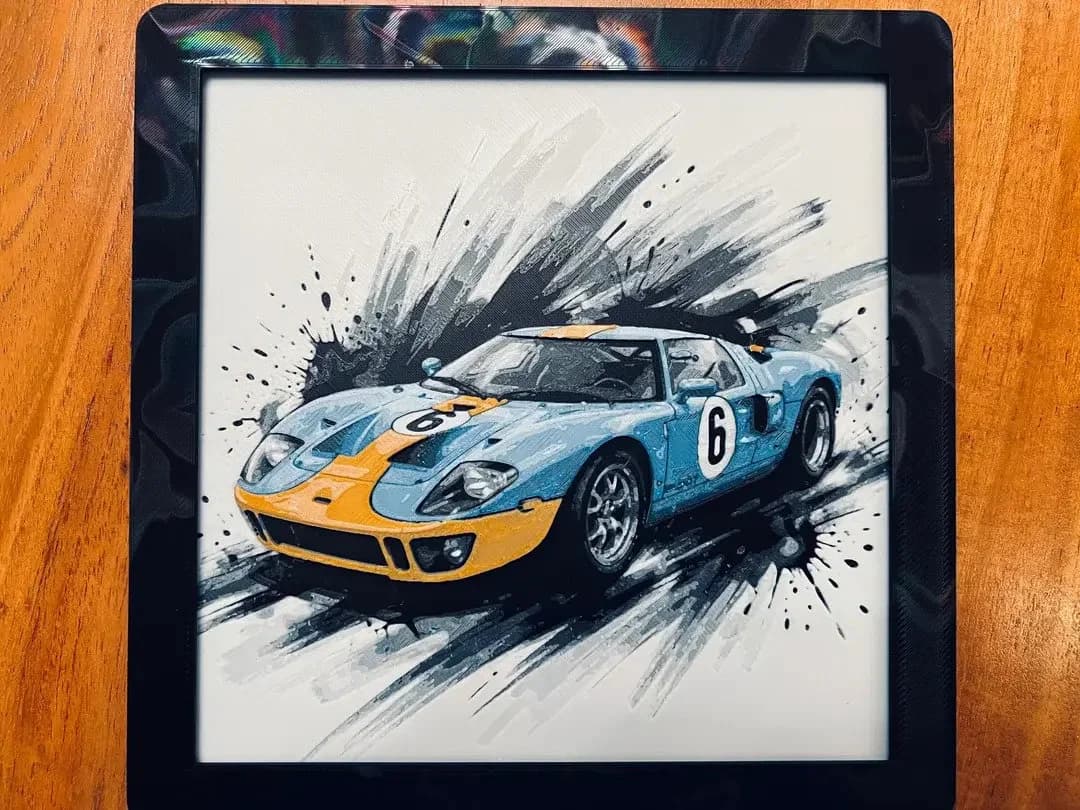
Best Car 3D Prints for HueForge: From Japanese Icons to Movie Cars
The best car 3D prints to make as HueForge filament paintings — JDM legends, supercars, American muscle, F1 and rally posters, and movie icons like the DeLorean, each linked in the HuePick catalog.
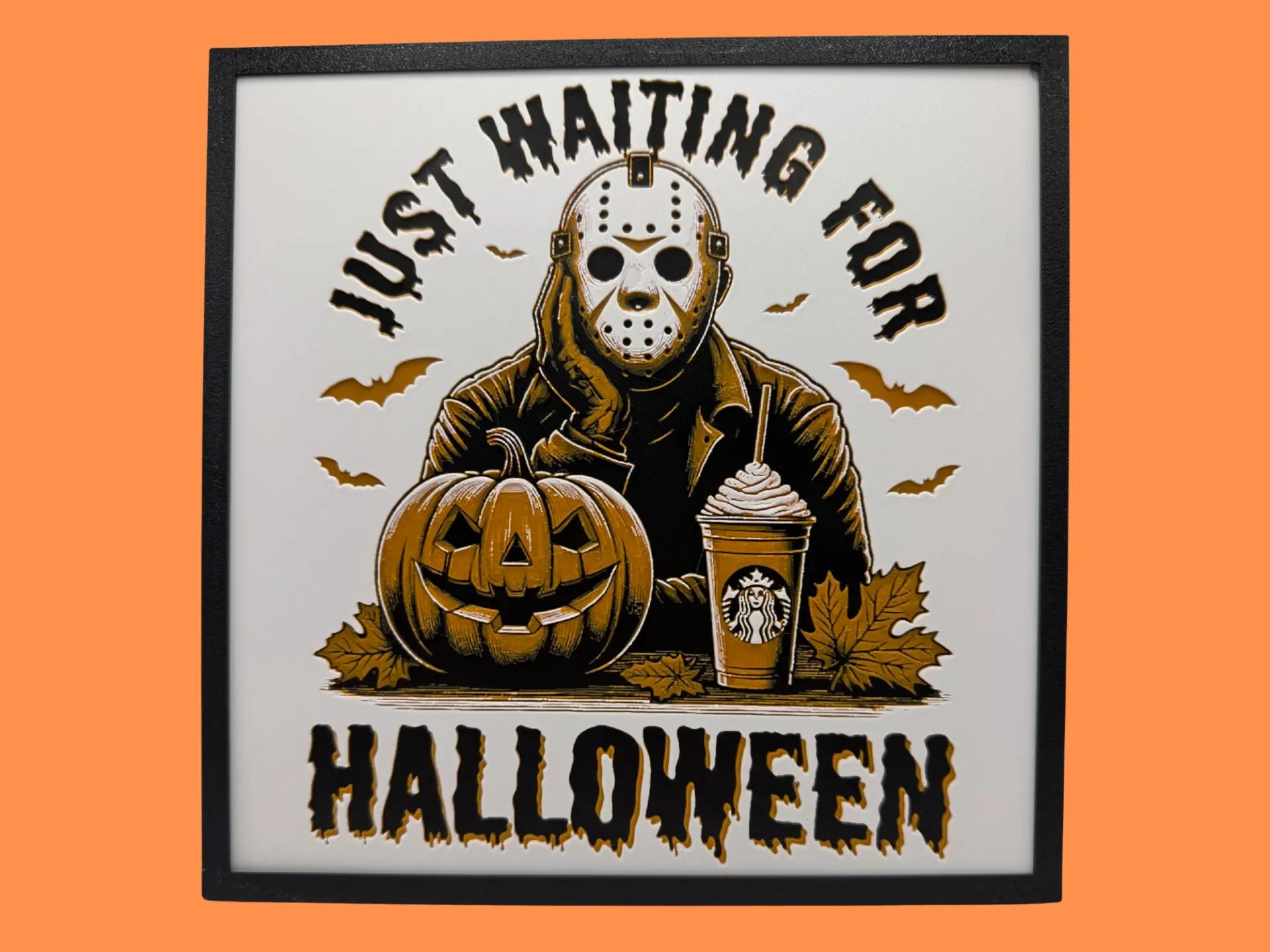
Best Halloween & Horror 3D Prints for HueForge: Slashers, Skulls & Spooky Wall Art
The Halloween 3D prints worth making as HueForge filament paintings — horror movie posters, Ghostface and Pennywise, skulls, pumpkins, spooky Pokemon, and bookmarks, grouped by theme.