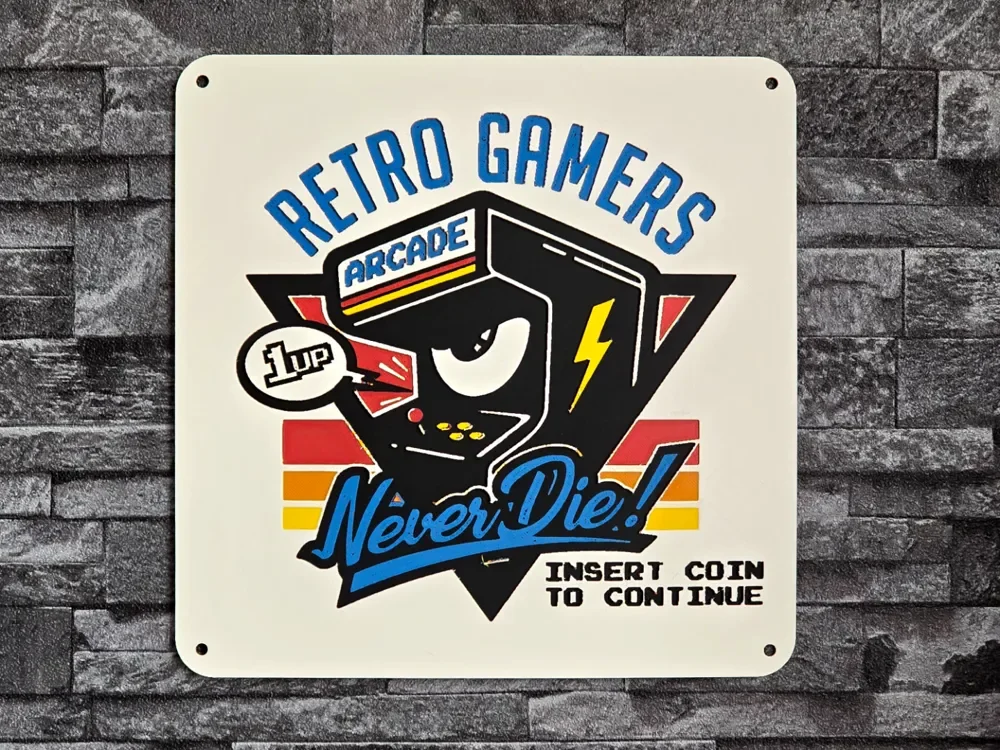
Hueforge Vintage RETRO GAMERS Arcade
by StefBull85
A nostalgic pixel-art tribute to arcade culture comes alive in this vibrant retro gaming design. The central arcade cabinet character sports a playful grin and lightning bolt detail, surrounded by classic rainbow stripes in warm reds, oranges, and yellows. Bold blue lettering declares "RETRO GAMERS" above while "Never Die!" curves below in stylish script, with the timeless "INSERT COIN TO CONTINUE" message completing this celebration of golden-age gaming nostalgia.
View on MakerWorldRequired Filaments5
Why filament details may vary
Filament details (brand, color, and TD value) may not exactly match the designer's original specification. In some cases, the designer didn't specify exact filaments and we've matched the closest options we could find. Always check the original listing for full details.
Some filament links are affiliate links — we may earn a small commission at no extra cost to you. Learn more
Sign up to track your filament inventory and check your matches.
Create accountYou Might Also Like
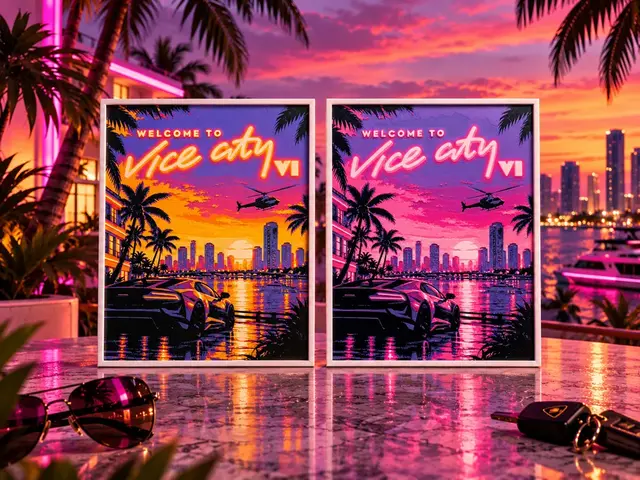
Welcome to Vice City - GTA VI - HueForge
by keko
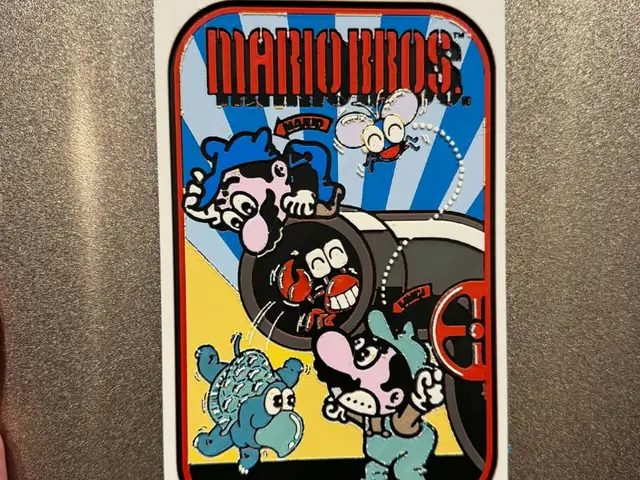
Mario Bros. Classic Arcade Side Art
by IslandLooter

Pitfall! - Classic Console Video Game Box Art
by IslandLooter
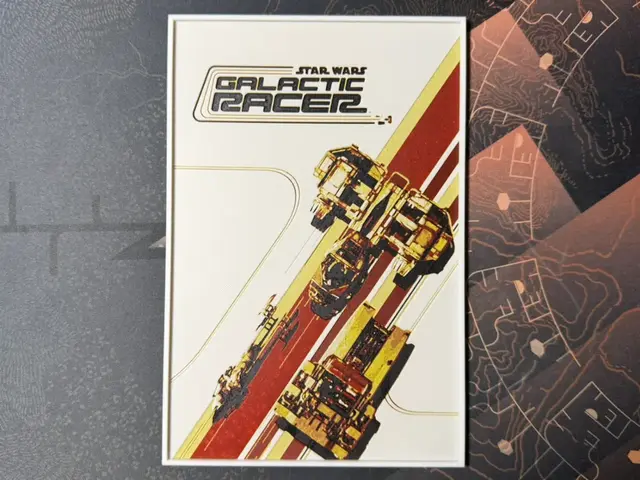
STAR WARS Galactic Racer - HueForge
by ZorPrime7
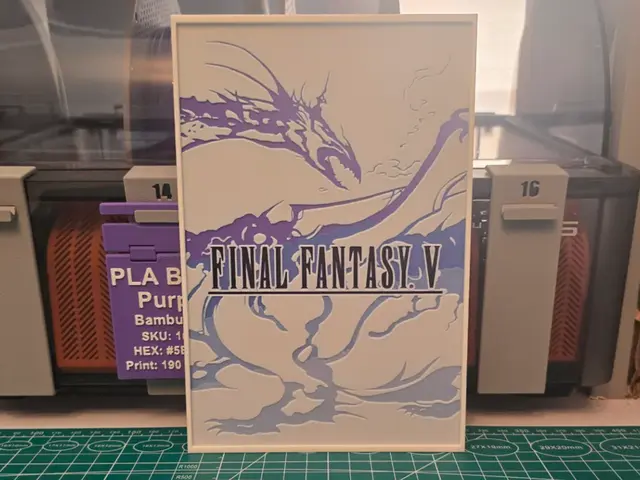
Final Fantasy V Game Poster - Hueforge Art
by Lumpy3D
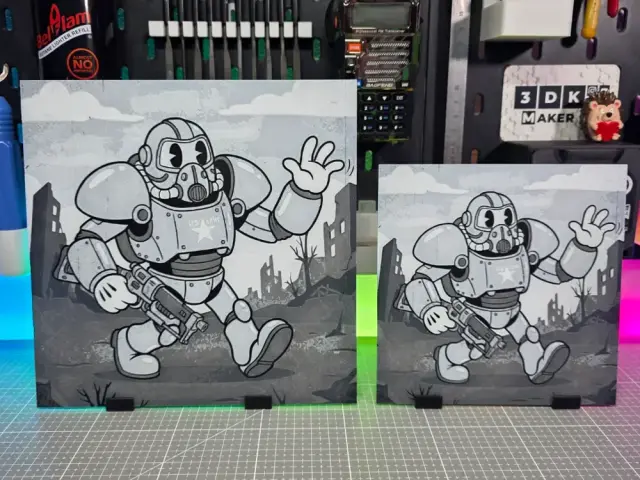
Anime Fallout - Hueforge - 3 Colors
by Montoya Maker
Recent Articles
View all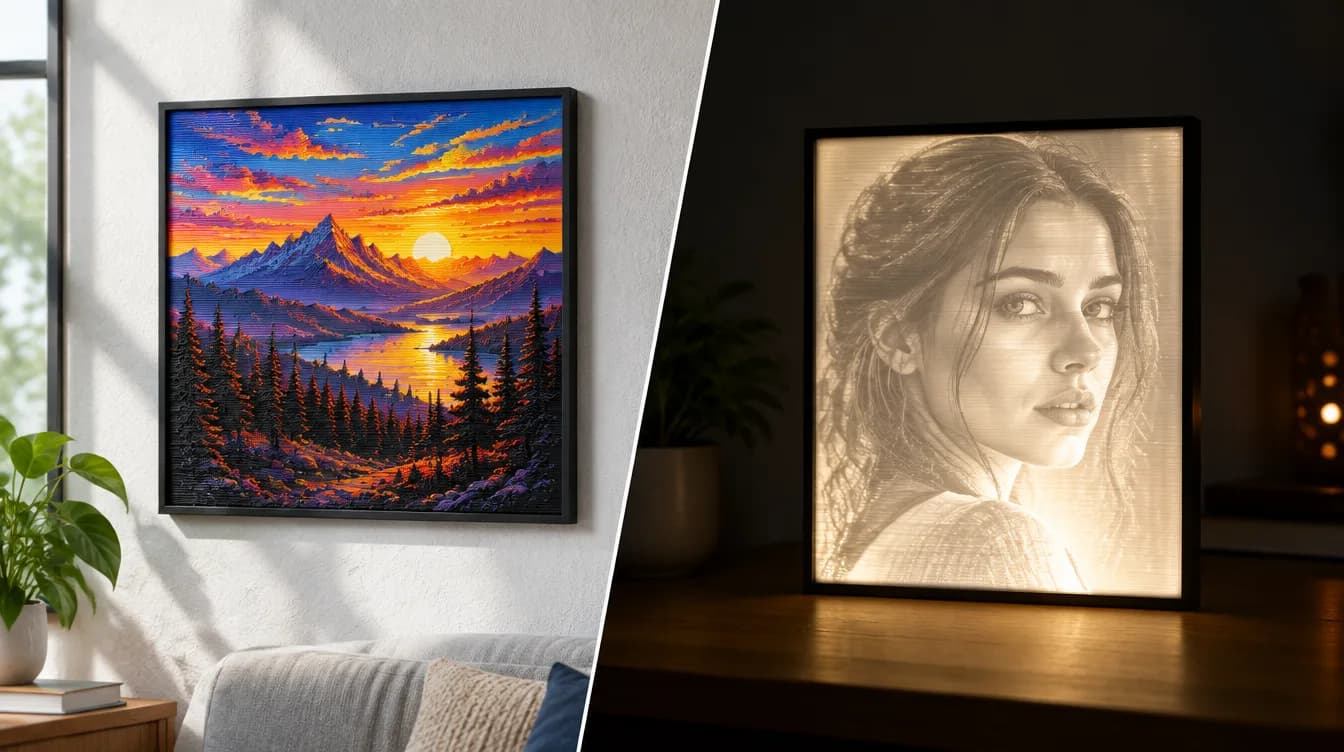
HueForge vs Lithophane: What's the Difference (and Which Should You Print)?
HueForge vs lithophane, explained: how each turns a photo into a print, the real differences in color, lighting, difficulty and cost, and when to choose one over the other.
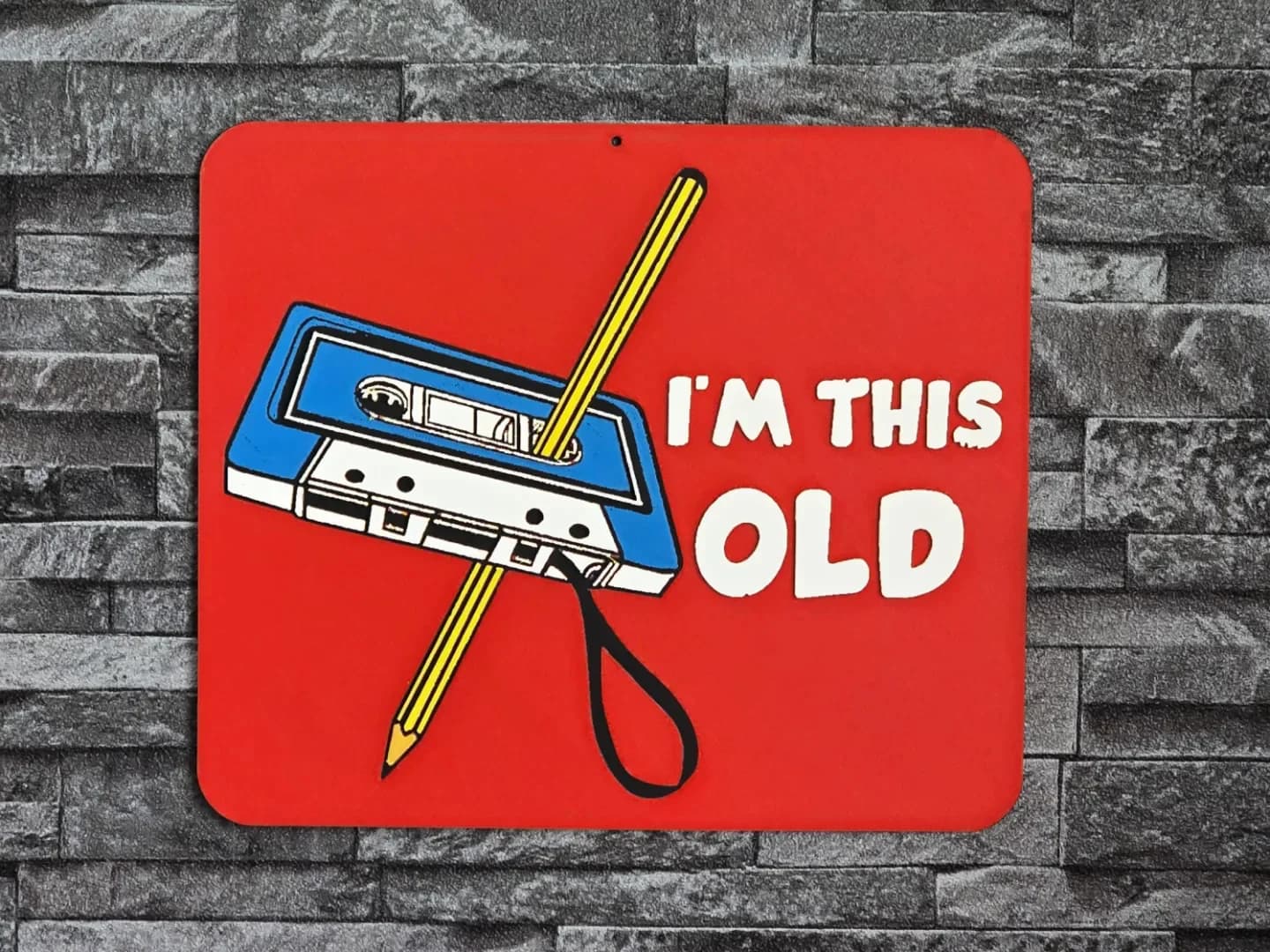
Best 3D Printed Gifts for Everyone on Your List — Made with HueForge
The best 3D printed gifts for everyone on your list, made with HueForge — custom pet and portrait art, ornaments and gift tags, bookmarks, and fandom prints matched to the recipient, plus how to turn gift requests into income.
Best Christmas 3D Prints for HueForge: Ornaments, Santa & Holiday Movie Posters
The Christmas 3D prints worth making as HueForge filament paintings — tree ornaments, Santa and snowmen, holiday movie posters, festive fandom crossovers, and gift tags, grouped by theme.