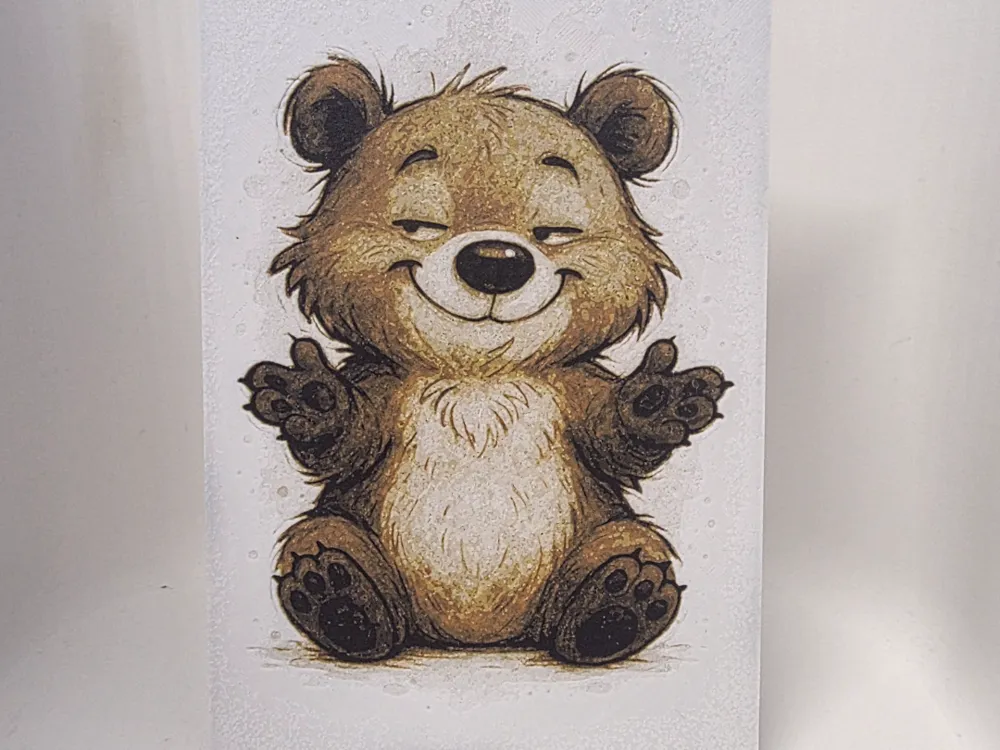
Hug-Ready Teddy Hueforge
by Morganja
Arms wide open and wearing the most disarming grin imaginable, this chubby little bear cub radiates pure warmth in Morganja's Hug-Ready Teddy HueForge. The composition centers the seated cub symmetrically, its rounded form built from a rich palette of warm tawny browns, deep chocolate darks, and a creamy ivory belly that draws the eye inward. The raised paws, slightly splayed as if genuinely reaching out for an embrace, give the piece an irresistible sense of movement and personality. Closed eyes crinkled into a content smile make this feel less like a static illustration and more like a captured moment of pure bear joy. The layered filament work is especially evident in the fur texture, where darker tones pool in the recesses between individual strands while lighter browns catch the surface, creating a convincing sense of depth and fluffiness across the body and ears. The pale chest transitions smoothly against the surrounding brown tones, demonstrating confident color calibration in the print. Tiny paw pad details are cleanly resolved despite their small scale. Displayed on a shelf or desk, this piece functions almost like a small companion, the kind of art that quietly improves a room's mood simply by existing in it.
View on MakerWorldRequired Filaments4
Why filament details may vary
Filament details (brand, color, and TD value) may not exactly match the designer's original specification. In some cases, the designer didn't specify exact filaments and we've matched the closest options we could find. Always check the original listing for full details.
Some filament links are affiliate links — we may earn a small commission at no extra cost to you. Learn more
Sign up to track your filament inventory and check your matches.
Create accountYou Might Also Like
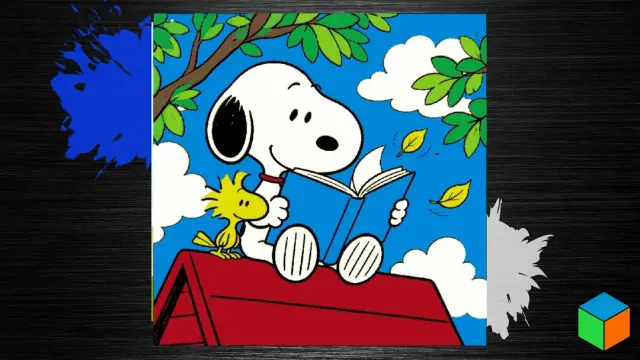
Snoopy & Woodstock — A Little Reading Time
by 3D Prints By Vic
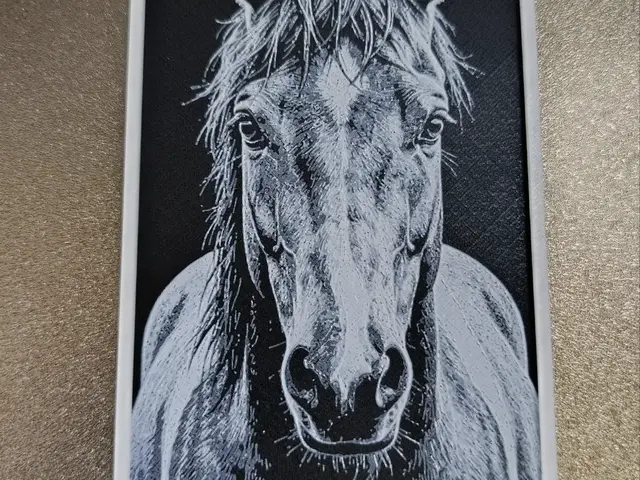
HueForge Horse Portrait Horse
by FYTY112
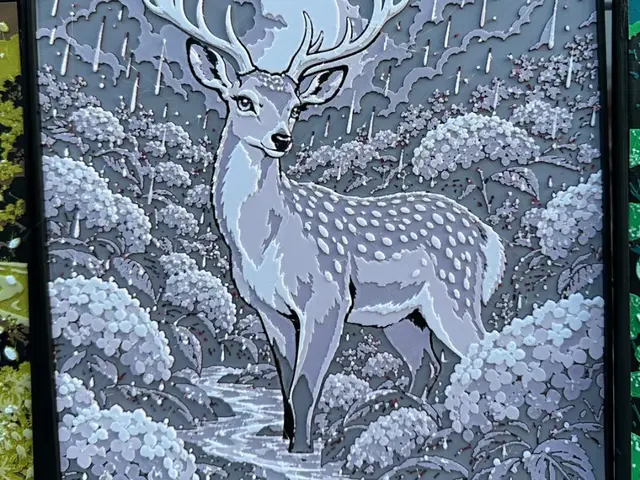
Ajisai: Hydrangea — Solitude
by TowerLayers
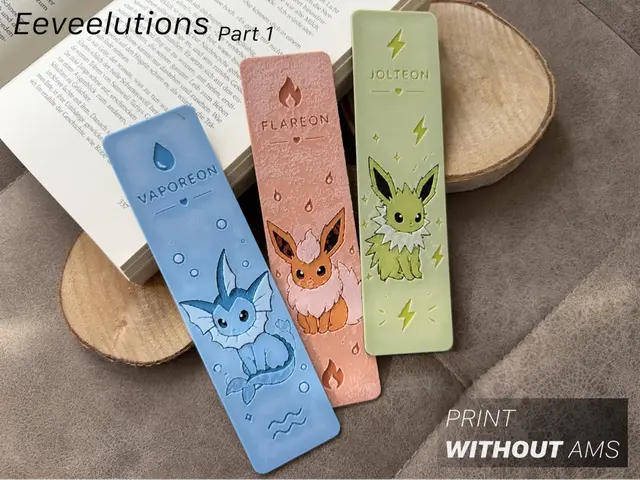
Eeveelutions Part 1 – Water Fire & Electric
by Loupes
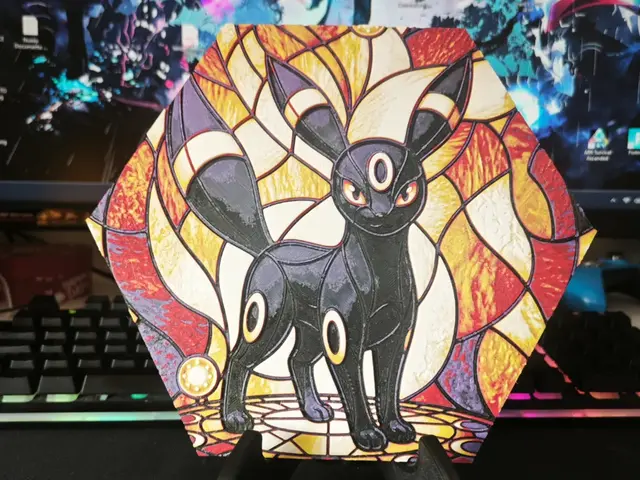
Hueforge Umbreon Pokemon honeycomb mode
by JGz3DMaker
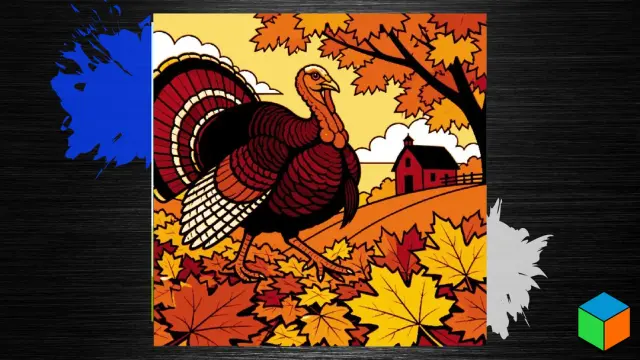
Thanksgiving Turkey — Five Filaments for Fall
by 3D Prints By Vic
Recent Articles
View all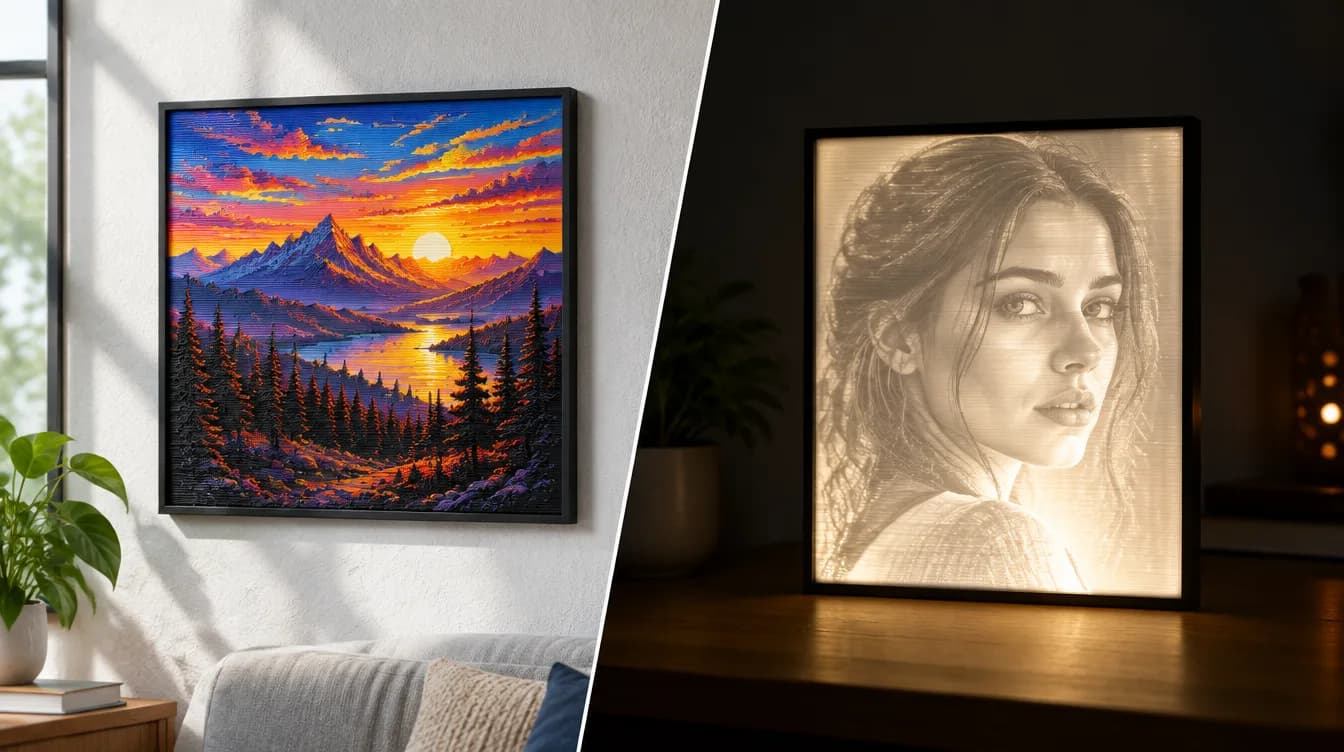
HueForge vs Lithophane: What's the Difference (and Which Should You Print)?
HueForge vs lithophane, explained: how each turns a photo into a print, the real differences in color, lighting, difficulty and cost, and when to choose one over the other.
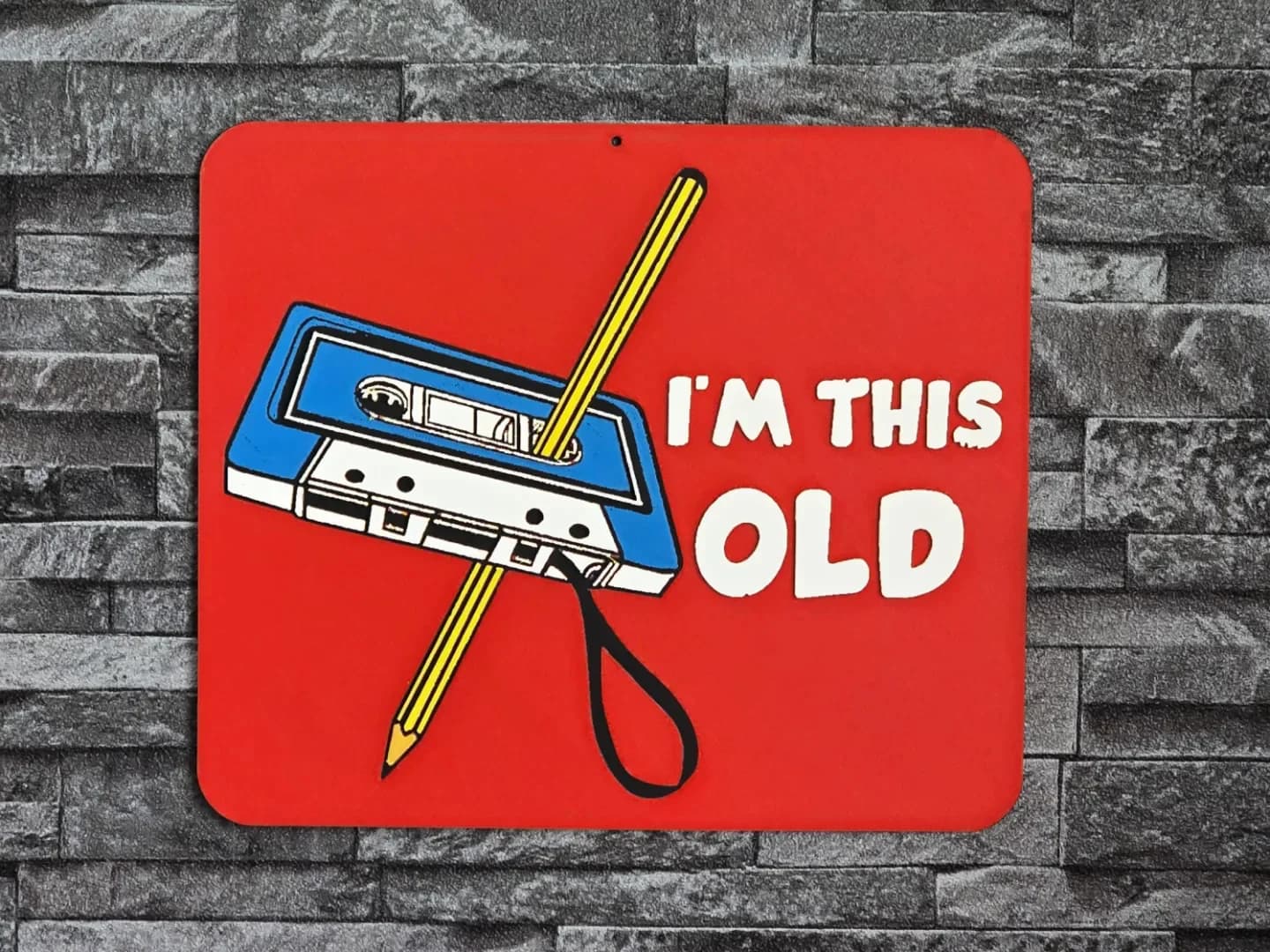
Best 3D Printed Gifts for Everyone on Your List — Made with HueForge
The best 3D printed gifts for everyone on your list, made with HueForge — custom pet and portrait art, ornaments and gift tags, bookmarks, and fandom prints matched to the recipient, plus how to turn gift requests into income.
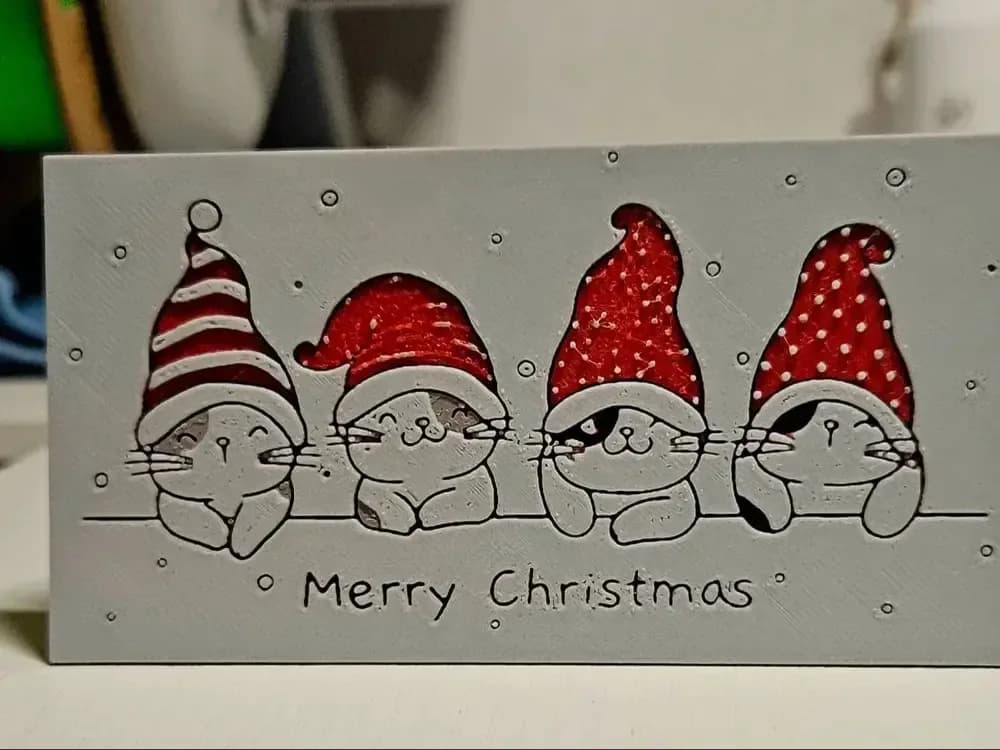
Best Christmas 3D Prints for HueForge: Ornaments, Santa & Holiday Movie Posters
The Christmas 3D prints worth making as HueForge filament paintings — tree ornaments, Santa and snowmen, holiday movie posters, festive fandom crossovers, and gift tags, grouped by theme.