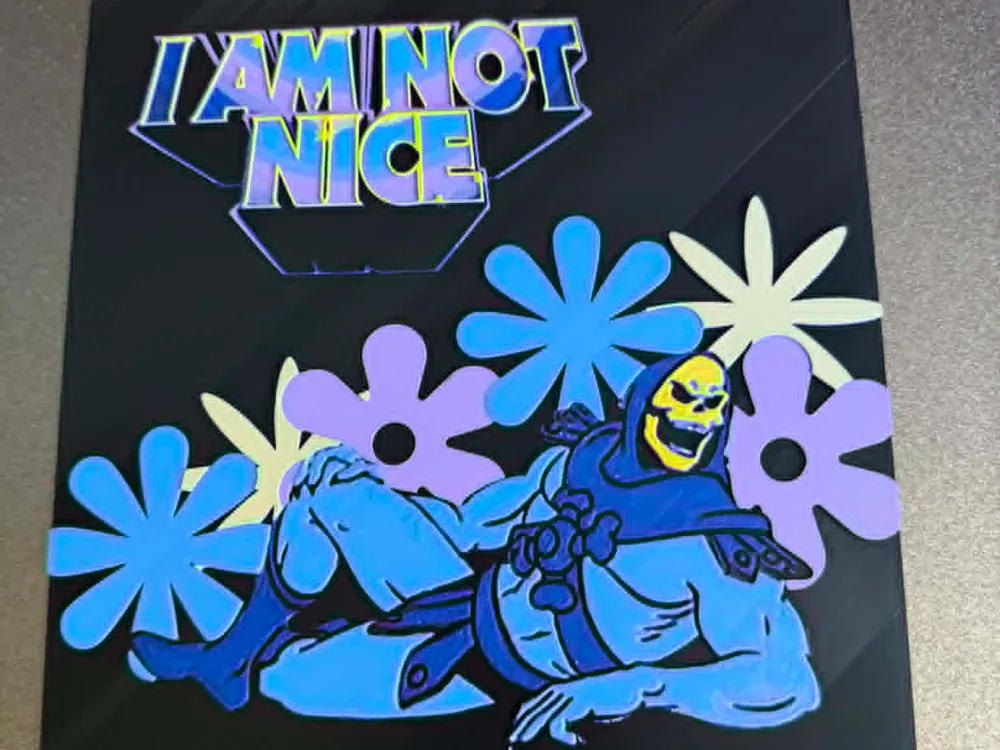
“I Am Not Nice” Skeletor Meme Hueforge
by IslandLooter
A square black-background print featuring Skeletor lounging casually in blue and purple tones, surrounded by retro daisy flowers in blue, lavender, and cream. The text 'I AM NOT NICE' appears in bold purple and blue gradient lettering at the top. The composition blends ironic humor with a groovy floral aesthetic, rendered in a flat cartoon style.
View on MakerWorldRequired Filaments7
Bambu Lab Basic Black
Bambu Lab Basic Indigo Purple
Bambu Lab Basic Blue
Bambu Lab Basic Cyan
Bambu Lab Basic Sunflower Yellow
Bambu Lab Matte Lilac Purple
Bambu Lab Matte Desert Tan
Why filament details may vary
Filament details (brand, color, and TD value) may not exactly match the designer's original specification. In some cases, the designer didn't specify exact filaments and we've matched the closest options we could find. Always check the original listing for full details.
Some filament links are affiliate links — we may earn a small commission at no extra cost to you. Learn more
Sign up to track your filament inventory and check your matches.
Create accountYou Might Also Like
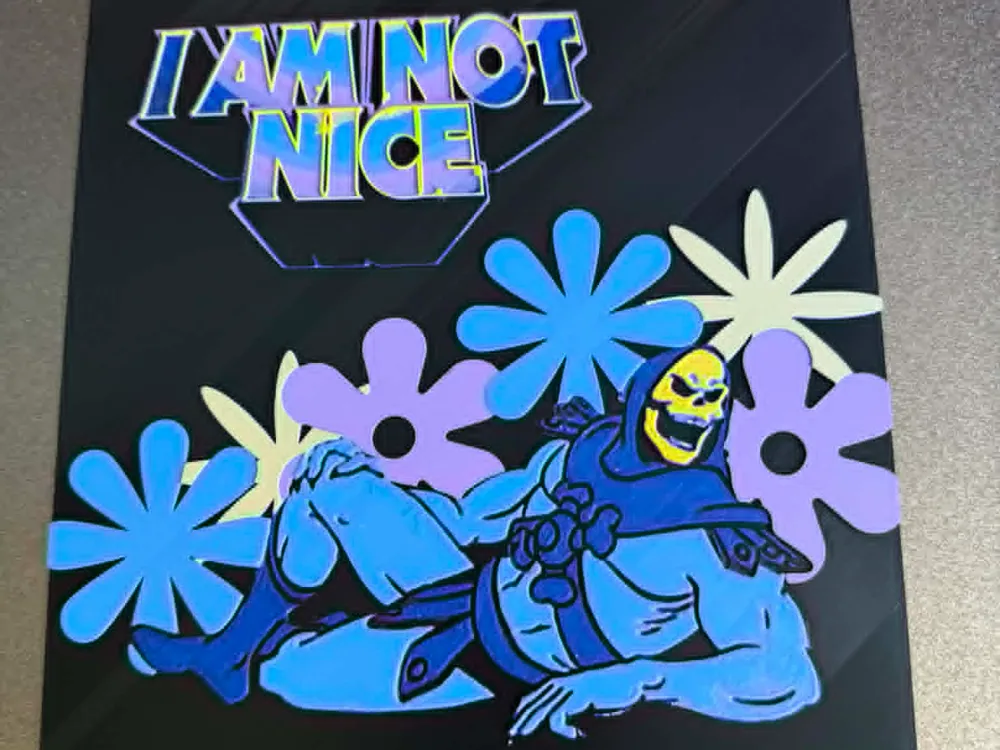
"I am not nice" Skeleton Meme - Masters Hueforge
by IslandLooter
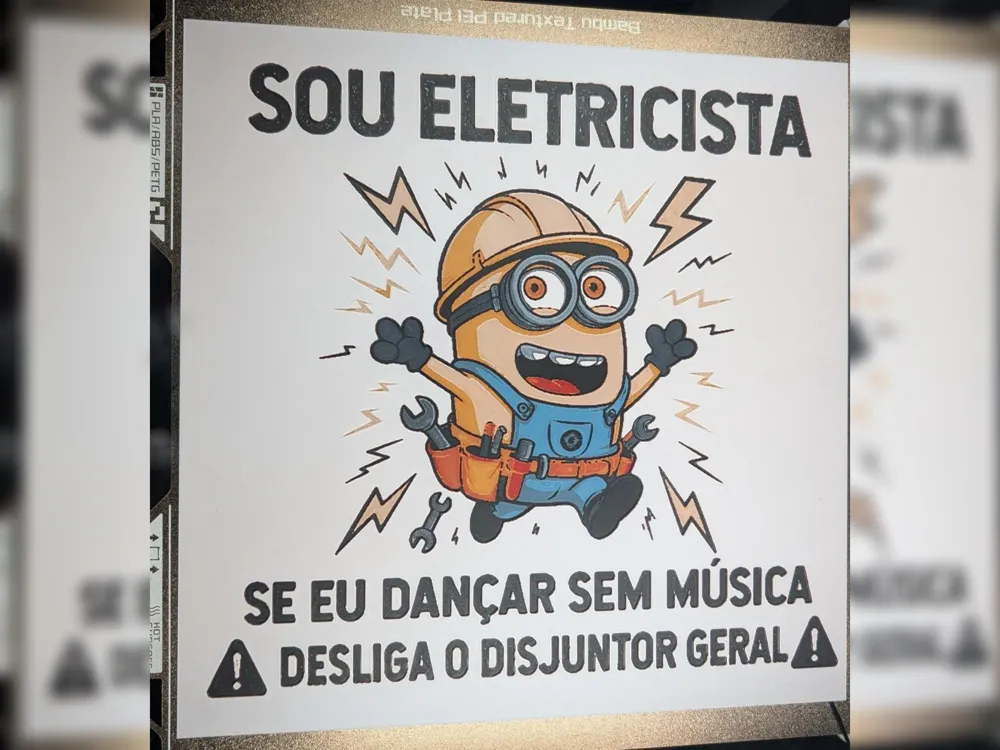
I am an electrician Hueforge
by LuisArnauth
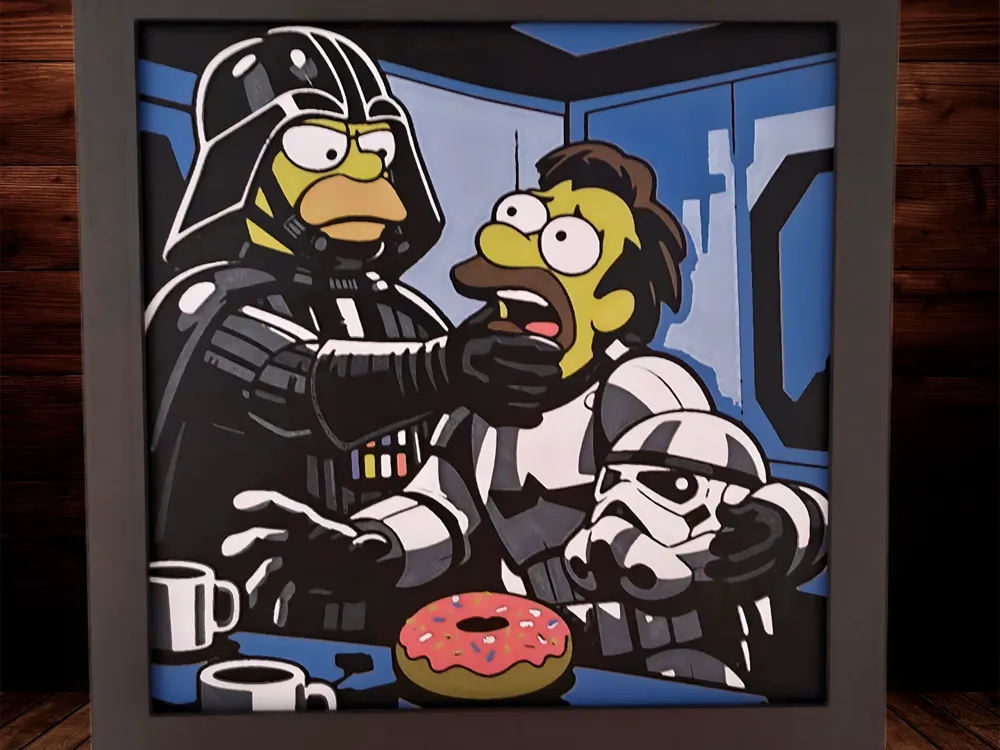
Darth Homer - Simpsons
by Side Quest Hues
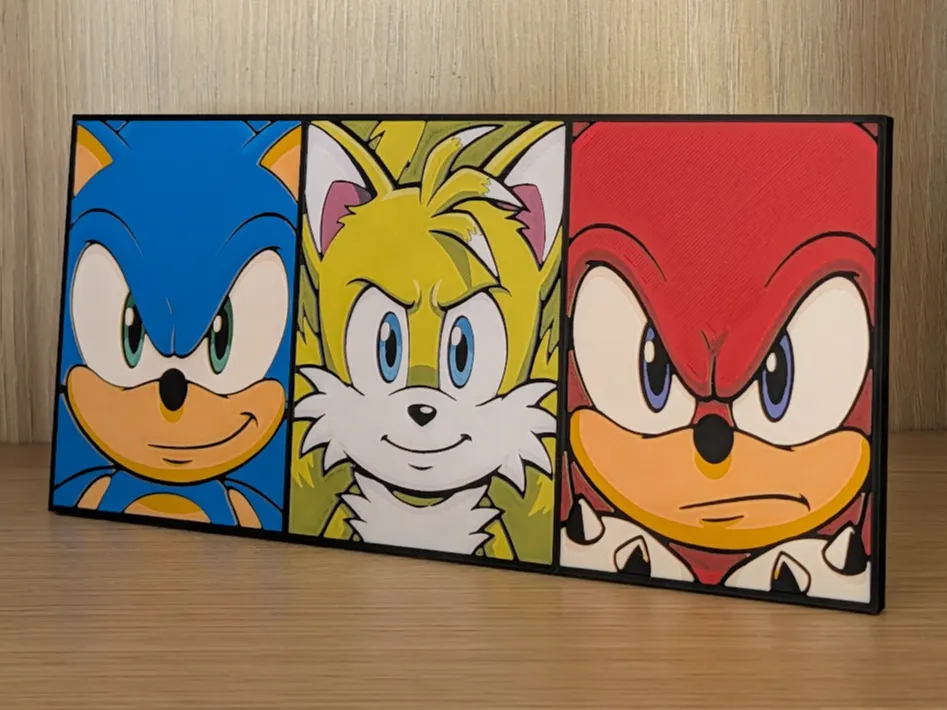
Sonic, Tails & Knuckles Hueforge & Frame
by Nextopia
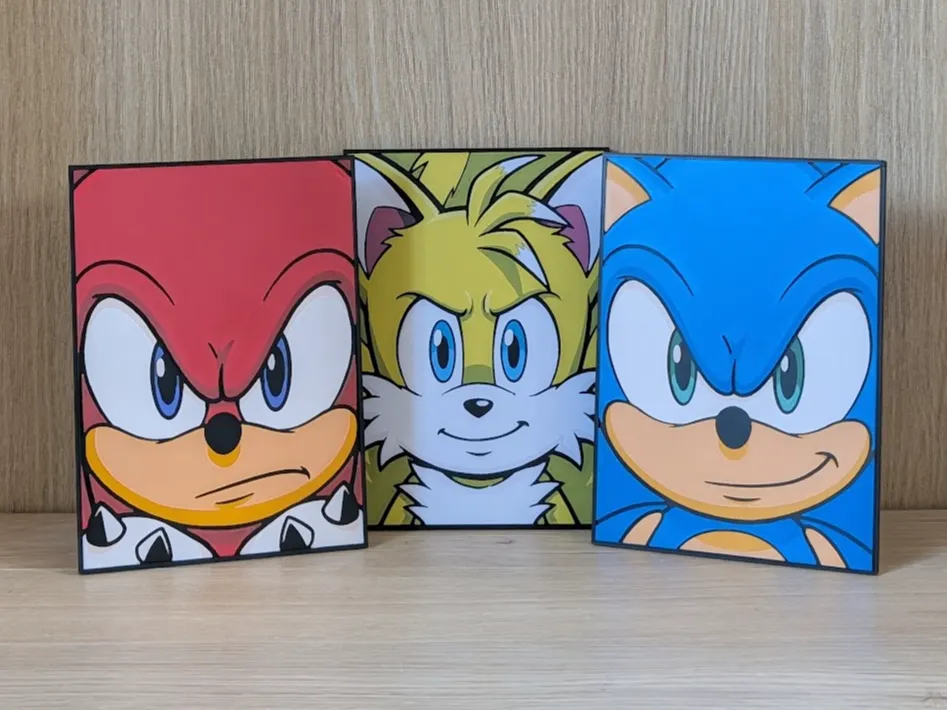
Sonic, Tails & Knuckles (Bigger) Hueforge & Frame
by Nextopia
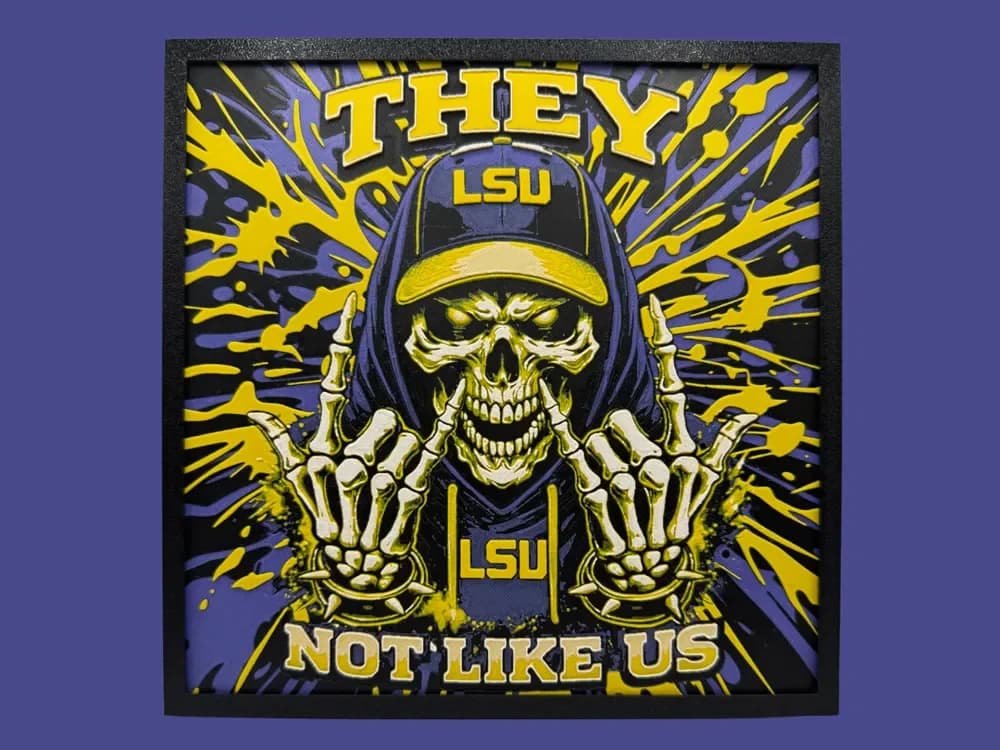
LSU - They Not Like Us
by Canadian Gamer
Recent Articles
View all
Best Classic Saturday Morning Cartoon STL Files for HueForge
The best classic Saturday morning cartoon STL files for HueForge — Scooby-Doo, Looney Tunes, Transformers, He-Man, TMNT and more, as bold filament wall art.
3D Printing Business Name Ideas (and How to Pick One That Lasts)
3D printing business name ideas grouped by style — descriptive, filament-themed, clever, and premium — plus naming principles and how to check a name is free to use.
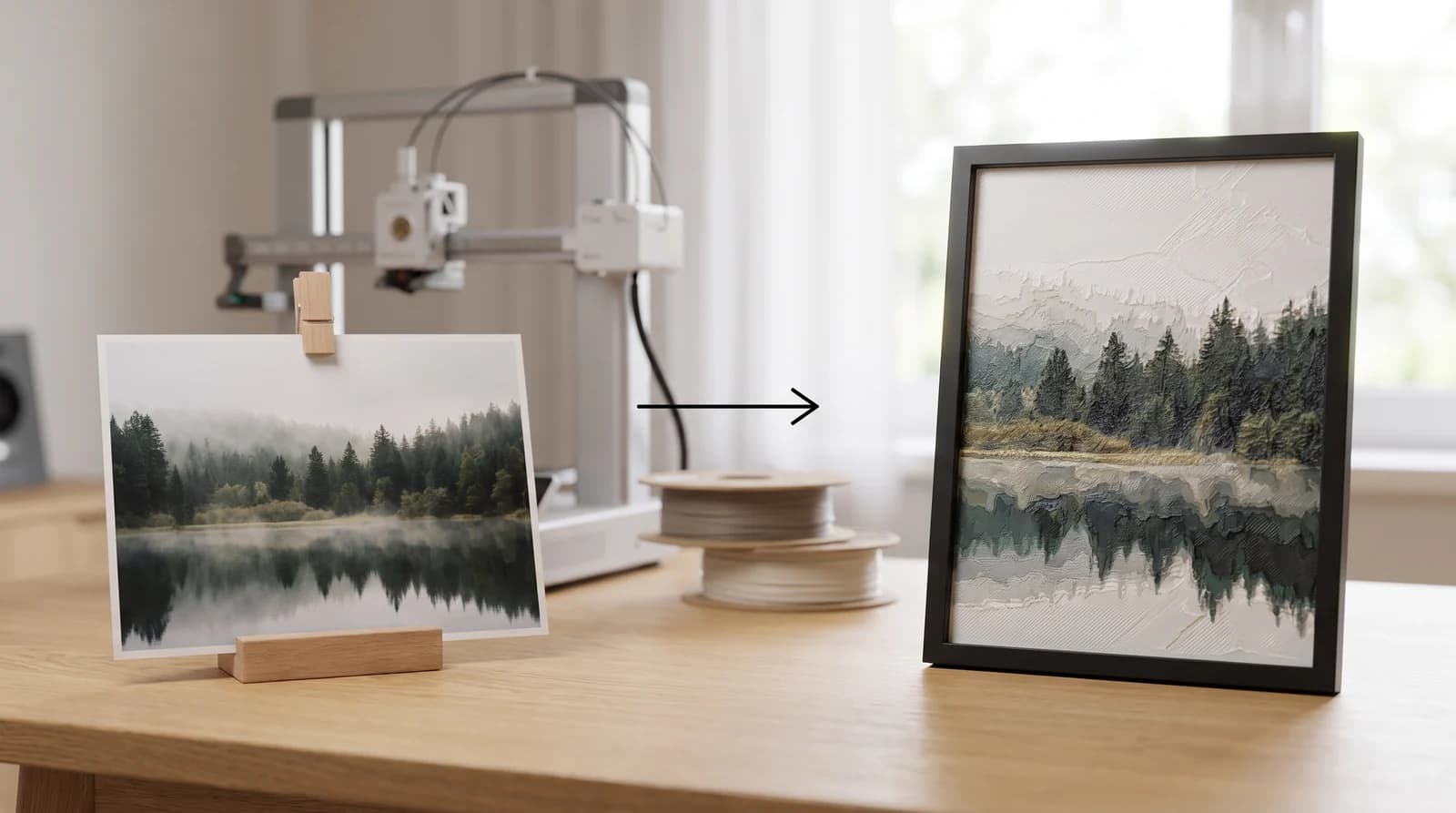
How to Use HueForge: A Software Walkthrough
How to use HueForge step by step — importing an image, setting your filament stack and TD values, tuning layers, reading the preview, and exporting a print file.